
How to Use LCD_BACKLIGHT_PADS: Examples, Pinouts, and Specs

 Design with LCD_BACKLIGHT_PADS in Cirkit Designer
Introduction
LCD_BACKLIGHT_PADS are conductive pads designed to connect the backlight of an LCD display to a power source or control circuit. These pads are essential for providing illumination to the LCD screen, ensuring better visibility in low-light conditions. They are commonly found in devices such as digital clocks, calculators, handheld gaming consoles, and industrial control panels.
Explore Projects Built with LCD_BACKLIGHT_PADS
 Open Project in Cirkit Designer
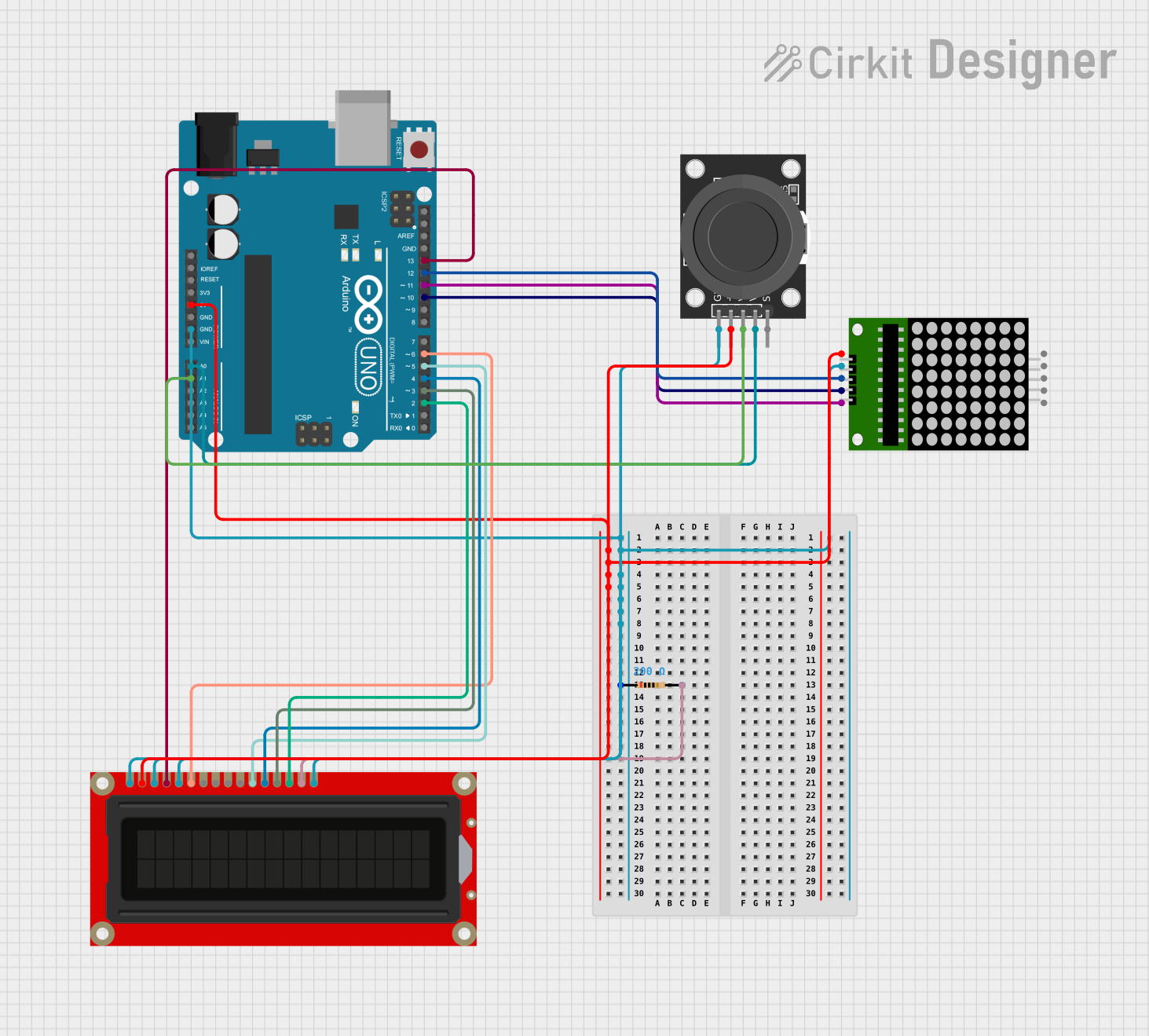 Open Project in Cirkit Designer
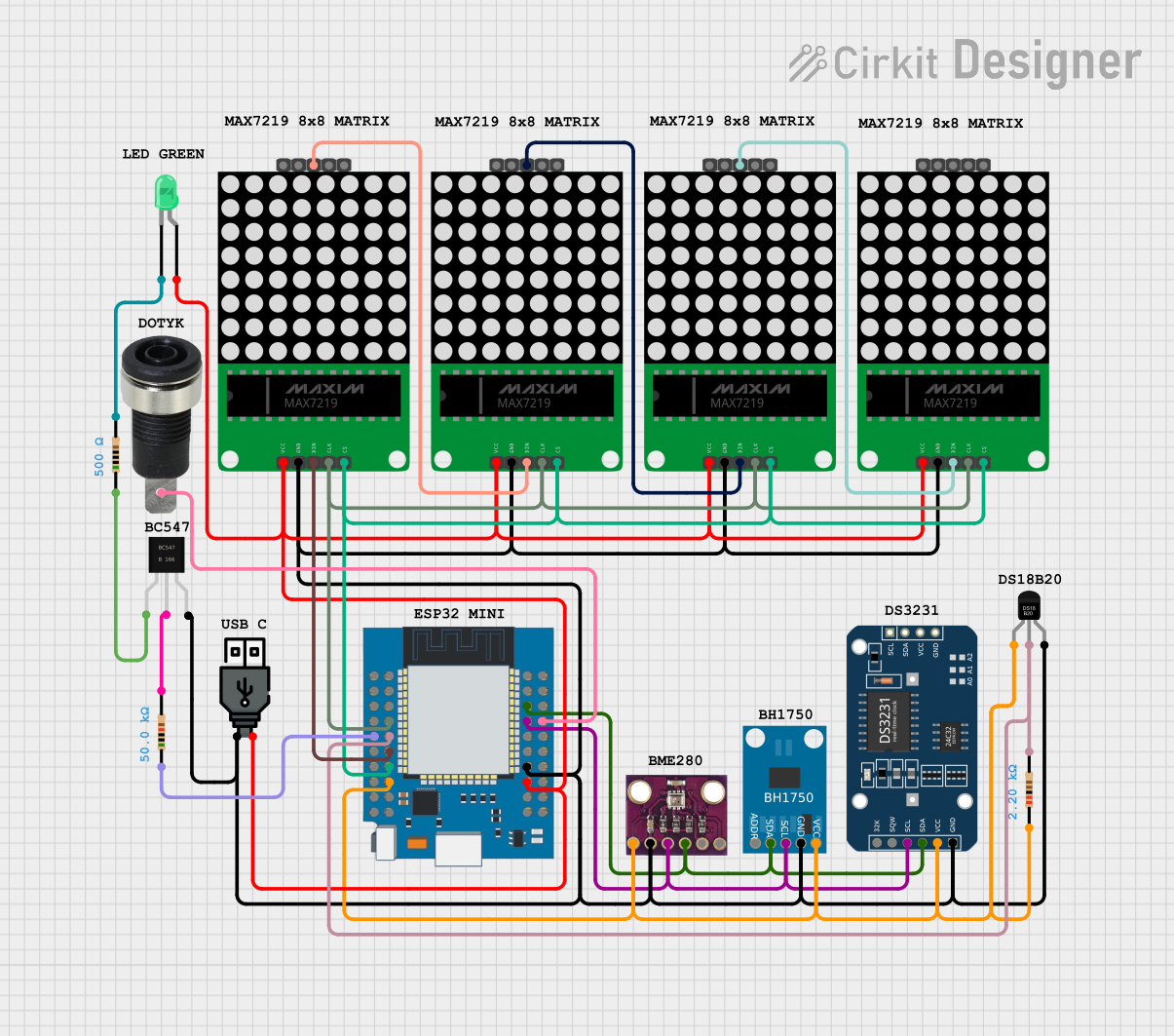 Open Project in Cirkit Designer
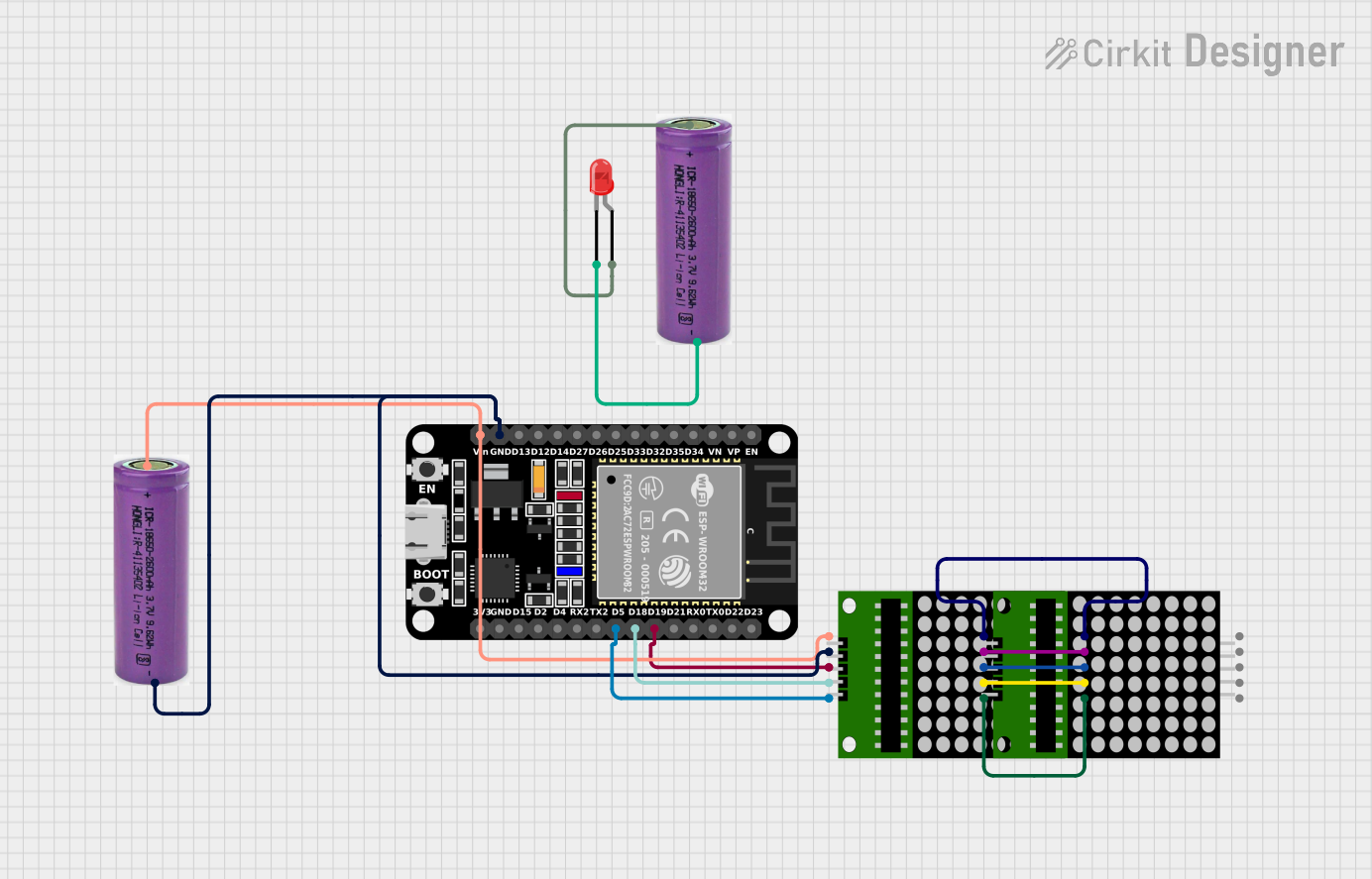 Open Project in Cirkit Designer
Explore Projects Built with LCD_BACKLIGHT_PADS
Open Project in Cirkit DesignerOpen Project in Cirkit DesignerOpen Project in Cirkit DesignerOpen Project in Cirkit DesignerCommon Applications and Use Cases
- Backlighting for LCD displays in consumer electronics
- Illumination for industrial LCD panels
- Used in prototyping and custom PCB designs for LCD integration
- Essential for devices requiring visibility in dim environments
Technical Specifications
Key Technical Details
- Voltage Range: Typically 3.0V to 5.0V (dependent on the backlight LED specifications)
- Current Rating: Up to 20mA (standard for most LED backlights)
- Power Dissipation: Varies based on the backlight LED; typically < 0.1W
- Material: Conductive copper pads with solderable surface finish
- Compatibility: Supports standard LCD backlight configurations (e.g., 2-pin or 4-pin LEDs)
Pin Configuration and Descriptions
The LCD_BACKLIGHT_PADS are typically designed to connect to a 2-pin backlight LED. Below is a standard pin configuration:
| Pad Name | Description | Connection |
|---|---|---|
| VCC | Positive terminal for backlight LED | Connect to power source |
| GND | Ground terminal for backlight LED | Connect to circuit ground |
For advanced configurations, such as dimmable backlights, additional pads may be present:
| Pad Name | Description | Connection |
|---|---|---|
| DIM | PWM input for brightness control | Connect to PWM signal pin |
Usage Instructions
How to Use the Component in a Circuit
- Identify the Pads: Locate the LCD_BACKLIGHT_PADS on your PCB or LCD module. They are usually labeled as
VCCandGND. - Connect Power:
- Solder the positive terminal of the backlight LED to the
VCCpad. - Solder the negative terminal of the backlight LED to the
GNDpad.
- Solder the positive terminal of the backlight LED to the
- Power Supply: Ensure the power supply voltage matches the backlight LED's requirements (e.g., 3.3V or 5V).
- Optional Brightness Control: If the pads include a
DIMpin, connect it to a PWM-capable microcontroller pin (e.g., Arduino UNO's PWM pins).
Important Considerations and Best Practices
- Current Limiting: Use a current-limiting resistor in series with the backlight LED to prevent overcurrent damage. Calculate the resistor value using Ohm's Law:
R = (V_supply - V_LED) / I_LED - Heat Management: Ensure proper heat dissipation for high-power backlights to avoid overheating.
- Polarity Check: Always verify the polarity of the connections to avoid damaging the LED.
- Soldering: Use appropriate soldering techniques to avoid damaging the pads or creating short circuits.
Example: Connecting to an Arduino UNO
Below is an example of how to control the backlight brightness using an Arduino UNO:
// Define the PWM pin connected to the DIM pad
const int dimPin = 9; // Use any PWM-capable pin on the Arduino UNO

void setup() {
  pinMode(dimPin, OUTPUT); // Set the pin as an output
}

void loop() {
  // Gradually increase brightness
  for (int brightness = 0; brightness <= 255; brightness++) {
    analogWrite(dimPin, brightness); // Write PWM signal to DIM pad
    delay(10); // Small delay for smooth transition
  }

  // Gradually decrease brightness
  for (int brightness = 255; brightness >= 0; brightness--) {
    analogWrite(dimPin, brightness); // Write PWM signal to DIM pad
    delay(10); // Small delay for smooth transition
  }
}
Note: Ensure the backlight LED is compatible with PWM dimming before using this code.
Troubleshooting and FAQs
Common Issues and Solutions
Backlight Does Not Turn On:
- Cause: Incorrect polarity or loose connections.
- Solution: Verify the polarity of the connections and ensure all solder joints are secure.
Backlight Flickers:
- Cause: Insufficient power supply or unstable PWM signal.
- Solution: Use a stable power source and ensure the PWM frequency is appropriate for the LED.
Backlight is Too Dim:
- Cause: Incorrect resistor value or low supply voltage.
- Solution: Recalculate the current-limiting resistor value and verify the supply voltage.
Pads are Damaged During Soldering:
- Cause: Excessive heat or improper soldering technique.
- Solution: Use a temperature-controlled soldering iron and avoid prolonged heating.
FAQs
Q: Can I connect the backlight directly to a 5V power source?
A: Only if the backlight LED is rated for 5V operation. Otherwise, use a current-limiting resistor.Q: What PWM frequency should I use for dimming?
A: A frequency between 500Hz and 1kHz is typically sufficient for smooth dimming without visible flicker.Q: Can I use these pads for RGB backlights?
A: Yes, but additional pads or connections will be required for the RGB channels.
By following this documentation, you can effectively integrate and troubleshoot LCD_BACKLIGHT_PADS in your projects.