
How to Use Keyestudio Reed Switch Sensor Magnetron: Examples, Pinouts, and Specs
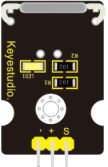
 Design with Keyestudio Reed Switch Sensor Magnetron in Cirkit Designer
Introduction
The Keyestudio Reed Switch Sensor Magnetron (Part ID: KS0038) is a magnetic proximity sensor that detects the presence of a magnetic field. It operates using a reed switch, which is a small, sealed glass tube containing two ferrous metal contacts. When exposed to a magnetic field, the contacts close, completing an electrical circuit. This sensor is widely used in applications requiring non-contact magnetic detection.
Explore Projects Built with Keyestudio Reed Switch Sensor Magnetron
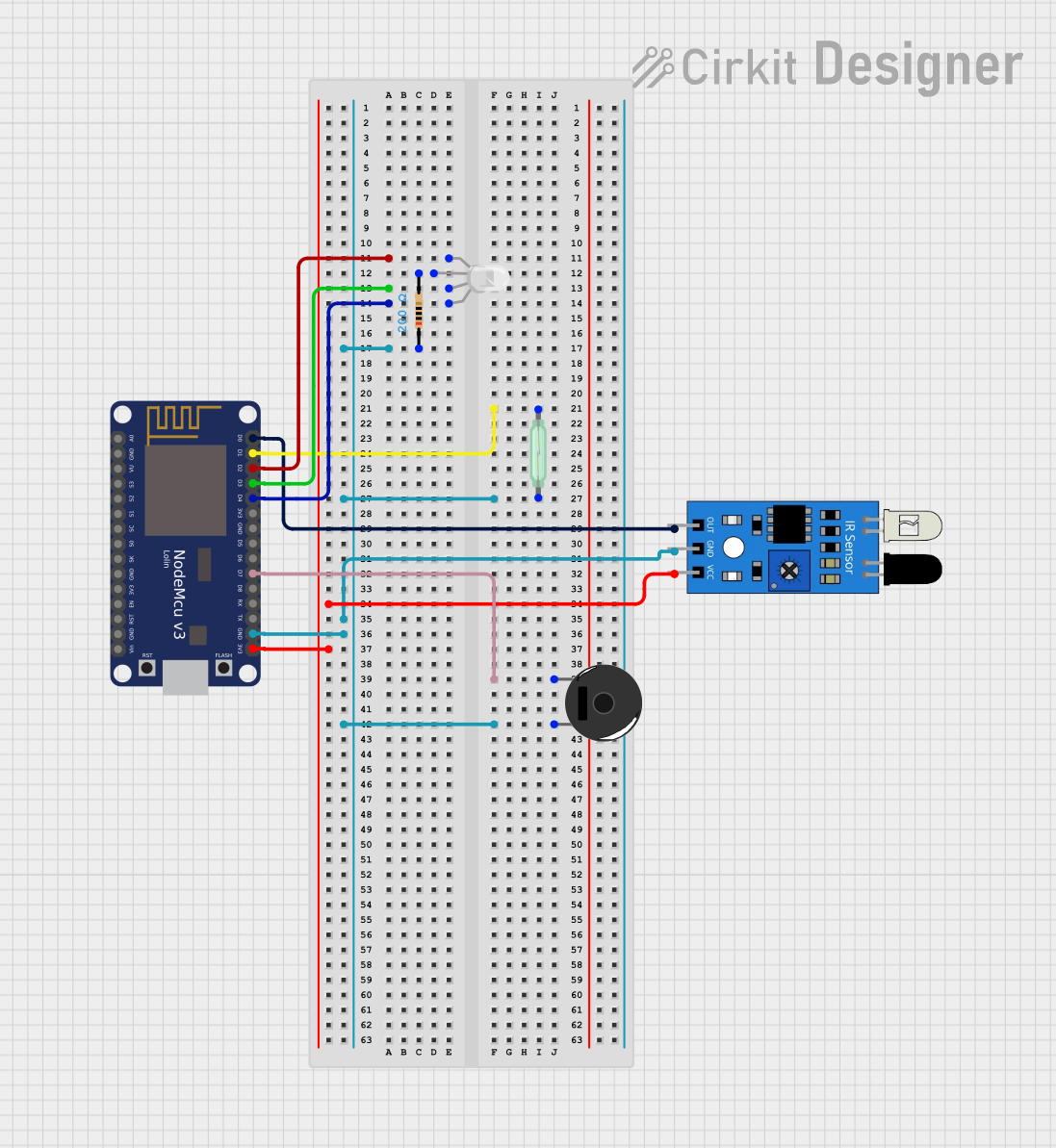 Open Project in Cirkit Designer
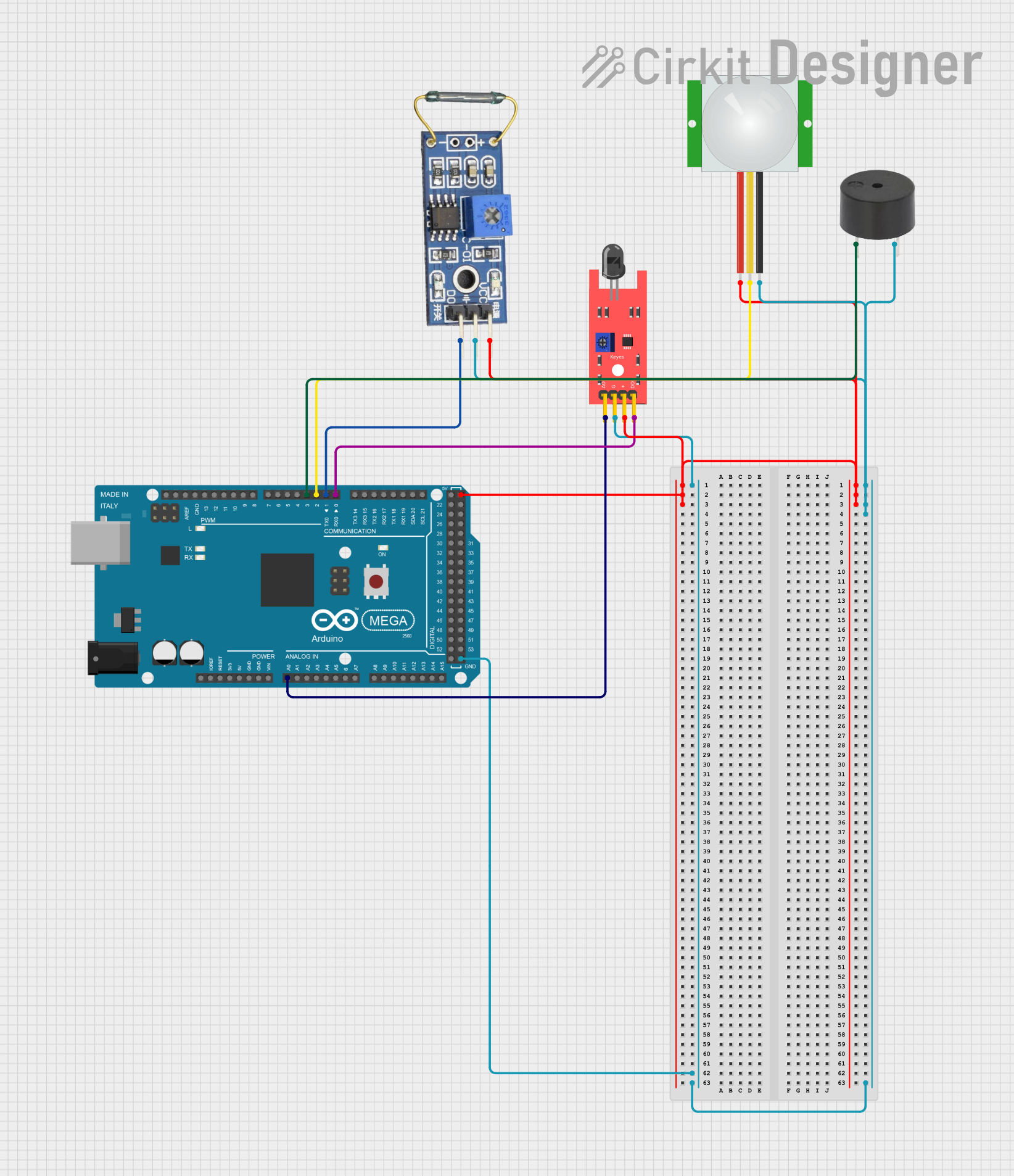 Open Project in Cirkit Designer
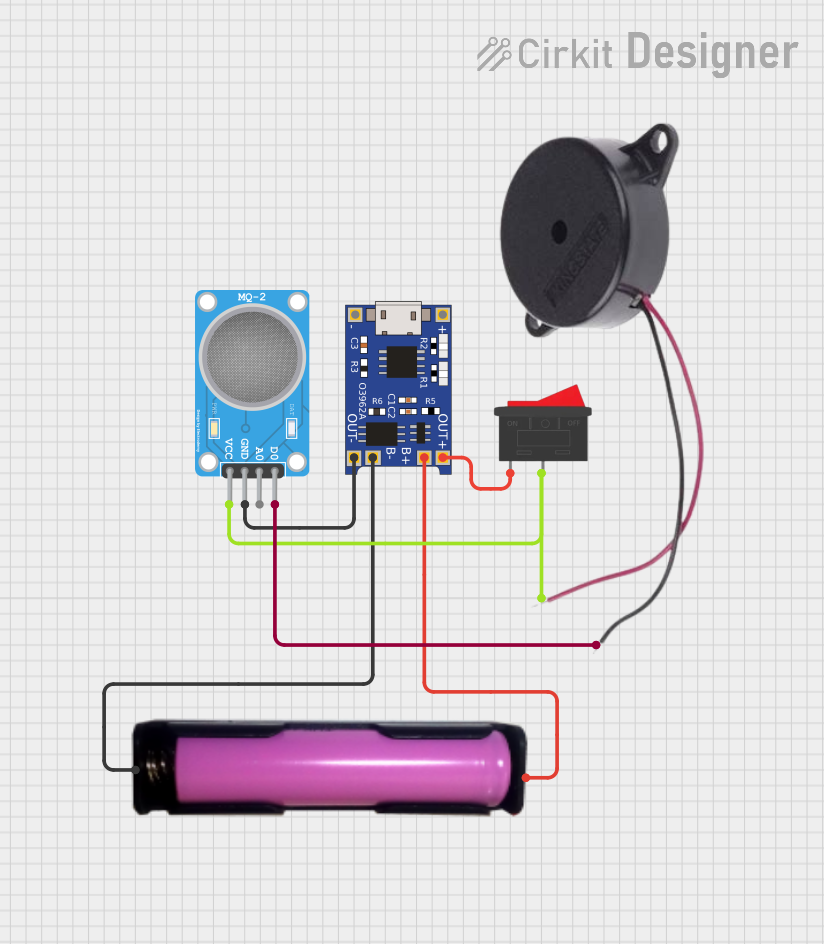 Open Project in Cirkit Designer
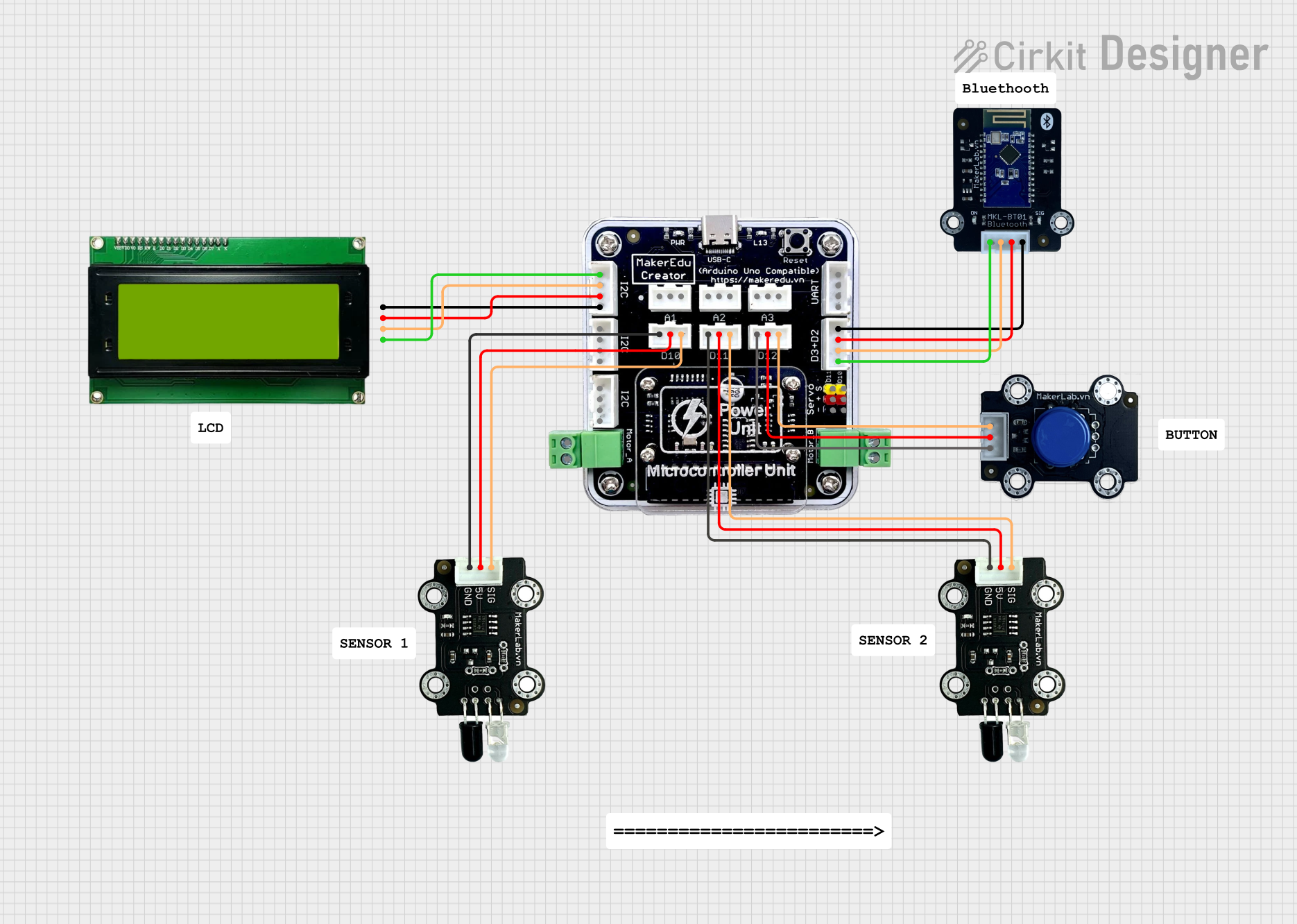 Open Project in Cirkit Designer
Explore Projects Built with Keyestudio Reed Switch Sensor Magnetron
Open Project in Cirkit DesignerOpen Project in Cirkit DesignerOpen Project in Cirkit DesignerOpen Project in Cirkit DesignerCommon Applications and Use Cases
- Door and window security systems
- Magnetic position sensing
- Robotics and automation
- Home automation (e.g., detecting open/closed states)
- Industrial equipment monitoring
Technical Specifications
The Keyestudio Reed Switch Sensor Magnetron is designed for ease of use and compatibility with microcontrollers like Arduino. Below are its key technical details:
Key Specifications
| Parameter | Value |
|---|---|
| Operating Voltage | 3.3V to 5V |
| Output Type | Digital (High/Low) |
| Sensor Type | Normally Open (NO) Reed Switch |
| Dimensions | 30mm x 20mm x 10mm |
| Mounting Hole Diameter | 3mm |
| Operating Temperature | -40°C to 85°C |
Pin Configuration and Descriptions
| Pin Name | Pin Number | Description |
|---|---|---|
| Signal | 1 | Outputs HIGH or LOW based on the presence of a magnetic field. |
| VCC | 2 | Power supply input (3.3V to 5V). |
| GND | 3 | Ground connection. |
Usage Instructions
How to Use the Component in a Circuit
Wiring the Sensor:
- Connect the
VCCpin to the 5V pin of your microcontroller (e.g., Arduino UNO). - Connect the
GNDpin to the GND pin of your microcontroller. - Connect the
Signalpin to a digital input pin on your microcontroller (e.g., D2 on Arduino UNO).
- Connect the
Circuit Example:
- Place the sensor near a magnet. When the magnet is close enough, the reed switch will close, and the
Signalpin will output a HIGH signal.
- Place the sensor near a magnet. When the magnet is close enough, the reed switch will close, and the
Sample Arduino Code: Below is an example of how to use the Keyestudio Reed Switch Sensor Magnetron with an Arduino UNO:
// Define the pin connected to the reed switch signal
const int reedSwitchPin = 2; // Digital pin 2
const int ledPin = 13;       // Built-in LED pin for output

void setup() {
  pinMode(reedSwitchPin, INPUT); // Set reed switch pin as input
  pinMode(ledPin, OUTPUT);       // Set LED pin as output
  Serial.begin(9600);           // Initialize serial communication
}

void loop() {
  int sensorState = digitalRead(reedSwitchPin); // Read the reed switch state

  if (sensorState == HIGH) {
    // If the reed switch is closed (magnet detected)
    digitalWrite(ledPin, HIGH); // Turn on the LED
    Serial.println("Magnet detected!");
  } else {
    // If the reed switch is open (no magnet detected)
    digitalWrite(ledPin, LOW);  // Turn off the LED
    Serial.println("No magnet detected.");
  }

  delay(500); // Wait for 500ms before reading again
}
Important Considerations and Best Practices
- Magnet Placement: Ensure the magnet is aligned properly with the sensor for reliable detection.
- Debouncing: The reed switch may produce noise or bounce when switching states. Use software debouncing if necessary.
- Voltage Levels: Operate the sensor within the specified voltage range (3.3V to 5V) to avoid damage.
- Environmental Factors: Avoid exposing the sensor to extreme temperatures or strong vibrations, as these may affect performance.
Troubleshooting and FAQs
Common Issues and Solutions
Sensor Not Detecting Magnet:
- Ensure the magnet is strong enough and properly aligned with the sensor.
- Verify that the sensor is powered correctly (check VCC and GND connections).
- Check the wiring to ensure the
Signalpin is connected to the correct digital input pin.
False Triggering:
- Use a pull-down resistor on the
Signalpin to stabilize the output. - Implement software debouncing in your code to filter out noise.
- Use a pull-down resistor on the
No Output Signal:
- Confirm that the operating voltage is within the specified range (3.3V to 5V).
- Test the sensor with a multimeter to ensure the reed switch is functioning.
FAQs
Q: Can this sensor detect any type of magnet?
A: Yes, the sensor can detect most permanent magnets, but the detection range depends on the magnet's strength.
Q: Is the sensor waterproof?
A: No, the sensor is not waterproof. Avoid exposing it to moisture or water.
Q: Can I use this sensor with a Raspberry Pi?
A: Yes, the sensor can be used with a Raspberry Pi. Connect the Signal pin to a GPIO pin and use a pull-down resistor if necessary.
Q: What is the maximum detection range?
A: The detection range depends on the strength of the magnet. Typically, it ranges from a few millimeters to a few centimeters.
By following this documentation, you can effectively integrate the Keyestudio Reed Switch Sensor Magnetron into your projects for reliable magnetic field detection.