
How to Use ESP32-S3 WROOM N16R8 FREENOVE: Examples, Pinouts, and Specs
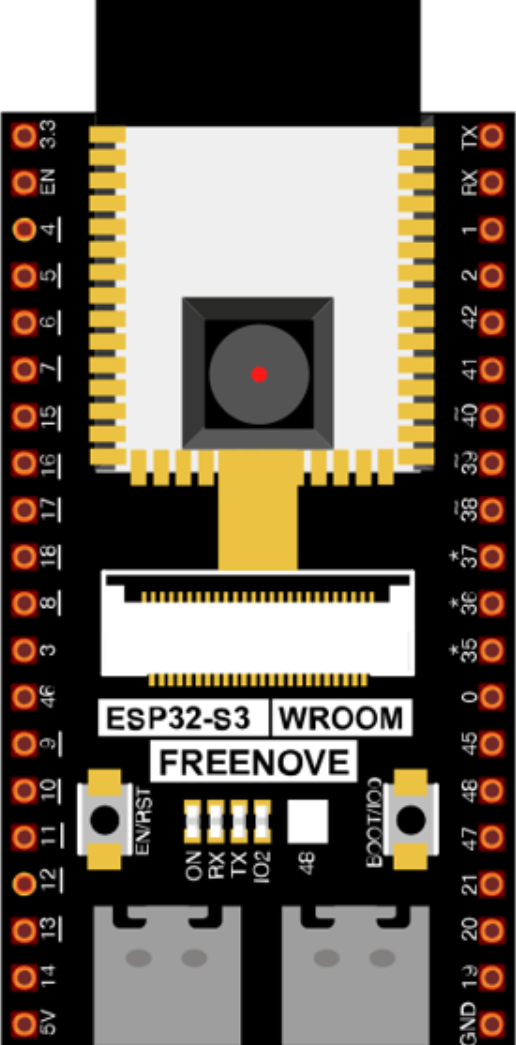
 Design with ESP32-S3 WROOM N16R8 FREENOVE in Cirkit Designer
Introduction
The ESP32-S3 WROOM N16R8 FREENOVE is a powerful microcontroller module designed for Internet of Things (IoT) applications. Manufactured by FREENOVE, this module features dual-core processing, integrated Wi-Fi and Bluetooth 5.0 capabilities, and 16MB of flash memory. It is ideal for projects requiring high performance, low power consumption, and robust wireless connectivity. The ESP32-S3 WROOM N16R8 also supports a wide range of peripherals, making it versatile for various applications.
Explore Projects Built with ESP32-S3 WROOM N16R8 FREENOVE
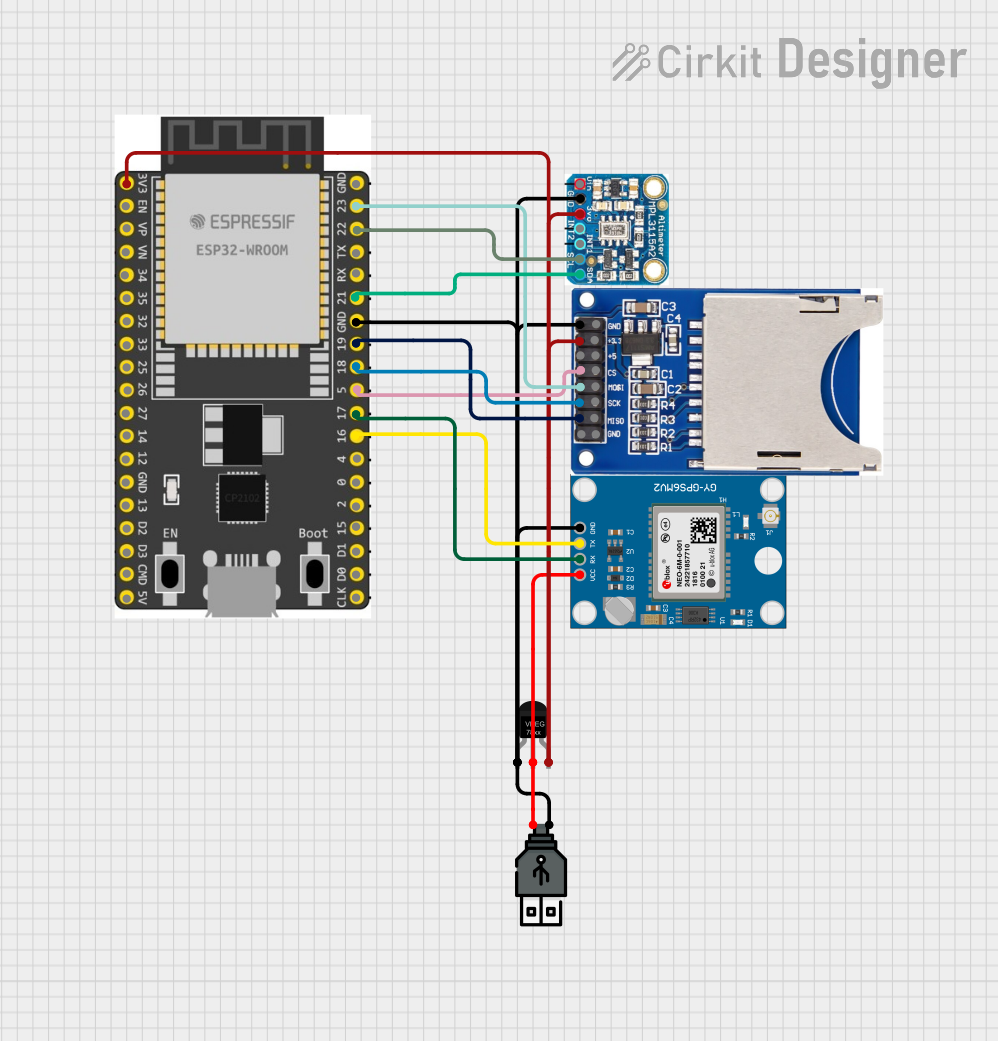 Open Project in Cirkit Designer
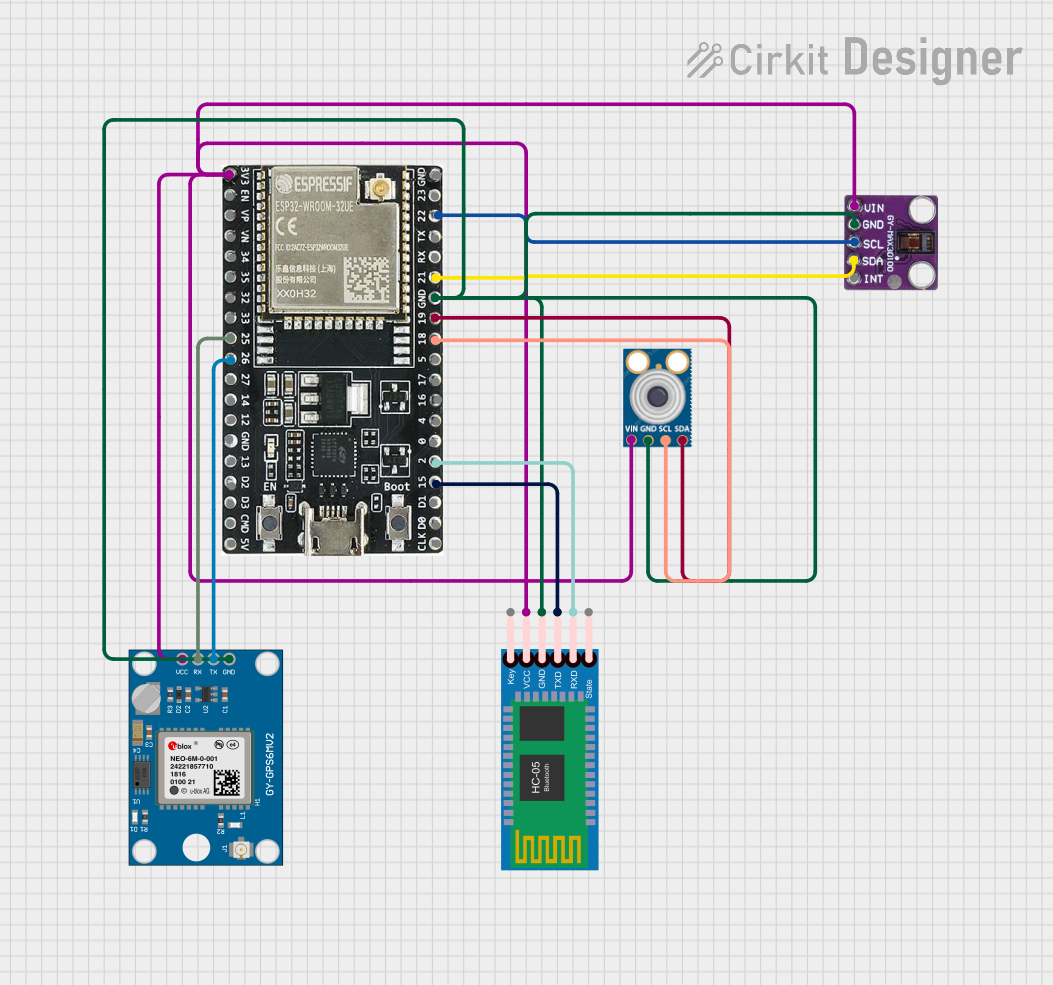 Open Project in Cirkit Designer
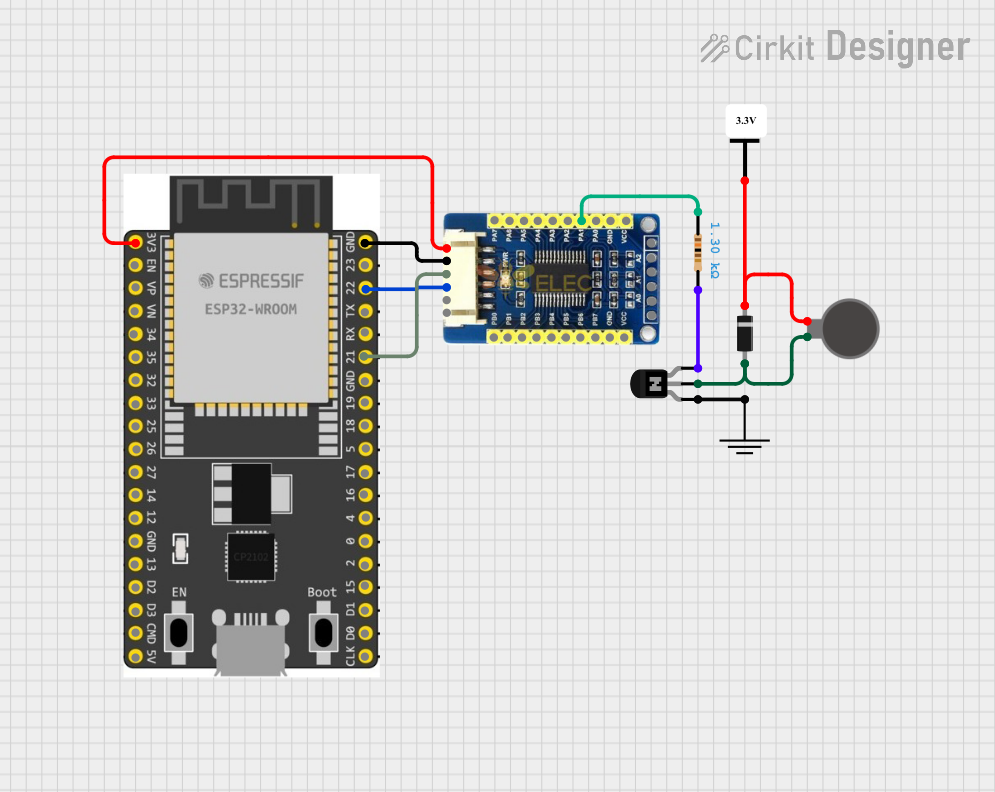 Open Project in Cirkit Designer
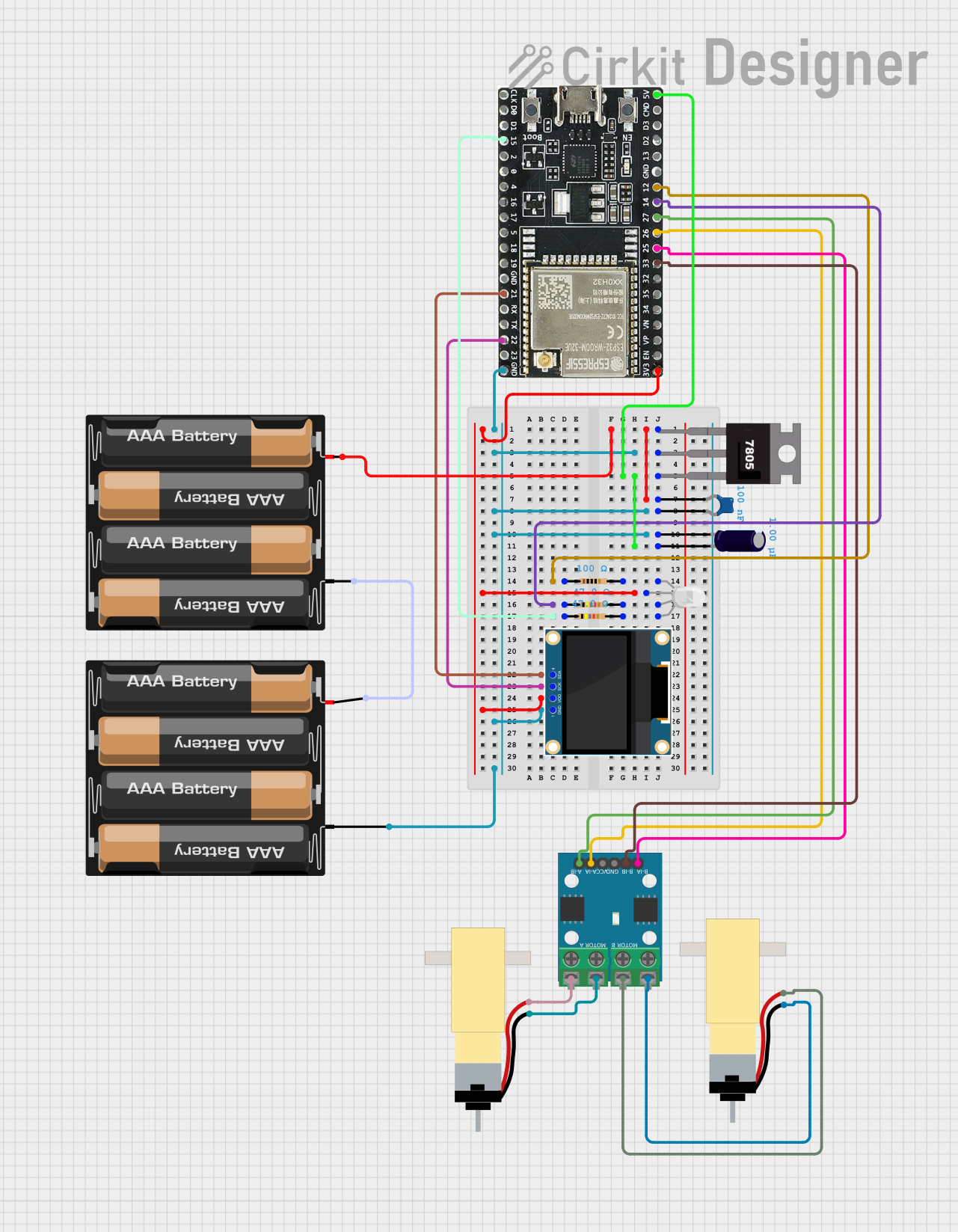 Open Project in Cirkit Designer
Explore Projects Built with ESP32-S3 WROOM N16R8 FREENOVE
Open Project in Cirkit DesignerOpen Project in Cirkit DesignerOpen Project in Cirkit DesignerOpen Project in Cirkit DesignerCommon Applications and Use Cases
- Smart home devices (e.g., smart lights, thermostats)
- Wearable technology
- Industrial IoT systems
- Wireless sensor networks
- Robotics and automation
- Edge computing and AI/ML applications
Technical Specifications
The ESP32-S3 WROOM N16R8 is packed with features that make it suitable for demanding IoT projects. Below are its key technical specifications:
General Specifications
| Parameter | Value |
|---|---|
| Microcontroller | ESP32-S3 |
| Flash Memory | 16MB |
| RAM | 8MB |
| Wireless Connectivity | Wi-Fi 802.11 b/g/n, Bluetooth 5.0 |
| Operating Voltage | 3.3V |
| Operating Temperature | -40°C to 85°C |
| Dimensions | 18mm x 25.5mm x 3mm |
Pin Configuration and Descriptions
The ESP32-S3 WROOM N16R8 module has multiple GPIO pins and interfaces. Below is a summary of the pin configuration:
| Pin Number | Pin Name | Description |
|---|---|---|
| 1 | GND | Ground |
| 2 | 3V3 | 3.3V Power Supply |
| 3 | EN | Enable pin (active high) |
| 4 | IO0 | GPIO0, used for boot mode selection |
| 5 | IO1 | GPIO1, general-purpose I/O |
| 6 | IO2 | GPIO2, general-purpose I/O |
| 7 | IO3 | GPIO3, general-purpose I/O |
| 8 | RXD | UART Receive |
| 9 | TXD | UART Transmit |
| 10 | IO4 | GPIO4, general-purpose I/O |
| 11 | IO5 | GPIO5, general-purpose I/O |
| 12 | IO6 | GPIO6, general-purpose I/O |
| 13 | IO7 | GPIO7, general-purpose I/O |
| 14 | IO8 | GPIO8, general-purpose I/O |
| 15 | IO9 | GPIO9, general-purpose I/O |
Note: The ESP32-S3 WROOM N16R8 supports additional pins and interfaces, such as SPI, I2C, and ADC. Refer to the full datasheet for a complete pinout.
Usage Instructions
How to Use the ESP32-S3 WROOM N16R8 in a Circuit
- Power Supply: Connect the 3V3 pin to a 3.3V power source and GND to ground.
- Boot Mode: To upload code, connect GPIO0 to GND during reset to enter bootloader mode.
- Peripherals: Use the GPIO pins to connect sensors, actuators, or other peripherals. Ensure the voltage levels are compatible.
- Programming: The module can be programmed using the Arduino IDE, PlatformIO, or ESP-IDF.
Example: Connecting to an Arduino UNO
The ESP32-S3 WROOM N16R8 can communicate with an Arduino UNO via UART. Below is an example of how to send data from the Arduino to the ESP32-S3.
Arduino Code
// Example: Sending data from Arduino UNO to ESP32-S3 via UART
void setup() {
  Serial.begin(9600); // Initialize serial communication at 9600 baud
}

void loop() {
  Serial.println("Hello from Arduino!"); // Send data to ESP32-S3
  delay(1000); // Wait for 1 second
}
ESP32-S3 Code
// Example: Receiving data on ESP32-S3 from Arduino UNO
void setup() {
  Serial.begin(9600); // Initialize serial communication at 9600 baud
}

void loop() {
  if (Serial.available()) { // Check if data is available
    String data = Serial.readString(); // Read the incoming data
    Serial.println("Received: " + data); // Print the received data
  }
}
Important Considerations and Best Practices
- Power Supply: Ensure a stable 3.3V power source to avoid damage to the module.
- GPIO Voltage Levels: The GPIO pins are not 5V tolerant. Use level shifters if interfacing with 5V devices.
- Antenna Placement: For optimal Wi-Fi and Bluetooth performance, avoid placing the module near metal objects or inside enclosures that block RF signals.
- Firmware Updates: Keep the firmware updated to benefit from the latest features and security patches.
Troubleshooting and FAQs
Common Issues and Solutions
Module Not Responding
- Cause: Incorrect power supply or wiring.
- Solution: Verify the power supply is 3.3V and check all connections.
Cannot Upload Code
- Cause: GPIO0 not connected to GND during reset.
- Solution: Ensure GPIO0 is grounded when resetting the module to enter bootloader mode.
Wi-Fi Connection Fails
- Cause: Incorrect SSID or password.
- Solution: Double-check the Wi-Fi credentials in your code.
Bluetooth Not Discoverable
- Cause: Bluetooth not initialized in the code.
- Solution: Ensure the Bluetooth stack is properly configured in your firmware.
FAQs
Q: Can the ESP32-S3 WROOM N16R8 operate on 5V?
A: No, the module operates at 3.3V. Use a voltage regulator or level shifter for 5V systems.
Q: How do I reset the module?
A: Pull the EN pin low momentarily to reset the module.
Q: Is the module compatible with ESP-IDF?
A: Yes, the ESP32-S3 WROOM N16R8 is fully supported by the ESP-IDF development framework.
Q: Can I use the module for AI/ML applications?
A: Yes, the ESP32-S3 supports AI/ML workloads, including TensorFlow Lite Micro.
By following this documentation, you can effectively integrate the ESP32-S3 WROOM N16R8 FREENOVE into your IoT projects.