
How to Use Buzzer: Examples, Pinouts, and Specs

 Design with Buzzer in Cirkit Designer
Introduction
The MakerMind RBS12914 Buzzer is an audio signaling device designed to produce sound when an electric current is applied. This component is widely used in various applications such as alarms, timers, notifications, and other systems requiring audible feedback. Its compact size and ease of integration make it a popular choice for hobbyists and professionals alike.
Explore Projects Built with Buzzer
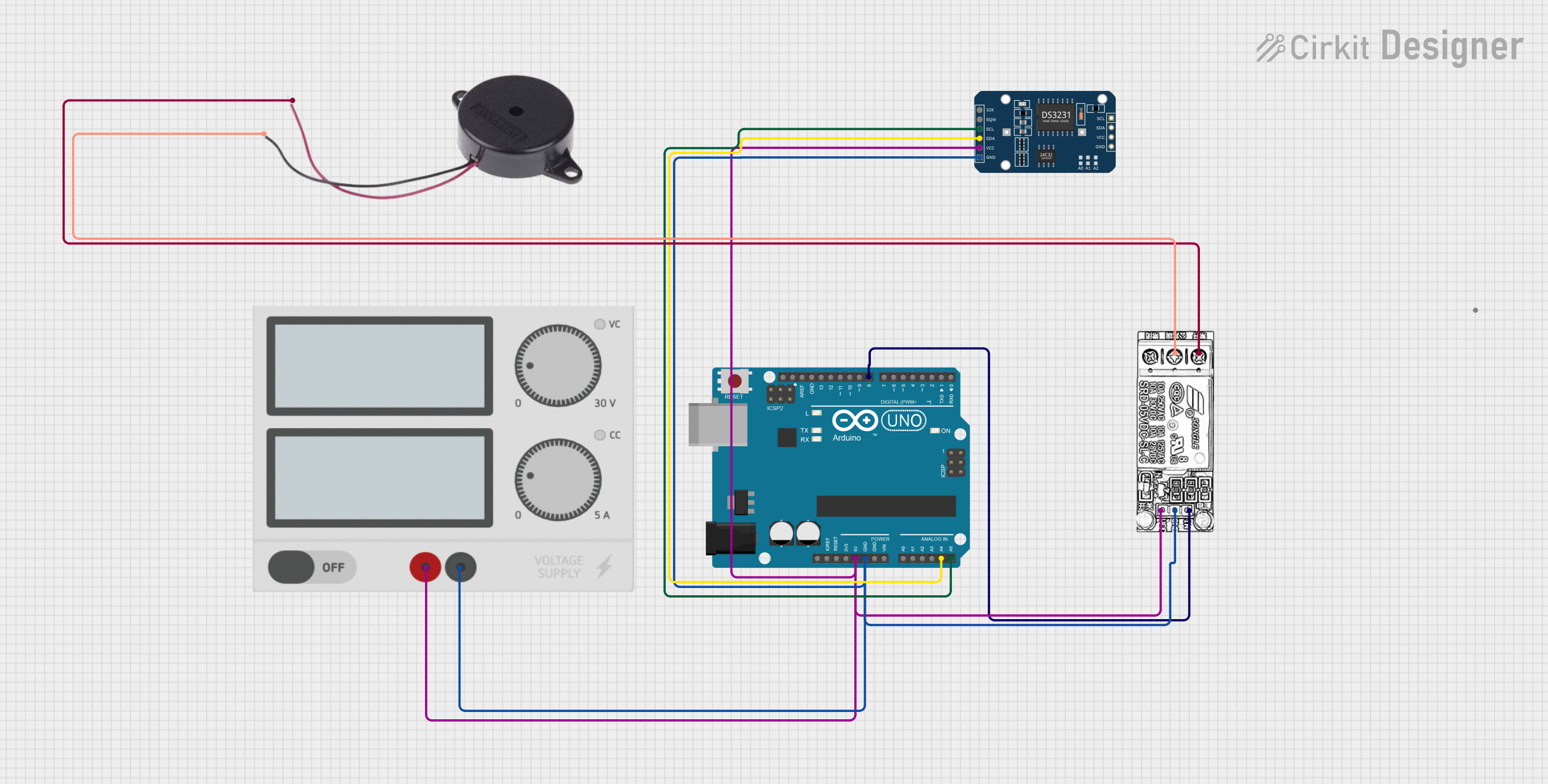 Open Project in Cirkit Designer
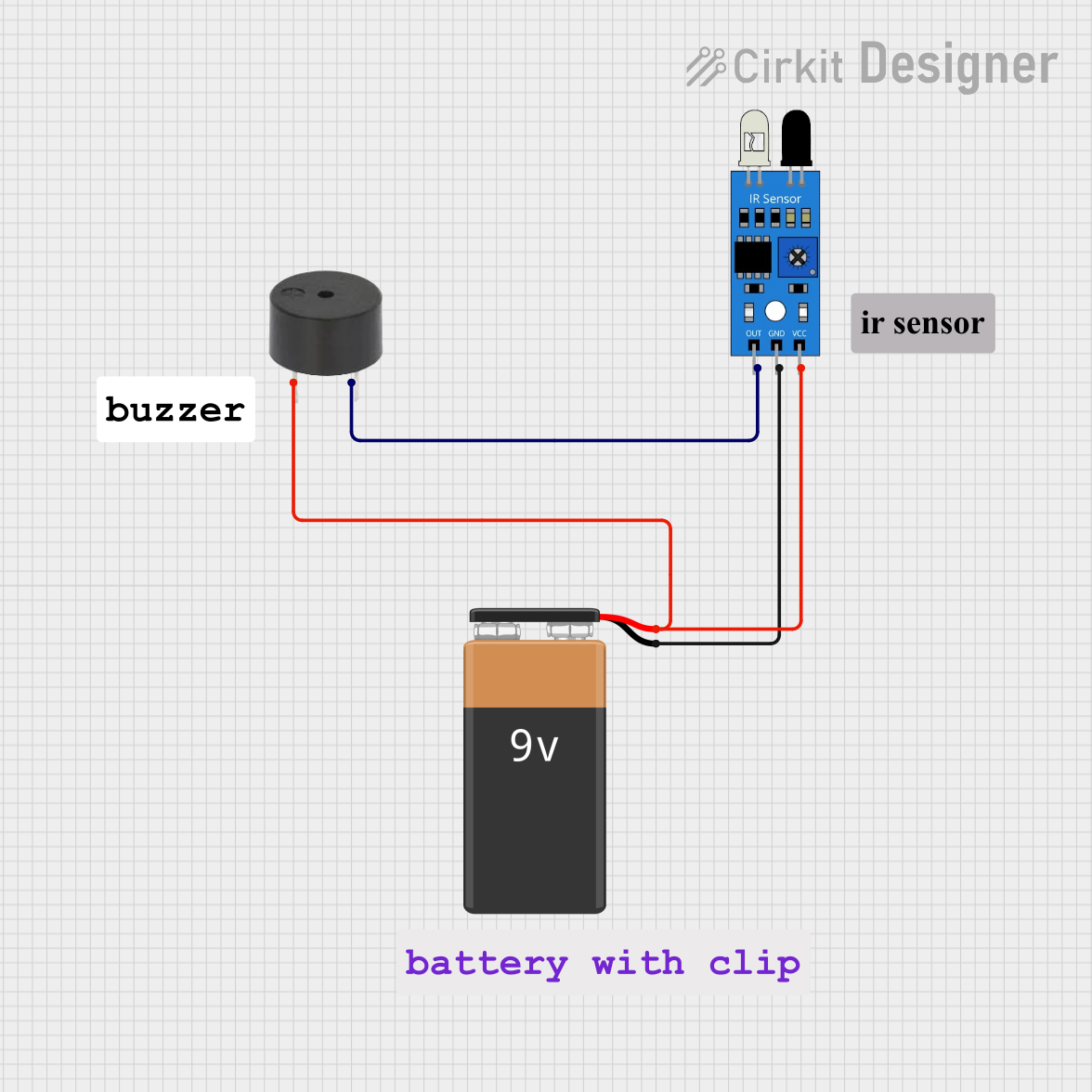 Open Project in Cirkit Designer
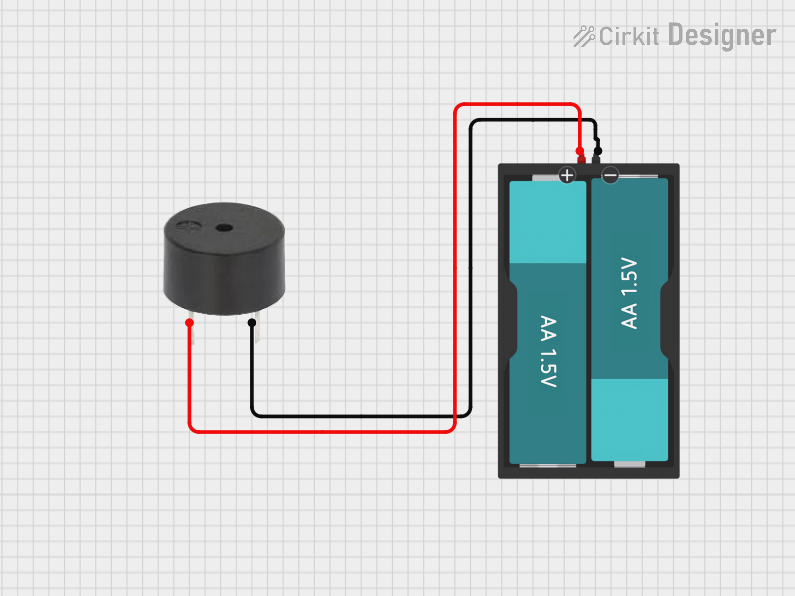 Open Project in Cirkit Designer
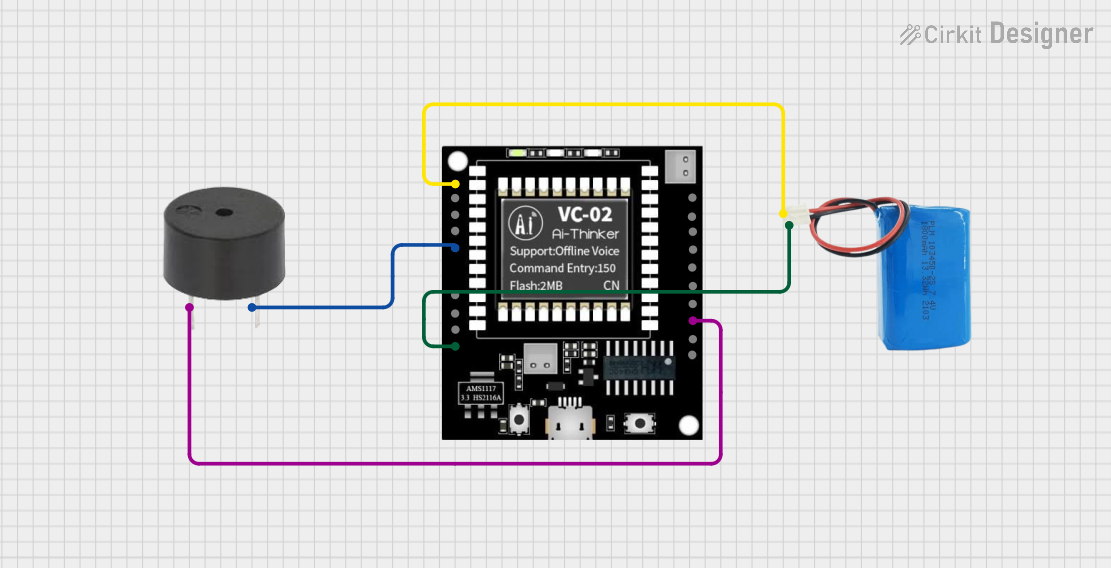 Open Project in Cirkit Designer
Explore Projects Built with Buzzer
Open Project in Cirkit DesignerOpen Project in Cirkit DesignerOpen Project in Cirkit DesignerOpen Project in Cirkit DesignerCommon Applications
- Alarm systems (e.g., burglar alarms, fire alarms)
- Timers and reminders
- Notification systems in electronic devices
- Feedback mechanisms in embedded systems
- Educational and DIY electronics projects
Technical Specifications
The following table outlines the key technical details of the MakerMind RBS12914 Buzzer:
| Parameter | Value |
|---|---|
| Operating Voltage | 3V to 12V DC |
| Rated Voltage | 5V DC |
| Current Consumption | ≤ 30 mA |
| Sound Output Level | ≥ 85 dB at 10 cm (5V input) |
| Frequency Range | 2 kHz to 4 kHz |
| Operating Temperature | -20°C to +60°C |
| Dimensions | 12 mm (diameter) x 9 mm (height) |
| Weight | 2 grams |
Pin Configuration
The MakerMind RBS12914 Buzzer has two pins for electrical connections:
| Pin | Description |
|---|---|
| Positive (+) | Connect to the positive terminal of the power supply or control signal. |
| Negative (-) | Connect to the ground (GND) of the circuit. |
Usage Instructions
How to Use the Buzzer in a Circuit
- Power Supply: Ensure the buzzer is powered within its operating voltage range (3V to 12V DC). Exceeding this range may damage the component.
- Polarity: Connect the positive pin of the buzzer to the power supply or control signal and the negative pin to the ground.
- Control: The buzzer can be controlled using a microcontroller (e.g., Arduino UNO) or a simple switch circuit. For microcontroller-based control, use a digital output pin to toggle the buzzer on and off.
Example Circuit with Arduino UNO
Below is an example of how to connect and control the MakerMind RBS12914 Buzzer using an Arduino UNO:
Circuit Diagram
- Connect the positive pin of the buzzer to Arduino digital pin 8.
- Connect the negative pin of the buzzer to the Arduino GND pin.
Arduino Code
// MakerMind RBS12914 Buzzer Example
// This code demonstrates how to toggle the buzzer on and off using an Arduino UNO.

#define BUZZER_PIN 8  // Define the digital pin connected to the buzzer

void setup() {
  pinMode(BUZZER_PIN, OUTPUT);  // Set the buzzer pin as an output
}

void loop() {
  digitalWrite(BUZZER_PIN, HIGH);  // Turn the buzzer ON
  delay(1000);                     // Wait for 1 second
  digitalWrite(BUZZER_PIN, LOW);   // Turn the buzzer OFF
  delay(1000);                     // Wait for 1 second
}
Important Considerations
- Voltage Levels: Always operate the buzzer within the specified voltage range to avoid damage.
- Sound Intensity: The sound output level decreases with lower input voltage. For maximum sound output, use the rated voltage (5V DC).
- Mounting: Ensure the buzzer is securely mounted to prevent vibrations from affecting other components.
- PWM Control: For variable sound effects, use a PWM (Pulse Width Modulation) signal from the microcontroller.
Troubleshooting and FAQs
Common Issues and Solutions
| Issue | Possible Cause | Solution |
|---|---|---|
| No sound from the buzzer | Incorrect wiring or polarity | Verify the connections and ensure correct polarity. |
| Low sound output | Insufficient input voltage | Check the power supply and ensure it meets the rated voltage. |
| Buzzer gets hot | Overvoltage or prolonged use at high current | Reduce the input voltage or limit usage duration. |
| Intermittent sound | Loose connections or unstable power supply | Secure the connections and use a stable power source. |
FAQs
Can the buzzer be used with a 3.3V microcontroller?
- Yes, the buzzer can operate at 3.3V, but the sound output level will be lower compared to 5V operation.
Is the buzzer waterproof?
- No, the MakerMind RBS12914 Buzzer is not waterproof. Avoid exposing it to moisture or liquids.
Can I use the buzzer for continuous sound output?
- Yes, the buzzer can produce continuous sound, but ensure it operates within the specified voltage and current limits to prevent overheating.
How can I create different tones with the buzzer?
- Use a PWM signal from a microcontroller to generate different frequencies, which will produce varying tones.
By following this documentation, you can effectively integrate the MakerMind RBS12914 Buzzer into your projects and troubleshoot any issues that may arise.