
How to Use Waveshare 7 inch HDMI LCD (H): Examples, Pinouts, and Specs
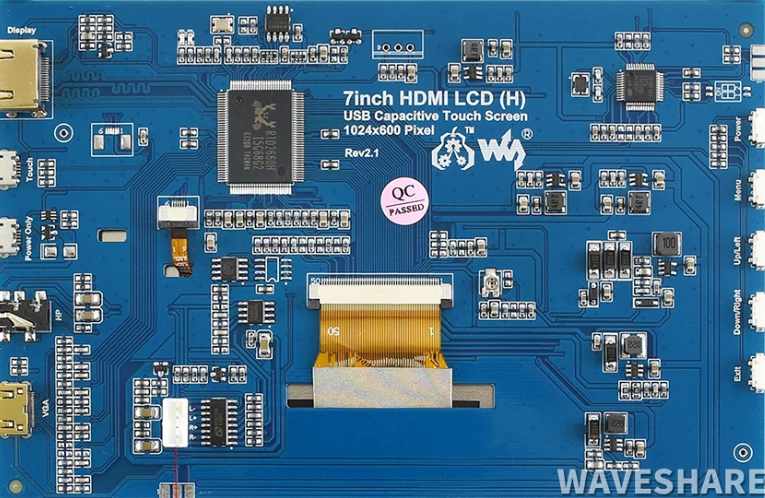
 Design with Waveshare 7 inch HDMI LCD (H) in Cirkit Designer
Introduction
The Waveshare 7 inch HDMI LCD (H) is a compact, high-resolution display designed for seamless integration with Raspberry Pi, PCs, and other HDMI-enabled devices. With its 7-inch screen, this display offers a resolution of 1024×600 pixels, making it ideal for applications requiring clear visuals and compact form factors. Its plug-and-play functionality ensures ease of use, while its compatibility with multiple operating systems makes it versatile for a wide range of projects.
Explore Projects Built with Waveshare 7 inch HDMI LCD (H)
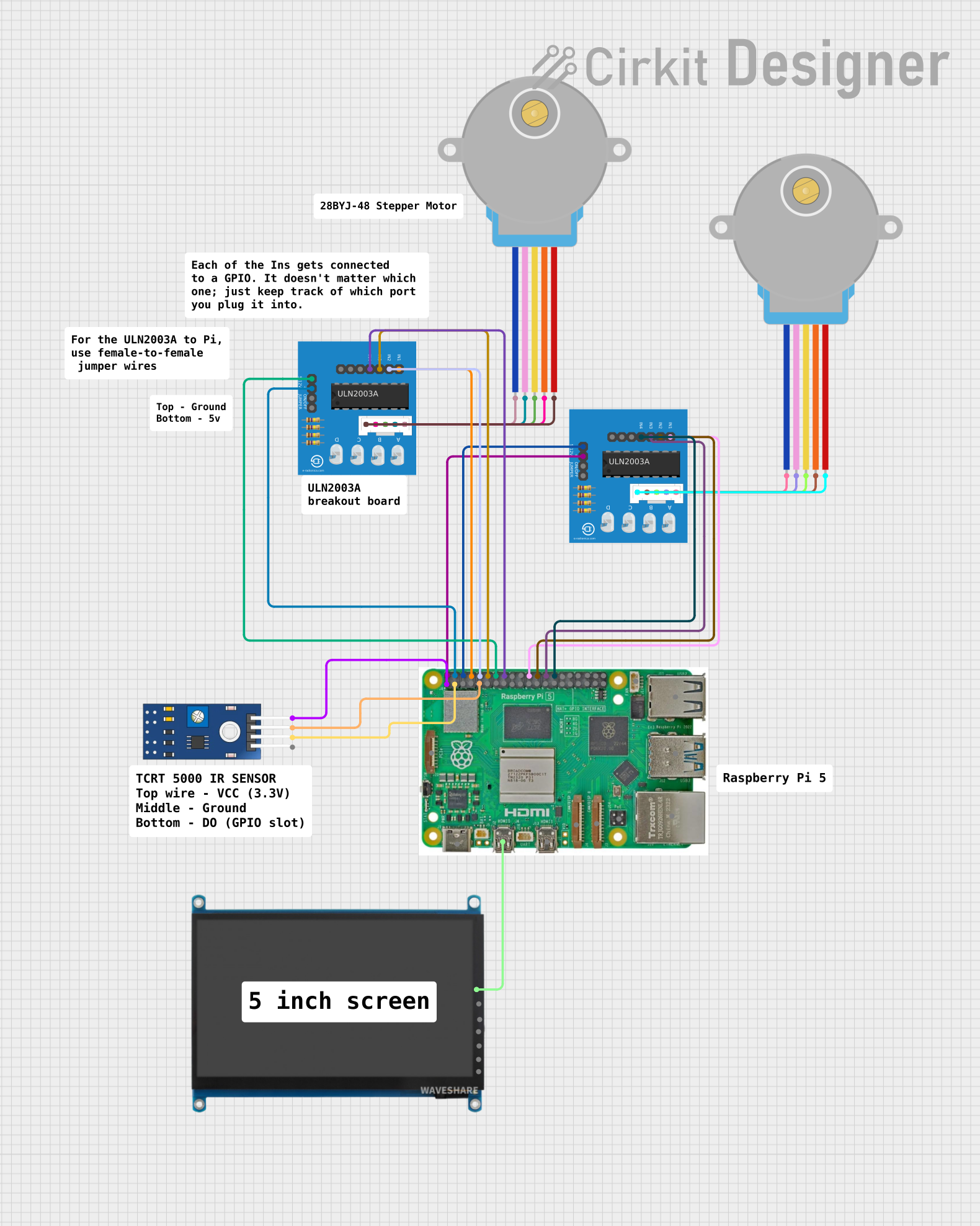 Open Project in Cirkit Designer
 Open Project in Cirkit Designer
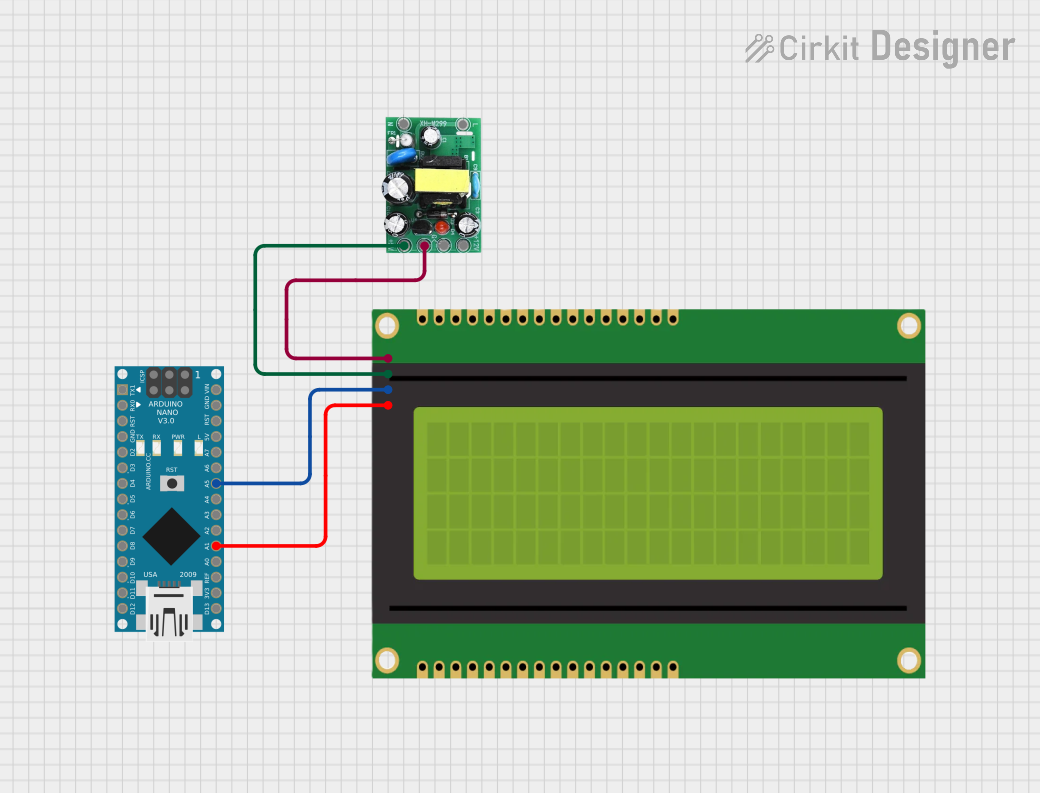 Open Project in Cirkit Designer
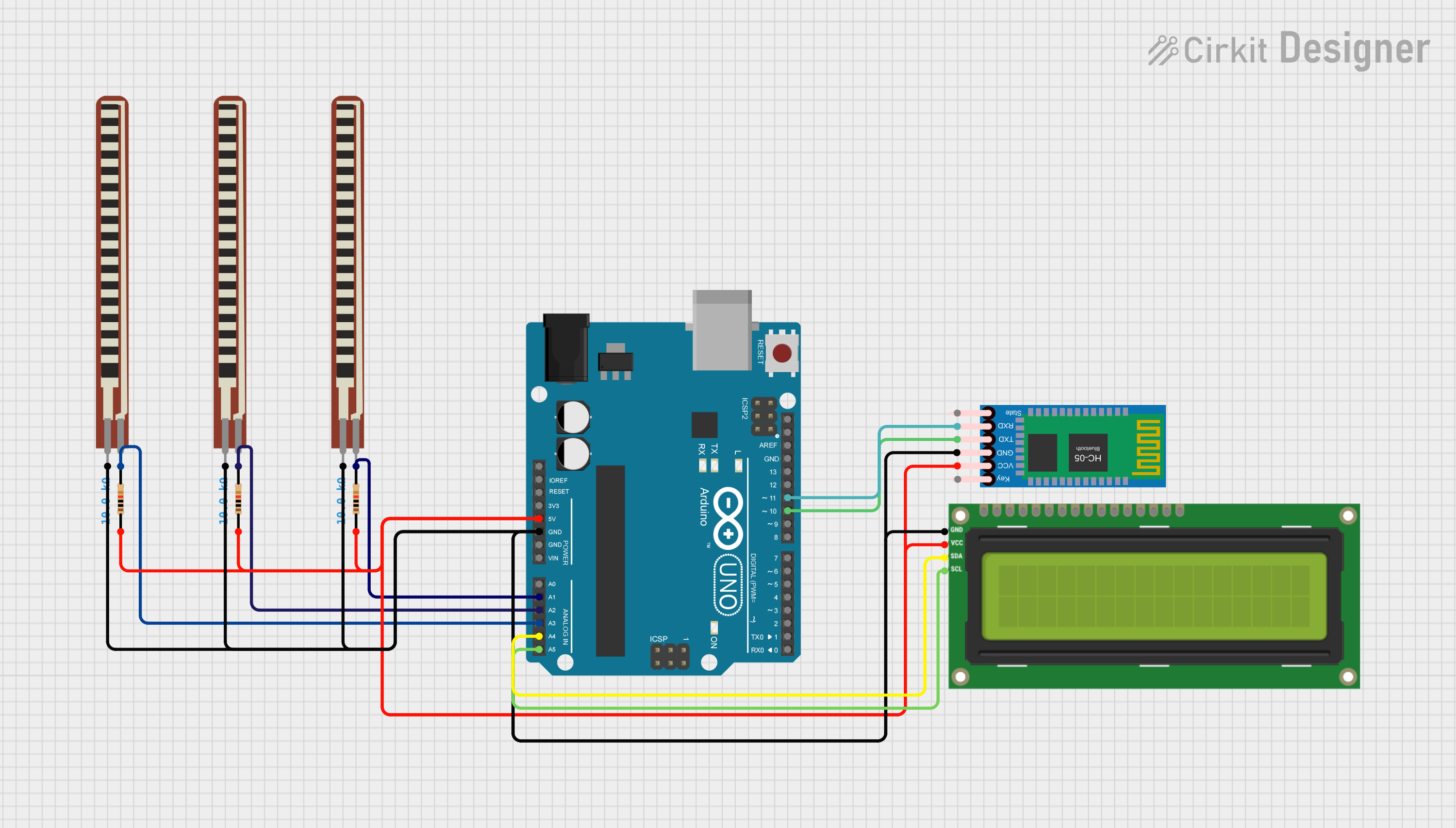 Open Project in Cirkit Designer
Explore Projects Built with Waveshare 7 inch HDMI LCD (H)
Open Project in Cirkit DesignerOpen Project in Cirkit DesignerOpen Project in Cirkit DesignerOpen Project in Cirkit DesignerCommon Applications and Use Cases
- Portable computing systems
- Embedded systems and IoT projects
- DIY projects with Raspberry Pi or other single-board computers
- Secondary display for PCs or laptops
- Industrial control panels
- Educational and prototyping purposes
Technical Specifications
Below are the key technical details of the Waveshare 7 inch HDMI LCD (H):
| Specification | Details |
|---|---|
| Manufacturer | Waveshare |
| Part ID | 7 inch HDMI LCD (H) |
| Display Size | 7 inches |
| Resolution | 1024×600 pixels |
| Interface | HDMI for video, USB for touch input |
| Touchscreen Type | Capacitive, 5-point multi-touch |
| Power Supply | 5V via USB |
| Dimensions | 164.9mm × 124.27mm |
| Operating Temperature | -20°C to 70°C |
| Supported OS | Windows, Linux, Raspbian, Android |
Pin Configuration and Descriptions
The Waveshare 7 inch HDMI LCD (H) uses HDMI and USB interfaces. Below is the pin configuration:
HDMI Interface
| Pin | Description |
|---|---|
| HDMI | Video signal input |
USB Interface
| Pin | Description |
|---|---|
| USB | Power supply and touch input |
Usage Instructions
Connecting the Display
- Power the Display: Connect the USB cable to the display and plug it into a 5V power source (e.g., Raspberry Pi, PC, or USB adapter).
- Connect HDMI: Use an HDMI cable to connect the display to your device's HDMI output port.
- Enable Touch Functionality: Ensure the USB cable is connected to the device to enable the capacitive touch feature.
- Adjust Resolution: If using a Raspberry Pi, configure the resolution in the
config.txtfile to match the display's native resolution (1024×600).
Configuring with Raspberry Pi
To use the display with a Raspberry Pi, follow these steps:
- Open the Raspberry Pi's boot partition and edit the
config.txtfile. - Add the following lines to set the resolution:
hdmi_group=2 hdmi_mode=87 hdmi_cvt=1024 600 60 6 0 0 0 hdmi_drive=2 - Save the file and reboot the Raspberry Pi.
Arduino UNO Compatibility
The Waveshare 7 inch HDMI LCD (H) is not directly compatible with Arduino UNO due to its HDMI interface. However, it can be used with microcontrollers that support HDMI output via additional hardware.
Best Practices
- Use a high-quality HDMI cable to ensure stable video output.
- Avoid exposing the display to extreme temperatures or humidity.
- Use a stable 5V power source to prevent flickering or instability.
Troubleshooting and FAQs
Common Issues and Solutions
No Display Output
- Cause: Incorrect HDMI connection or resolution mismatch.
- Solution: Verify the HDMI cable is securely connected. For Raspberry Pi, ensure the resolution is set to 1024×600 in the
config.txtfile.
Touchscreen Not Working
- Cause: USB cable not connected or driver issue.
- Solution: Ensure the USB cable is connected to the device. For Windows, install the necessary touchscreen drivers if required.
Flickering Screen
- Cause: Insufficient power supply.
- Solution: Use a stable 5V power source with sufficient current (at least 1A).
Display Shows "No Signal"
- Cause: Device not outputting video signal.
- Solution: Check the device's HDMI output settings and ensure the display is powered on.
FAQs
Q: Can I use this display with a laptop?
A: Yes, the display can be used as a secondary monitor for laptops with an HDMI output.
Q: Does the display support audio output?
A: No, the Waveshare 7 inch HDMI LCD (H) does not have built-in speakers or audio output.
Q: Is the display compatible with Android devices?
A: Yes, the display is compatible with Android devices that support HDMI output.
Q: Can I mount the display?
A: Yes, the display has mounting holes for easy integration into custom enclosures or projects.