
How to Use Solenoid: Examples, Pinouts, and Specs
 Design with Solenoid in Cirkit Designer
Introduction
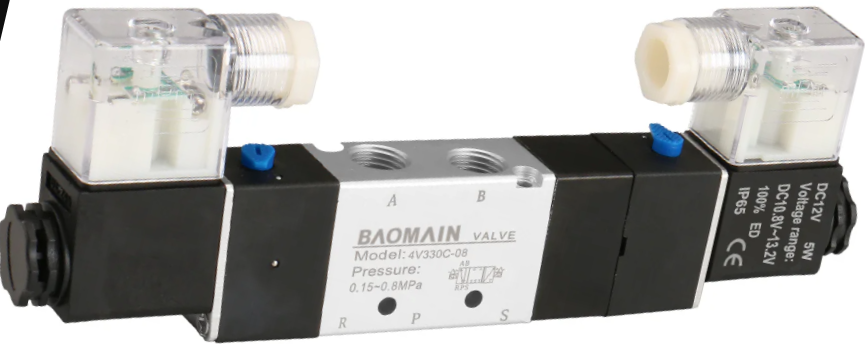
A solenoid is an electromechanical device that converts electrical energy into linear motion. It consists of a coil of wire that generates a magnetic field when an electric current passes through it. This magnetic field moves a plunger or core, enabling the solenoid to perform mechanical actions. Solenoids are widely used in applications requiring controlled linear motion, such as controlling valves, actuating mechanical systems, or locking mechanisms.
Explore Projects Built with Solenoid
 Open Project in Cirkit Designer
 Open Project in Cirkit Designer
 Open Project in Cirkit Designer
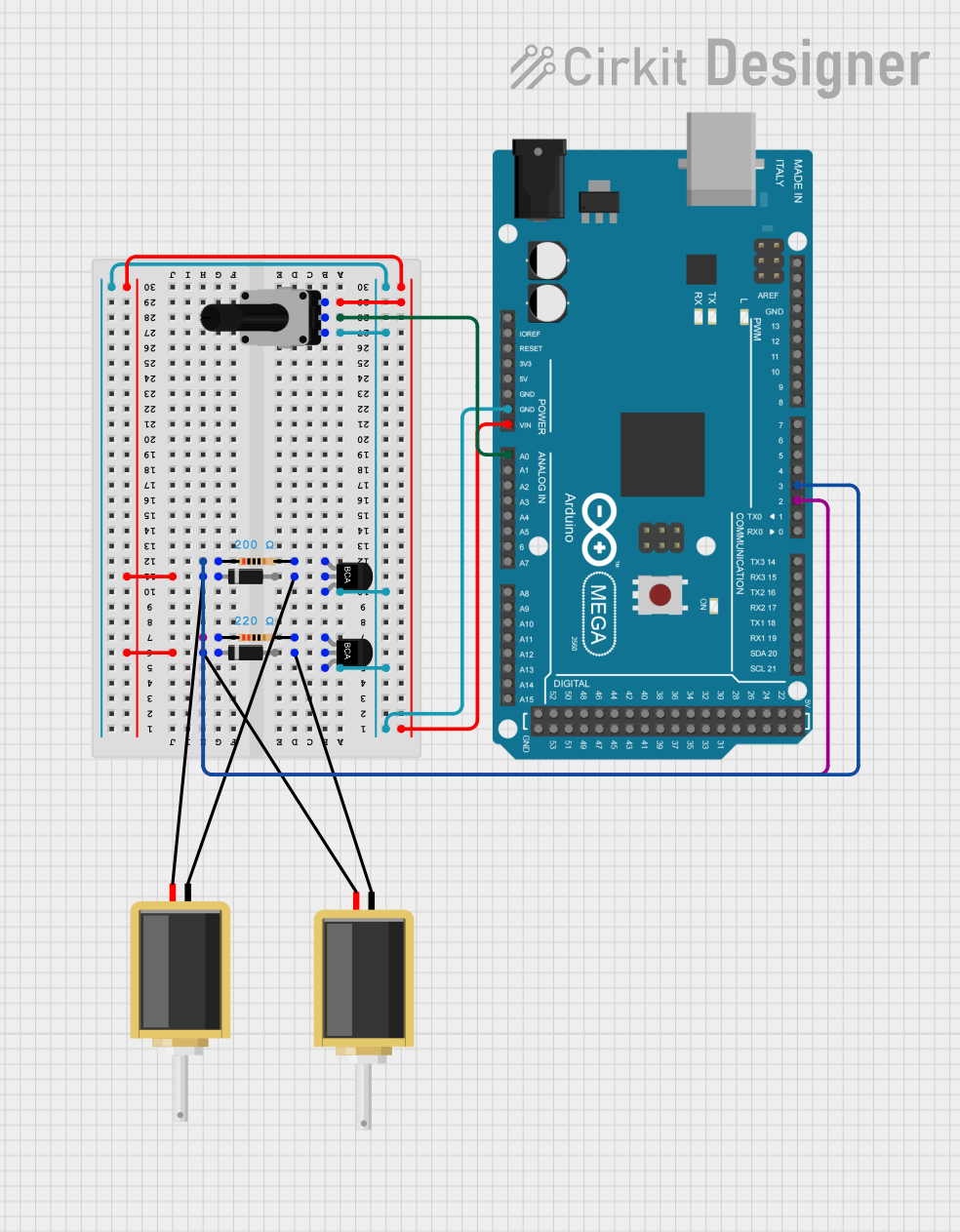 Open Project in Cirkit Designer
Explore Projects Built with Solenoid
Open Project in Cirkit DesignerOpen Project in Cirkit DesignerOpen Project in Cirkit DesignerOpen Project in Cirkit DesignerCommon Applications and Use Cases
- Automotive Systems: Used in starter motors, fuel injectors, and door locks.
- Industrial Automation: Actuates valves, relays, and robotic mechanisms.
- Home Appliances: Found in washing machines, dishwashers, and vending machines.
- Access Control: Used in electronic locks and security systems.
Technical Specifications
Key Technical Details
| Parameter | Value/Range |
|---|---|
| Operating Voltage | Typically 5V, 12V, or 24V DC |
| Current Consumption | 0.5A to 2A (depending on the model) |
| Stroke Length | 5mm to 30mm (varies by design) |
| Force | 1N to 50N (depending on size) |
| Coil Resistance | 5Ω to 50Ω |
| Duty Cycle | 10% to 100% (varies by application) |
Pin Configuration and Descriptions
| Pin Name | Description |
|---|---|
| Positive | Connects to the positive terminal of the power supply. |
| Negative | Connects to the ground or negative terminal of the power supply. |
Note: Some solenoids may have additional terminals for feedback or control, depending on the model.
Usage Instructions
How to Use the Component in a Circuit
- Power Supply: Ensure the solenoid is powered by a voltage source that matches its operating voltage (e.g., 12V DC). Use a regulated power supply to avoid voltage fluctuations.
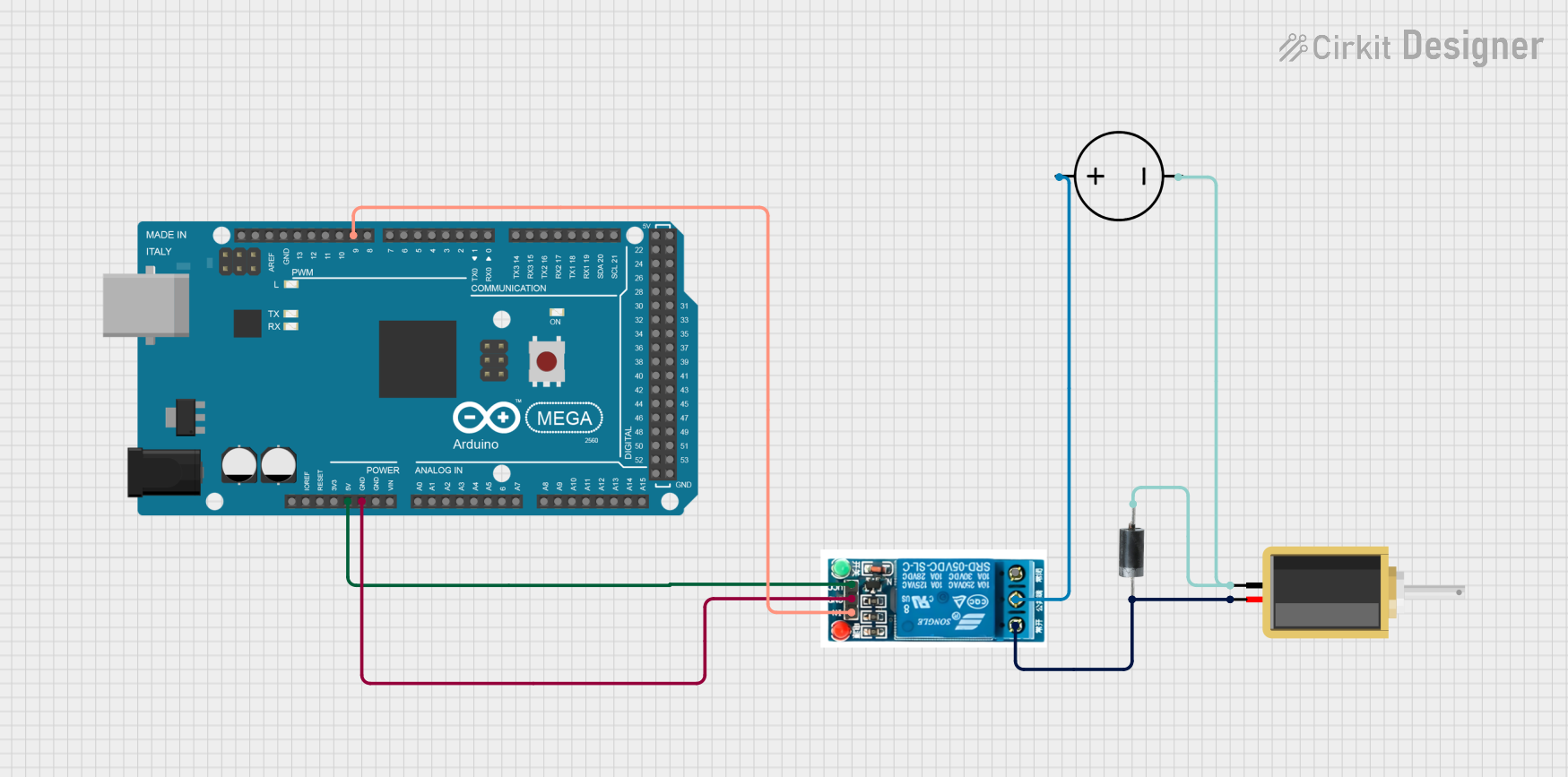
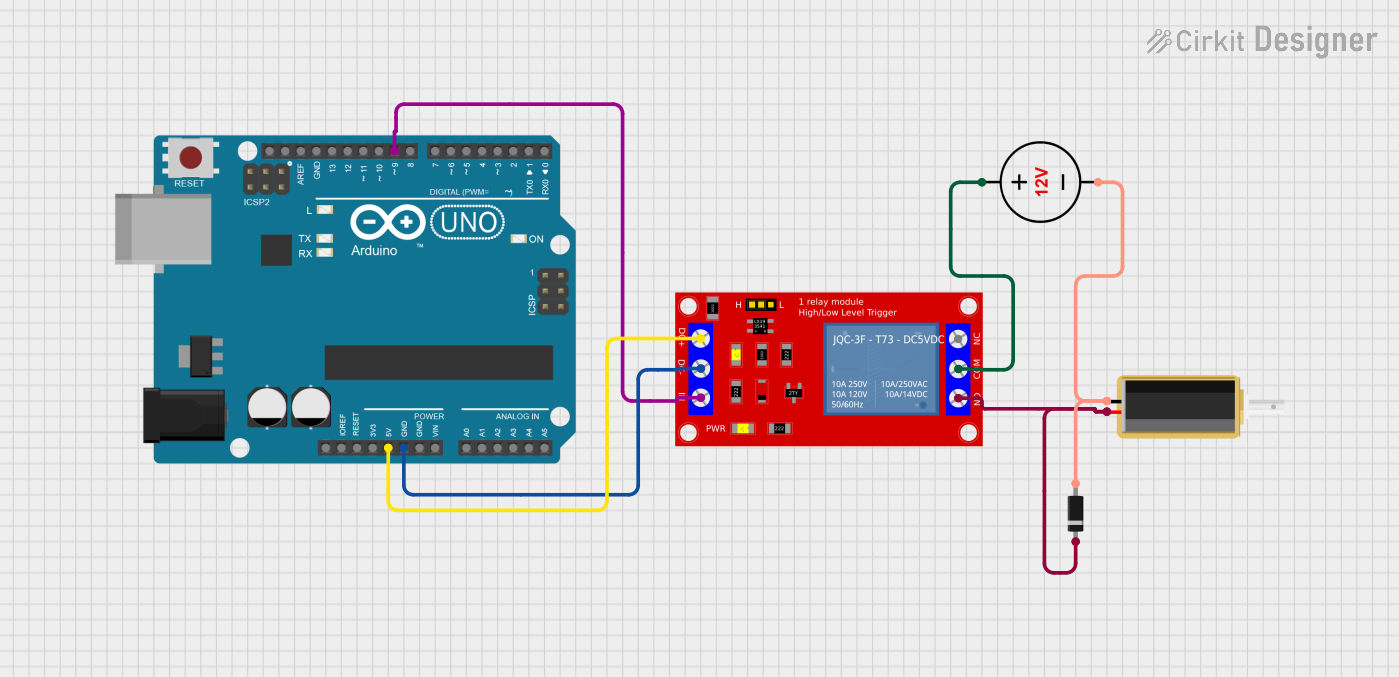
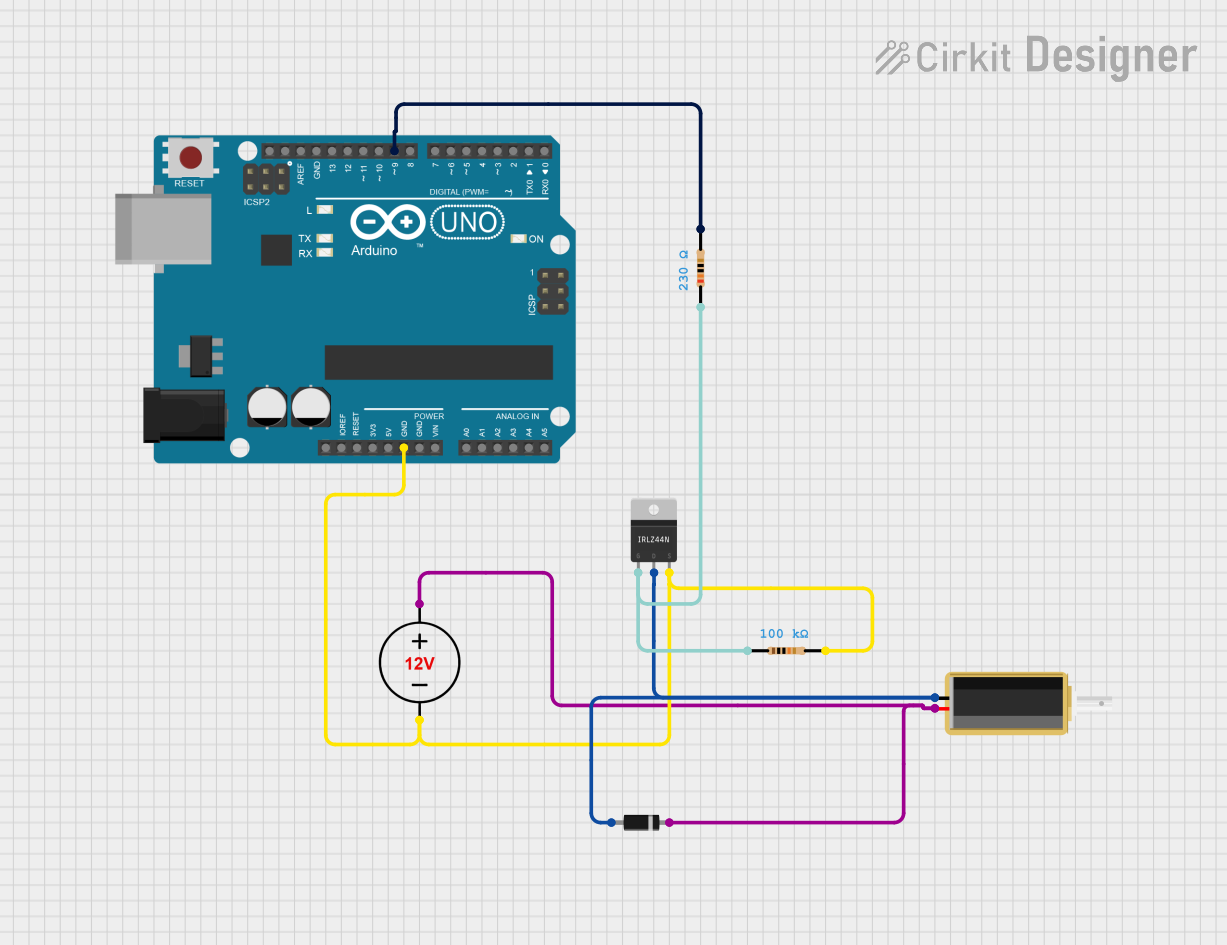
- Control Circuit: Use a transistor or MOSFET to control the solenoid, as it typically requires more current than a microcontroller can provide.
- Diode Protection: Always connect a flyback diode across the solenoid terminals to protect the circuit from voltage spikes caused by the collapsing magnetic field when the solenoid is turned off.
- Microcontroller Interface: If using a microcontroller (e.g., Arduino UNO), connect the control pin of the transistor/MOSFET to a digital output pin of the microcontroller.
Example Circuit with Arduino UNO
Below is an example of how to control a 12V solenoid using an Arduino UNO and an NPN transistor:
Circuit Components:
- 1x Solenoid (12V)
- 1x NPN Transistor (e.g., 2N2222)
- 1x Flyback Diode (e.g., 1N4007)
- 1x Resistor (1kΩ)
- 1x External 12V Power Supply
Circuit Diagram:
Arduino Pin D9 ----> 1kΩ Resistor ----> Base of Transistor
Collector of Transistor ----> One Terminal of Solenoid
Other Terminal of Solenoid ----> +12V Power Supply
Emitter of Transistor ----> Ground
Flyback Diode: Cathode to +12V, Anode to Collector of Transistor
Arduino Code:
// Define the pin connected to the transistor's base
const int solenoidPin = 9;

void setup() {
  pinMode(solenoidPin, OUTPUT); // Set the solenoid pin as an output
}

void loop() {
  digitalWrite(solenoidPin, HIGH); // Activate the solenoid
  delay(1000); // Keep it on for 1 second
  digitalWrite(solenoidPin, LOW);  // Deactivate the solenoid
  delay(1000); // Wait for 1 second before repeating
}
Important Considerations and Best Practices
- Duty Cycle: Check the solenoid's duty cycle rating. Continuous operation of a solenoid designed for intermittent use can cause overheating.
- Current Rating: Ensure the transistor or MOSFET used in the circuit can handle the solenoid's current requirements.
- Power Supply: Use a separate power supply for the solenoid if it draws significant current, to avoid overloading the microcontroller's power source.
- Mounting: Securely mount the solenoid to prevent movement during operation, which could affect performance.
Troubleshooting and FAQs
Common Issues and Solutions
Solenoid Not Activating:
- Cause: Insufficient voltage or current.
- Solution: Verify the power supply voltage and current match the solenoid's specifications.
Overheating:
- Cause: Exceeding the solenoid's duty cycle or continuous operation.
- Solution: Operate the solenoid within its rated duty cycle and allow cooling periods.
Voltage Spikes Damaging Components:
- Cause: Missing or improperly connected flyback diode.
- Solution: Ensure the flyback diode is installed correctly across the solenoid terminals.
Erratic Behavior When Controlled by Microcontroller:
- Cause: Insufficient current drive or noise in the circuit.
- Solution: Use a transistor or MOSFET for current amplification and ensure proper grounding.
FAQs
Q1: Can I use an AC solenoid in a DC circuit?
A1: No, AC solenoids are designed for alternating current and may not function properly or could overheat in a DC circuit.
Q2: How do I determine the correct flyback diode?
A2: Choose a diode with a reverse voltage rating higher than the solenoid's operating voltage and a current rating equal to or greater than the solenoid's current draw.
Q3: Can I control multiple solenoids with one microcontroller?
A3: Yes, but each solenoid should have its own transistor/MOSFET and flyback diode. Ensure the microcontroller has enough digital pins and the power supply can handle the total current.
Q4: What happens if I exceed the solenoid's duty cycle?
A4: Exceeding the duty cycle can cause the solenoid to overheat, potentially leading to permanent damage. Always operate within the specified limits.