
How to Use esp 32: Examples, Pinouts, and Specs
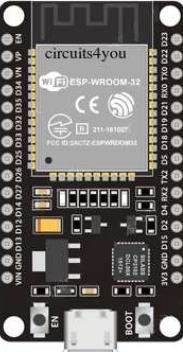
 Design with esp 32 in Cirkit Designer
Introduction
The ESP32, manufactured by Espressif Systems, is a low-cost, low-power system on a chip (SoC) designed for a wide range of applications. It integrates Wi-Fi and Bluetooth capabilities, making it an ideal choice for Internet of Things (IoT) devices, smart home systems, wearable electronics, and embedded systems. The ESP32 is highly versatile, offering dual-core processing, a rich set of peripherals, and extensive GPIO options.
Explore Projects Built with esp 32
 Open Project in Cirkit Designer
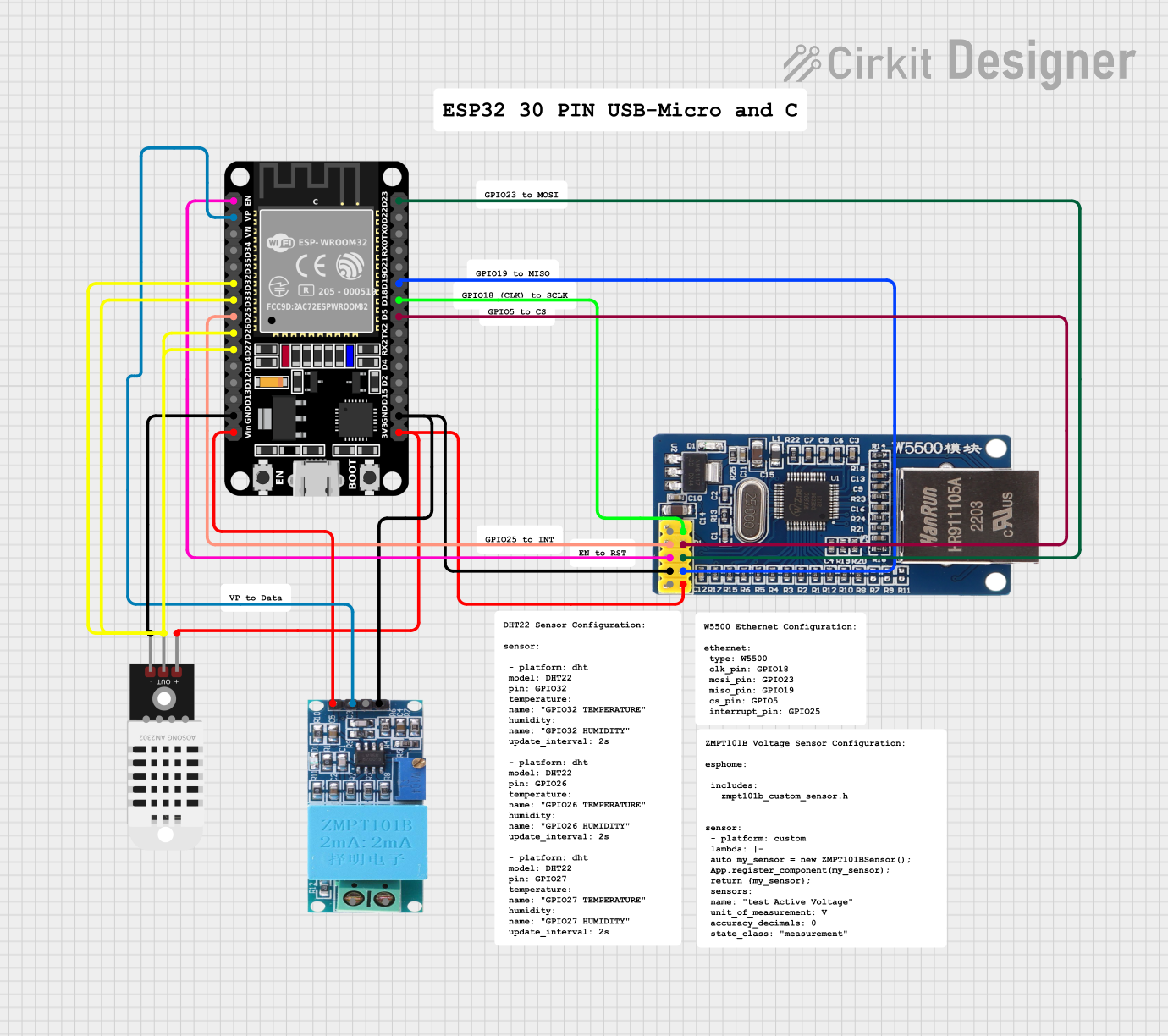 Open Project in Cirkit Designer
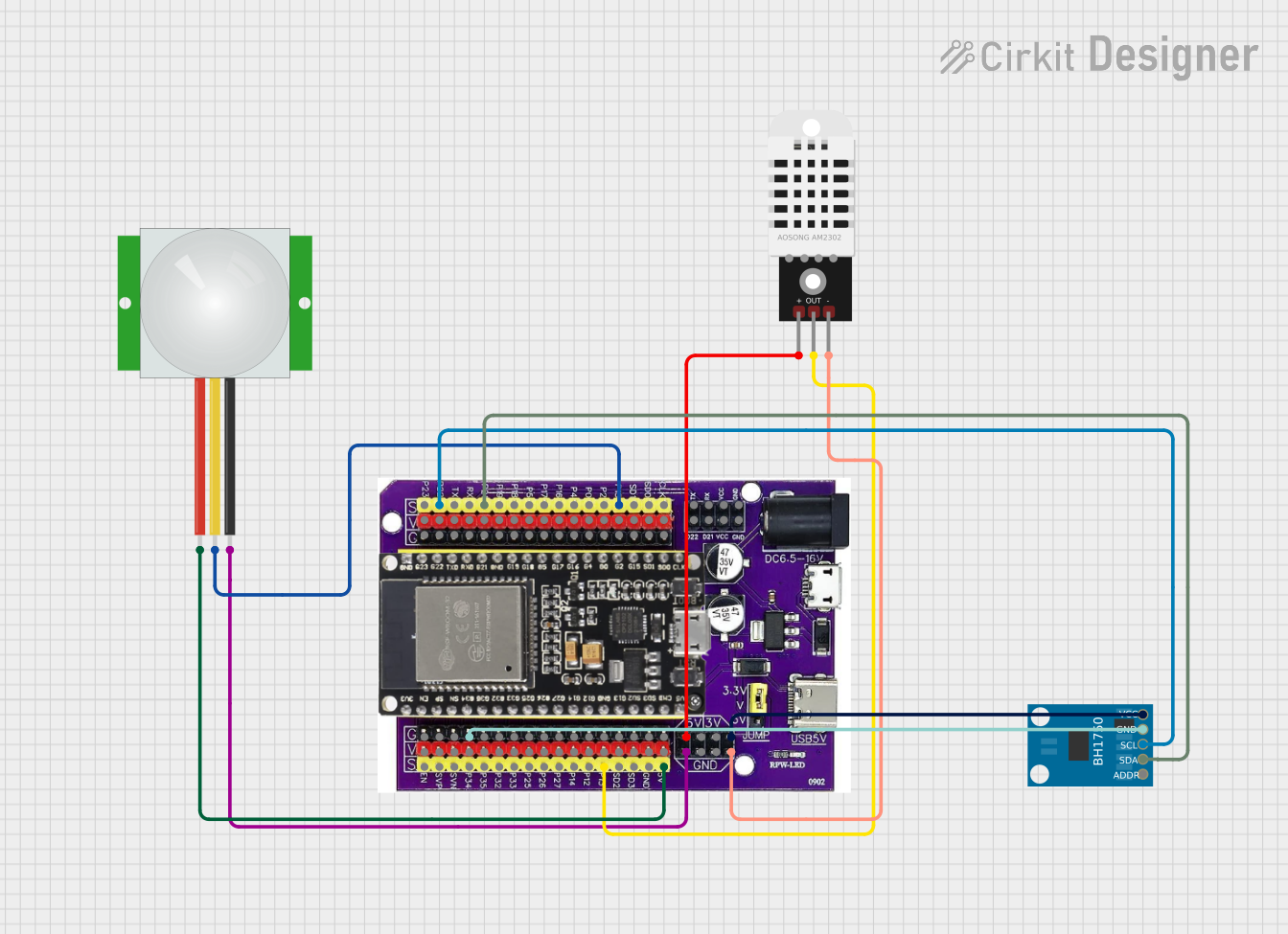 Open Project in Cirkit Designer
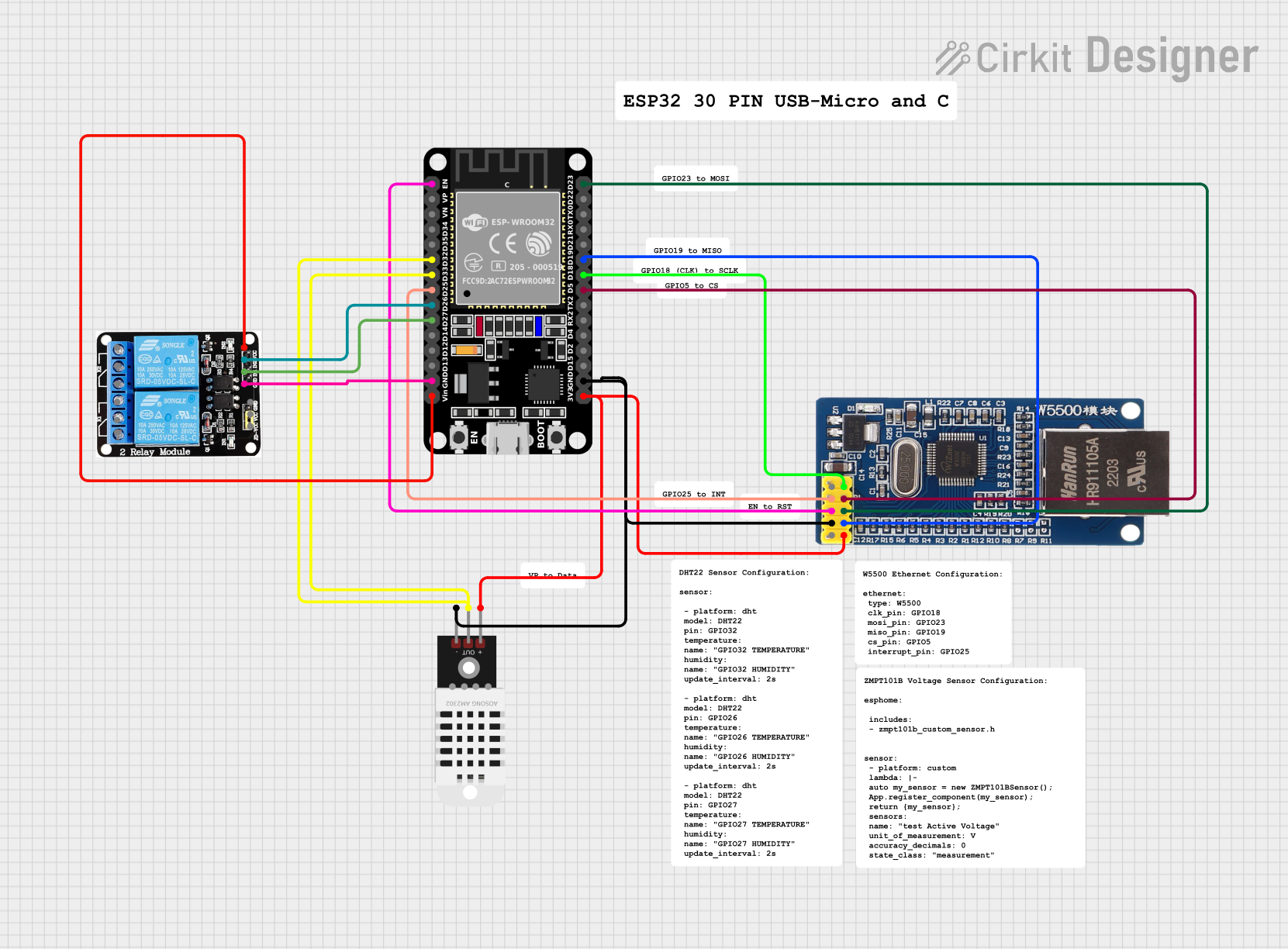 Open Project in Cirkit Designer
Explore Projects Built with esp 32
Open Project in Cirkit DesignerOpen Project in Cirkit DesignerOpen Project in Cirkit DesignerOpen Project in Cirkit DesignerCommon Applications
- IoT devices and smart home automation
- Wireless sensor networks
- Wearable electronics
- Industrial automation
- Robotics and drones
- Prototyping and educational projects
Technical Specifications
The ESP32 is packed with features that make it a powerful and flexible component for various applications. Below are its key technical specifications:
General Specifications
| Feature | Description |
|---|---|
| Manufacturer | Espressif Systems |
| Part ID | ESP32 |
| Processor | Dual-core Xtensa® 32-bit LX6 microprocessor |
| Clock Speed | Up to 240 MHz |
| Wireless Connectivity | Wi-Fi 802.11 b/g/n, Bluetooth v4.2 BR/EDR and BLE |
| Flash Memory | 4 MB (varies by module) |
| SRAM | 520 KB |
| Operating Voltage | 3.0V to 3.6V |
| Power Consumption | Ultra-low power consumption with multiple power modes |
| GPIO Pins | Up to 34 GPIO pins |
| ADC Channels | 18 channels, 12-bit resolution |
| DAC Channels | 2 channels, 8-bit resolution |
| Communication Interfaces | UART, SPI, I2C, I2S, CAN, PWM, and more |
| Operating Temperature | -40°C to +125°C |
Pin Configuration
The ESP32 has a variety of pins for different functionalities. Below is a summary of the pin configuration:
| Pin Name | Functionality | Description |
|---|---|---|
| GPIO0 | General Purpose I/O, Boot Mode Select | Used for boot mode selection during startup |
| GPIO1 | UART TX | Transmit pin for UART communication |
| GPIO2 | General Purpose I/O, ADC, PWM | Can be used as ADC input or PWM output |
| GPIO3 | UART RX | Receive pin for UART communication |
| GPIO4 | General Purpose I/O, ADC, PWM | Can be used as ADC input or PWM output |
| GPIO5 | General Purpose I/O, ADC, PWM | Can be used as ADC input or PWM output |
| GPIO12 | General Purpose I/O, ADC, Touch Sensor | Supports ADC input and capacitive touch sensing |
| GPIO13 | General Purpose I/O, ADC, Touch Sensor | Supports ADC input and capacitive touch sensing |
| GPIO14 | General Purpose I/O, ADC, PWM | Can be used as ADC input or PWM output |
| GPIO15 | General Purpose I/O, ADC, PWM | Can be used as ADC input or PWM output |
| EN | Enable Pin | Used to enable or reset the chip |
| 3V3 | Power Supply | 3.3V power input |
| GND | Ground | Ground connection |
Note: Not all GPIO pins support all functions simultaneously. Refer to the ESP32 datasheet for detailed pin multiplexing information.
Usage Instructions
The ESP32 can be used in a variety of circuits and applications. Below are the steps and best practices for using the ESP32 in your projects.
Basic Circuit Setup
- Power Supply: Connect the 3.3V pin to a stable 3.3V power source and GND to ground.
- Programming Interface: Use a USB-to-serial adapter or a development board with a built-in USB interface to program the ESP32.
- Boot Mode: To upload code, ensure GPIO0 is pulled low during reset to enter bootloader mode.
- Peripherals: Connect sensors, actuators, or other peripherals to the GPIO pins as needed.
Example: Blinking an LED with Arduino IDE
The ESP32 is compatible with the Arduino IDE, making it easy to program. Below is an example of how to blink an LED connected to GPIO2.
// Define the GPIO pin where the LED is connected
#define LED_PIN 2

void setup() {
  // Set the LED pin as an output
  pinMode(LED_PIN, OUTPUT);
}

void loop() {
  // Turn the LED on
  digitalWrite(LED_PIN, HIGH);
  delay(1000); // Wait for 1 second

  // Turn the LED off
  digitalWrite(LED_PIN, LOW);
  delay(1000); // Wait for 1 second
}
Best Practices
- Use a stable 3.3V power supply to avoid damaging the ESP32.
- Avoid connecting GPIO pins directly to high-voltage sources.
- Use pull-up or pull-down resistors where necessary to ensure stable input signals.
- When using Wi-Fi or Bluetooth, ensure proper antenna placement for optimal signal strength.
Troubleshooting and FAQs
Common Issues
ESP32 Not Detected by Computer
- Solution: Ensure the correct USB driver is installed for your USB-to-serial adapter. Check the USB cable for data transfer capability.
Code Upload Fails
- Solution: Verify that GPIO0 is pulled low during reset to enter bootloader mode. Check the serial port settings in the Arduino IDE.
Wi-Fi Connection Issues
- Solution: Ensure the correct SSID and password are used. Check for interference from other devices or networks.
Random Resets or Instability
- Solution: Use a stable power supply with sufficient current (at least 500mA). Add decoupling capacitors near the power pins.
FAQs
Q: Can the ESP32 operate on 5V?
A: No, the ESP32 operates on 3.3V. Applying 5V to GPIO pins or the power supply can damage the chip.
Q: How do I use the ESP32's Bluetooth functionality?
A: The ESP32 supports both Bluetooth Classic and BLE. Use the Arduino IDE or Espressif's ESP-IDF framework to implement Bluetooth functionality.
Q: Can I use the ESP32 for battery-powered applications?
A: Yes, the ESP32 has ultra-low-power modes, such as deep sleep, to conserve energy in battery-powered applications.
Q: How many devices can the ESP32 connect to via Wi-Fi?
A: The ESP32 can act as a Wi-Fi station or access point, supporting up to 10 devices in access point mode.
By following this documentation, you can effectively integrate the ESP32 into your projects and troubleshoot common issues. For more advanced features, refer to the official Espressif documentation.