
How to Use Fan - Ventilator: Examples, Pinouts, and Specs
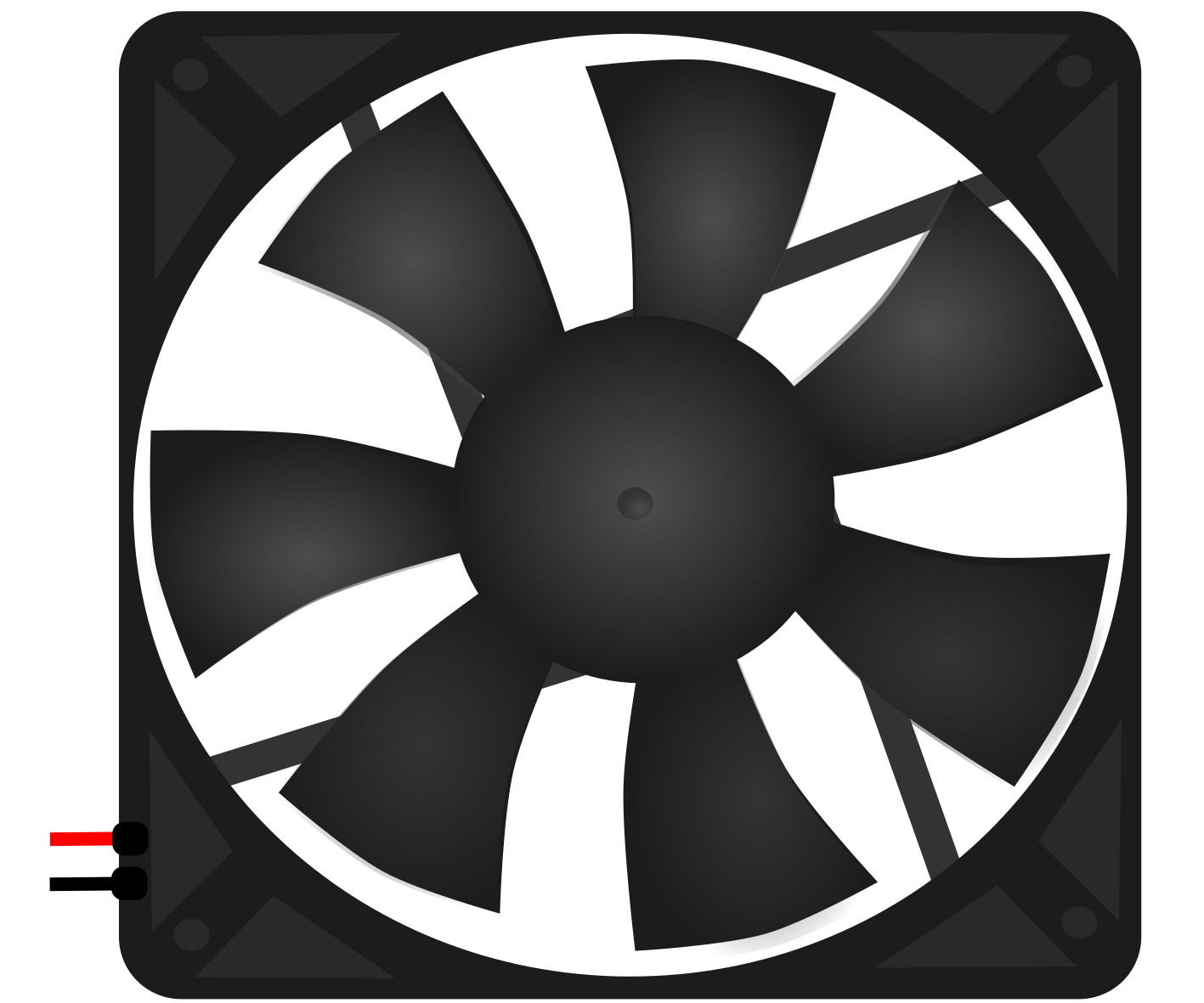
 Design with Fan - Ventilator in Cirkit Designer
Introduction
The Fan - Ventilator is an essential electronic component used for cooling and ventilation purposes in various applications. It is designed to move air efficiently, helping to dissipate heat from electronic devices, enclosures, or systems. Fans are commonly used in computers, power supplies, industrial equipment, and HVAC systems to maintain optimal operating temperatures and ensure reliable performance.
Explore Projects Built with Fan - Ventilator
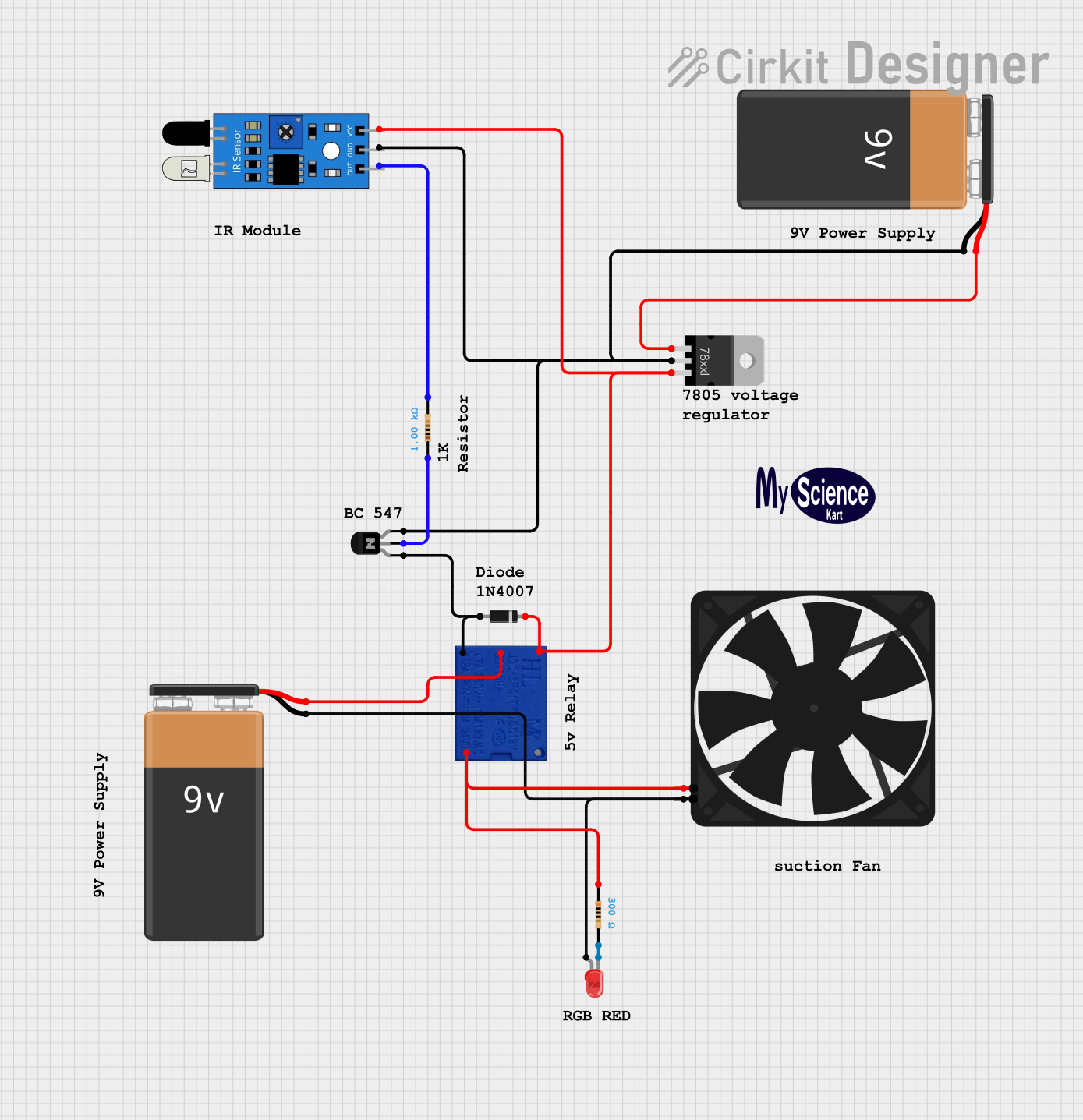 Open Project in Cirkit Designer
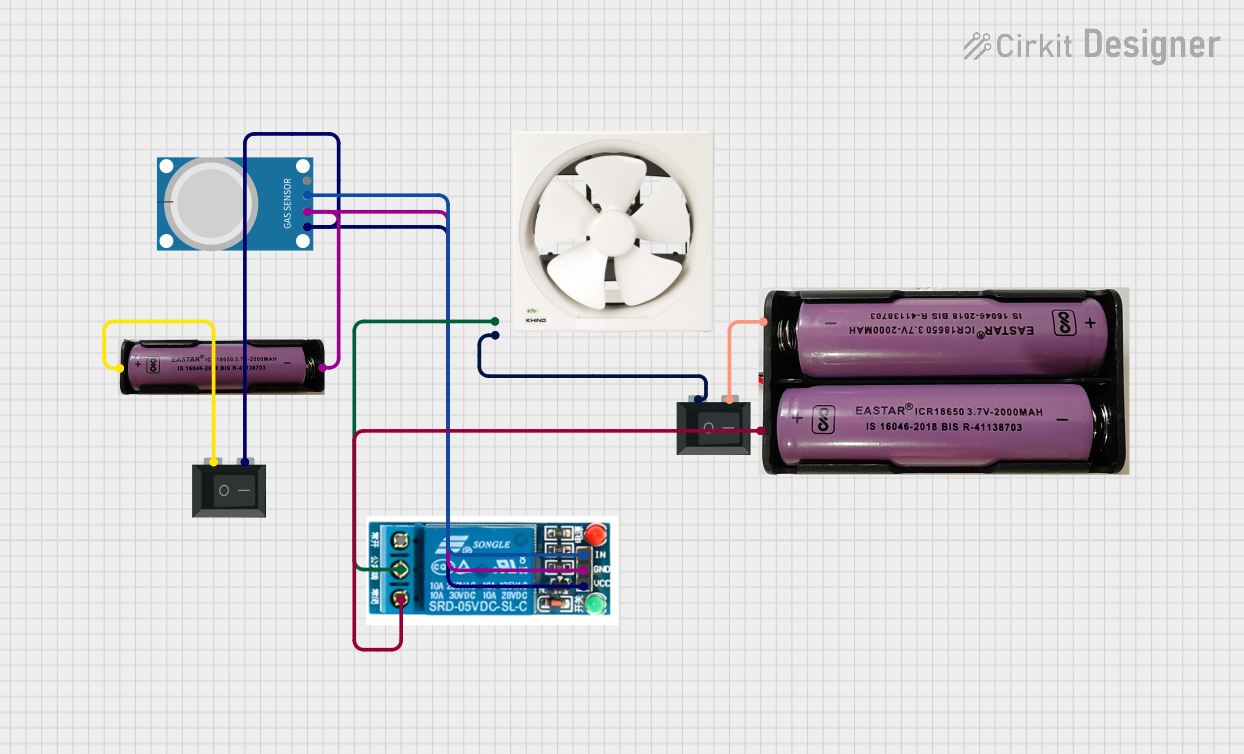 Open Project in Cirkit Designer
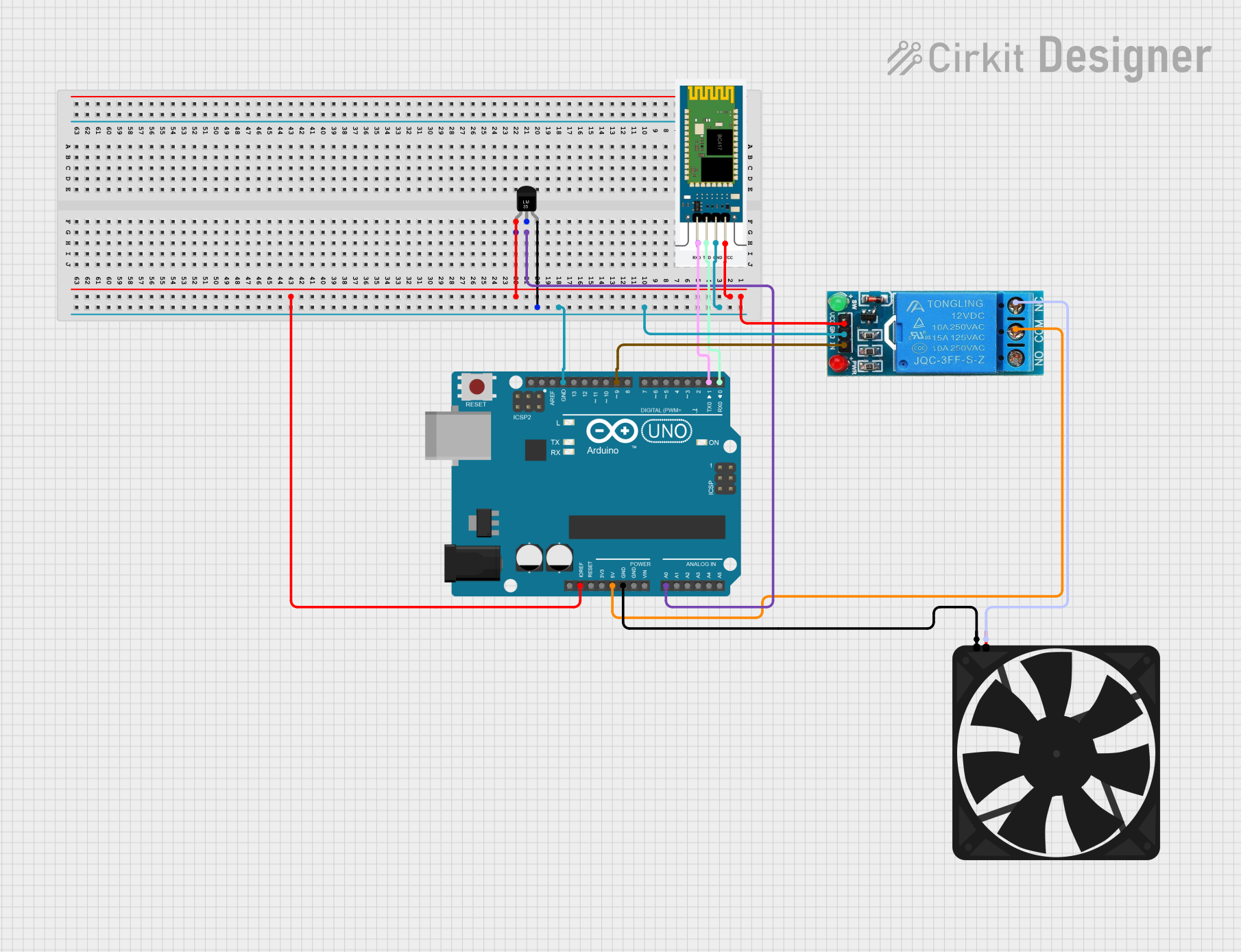 Open Project in Cirkit Designer
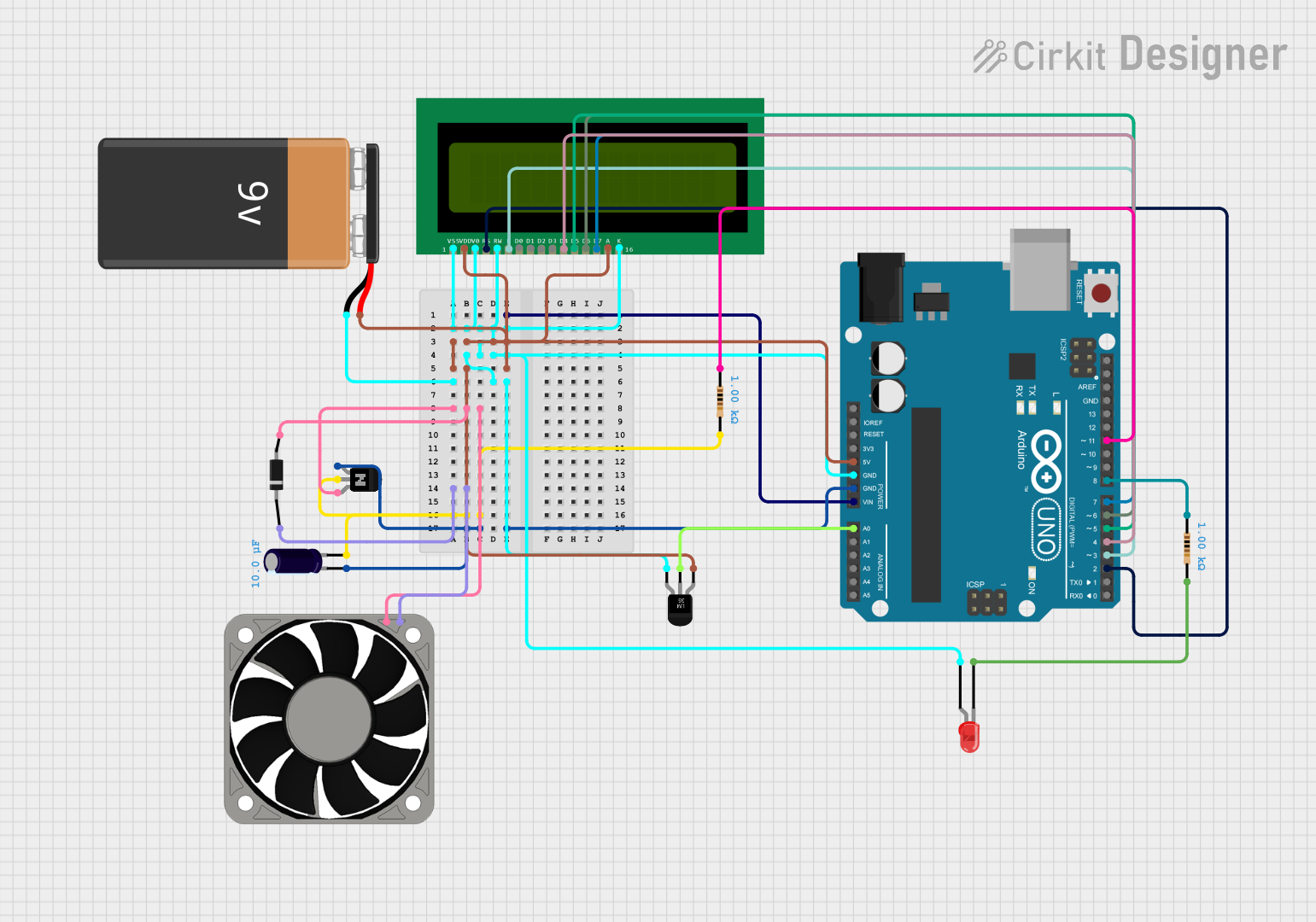 Open Project in Cirkit Designer
Explore Projects Built with Fan - Ventilator
Open Project in Cirkit DesignerOpen Project in Cirkit DesignerOpen Project in Cirkit DesignerOpen Project in Cirkit DesignerCommon Applications and Use Cases
- Cooling electronic devices such as CPUs, GPUs, and power supplies
- Ventilation in enclosures, cabinets, and industrial systems
- Air circulation in HVAC systems
- Heat dissipation in 3D printers and other machinery
- General-purpose airflow management in DIY projects
Technical Specifications
Below are the typical technical specifications for a standard DC-powered Fan - Ventilator. Specifications may vary depending on the specific model.
| Parameter | Value |
|---|---|
| Operating Voltage | 5V, 12V, or 24V DC |
| Current Consumption | 0.1A to 0.5A |
| Power Rating | 0.5W to 6W |
| Airflow | 10 CFM to 100 CFM (Cubic Feet/Min) |
| Speed | 1000 RPM to 5000 RPM |
| Noise Level | 20 dBA to 40 dBA |
| Bearing Type | Sleeve or Ball Bearing |
| Dimensions | 40mm x 40mm, 80mm x 80mm, etc. |
| Connector Type | 2-pin, 3-pin, or 4-pin |
Pin Configuration and Descriptions
The pin configuration depends on the type of fan. Below is a table for 2-pin, 3-pin, and 4-pin fans:
2-Pin Fan
| Pin | Name | Description |
|---|---|---|
| 1 | VCC | Positive power supply (e.g., 12V) |
| 2 | GND | Ground connection |
3-Pin Fan
| Pin | Name | Description |
|---|---|---|
| 1 | VCC | Positive power supply (e.g., 12V) |
| 2 | GND | Ground connection |
| 3 | Tach | Tachometer signal for speed sensing |
4-Pin Fan
| Pin | Name | Description |
|---|---|---|
| 1 | VCC | Positive power supply (e.g., 12V) |
| 2 | GND | Ground connection |
| 3 | Tach | Tachometer signal for speed sensing |
| 4 | PWM | Pulse Width Modulation for speed control |
Usage Instructions
How to Use the Fan in a Circuit
- Power Connection: Connect the VCC pin to the appropriate voltage source (e.g., 12V DC) and the GND pin to the ground of the circuit.
- Speed Control (Optional): For 4-pin fans, use a PWM signal on the PWM pin to control the fan speed. The PWM signal is typically a 25 kHz square wave with a duty cycle that determines the speed.
- Tachometer Signal (Optional): For 3-pin and 4-pin fans, the Tach pin outputs a signal that can be used to monitor the fan's speed. This signal is usually a square wave with a frequency proportional to the fan's RPM.
Important Considerations and Best Practices
- Voltage Compatibility: Ensure the fan's operating voltage matches your power supply.
- Current Rating: Verify that your power source can supply sufficient current for the fan.
- Mounting: Secure the fan properly to avoid vibration and noise.
- Airflow Direction: Check the fan's airflow direction, usually indicated by arrows on the fan housing.
- PWM Signal: Use a microcontroller (e.g., Arduino) to generate a PWM signal for speed control if needed.
Example: Connecting a 4-Pin Fan to an Arduino UNO
Below is an example of how to control a 4-pin fan using an Arduino UNO:
// Arduino code to control a 4-pin fan using PWM
const int pwmPin = 9; // PWM pin connected to the fan's PWM input

void setup() {
  pinMode(pwmPin, OUTPUT); // Set the PWM pin as an output
}

void loop() {
  analogWrite(pwmPin, 128); // Set fan speed to 50% (128 out of 255)
  delay(5000); // Run at 50% speed for 5 seconds

  analogWrite(pwmPin, 255); // Set fan speed to 100% (255 out of 255)
  delay(5000); // Run at full speed for 5 seconds
}
Troubleshooting and FAQs
Common Issues and Solutions
Fan Does Not Spin
- Cause: Incorrect wiring or insufficient power supply.
- Solution: Double-check the connections and ensure the power supply matches the fan's voltage and current requirements.
Fan Spins Slowly
- Cause: Low PWM duty cycle or insufficient power.
- Solution: Increase the PWM duty cycle or verify the power supply's capacity.
Excessive Noise
- Cause: Loose mounting or worn-out bearings.
- Solution: Secure the fan properly or replace it if the bearings are damaged.
Tachometer Signal Not Detected
- Cause: Incorrect connection or incompatible monitoring circuit.
- Solution: Verify the Tach pin connection and ensure the monitoring circuit is compatible.
FAQs
Q: Can I use a 12V fan with a 5V power supply?
A: No, the fan will not operate correctly. Always use a power supply that matches the fan's rated voltage.Q: How do I reverse the airflow direction?
A: You cannot reverse the airflow direction electrically. Instead, physically rotate the fan.Q: Can I control a 2-pin fan's speed?
A: No, 2-pin fans do not support speed control. Use a 4-pin fan for PWM-based speed control.
This documentation provides a comprehensive guide to understanding and using the Fan - Ventilator in various applications.