
How to Use MCP2515: Examples, Pinouts, and Specs
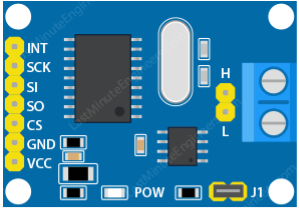
 Design with MCP2515 in Cirkit Designer
Introduction
The MCP2515 is a standalone CAN (Controller Area Network) controller designed to simplify communication between devices in automotive and industrial environments. Manufactured by IDK, this component interfaces with microcontrollers via the SPI (Serial Peripheral Interface) protocol. It is widely used in applications requiring robust and reliable communication, such as vehicle diagnostics, industrial automation, and embedded systems.
Explore Projects Built with MCP2515
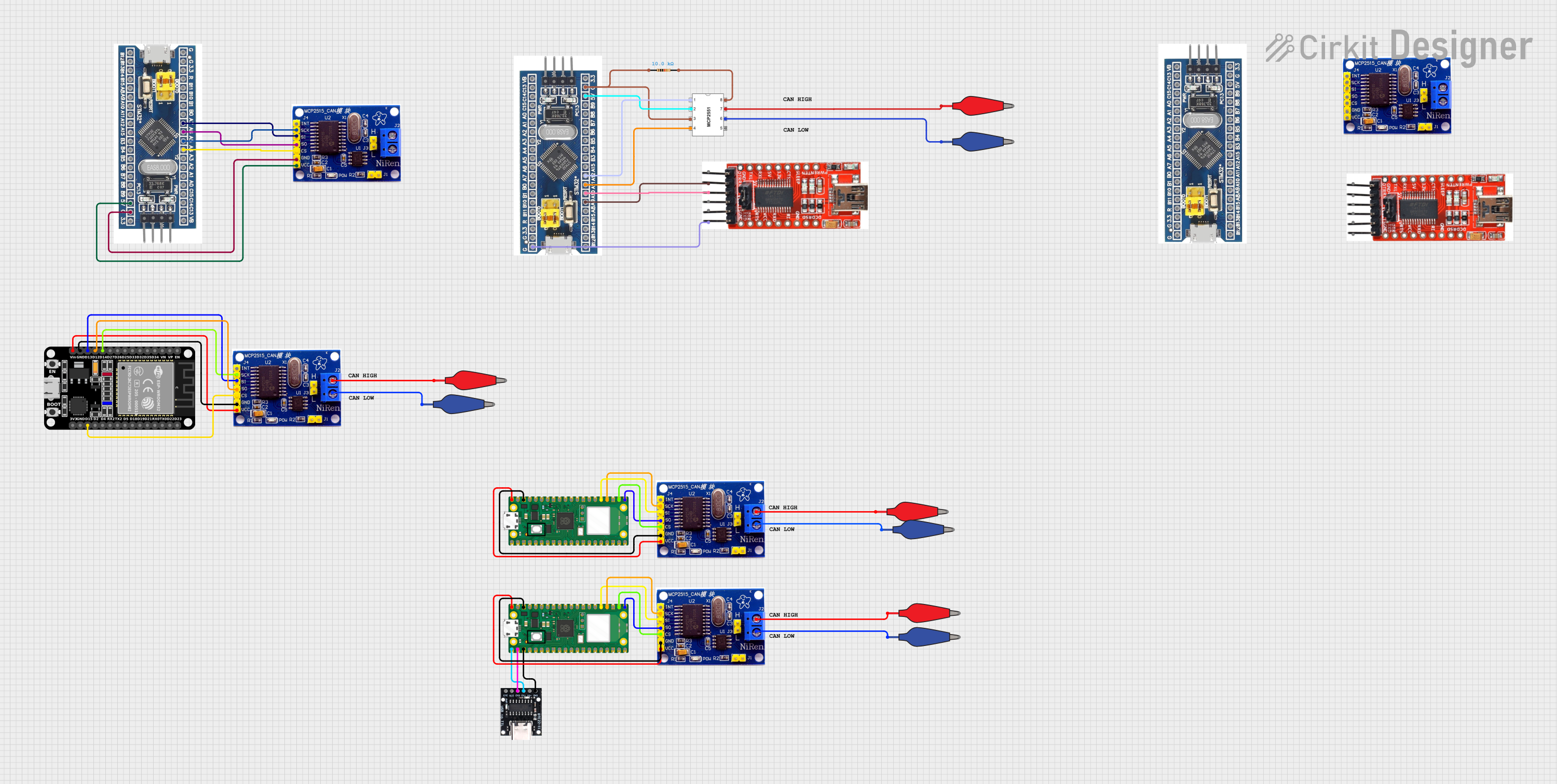 Open Project in Cirkit Designer
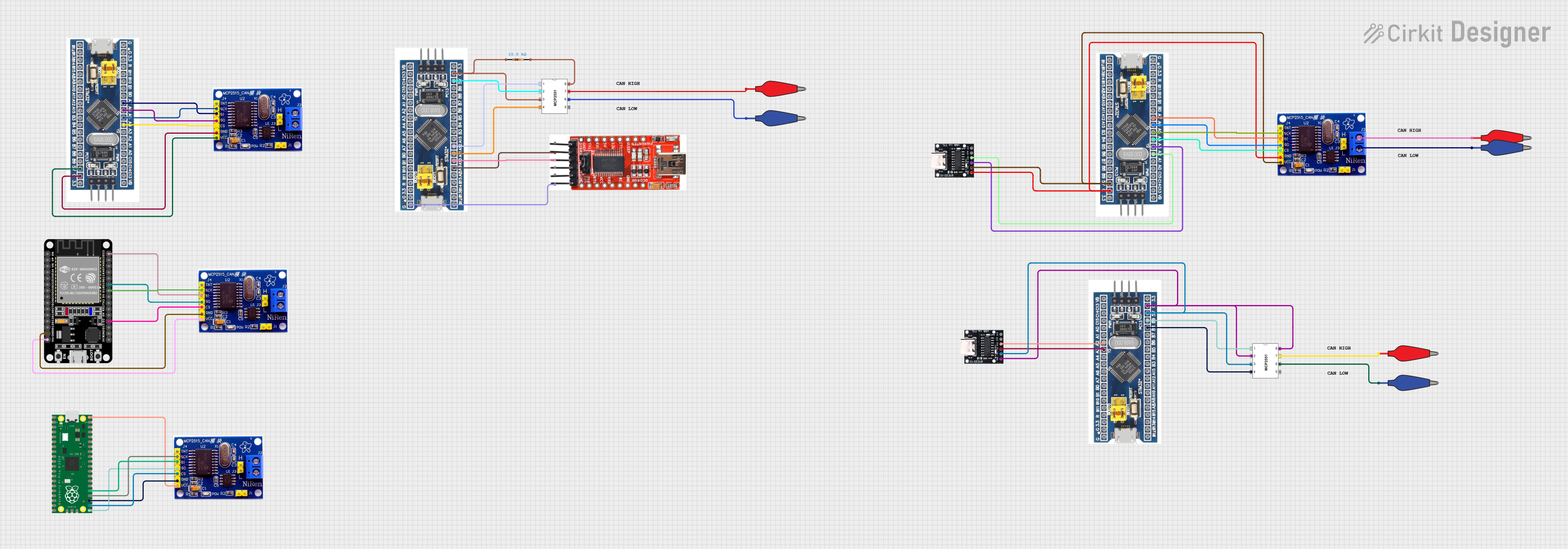 Open Project in Cirkit Designer
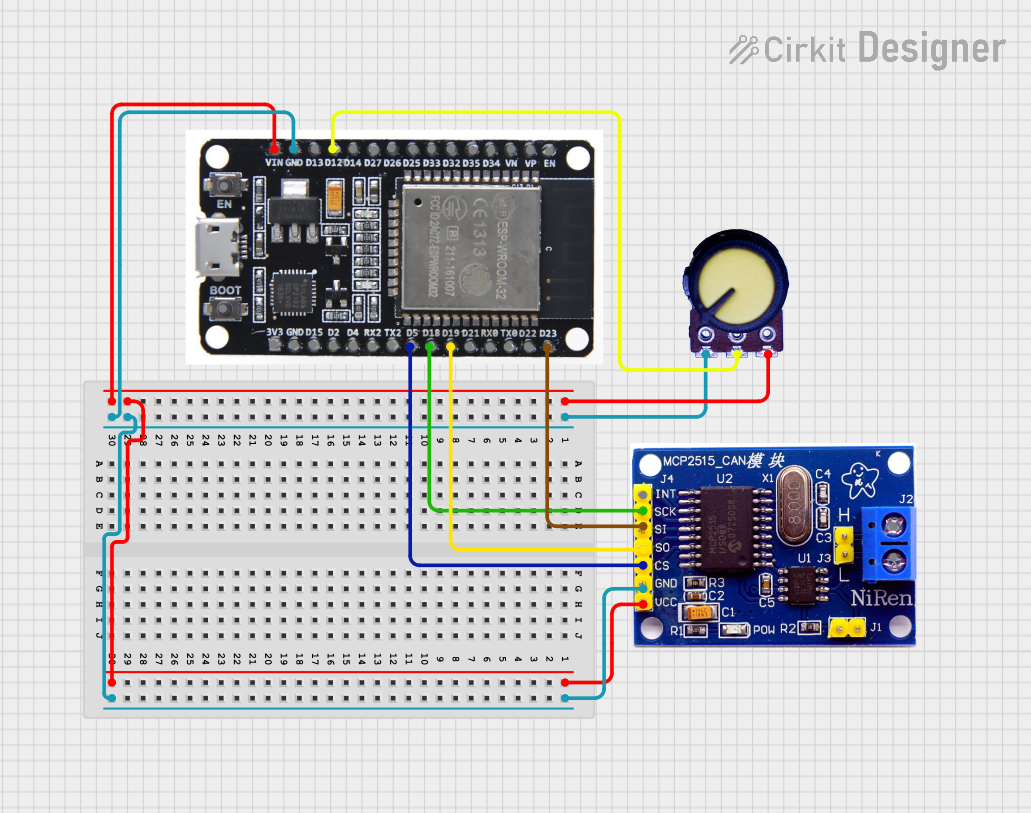 Open Project in Cirkit Designer
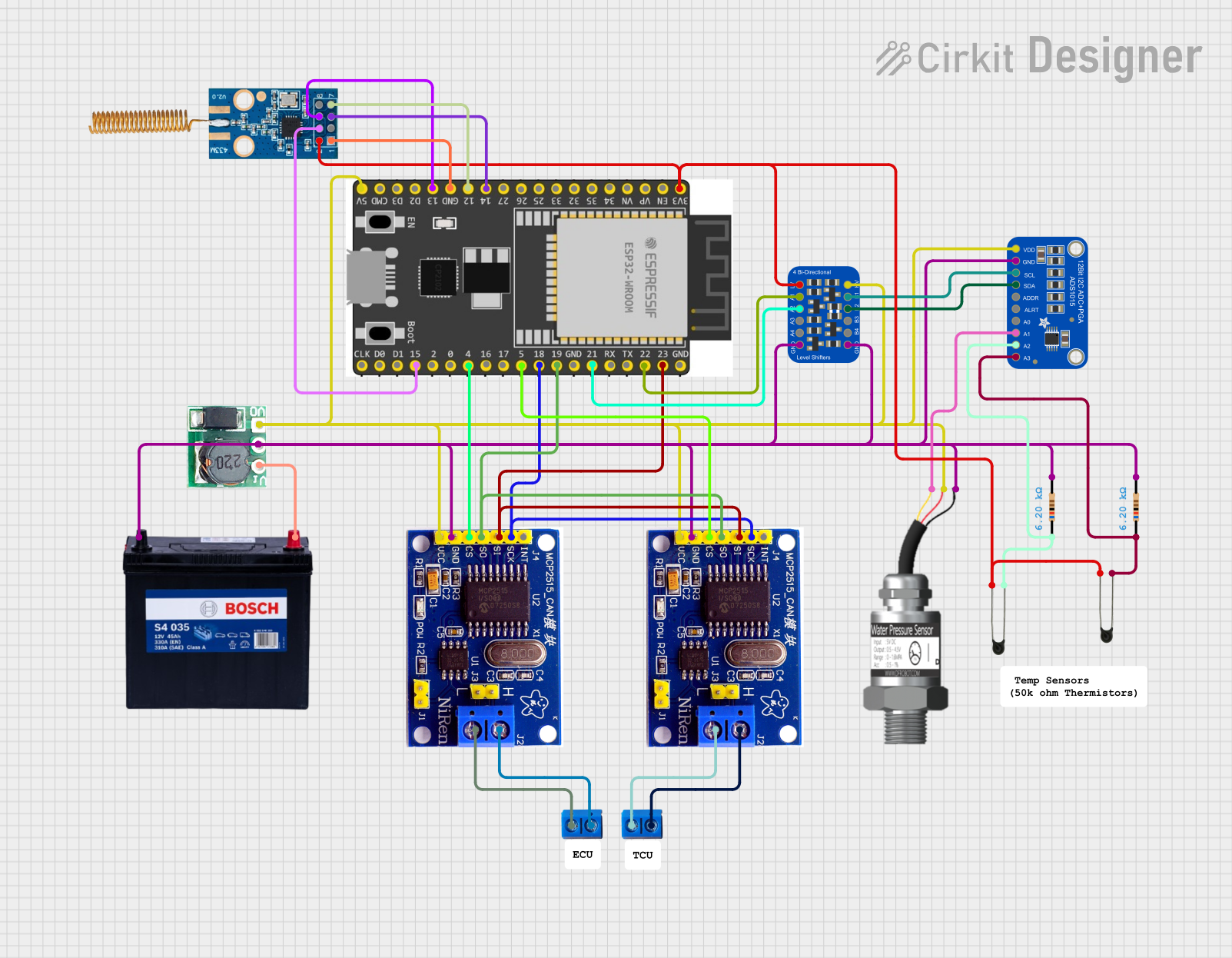 Open Project in Cirkit Designer
Explore Projects Built with MCP2515
Open Project in Cirkit DesignerOpen Project in Cirkit DesignerOpen Project in Cirkit DesignerOpen Project in Cirkit DesignerCommon Applications and Use Cases
- Automotive systems (e.g., engine control units, diagnostics)
- Industrial automation and control
- Robotics and embedded systems
- Home automation and IoT devices
- Communication between multiple microcontrollers
Technical Specifications
The MCP2515 is a high-performance CAN controller with the following key specifications:
| Parameter | Value |
|---|---|
| Operating Voltage | 2.7V to 5.5V |
| Communication Interface | SPI (up to 10 MHz) |
| CAN Protocol Support | CAN 2.0A and 2.0B |
| Maximum CAN Bus Speed | 1 Mbps |
| Operating Temperature | -40°C to +125°C |
| Package Options | SOIC, PDIP, TSSOP |
| Number of Message Buffers | 3 |
| Oscillator Frequency | Up to 20 MHz |
Pin Configuration and Descriptions
The MCP2515 is typically available in an 18-pin package. Below is the pinout and description:
| Pin Number | Pin Name | Description |
|---|---|---|
| 1 | VSS | Ground connection |
| 2 | VDD | Positive supply voltage |
| 3 | OSC1 | Oscillator input |
| 4 | OSC2 | Oscillator output |
| 5 | RESET | Active-low reset input |
| 6 | CS | Chip Select (active-low) for SPI communication |
| 7 | SCK | SPI Clock input |
| 8 | SI | SPI Data input |
| 9 | SO | SPI Data output |
| 10 | INT | Interrupt output (active-low) |
| 11 | RX0BF | Receive Buffer 0 Full interrupt output (optional) |
| 12 | RX1BF | Receive Buffer 1 Full interrupt output (optional) |
| 13 | TXCAN | CAN bus transmit output |
| 14 | RXCAN | CAN bus receive input |
| 15 | CLKO | Clock output (optional) |
| 16 | RX1BF | Alternate Receive Buffer 1 Full interrupt output |
| 17 | RX0BF | Alternate Receive Buffer 0 Full interrupt output |
| 18 | NC | No connection |
Usage Instructions
The MCP2515 is used to enable CAN communication in systems where the microcontroller lacks a built-in CAN controller. Below are the steps to use the MCP2515 in a circuit:
1. Hardware Setup
- Connect the MCP2515 to the microcontroller via the SPI interface:
- CS to a GPIO pin configured as SPI Chip Select.
- SCK, SI, and SO to the corresponding SPI pins on the microcontroller.
- Connect the TXCAN and RXCAN pins to a CAN transceiver (e.g., MCP2551) to interface with the CAN bus.
- Provide a stable clock signal to the OSC1 pin using a crystal oscillator (e.g., 8 MHz or 16 MHz).
- Ensure proper power supply connections to VDD and VSS.
2. Software Configuration
To use the MCP2515, you need to initialize it via SPI commands. Below is an example of how to interface the MCP2515 with an Arduino UNO:
Example Code
#include <SPI.h>
#include <mcp2515.h> // Include the MCP2515 library

struct can_frame canMsg; // Define a CAN message structure
MCP2515 mcp2515(10);     // Create an MCP2515 object with CS pin connected to pin 10

void setup() {
  Serial.begin(9600); // Initialize serial communication for debugging
  SPI.begin();        // Initialize SPI communication

  // Initialize the MCP2515
  if (mcp2515.reset() != MCP2515::ERROR_OK) {
    Serial.println("MCP2515 reset failed!");
    while (1); // Halt execution if initialization fails
  }

  // Set the MCP2515 to normal mode
  if (mcp2515.setNormalMode() != MCP2515::ERROR_OK) {
    Serial.println("Failed to set normal mode!");
    while (1); // Halt execution if mode setting fails
  }

  Serial.println("MCP2515 initialized successfully!");
}

void loop() {
  // Prepare a CAN message
  canMsg.can_id = 0x123; // Set the CAN ID
  canMsg.can_dlc = 2;    // Set the data length (2 bytes)
  canMsg.data[0] = 0xAB; // First byte of data
  canMsg.data[1] = 0xCD; // Second byte of data

  // Send the CAN message
  if (mcp2515.sendMessage(&canMsg) == MCP2515::ERROR_OK) {
    Serial.println("Message sent successfully!");
  } else {
    Serial.println("Error sending message!");
  }

  delay(1000); // Wait for 1 second before sending the next message
}
3. Important Considerations
- Use a CAN transceiver (e.g., MCP2551) to interface the MCP2515 with the CAN bus.
- Ensure proper termination resistors (typically 120 ohms) are present on the CAN bus.
- Match the oscillator frequency with the desired CAN bus speed using the appropriate configuration.
Troubleshooting and FAQs
Common Issues and Solutions
MCP2515 not responding to SPI commands:
- Verify the SPI connections and ensure the correct CS pin is used.
- Check the power supply and ensure the MCP2515 is properly powered.
CAN messages not being transmitted:
- Ensure the CAN transceiver is correctly connected to the MCP2515.
- Verify the CAN bus termination resistors are in place.
Incorrect CAN bus speed:
- Double-check the oscillator frequency and configure the MCP2515 accordingly.
Interrupts not triggering:
- Ensure the INT pin is connected to the microcontroller and properly configured.
FAQs
Q: Can the MCP2515 be used with 3.3V microcontrollers?
A: Yes, the MCP2515 supports operating voltages as low as 2.7V, making it compatible with 3.3V systems.
Q: What is the maximum CAN bus speed supported by the MCP2515?
A: The MCP2515 supports a maximum CAN bus speed of 1 Mbps.
Q: Do I need an external oscillator for the MCP2515?
A: Yes, an external crystal oscillator (e.g., 8 MHz or 16 MHz) is required for the MCP2515 to function.
Q: Can the MCP2515 handle extended CAN IDs?
A: Yes, the MCP2515 supports both standard (11-bit) and extended (29-bit) CAN IDs.