
How to Use LFS16-A ANALOG 16 IR SENSOR ARRAY: Examples, Pinouts, and Specs

 Design with LFS16-A ANALOG 16 IR SENSOR ARRAY in Cirkit Designer
Introduction
The LFS16-A is an analog infrared sensor array manufactured by Robojunkies (Part ID: LFS16A). It consists of 16 individual IR sensors arranged in a linear configuration. Each sensor detects reflected infrared light, making the array ideal for applications requiring precise obstacle detection, line following, or distance measurement.
This component is widely used in robotics, automation, and industrial systems for tasks such as:
- Line-following robots
- Obstacle detection and avoidance
- Edge detection
- Surface mapping and proximity sensing
Its compact design and analog output make it easy to integrate into a variety of projects.
Explore Projects Built with LFS16-A ANALOG 16 IR SENSOR ARRAY
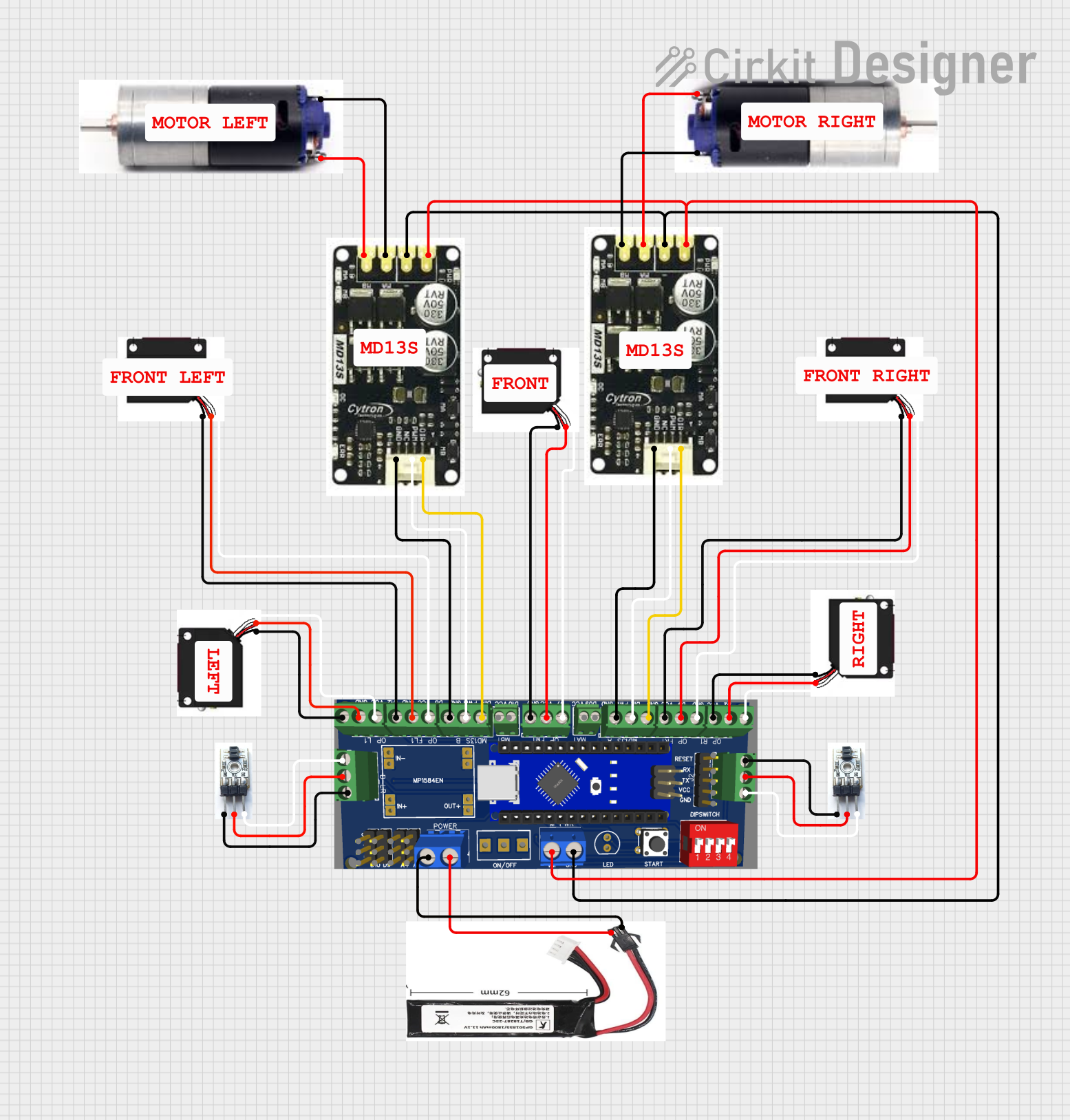 Open Project in Cirkit Designer
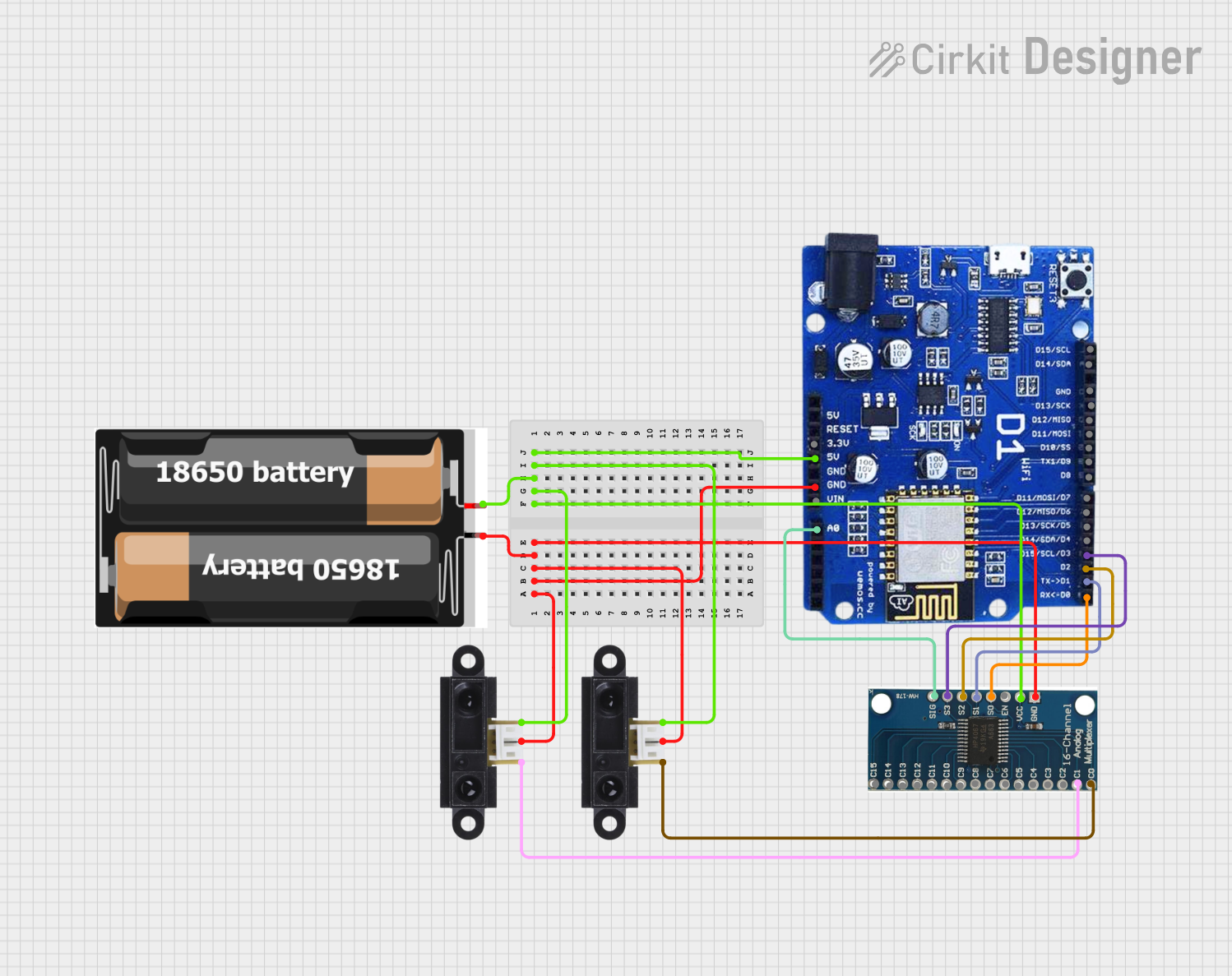 Open Project in Cirkit Designer
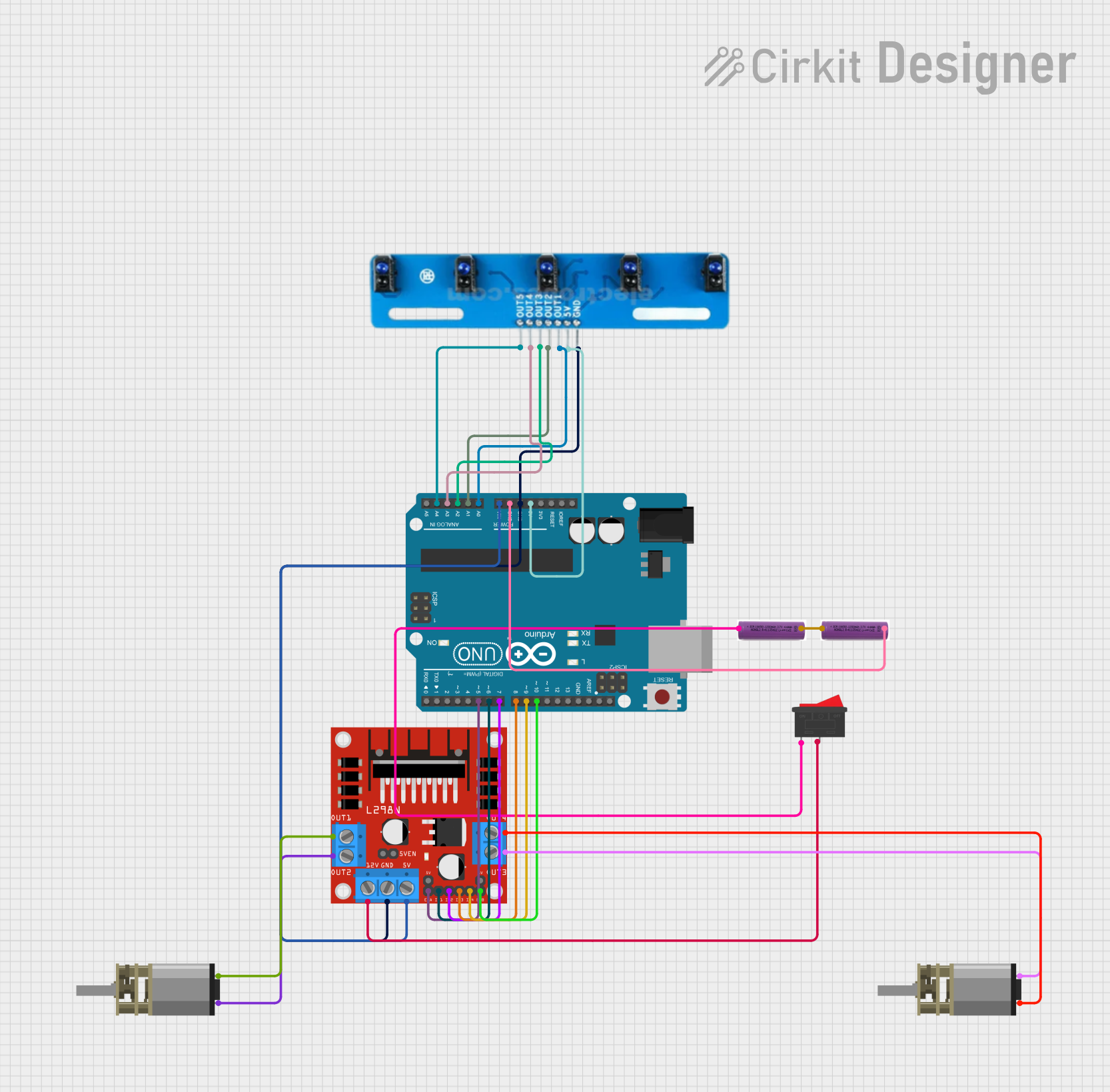 Open Project in Cirkit Designer
 Open Project in Cirkit Designer
Explore Projects Built with LFS16-A ANALOG 16 IR SENSOR ARRAY
Open Project in Cirkit DesignerOpen Project in Cirkit DesignerOpen Project in Cirkit DesignerOpen Project in Cirkit DesignerTechnical Specifications
Key Specifications
| Parameter | Value |
|---|---|
| Manufacturer | Robojunkies |
| Part ID | LFS16A |
| Number of Sensors | 16 |
| Sensor Type | Infrared (IR) |
| Output Type | Analog (0-5V per sensor) |
| Operating Voltage | 5V DC |
| Operating Current | ~50mA |
| Detection Range | 2mm to 30mm (optimal: 10mm) |
| Dimensions | 100mm x 15mm x 10mm |
| Weight | 20g |
| Connector Type | 16-pin header |
| Operating Temperature | -10°C to 50°C |
Pin Configuration
The LFS16-A features a 16-pin header, with each pin corresponding to the analog output of one IR sensor. The pinout is as follows:
| Pin Number | Description |
|---|---|
| 1 | Analog output of Sensor 1 |
| 2 | Analog output of Sensor 2 |
| 3 | Analog output of Sensor 3 |
| 4 | Analog output of Sensor 4 |
| 5 | Analog output of Sensor 5 |
| 6 | Analog output of Sensor 6 |
| 7 | Analog output of Sensor 7 |
| 8 | Analog output of Sensor 8 |
| 9 | Analog output of Sensor 9 |
| 10 | Analog output of Sensor 10 |
| 11 | Analog output of Sensor 11 |
| 12 | Analog output of Sensor 12 |
| 13 | Analog output of Sensor 13 |
| 14 | Analog output of Sensor 14 |
| 15 | Analog output of Sensor 15 |
| 16 | Analog output of Sensor 16 |
Usage Instructions
How to Use the LFS16-A in a Circuit
- Power the Sensor Array: Connect the LFS16-A to a regulated 5V DC power supply. Ensure the ground (GND) of the sensor array is connected to the ground of your circuit.
- Read Analog Outputs: Each of the 16 pins outputs an analog voltage (0-5V) proportional to the intensity of reflected IR light. Use an ADC (Analog-to-Digital Converter) to read these values.
- Connect to a Microcontroller: The LFS16-A can be directly interfaced with microcontrollers like the Arduino UNO. Use the analog input pins of the microcontroller to read the sensor outputs.
Important Considerations
- Optimal Distance: For best results, maintain a distance of 10mm between the sensor array and the surface being detected.
- Ambient Light: Avoid using the sensor in environments with strong ambient IR light, as it may interfere with readings.
- Calibration: Calibrate the sensor outputs for your specific application to account for variations in surface reflectivity.
- Power Supply: Use a stable 5V power source to ensure consistent performance.
Example: Connecting to an Arduino UNO
Below is an example of how to connect the LFS16-A to an Arduino UNO and read the analog values from the first 8 sensors.
Circuit Diagram
- Connect the LFS16-A's power pins to the Arduino's 5V and GND.
- Connect the first 8 sensor output pins to the Arduino's analog input pins (A0 to A7).
Arduino Code
// LFS16-A Sensor Array Example Code
// Reads analog values from the first 8 sensors and prints them to the Serial Monitor

// Define the analog input pins for the first 8 sensors
const int sensorPins[8] = {A0, A1, A2, A3, A4, A5, A6, A7};

// Array to store sensor readings
int sensorValues[8];

void setup() {
  // Initialize Serial Monitor for debugging
  Serial.begin(9600);
}

void loop() {
  // Read values from each sensor
  for (int i = 0; i < 8; i++) {
    sensorValues[i] = analogRead(sensorPins[i]);
  }

  // Print sensor values to the Serial Monitor
  Serial.print("Sensor Values: ");
  for (int i = 0; i < 8; i++) {
    Serial.print(sensorValues[i]);
    Serial.print(" ");
  }
  Serial.println();

  // Add a small delay for stability
  delay(100);
}
Troubleshooting and FAQs
Common Issues and Solutions
No Output from Sensors
- Cause: Power supply not connected or insufficient voltage.
- Solution: Ensure the sensor array is connected to a stable 5V power source.
Inconsistent Readings
- Cause: Ambient IR interference or unstable power supply.
- Solution: Use the sensor in a controlled environment and ensure a stable 5V supply.
Low Sensitivity
- Cause: Sensor array is too far from the surface.
- Solution: Adjust the distance to within the optimal range (10mm).
All Sensors Output Maximum Voltage
- Cause: Highly reflective surface or strong ambient IR light.
- Solution: Use a less reflective surface or shield the sensor from ambient IR light.
FAQs
Q: Can the LFS16-A detect colors?
A: No, the LFS16-A is designed to detect the intensity of reflected IR light, not colors.
Q: Can I use all 16 sensors with an Arduino UNO?
A: The Arduino UNO has only 6 analog input pins. To use all 16 sensors, you will need an external ADC or a microcontroller with more analog inputs.
Q: What is the maximum detection range?
A: The maximum detection range is 30mm, but the sensor performs best at 10mm.
Q: Can I use the LFS16-A with a 3.3V system?
A: No, the LFS16-A requires a 5V power supply for proper operation.
This documentation provides a comprehensive guide to using the LFS16-A Analog 16 IR Sensor Array. For further assistance, refer to the manufacturer's datasheet or contact Robojunkies support.