Introduction
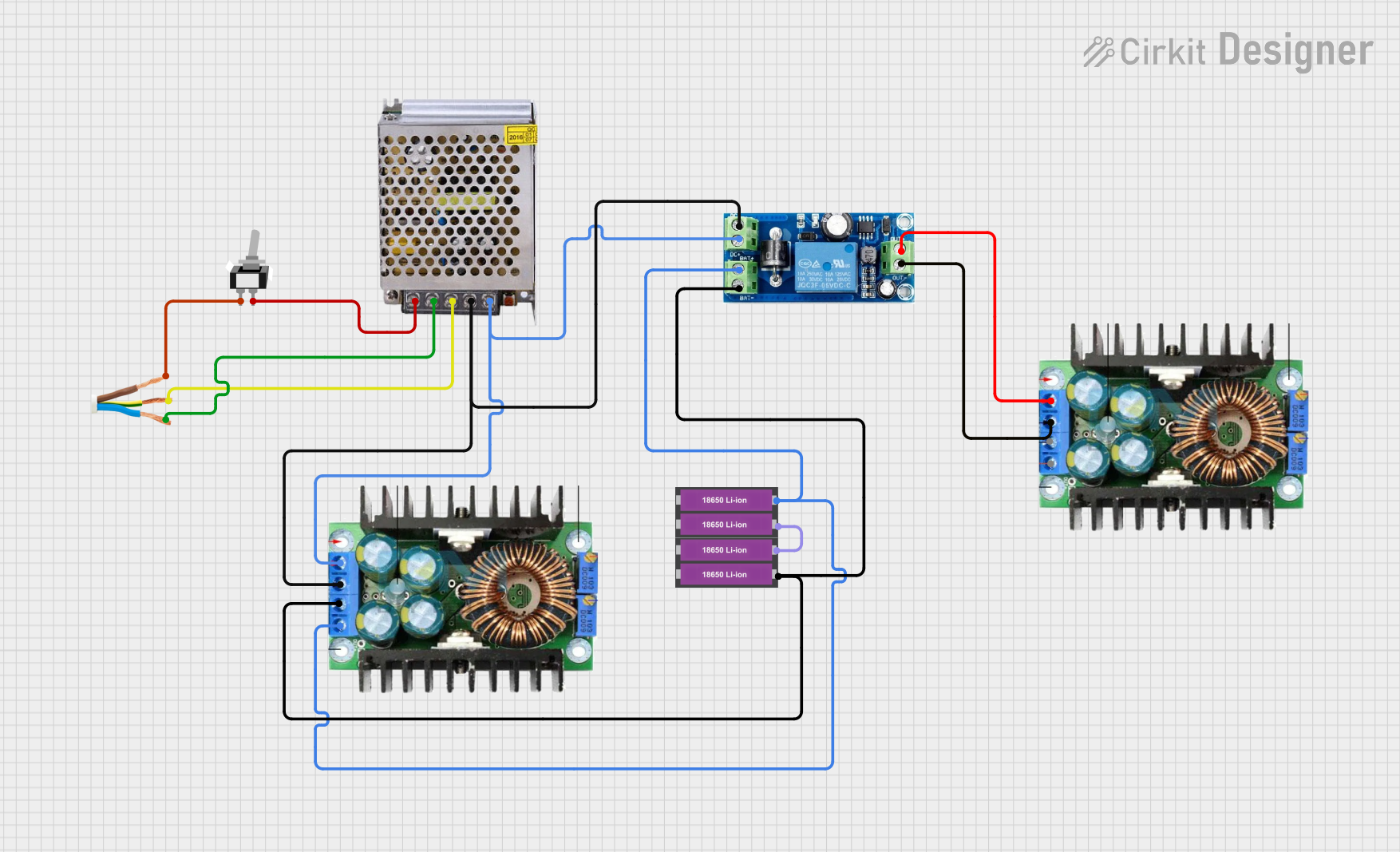
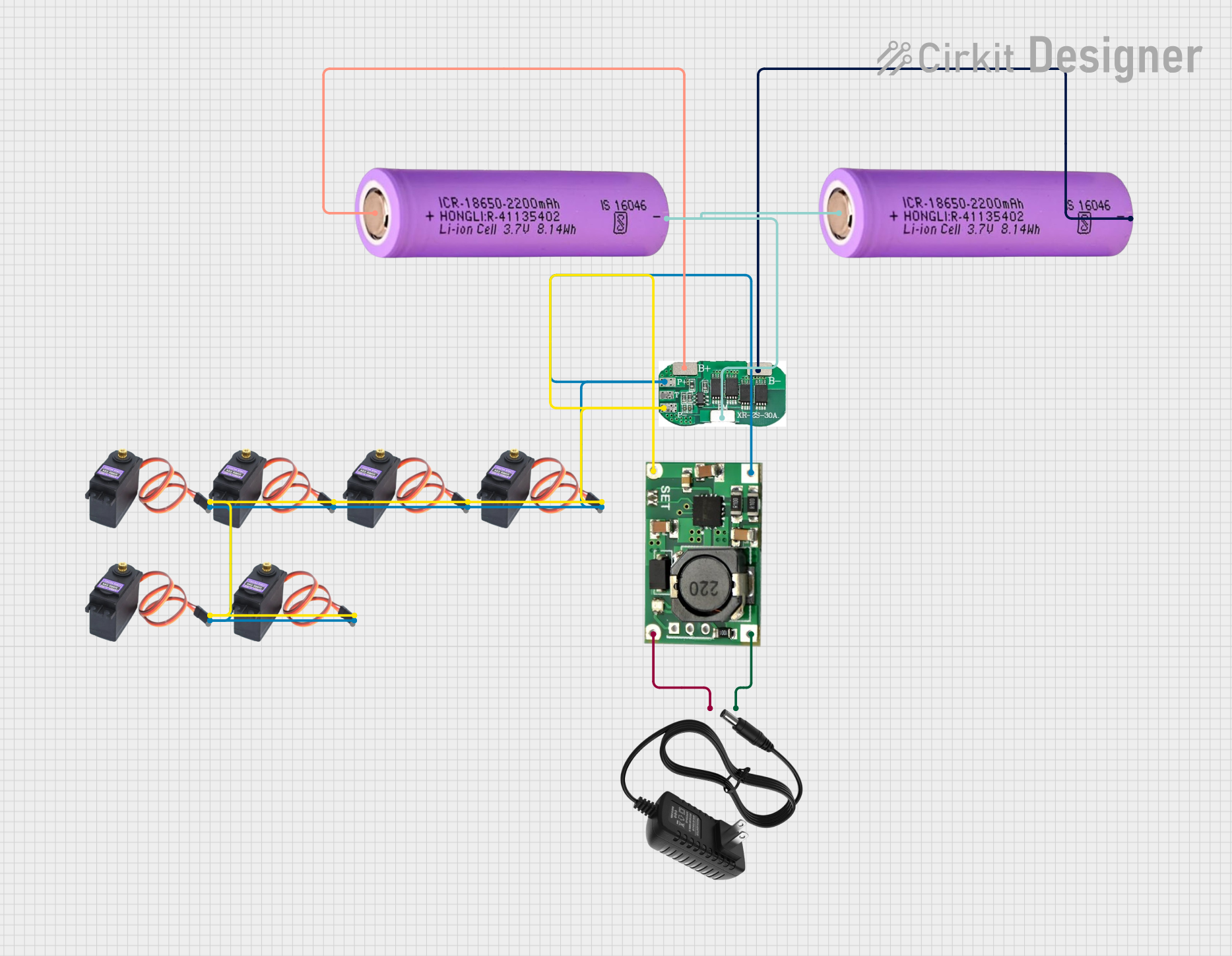
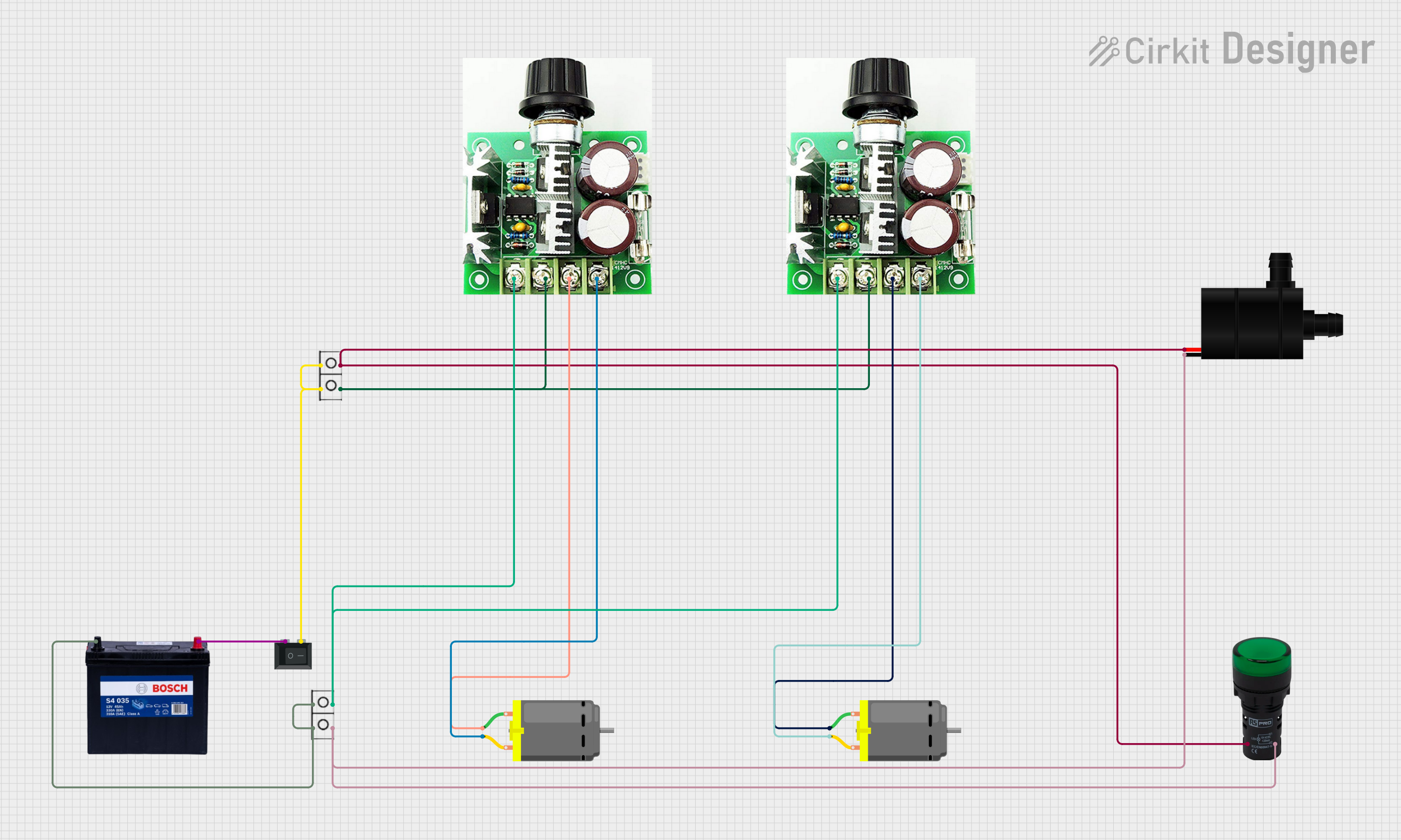
The SMPS 12V 30A is a Switch Mode Power Supply designed to efficiently convert AC mains voltage into a stable DC output of 12 volts, with a maximum current capacity of 30 amps. This component is widely used in applications requiring high current and stable voltage, such as powering LED strips, CCTV systems, 3D printers, and industrial equipment. Its compact design, high efficiency, and robust performance make it a reliable choice for both hobbyist and professional projects.
Common Applications
- LED lighting systems (e.g., LED strips, LED panels)
- CCTV camera power supplies
- 3D printers and CNC machines
- Industrial automation systems
- High-current DC motor drivers
- Battery charging systems
Technical Specifications
The following table outlines the key technical details of the SMPS 12V 30A:
Pin Configuration and Descriptions
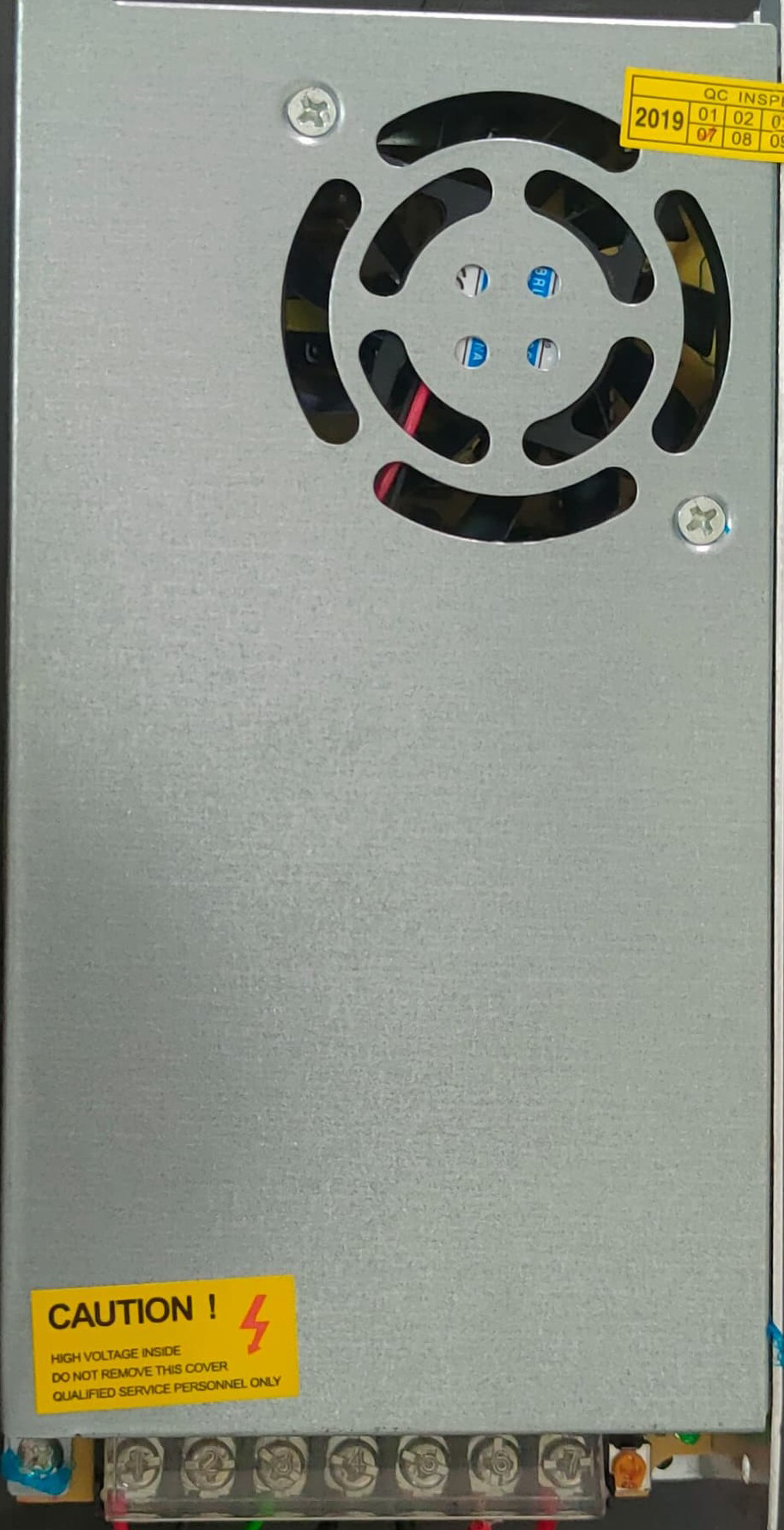
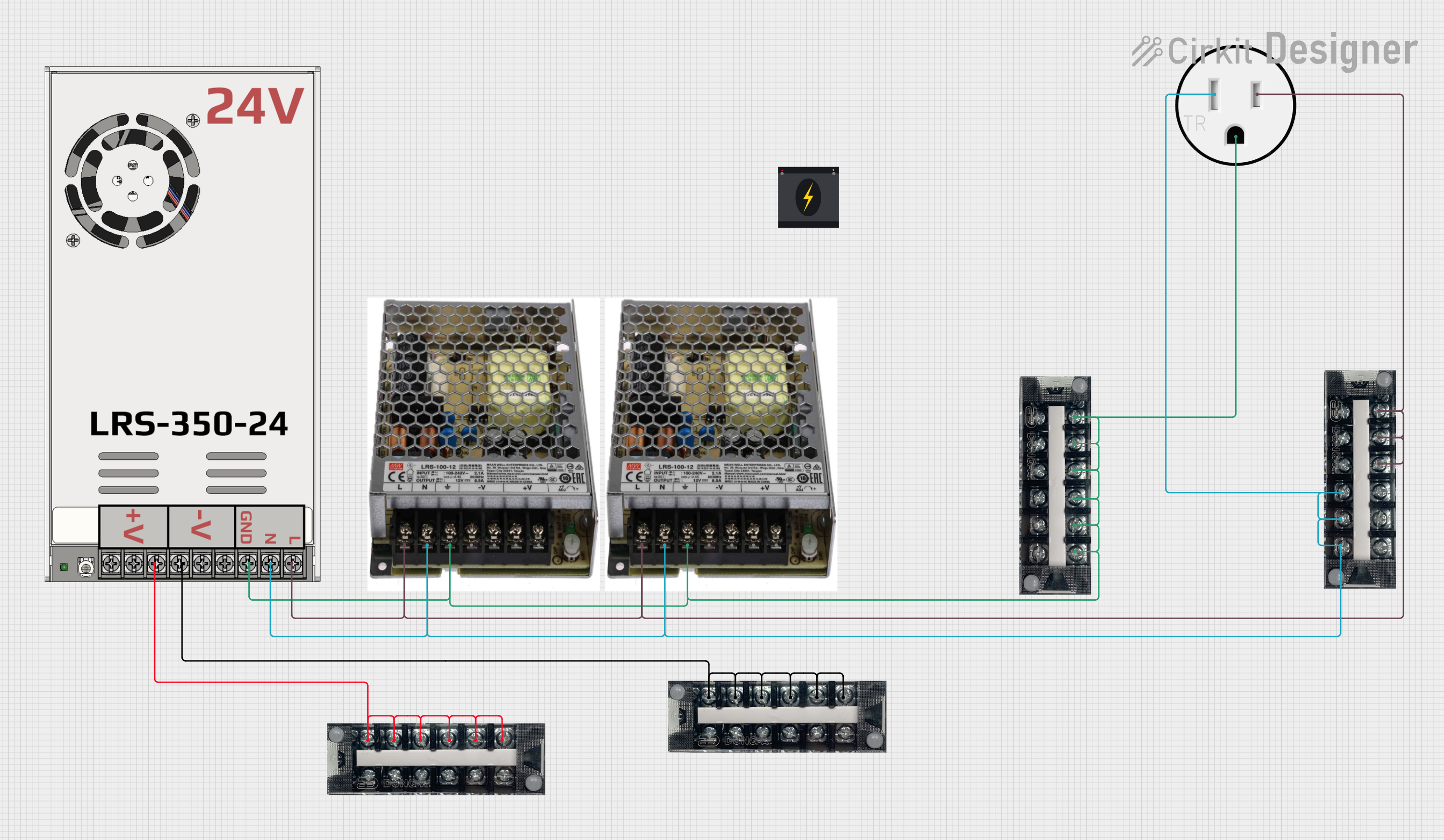
The SMPS 12V 30A typically has the following input and output terminals:
Output Terminals
Usage Instructions
How to Use the SMPS 12V 30A in a Circuit
Input Connection:
- Connect the AC mains input to the
L (Live) and N (Neutral) terminals.
- Ensure the ground wire is connected to the
GND terminal for safety.
- Verify that the input voltage matches the SMPS's rated input voltage range (110V-220V AC).
Output Connection:
- Connect the load (e.g., LED strip, motor, or other devices) to the
V+ and V- terminals.
- Ensure the total current drawn by the load does not exceed 30A.
Adjusting Output Voltage:
- Some SMPS units include a small potentiometer near the output terminals for fine-tuning the output voltage.
- Use a small screwdriver to adjust the voltage if necessary, but do not exceed the rated 12V output.
Power On:
- After all connections are secure, plug the SMPS into the AC mains and switch it on.
- The built-in fan will activate to cool the unit during operation.
Important Considerations and Best Practices
- Load Capacity: Ensure the total load does not exceed 360W (12V × 30A). Overloading may trigger the protection features or damage the SMPS.
- Ventilation: Place the SMPS in a well-ventilated area to prevent overheating. Avoid enclosing it in tight spaces.
- Safety: Always disconnect the SMPS from the mains before making any wiring changes.
- Polarity: Double-check the polarity of the output connections to avoid damaging connected devices.
- Fuse Protection: Use an appropriate fuse on the input side to protect against overcurrent conditions.
Example: Connecting to an Arduino UNO
The SMPS 12V 30A can be used to power an Arduino UNO and other peripherals. Below is an example circuit and code:
Circuit
- Connect the
V+ terminal of the SMPS to the VIN pin of the Arduino UNO.
- Connect the
V- terminal of the SMPS to the GND pin of the Arduino UNO.
- Ensure the output voltage is set to 12V before powering the Arduino.
Code Example
// Example code to blink an LED connected to pin 13 of the Arduino UNO
// Ensure the Arduino is powered by the SMPS 12V 30A via the VIN pin.

void setup() {
  pinMode(13, OUTPUT); // Set pin 13 as an output
}

void loop() {
  digitalWrite(13, HIGH); // Turn the LED on
  delay(1000);            // Wait for 1 second
  digitalWrite(13, LOW);  // Turn the LED off
  delay(1000);            // Wait for 1 second
}
Troubleshooting and FAQs
Common Issues and Solutions
No Output Voltage:
- Cause: Incorrect input wiring or no AC mains power.
- Solution: Verify the input connections and ensure the mains power is on.
Overheating:
- Cause: Poor ventilation or excessive load.
- Solution: Ensure proper airflow around the SMPS and reduce the load if necessary.
Output Voltage Fluctuations:
- Cause: Load exceeding the rated capacity or unstable input voltage.
- Solution: Reduce the load or use a voltage stabilizer on the input side.
Fan Not Working:
- Cause: Faulty fan or insufficient power supply.
- Solution: Check the fan connections or replace the fan if necessary.
FAQs
Q: Can I use this SMPS to charge a 12V battery?
- A: Yes, but ensure the battery charging current does not exceed 30A. Use a charge controller for optimal performance.
Q: Is the SMPS waterproof?
- A: No, the SMPS is not waterproof. Use it in a dry environment or enclose it in a waterproof housing if necessary.
Q: Can I adjust the output voltage to 13.8V for specific applications?
- A: Yes, if the SMPS includes a voltage adjustment potentiometer, you can fine-tune the output voltage. However, ensure the load can handle the adjusted voltage.
Q: What happens if I connect a load exceeding 30A?
- A: The SMPS's overload protection will activate, shutting down the output to prevent damage. Reduce the load and restart the SMPS.

 Open Project in Cirkit Designer