
How to Use h743slim: Examples, Pinouts, and Specs
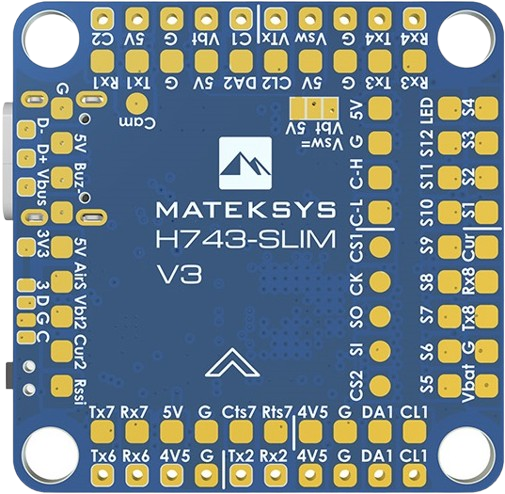
 Design with h743slim in Cirkit Designer
Introduction
The H743Slim, manufactured by Matek, is a compact and high-performance microcontroller board built around the ARM Cortex-M7 processor. Designed for embedded applications, it offers exceptional processing power, a wide range of I/O ports, and support for multiple communication protocols. Its small form factor and robust capabilities make it an excellent choice for IoT devices, robotics, industrial automation, and other performance-critical applications.
Explore Projects Built with h743slim
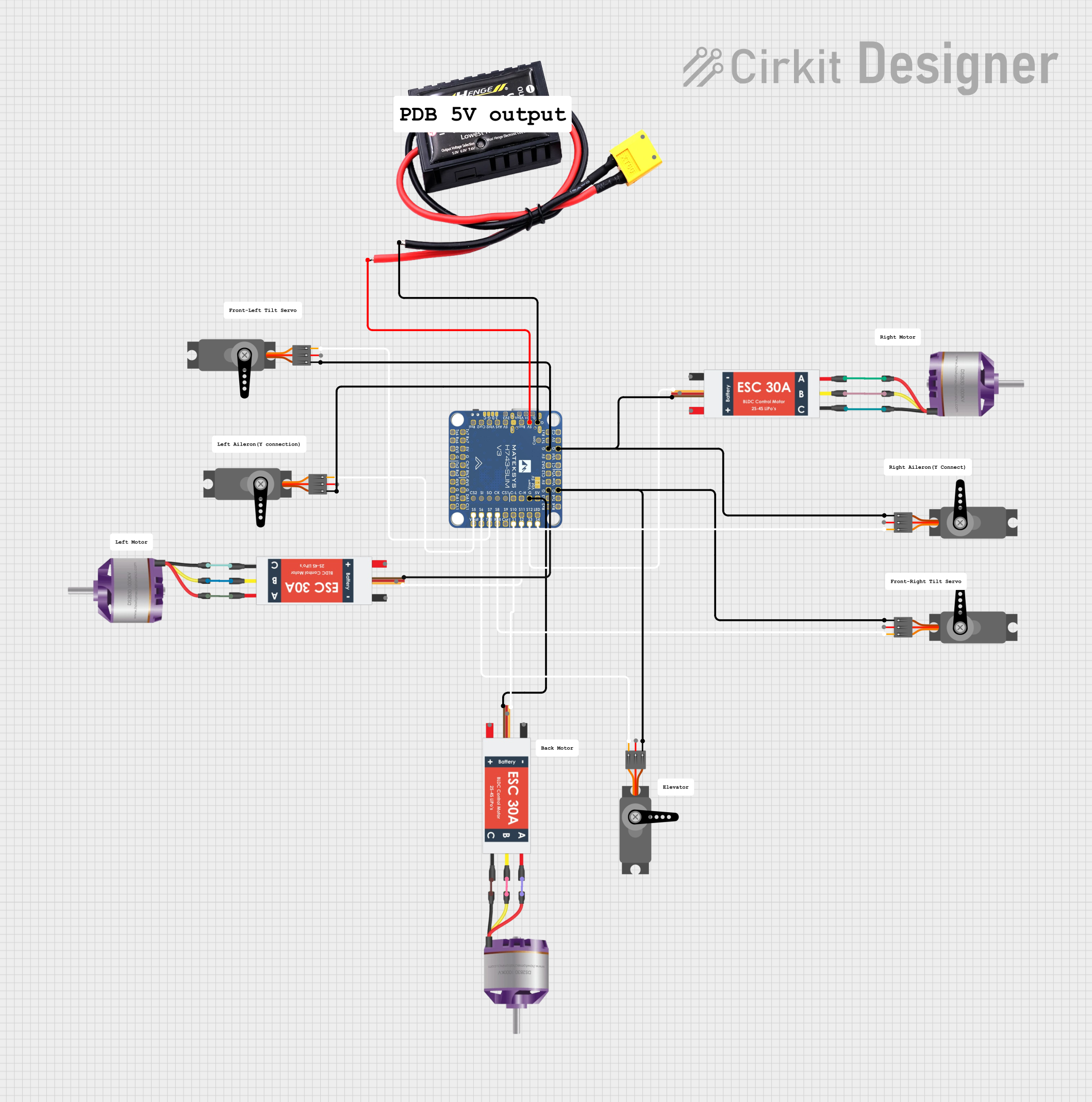 Open Project in Cirkit Designer
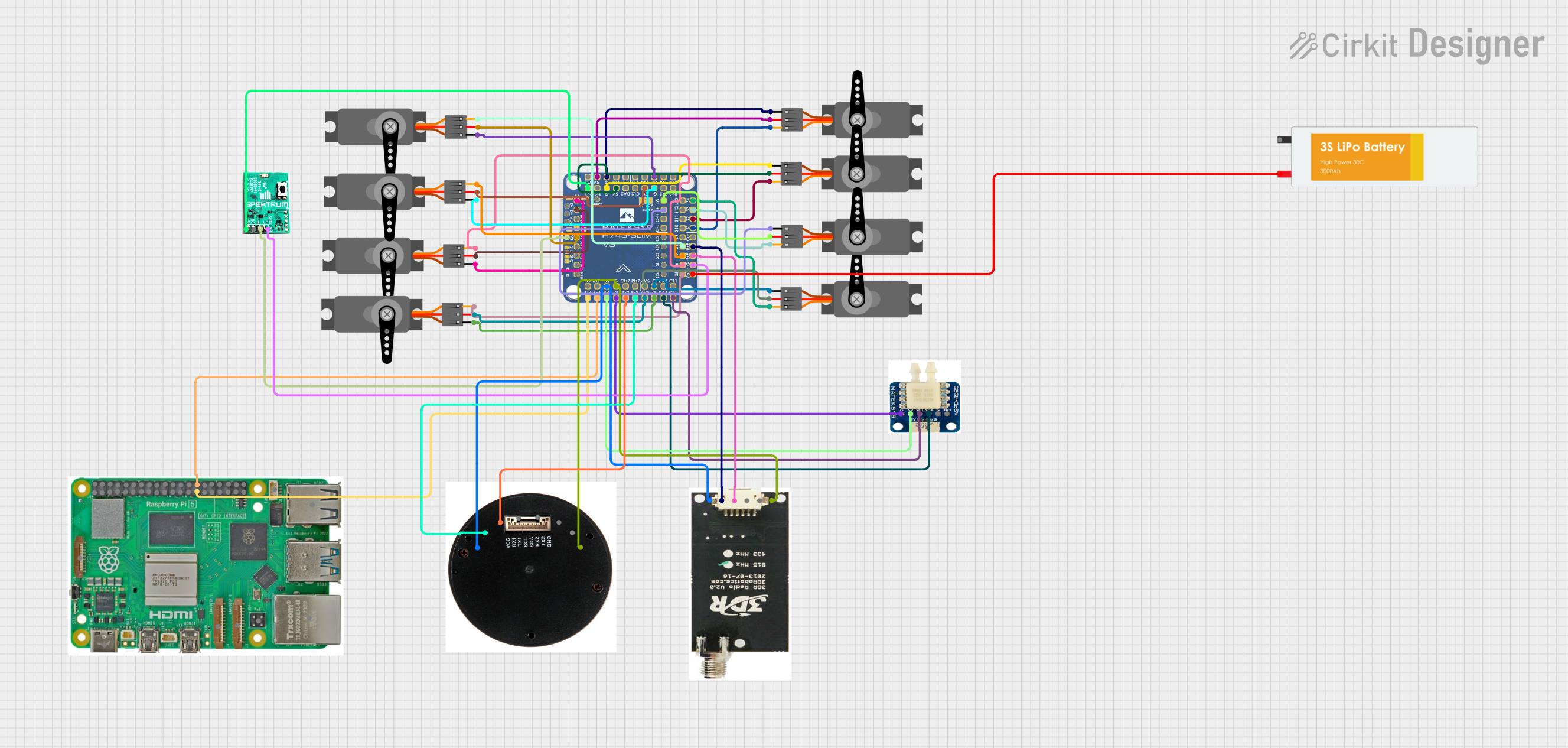 Open Project in Cirkit Designer
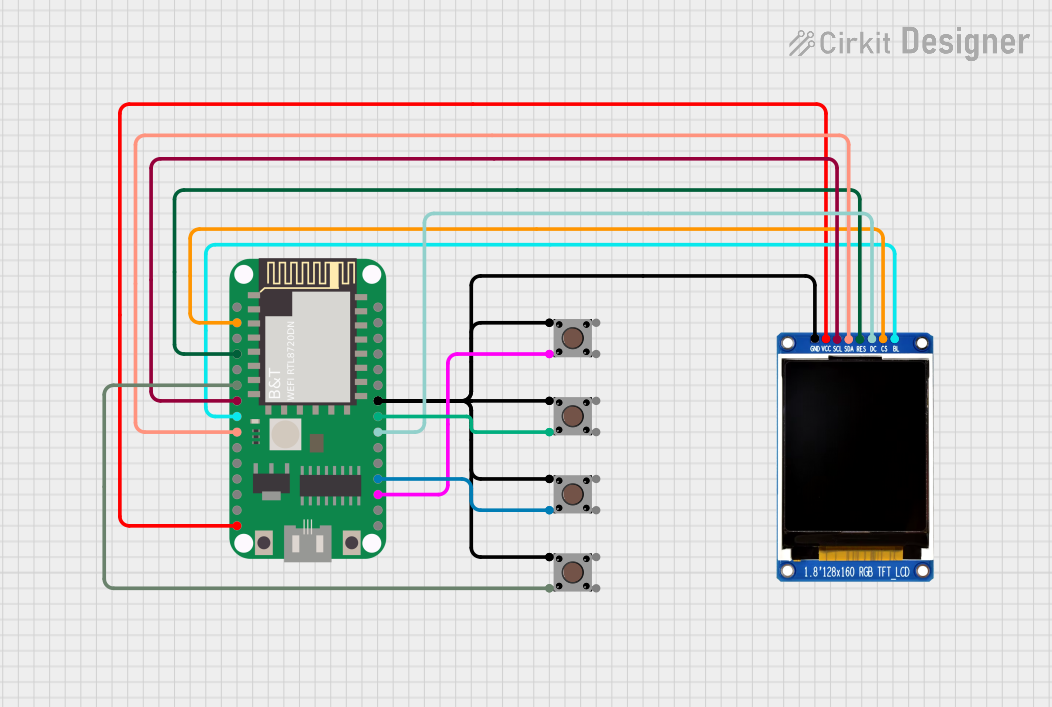 Open Project in Cirkit Designer
 Open Project in Cirkit Designer
Explore Projects Built with h743slim
Open Project in Cirkit DesignerOpen Project in Cirkit DesignerOpen Project in Cirkit DesignerOpen Project in Cirkit DesignerCommon Applications
- Internet of Things (IoT) devices
- Robotics and automation systems
- Data acquisition and processing
- Motor control and power management
- Embedded systems requiring high-speed computation
Technical Specifications
Key Technical Details
| Specification | Details |
|---|---|
| Processor | ARM Cortex-M7, 32-bit, up to 480 MHz |
| Flash Memory | 1 MB |
| RAM | 512 KB |
| Operating Voltage | 3.3V |
| Input Voltage Range | 5V (via USB) or 7-26V (via external power input) |
| Communication Protocols | UART, I2C, SPI, CAN, USB, PWM |
| GPIO Pins | 40 pins (including analog and digital I/O) |
| ADC Resolution | 12-bit, up to 16 channels |
| DAC Resolution | 12-bit, 2 channels |
| Dimensions | 20 mm x 50 mm |
| Operating Temperature Range | -40°C to +85°C |
Pin Configuration and Descriptions
The H743Slim features a 40-pin layout, with a mix of digital, analog, and communication pins. Below is the pin configuration:
| Pin Number | Pin Name | Type | Description |
|---|---|---|---|
| 1 | VIN | Power Input | External power input (7-26V) |
| 2 | GND | Ground | Ground connection |
| 3 | 3.3V | Power Output | 3.3V regulated output |
| 4 | PA0 | Analog/Digital | GPIO/ADC input |
| 5 | PA1 | Analog/Digital | GPIO/ADC input |
| 6 | PB6 | Digital | GPIO/PWM output |
| 7 | PB7 | Digital | GPIO/PWM output |
| 8 | PC10 | Digital | GPIO/SPI communication |
| 9 | PC11 | Digital | GPIO/SPI communication |
| 10 | PD2 | Digital | GPIO/UART communication |
| ... | ... | ... | ... (Refer to the full datasheet for all pin details) |
Usage Instructions
How to Use the H743Slim in a Circuit
Powering the Board:
- Use the VIN pin for external power (7-26V) or connect via USB for 5V input.
- Ensure the power supply is stable and within the specified voltage range.
Connecting Peripherals:
- Use the GPIO pins for digital and analog inputs/outputs.
- For communication, connect peripherals to the appropriate UART, I2C, SPI, or CAN pins.
Programming the Board:
- The H743Slim can be programmed using STM32CubeIDE or Arduino IDE (with STM32 support).
- Connect the board to your computer via USB and upload your code.
Example Circuit:
Below is an example of connecting an LED to GPIO pin PB6:- Connect the anode of the LED to PB6.
- Connect the cathode of the LED to a 330-ohm resistor, and then to GND.
Example Code for Arduino IDE
The following code demonstrates how to blink an LED connected to PB6:
// Define the GPIO pin for the LED
#define LED_PIN PB6

void setup() {
  // Set the LED pin as an output
  pinMode(LED_PIN, OUTPUT);
}

void loop() {
  // Turn the LED on
  digitalWrite(LED_PIN, HIGH);
  delay(1000); // Wait for 1 second

  // Turn the LED off
  digitalWrite(LED_PIN, LOW);
  delay(1000); // Wait for 1 second
}
Important Considerations
- Voltage Levels: Ensure all connected peripherals operate at 3.3V logic levels to avoid damage.
- Heat Management: For high-performance applications, consider adding a heatsink or ensuring proper ventilation.
- Debugging: Use the onboard SWD interface for debugging and firmware updates.
Troubleshooting and FAQs
Common Issues and Solutions
The board does not power on:
- Verify the power supply voltage is within the acceptable range (7-26V for VIN or 5V via USB).
- Check all connections and ensure the power source is functioning.
Unable to upload code:
- Ensure the correct board and port are selected in the IDE.
- Check that the USB cable is functional and supports data transfer.
- If the board is unresponsive, try resetting it by pressing the reset button.
Peripherals not working as expected:
- Double-check the pin connections and ensure they match the code configuration.
- Verify that the peripherals are compatible with 3.3V logic levels.
Overheating:
- Ensure the board is not drawing excessive current.
- Reduce the workload or add cooling if necessary.
FAQs
Q: Can the H743Slim be powered directly from a LiPo battery?
A: Yes, the board can be powered via the VIN pin, which supports a voltage range of 7-26V. Ensure the battery voltage falls within this range.
Q: Does the H743Slim support wireless communication?
A: The board itself does not have built-in wireless capabilities, but you can connect external modules (e.g., Wi-Fi or Bluetooth) via UART, SPI, or I2C.
Q: Can I use the H743Slim with Arduino libraries?
A: Yes, the H743Slim is compatible with the Arduino IDE when configured with STM32 support. Many Arduino libraries can be used with this board.
Q: What is the maximum current output of the 3.3V pin?
A: The 3.3V pin can supply up to 500 mA, depending on the input power source.
For further assistance, refer to the official Matek H743Slim datasheet or contact Matek support.