
How to Use ZG2100M: Examples, Pinouts, and Specs
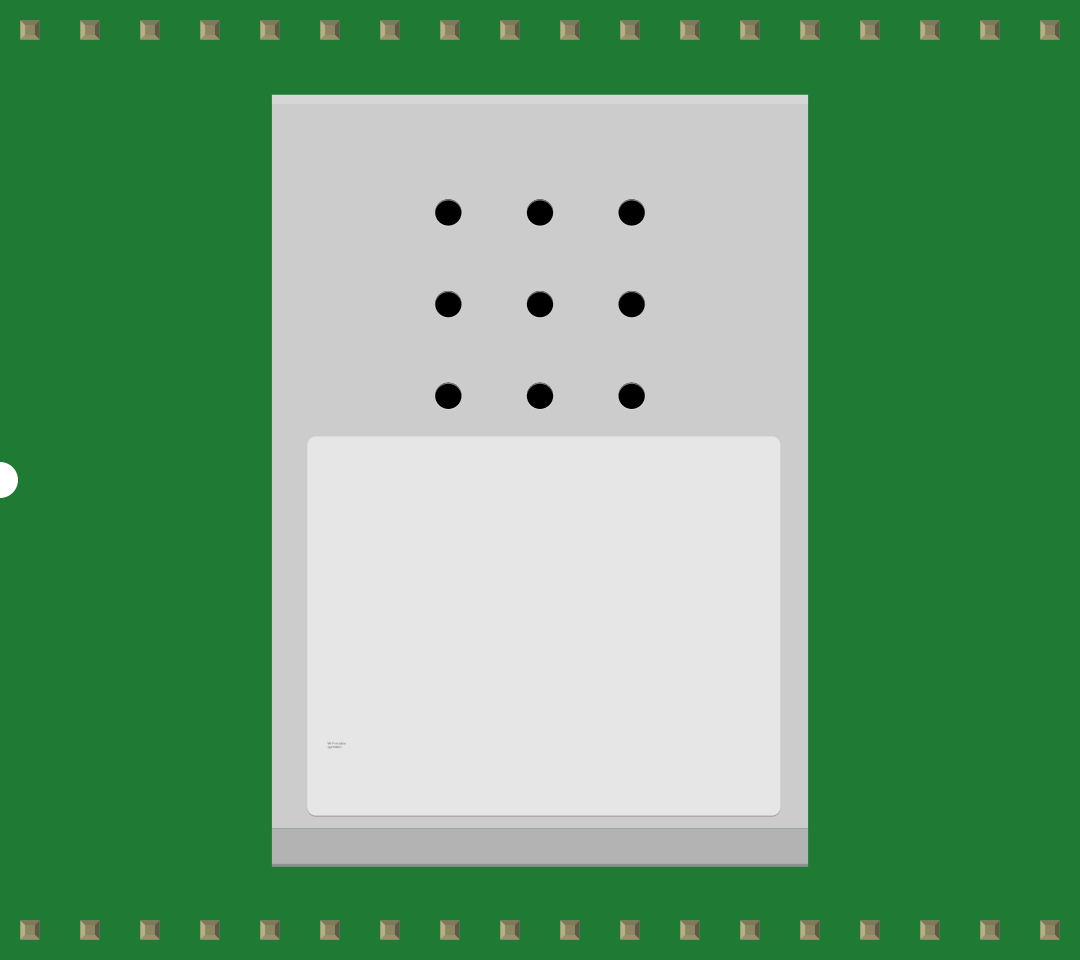
 Design with ZG2100M in Cirkit Designer
Introduction
The ZG2100M is a low-power, high-performance Zigbee module designed for wireless communication in Internet of Things (IoT) applications. This module features a compact design, an integrated antenna, and supports various protocols for seamless connectivity. Its robust performance and low power consumption make it ideal for applications such as smart home devices, industrial automation, and wireless sensor networks.
Explore Projects Built with ZG2100M
 Open Project in Cirkit Designer
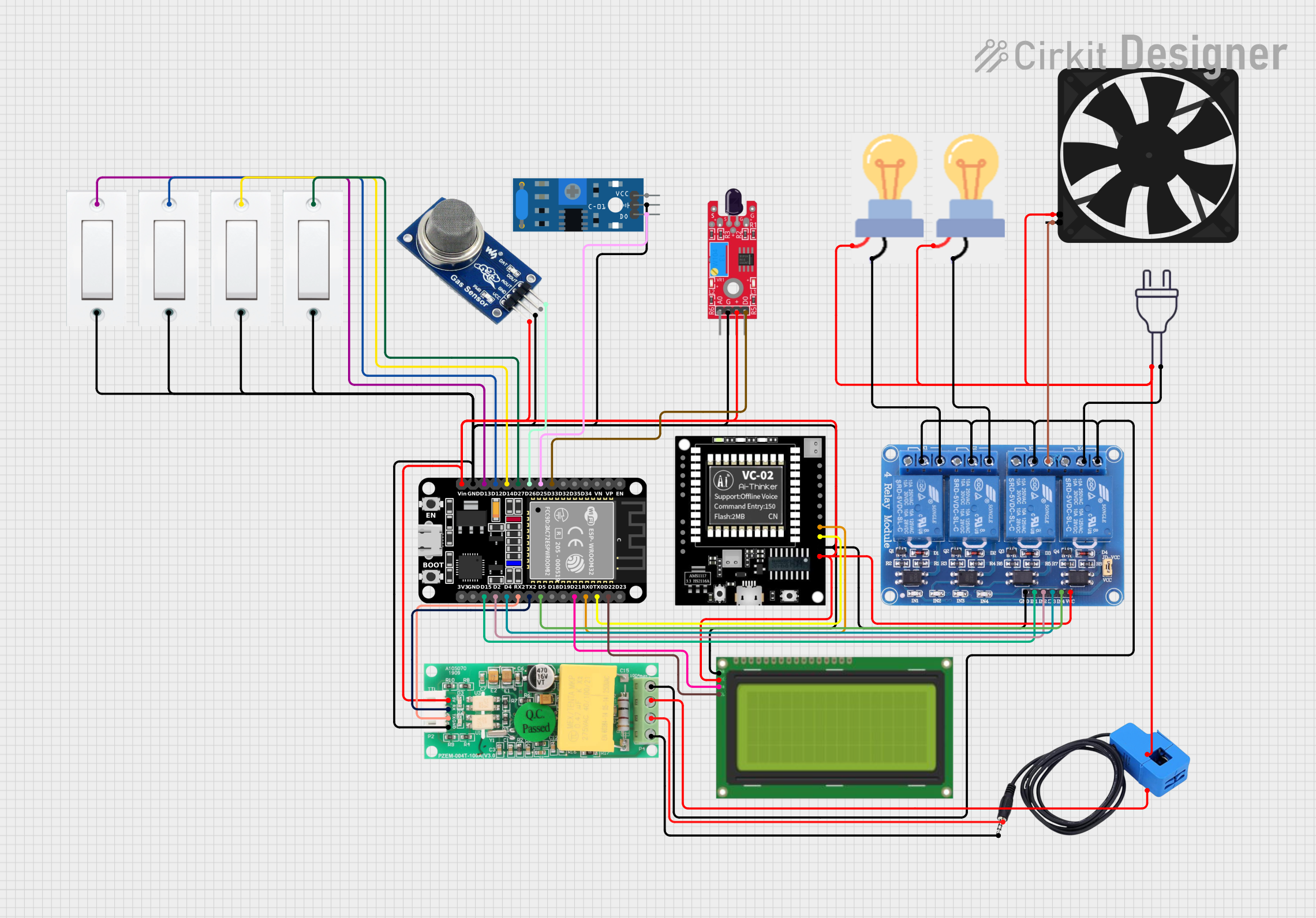 Open Project in Cirkit Designer
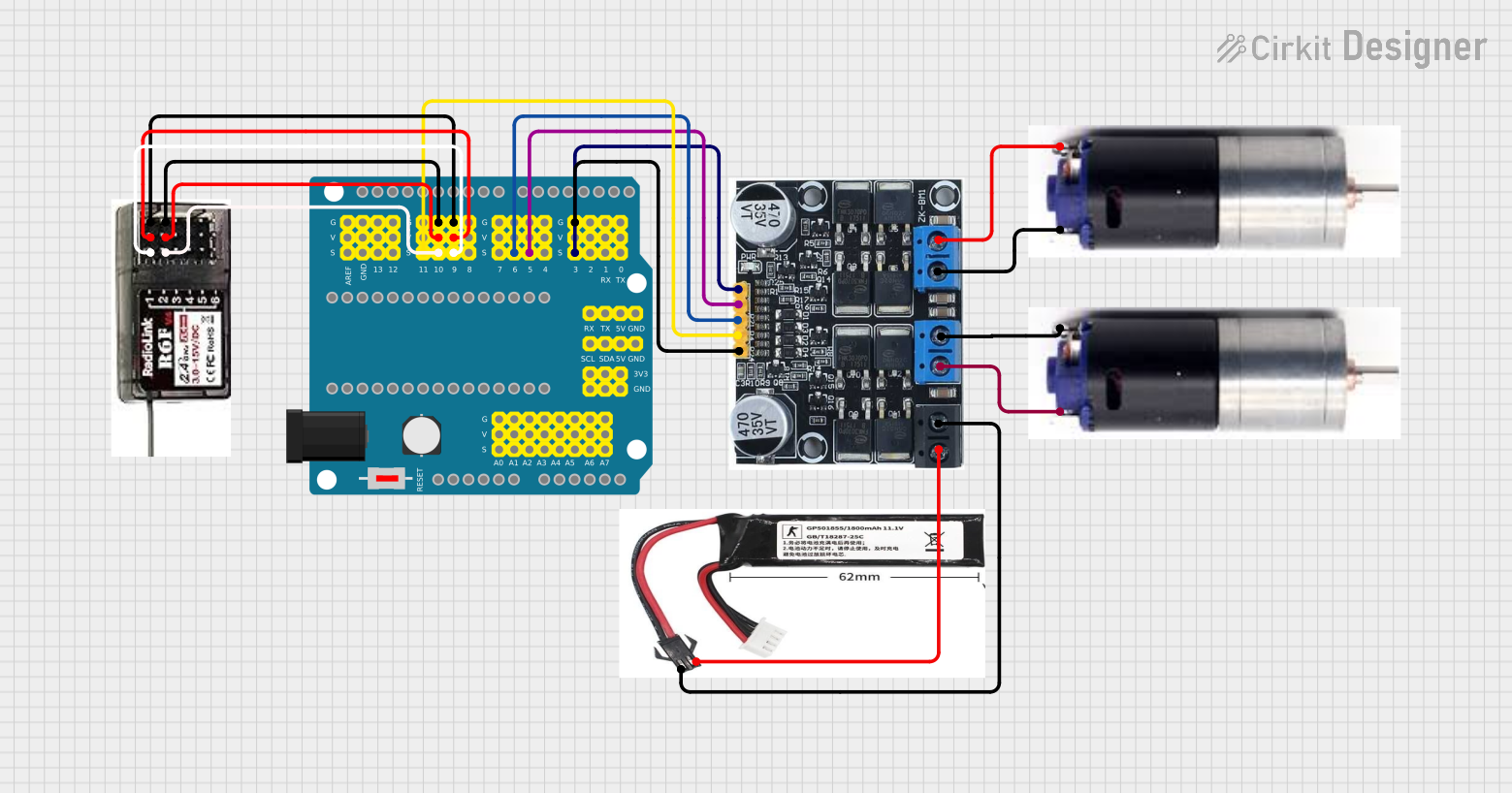 Open Project in Cirkit Designer
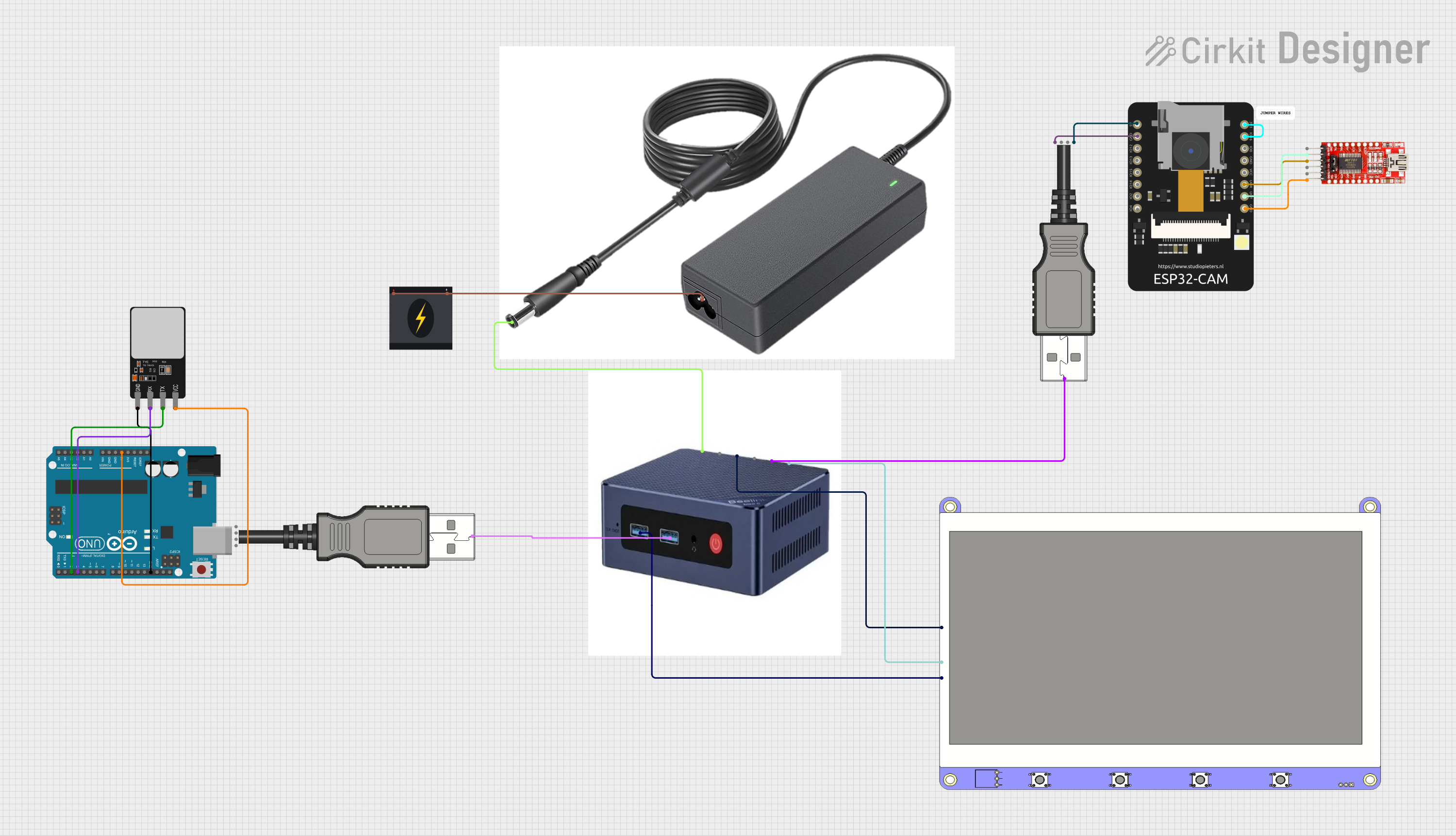 Open Project in Cirkit Designer
Explore Projects Built with ZG2100M
Open Project in Cirkit DesignerOpen Project in Cirkit DesignerOpen Project in Cirkit DesignerOpen Project in Cirkit DesignerCommon Applications
- Smart home automation (e.g., lighting, thermostats, security systems)
- Industrial IoT (e.g., machine monitoring, predictive maintenance)
- Wireless sensor networks
- Healthcare monitoring devices
- Agricultural IoT (e.g., soil moisture sensors, weather stations)
Technical Specifications
The ZG2100M module is designed to meet the needs of modern IoT applications with the following specifications:
| Parameter | Value |
|---|---|
| Operating Voltage | 2.7V to 3.6V |
| Operating Current | 40 mA (transmit), 15 mA (receive) |
| Sleep Current | < 1 µA |
| Frequency Band | 2.4 GHz ISM band |
| Data Rate | Up to 250 kbps |
| Communication Protocols | Zigbee, IEEE 802.15.4 |
| Antenna | Integrated |
| Operating Temperature | -40°C to +85°C |
| Dimensions | 25 mm x 18 mm x 3 mm |
Pin Configuration and Descriptions
The ZG2100M module has a total of 12 pins. The pin configuration and their descriptions are as follows:
| Pin Number | Pin Name | Description |
|---|---|---|
| 1 | VCC | Power supply (2.7V to 3.6V) |
| 2 | GND | Ground |
| 3 | TXD | UART Transmit Data |
| 4 | RXD | UART Receive Data |
| 5 | RESET | Active-low reset input |
| 6 | GPIO1 | General-purpose I/O pin |
| 7 | GPIO2 | General-purpose I/O pin |
| 8 | GPIO3 | General-purpose I/O pin |
| 9 | GPIO4 | General-purpose I/O pin |
| 10 | ADC | Analog-to-digital converter input |
| 11 | SCL | I2C Clock Line |
| 12 | SDA | I2C Data Line |
Usage Instructions
How to Use the ZG2100M in a Circuit
- Power Supply: Connect the VCC pin to a regulated 3.3V power source and the GND pin to the ground.
- Communication Interface: Use the TXD and RXD pins for UART communication or the SCL and SDA pins for I2C communication, depending on your application.
- Reset: Connect the RESET pin to a microcontroller GPIO pin or a pull-up resistor for manual or software-controlled resets.
- GPIO Pins: Use the GPIO pins for custom input/output operations as required by your application.
- Antenna: The module includes an integrated antenna, so no external antenna is required.
Important Considerations
- Ensure the power supply is stable and within the specified voltage range (2.7V to 3.6V).
- Use decoupling capacitors near the VCC pin to reduce noise and improve stability.
- Avoid placing the module near metal objects or enclosures that could interfere with the antenna's performance.
- For optimal wireless communication, ensure a clear line of sight between the ZG2100M module and other Zigbee devices.
Example: Connecting ZG2100M to an Arduino UNO
Below is an example of how to connect the ZG2100M module to an Arduino UNO and send data via UART.
Wiring Diagram
| ZG2100M Pin | Arduino UNO Pin |
|---|---|
| VCC | 3.3V |
| GND | GND |
| TXD | Pin 10 (RX) |
| RXD | Pin 11 (TX) |
| RESET | Pin 12 |
Arduino Code Example
#include <SoftwareSerial.h>

// Define RX and TX pins for SoftwareSerial
SoftwareSerial zigbee(10, 11); // RX = Pin 10, TX = Pin 11

void setup() {
  // Initialize serial communication with the Zigbee module
  zigbee.begin(9600); // Set baud rate to 9600
  Serial.begin(9600); // For debugging via Serial Monitor

  // Reset the Zigbee module
  pinMode(12, OUTPUT); // Set RESET pin as output
  digitalWrite(12, LOW); // Pull RESET pin low
  delay(100); // Wait for 100ms
  digitalWrite(12, HIGH); // Release RESET pin
  delay(1000); // Wait for the module to initialize

  Serial.println("ZG2100M Initialized");
}

void loop() {
  // Send data to the Zigbee module
  zigbee.println("Hello, Zigbee!");

  // Check for incoming data from the Zigbee module
  if (zigbee.available()) {
    String data = zigbee.readString();
    Serial.println("Received: " + data);
  }

  delay(1000); // Wait for 1 second before sending the next message
}
Troubleshooting and FAQs
Common Issues
No Communication with the Module
- Ensure the TXD and RXD pins are correctly connected to the microcontroller.
- Verify the baud rate settings in your code match the module's default baud rate (9600 bps).
Module Not Responding
- Check the power supply voltage and ensure it is within the specified range (2.7V to 3.6V).
- Verify the RESET pin is not being held low unintentionally.
Poor Wireless Range
- Ensure there are no obstructions or interference sources near the module.
- Avoid placing the module inside metal enclosures.
Data Corruption
- Use proper shielding and grounding techniques to minimize noise.
- Verify the UART or I2C connections are secure and free from loose wires.
FAQs
Q: Can the ZG2100M module be used with a 5V microcontroller?
A: Yes, but you must use a level shifter or voltage divider for the TXD and RXD pins to avoid damaging the module.
Q: What is the maximum range of the ZG2100M module?
A: The module has a typical range of up to 100 meters in open space, but this may vary depending on environmental factors.
Q: Does the module support over-the-air (OTA) updates?
A: No, the ZG2100M does not support OTA updates. Firmware updates must be performed via a wired connection.
Q: Can I use an external antenna with the ZG2100M?
A: No, the module includes an integrated antenna and does not support external antennas.