
How to Use DC Power Source: Examples, Pinouts, and Specs
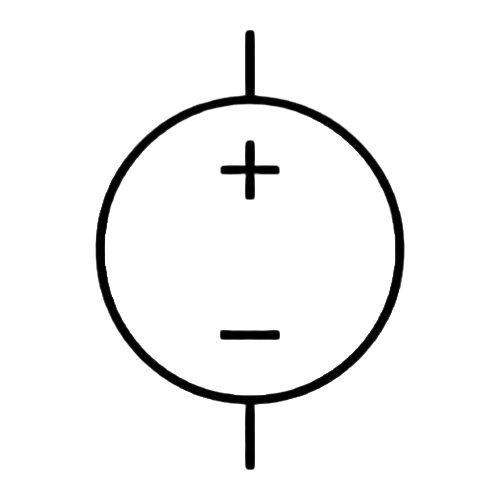
 Design with DC Power Source in Cirkit Designer
Introduction
The DC Power Source (Manufacturer: JJY, Part ID: DC_Power) is a device designed to provide a constant direct current (DC) voltage to power electronic circuits and components. It is an essential component in electronics, offering a stable and reliable power supply for a wide range of applications.
Explore Projects Built with DC Power Source
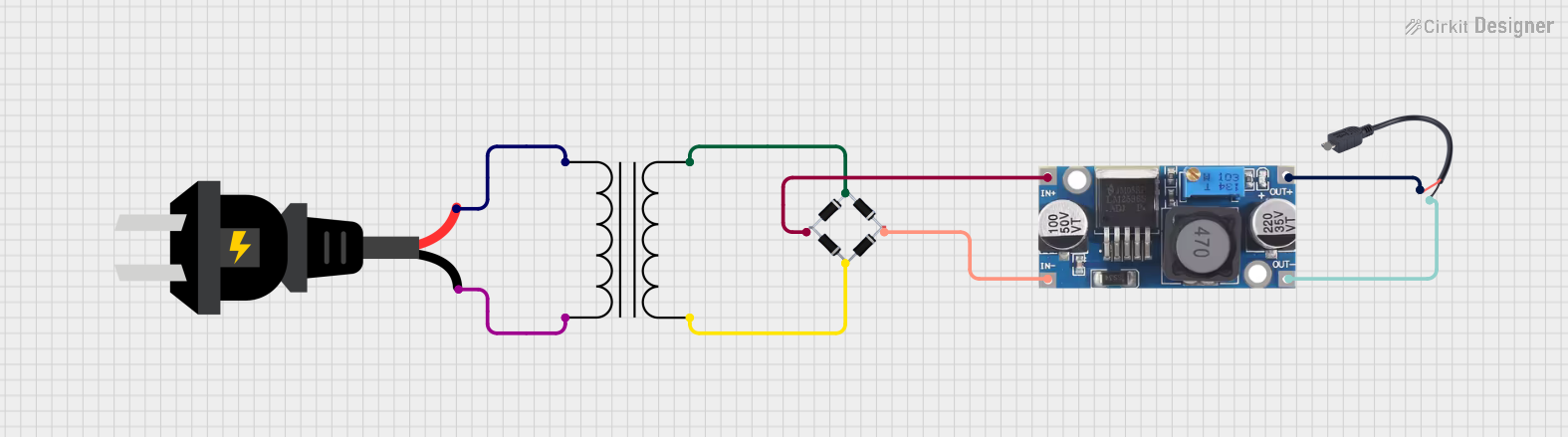 Open Project in Cirkit Designer
 Open Project in Cirkit Designer
 Open Project in Cirkit Designer
 Open Project in Cirkit Designer
Explore Projects Built with DC Power Source
Open Project in Cirkit DesignerOpen Project in Cirkit DesignerOpen Project in Cirkit DesignerOpen Project in Cirkit DesignerCommon Applications and Use Cases
- Powering microcontrollers, sensors, and modules in embedded systems
- Supplying voltage to DC motors, LEDs, and other electronic components
- Testing and prototyping circuits in laboratories
- Charging batteries and powering portable devices
- Providing a stable power source for industrial and consumer electronics
Technical Specifications
The following table outlines the key technical specifications of the JJY DC Power Source:
| Parameter | Value |
|---|---|
| Input Voltage Range | 100-240V AC, 50/60Hz |
| Output Voltage Range | 3.3V, 5V, 9V, 12V (selectable) |
| Output Current | Up to 2A |
| Power Rating | 24W (maximum) |
| Voltage Regulation | ±1% |
| Ripple and Noise | <50mV (peak-to-peak) |
| Operating Temperature | -10°C to 50°C |
| Dimensions | 100mm x 60mm x 40mm |
| Weight | 150g |
Pin Configuration and Descriptions
The DC Power Source typically includes the following connectors:
| Pin/Connector | Description |
|---|---|
| Input AC Plug | Connects to the AC mains (100-240V AC) |
| Output DC Jack | Provides the regulated DC voltage output |
| Ground (GND) | Common ground for the DC output |
| Voltage Selector | Switch to select the desired output voltage (3.3V, 5V, 9V, 12V) |
Usage Instructions
How to Use the Component in a Circuit
- Connect the Input: Plug the AC input connector into a standard wall outlet (100-240V AC).
- Set the Output Voltage: Use the voltage selector switch to choose the desired output voltage (e.g., 5V for Arduino projects).
- Connect the Output: Attach the DC output jack to the circuit or device you want to power. Ensure the polarity matches the requirements of your circuit.
- Power On: Turn on the DC Power Source (if it has a power switch) and verify the output voltage using a multimeter before connecting sensitive components.
Important Considerations and Best Practices
- Check Voltage and Current Requirements: Ensure the output voltage and current of the DC Power Source match the requirements of your circuit or device.
- Avoid Overloading: Do not exceed the maximum current rating (2A) to prevent damage to the power source or connected components.
- Polarity Matters: Always verify the polarity of the DC output before connecting it to your circuit.
- Use Proper Connectors: Use compatible connectors and cables to ensure a secure and reliable connection.
- Ventilation: Ensure adequate ventilation around the power source to prevent overheating during operation.
Example: Using the DC Power Source with an Arduino UNO
To power an Arduino UNO using the JJY DC Power Source, follow these steps:
- Set the output voltage to 5V using the voltage selector.
- Connect the DC output jack to the Arduino's power input (barrel jack or VIN pin).
- Verify the connection and power on the DC Power Source.
Here is an example Arduino code to blink an LED when powered by the DC Power Source:
// This code blinks an LED connected to pin 13 of the Arduino UNO.
// Ensure the Arduino is powered by the JJY DC Power Source set to 5V.

void setup() {
  pinMode(13, OUTPUT); // Set pin 13 as an output pin
}

void loop() {
  digitalWrite(13, HIGH); // Turn the LED on
  delay(1000);            // Wait for 1 second
  digitalWrite(13, LOW);  // Turn the LED off
  delay(1000);            // Wait for 1 second
}
Troubleshooting and FAQs
Common Issues and Solutions
No Output Voltage
- Cause: The AC input is not connected or the power source is turned off.
- Solution: Verify the AC input connection and ensure the power source is switched on.
Incorrect Output Voltage
- Cause: The voltage selector is set to the wrong value.
- Solution: Adjust the voltage selector to the desired output voltage.
Overheating
- Cause: The power source is overloaded or lacks proper ventilation.
- Solution: Reduce the load to within the rated current limit (2A) and ensure adequate airflow around the device.
Device Not Powering On
- Cause: Faulty connections or incorrect polarity.
- Solution: Check all connections and verify the polarity of the DC output.
FAQs
Q1: Can I use this power source to charge a 12V battery?
A1: Yes, but ensure the battery's charging current does not exceed the 2A limit of the power source.
Q2: Is the output voltage adjustable?
A2: Yes, the output voltage can be adjusted to 3.3V, 5V, 9V, or 12V using the voltage selector switch.
Q3: Can I use this power source outdoors?
A3: No, the JJY DC Power Source is not weatherproof and should only be used in dry, indoor environments.
Q4: What happens if I exceed the current limit?
A4: The power source may shut down or overheat. Always ensure the load does not exceed 2A to avoid damage.
By following this documentation, you can safely and effectively use the JJY DC Power Source in your electronic projects.