
How to Use Firebeetle 2 Board ESP32-C6: Examples, Pinouts, and Specs

 Design with Firebeetle 2 Board ESP32-C6 in Cirkit Designer
Introduction
The Firebeetle 2 Board ESP32-C6 (Manufacturer Part ID: DFR1075) is a compact and versatile development board designed by DFRobot. It features the powerful ESP32-C6 microcontroller, which integrates Wi-Fi 6, Bluetooth 5.0, and IEEE 802.15.4 (Thread/Zigbee) capabilities. This board is ideal for Internet of Things (IoT) applications, enabling seamless connectivity and control for a wide range of sensor and actuator projects.
Explore Projects Built with Firebeetle 2 Board ESP32-C6
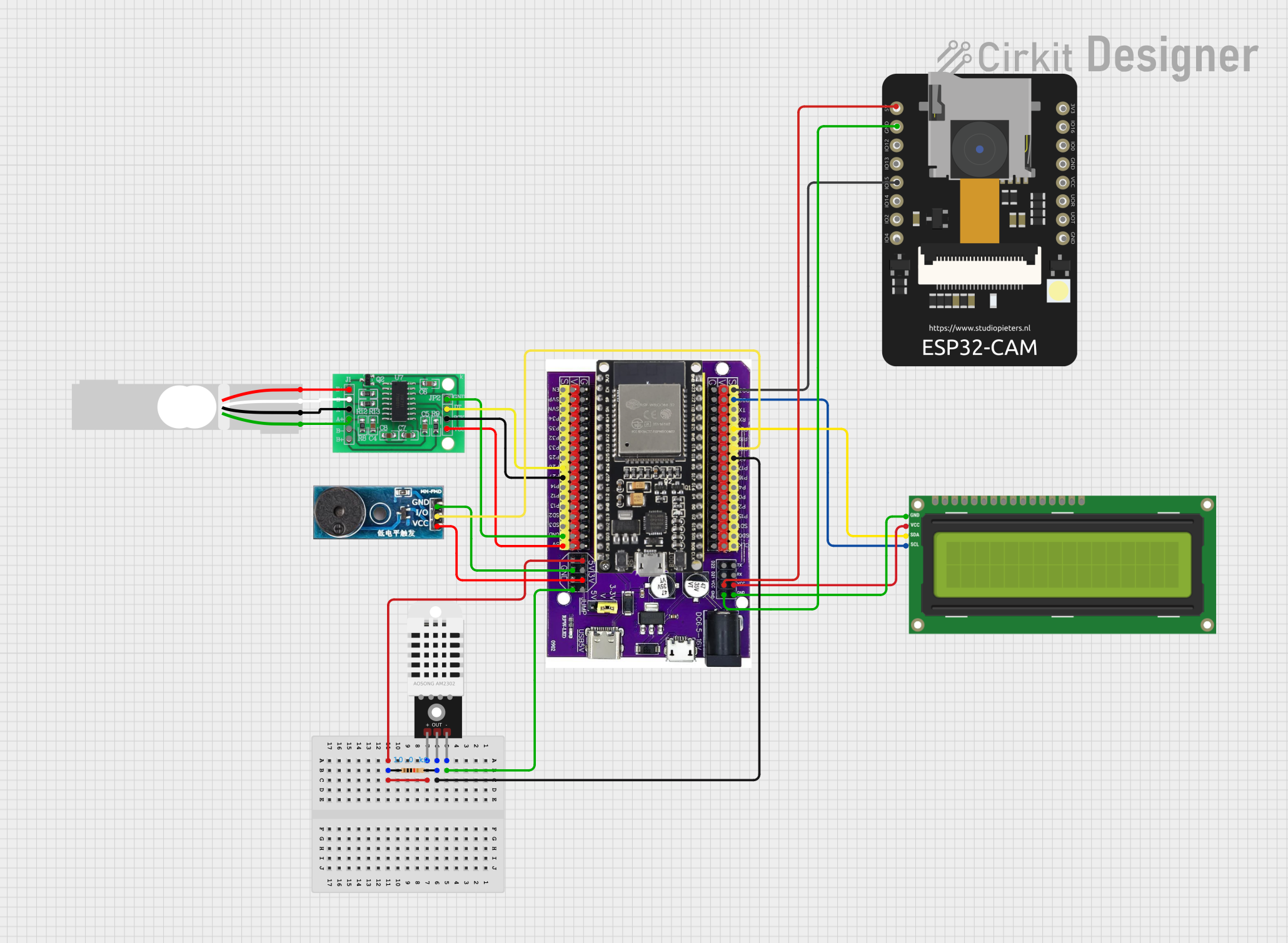 Open Project in Cirkit Designer
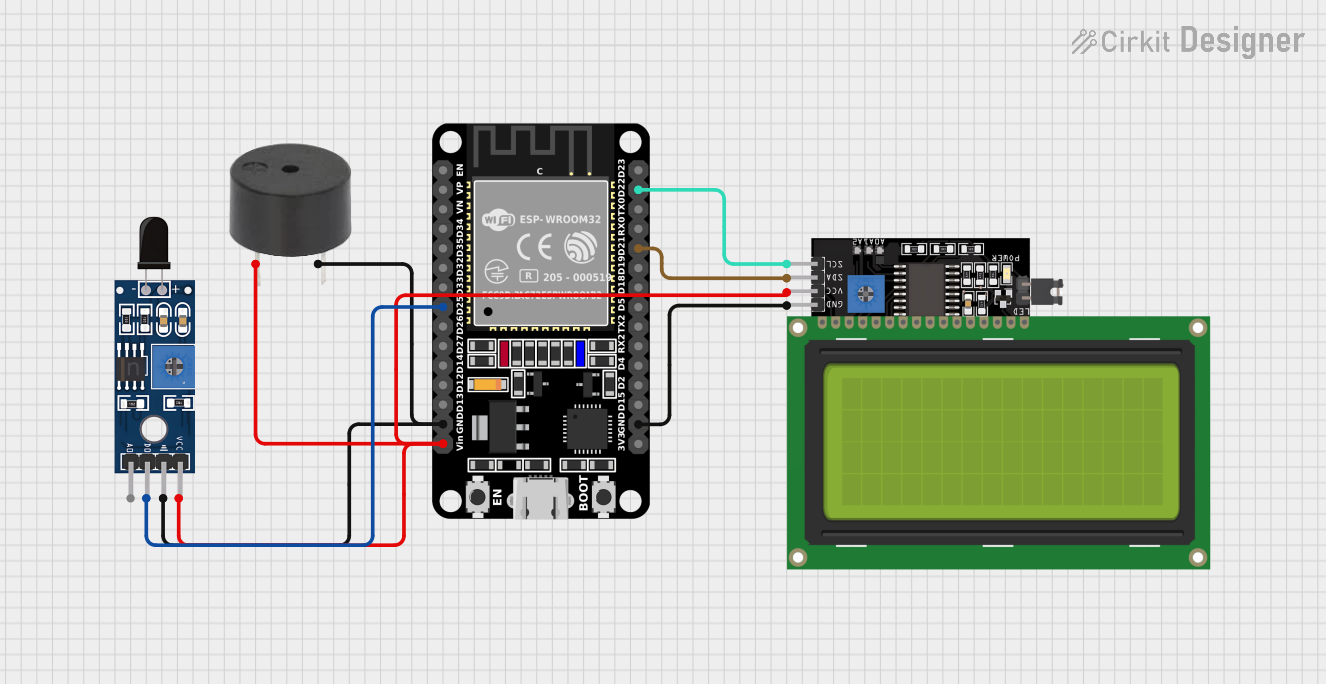 Open Project in Cirkit Designer
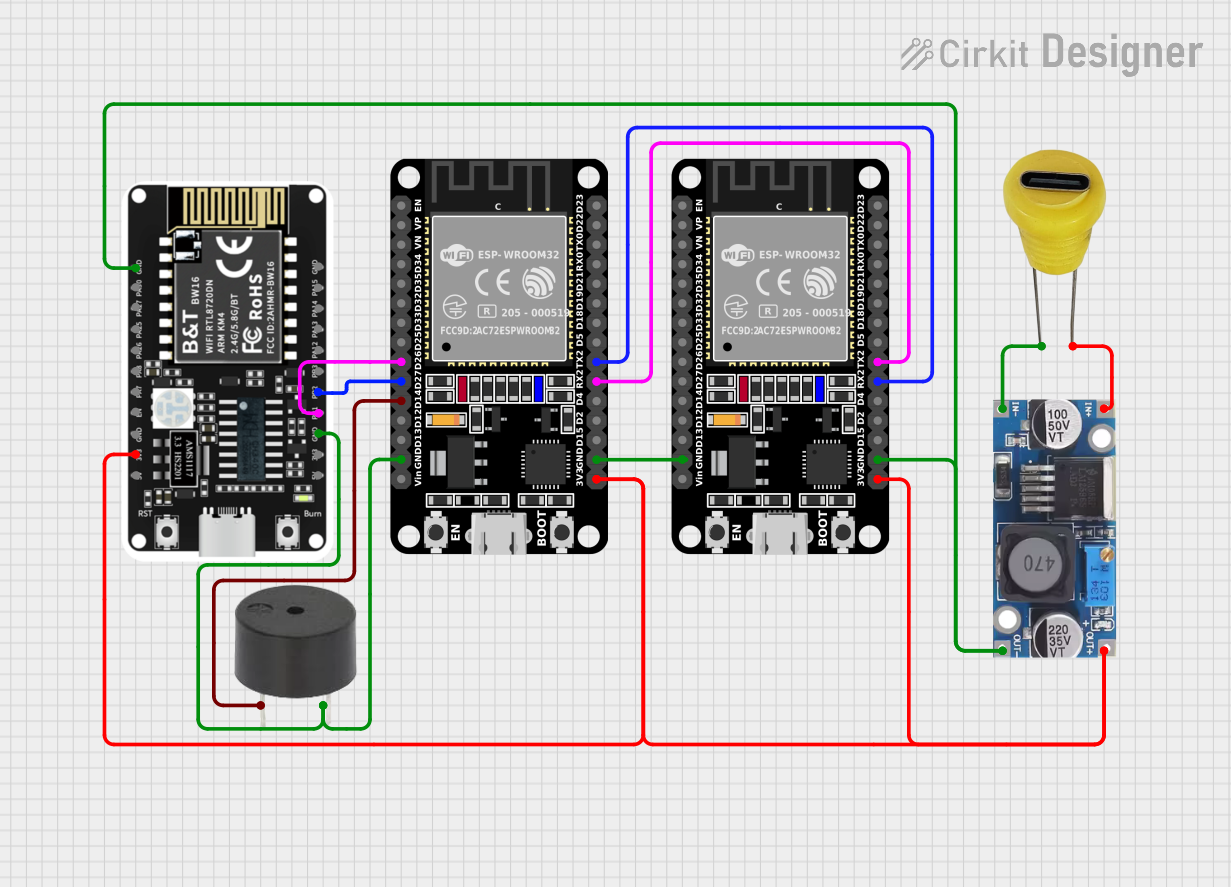 Open Project in Cirkit Designer
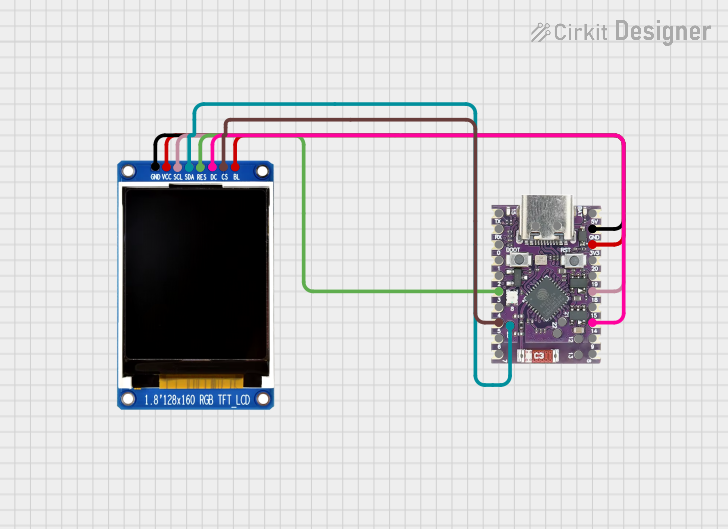 Open Project in Cirkit Designer
Explore Projects Built with Firebeetle 2 Board ESP32-C6
Open Project in Cirkit DesignerOpen Project in Cirkit DesignerOpen Project in Cirkit DesignerOpen Project in Cirkit DesignerCommon Applications and Use Cases
- IoT Devices: Smart home automation, environmental monitoring, and industrial IoT systems.
- Wireless Communication: Projects requiring Wi-Fi 6, Bluetooth 5.0, or Zigbee/Thread protocols.
- Prototyping: Rapid development of connected devices and proof-of-concept projects.
- Wearable Technology: Compact size makes it suitable for wearable IoT applications.
- Educational Projects: Ideal for learning and experimenting with wireless communication and IoT.
Technical Specifications
Key Technical Details
| Parameter | Specification |
|---|---|
| Microcontroller | ESP32-C6 (RISC-V architecture) |
| Wireless Connectivity | Wi-Fi 6 (802.11ax), Bluetooth 5.0, IEEE 802.15.4 (Thread/Zigbee) |
| Operating Voltage | 3.3V |
| Input Voltage Range | 5V (via USB-C) or 3.3V (via external power supply) |
| Flash Memory | 4MB |
| SRAM | 512KB |
| GPIO Pins | 21 (including ADC, DAC, I2C, SPI, UART, PWM) |
| Communication Interfaces | UART, I2C, SPI, GPIO, ADC, DAC |
| USB Interface | USB-C for programming and power supply |
| Dimensions | 27mm x 52mm |
| Power Consumption | Ultra-low power consumption in deep sleep mode (<10 µA) |
| Operating Temperature | -40°C to 85°C |
Pin Configuration and Descriptions
| Pin Name | Type | Description |
|---|---|---|
| 3V3 | Power | 3.3V power output |
| GND | Power | Ground connection |
| GPIO0 | GPIO | General-purpose I/O pin, supports ADC, PWM, and other functions |
| GPIO1 | GPIO | General-purpose I/O pin, supports UART TX |
| GPIO2 | GPIO | General-purpose I/O pin, supports ADC, PWM, and other functions |
| GPIO3 | GPIO | General-purpose I/O pin, supports UART RX |
| ADC1 | Analog Input | Analog-to-digital converter input |
| DAC1 | Analog Output | Digital-to-analog converter output |
| I2C_SCL | I2C Clock | I2C clock line |
| I2C_SDA | I2C Data | I2C data line |
| SPI_MOSI | SPI Data Out | SPI Master Out Slave In |
| SPI_MISO | SPI Data In | SPI Master In Slave Out |
| SPI_CLK | SPI Clock | SPI clock line |
| UART_TX | UART Transmit | UART transmit line |
| UART_RX | UART Receive | UART receive line |
| EN | Reset | Reset pin for the ESP32-C6 microcontroller |
Usage Instructions
How to Use the Firebeetle 2 Board ESP32-C6 in a Circuit
Powering the Board:
- Connect the board to a computer or USB power source using a USB-C cable.
- Alternatively, supply 3.3V directly to the 3V3 pin and connect GND to ground.
Programming the Board:
- Install the Arduino IDE or PlatformIO for development.
- Add the ESP32 board package to the IDE by including the appropriate URL in the board manager.
- Select "Firebeetle 2 ESP32-C6" as the target board in the IDE.
Connecting Peripherals:
- Use the GPIO pins to connect sensors, actuators, or other peripherals.
- Ensure that the voltage levels of connected devices are compatible with the 3.3V logic of the board.
Uploading Code:
- Write your code in the Arduino IDE or PlatformIO.
- Connect the board to your computer via USB-C and select the correct COM port.
- Click the upload button to flash the code onto the board.
Important Considerations and Best Practices
- Voltage Levels: Ensure all connected peripherals operate at 3.3V logic levels to avoid damaging the board.
- Deep Sleep Mode: Use the deep sleep mode for ultra-low power consumption in battery-powered applications.
- Antenna Placement: Avoid placing the board near metal objects or enclosures that may interfere with wireless signals.
- Firmware Updates: Regularly check for firmware updates to ensure compatibility with the latest features and bug fixes.
Example Code for Arduino IDE
The following example demonstrates how to connect the Firebeetle 2 Board ESP32-C6 to a Wi-Fi network and print the IP address:
#include <WiFi.h> // Include the Wi-Fi library

// Replace with your network credentials
const char* ssid = "Your_SSID";
const char* password = "Your_PASSWORD";

void setup() {
  Serial.begin(115200); // Initialize serial communication at 115200 baud
  delay(1000); // Wait for the serial monitor to initialize

  Serial.println("Connecting to Wi-Fi...");
  WiFi.begin(ssid, password); // Start Wi-Fi connection

  // Wait until the board is connected to Wi-Fi
  while (WiFi.status() != WL_CONNECTED) {
    delay(500);
    Serial.print(".");
  }

  Serial.println("\nConnected to Wi-Fi!");
  Serial.print("IP Address: ");
  Serial.println(WiFi.localIP()); // Print the board's IP address
}

void loop() {
  // Add your main code here
}
Troubleshooting and FAQs
Common Issues and Solutions
Board Not Detected by Computer:
- Ensure the USB-C cable is a data cable (not a charge-only cable).
- Check that the correct COM port is selected in the Arduino IDE or PlatformIO.
Wi-Fi Connection Fails:
- Verify the SSID and password are correct.
- Ensure the Wi-Fi network is within range and supports 2.4GHz (required by ESP32-C6).
Code Upload Fails:
- Press and hold the BOOT button on the board while uploading the code.
- Check that the correct board and COM port are selected in the IDE.
Peripherals Not Working:
- Double-check the wiring and ensure the peripherals are compatible with 3.3V logic.
- Verify that the correct GPIO pins are used in the code.
FAQs
Q: Can the Firebeetle 2 Board ESP32-C6 be powered by a battery?
A: Yes, the board can be powered by a 3.3V battery connected to the 3V3 pin and GND.Q: Does the board support OTA (Over-the-Air) updates?
A: Yes, the ESP32-C6 supports OTA updates, which can be implemented in your code.Q: What is the maximum range of the Wi-Fi and Bluetooth?
A: The range depends on environmental factors, but typically Wi-Fi can reach up to 50m indoors and 200m outdoors, while Bluetooth has a range of up to 10m indoors.Q: Can I use the board with Zigbee or Thread devices?
A: Yes, the ESP32-C6 supports IEEE 802.15.4, enabling compatibility with Zigbee and Thread protocols.
This concludes the documentation for the Firebeetle 2 Board ESP32-C6. For further assistance, refer to the official DFRobot resources or community forums.