
How to Use WATER FLOW SENS: Examples, Pinouts, and Specs
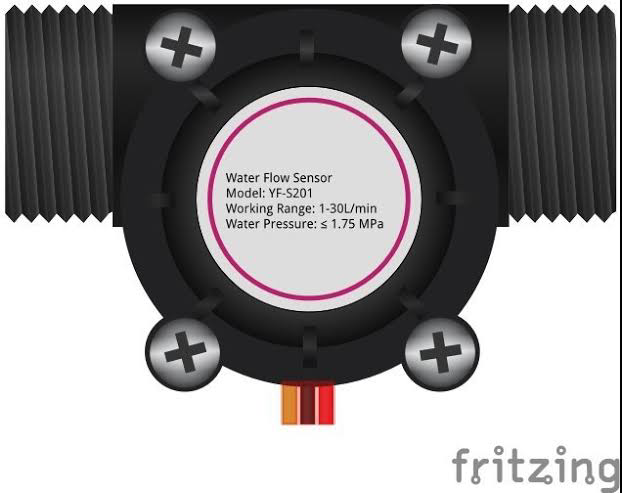
 Design with WATER FLOW SENS in Cirkit Designer
Introduction
A water flow sensor detects the flow rate of water in a system, providing real-time data for monitoring and control applications. It typically consists of a plastic body, a rotor, and a Hall-effect sensor. As water flows through the sensor, the rotor spins, and the Hall-effect sensor generates electrical pulses proportional to the flow rate. These sensors are widely used in applications such as water dispensers, irrigation systems, industrial fluid monitoring, and smart home automation.
Explore Projects Built with WATER FLOW SENS
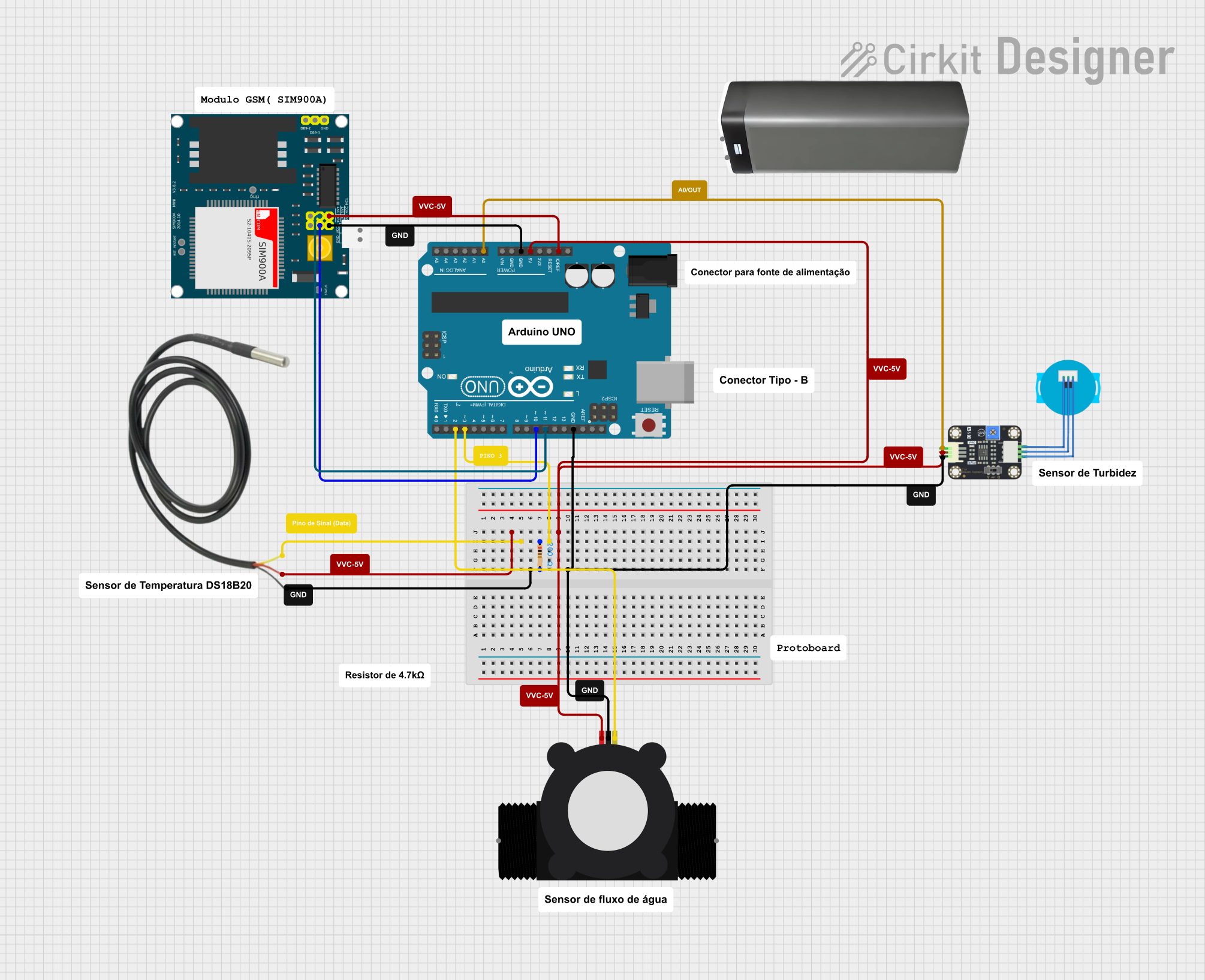 Open Project in Cirkit Designer
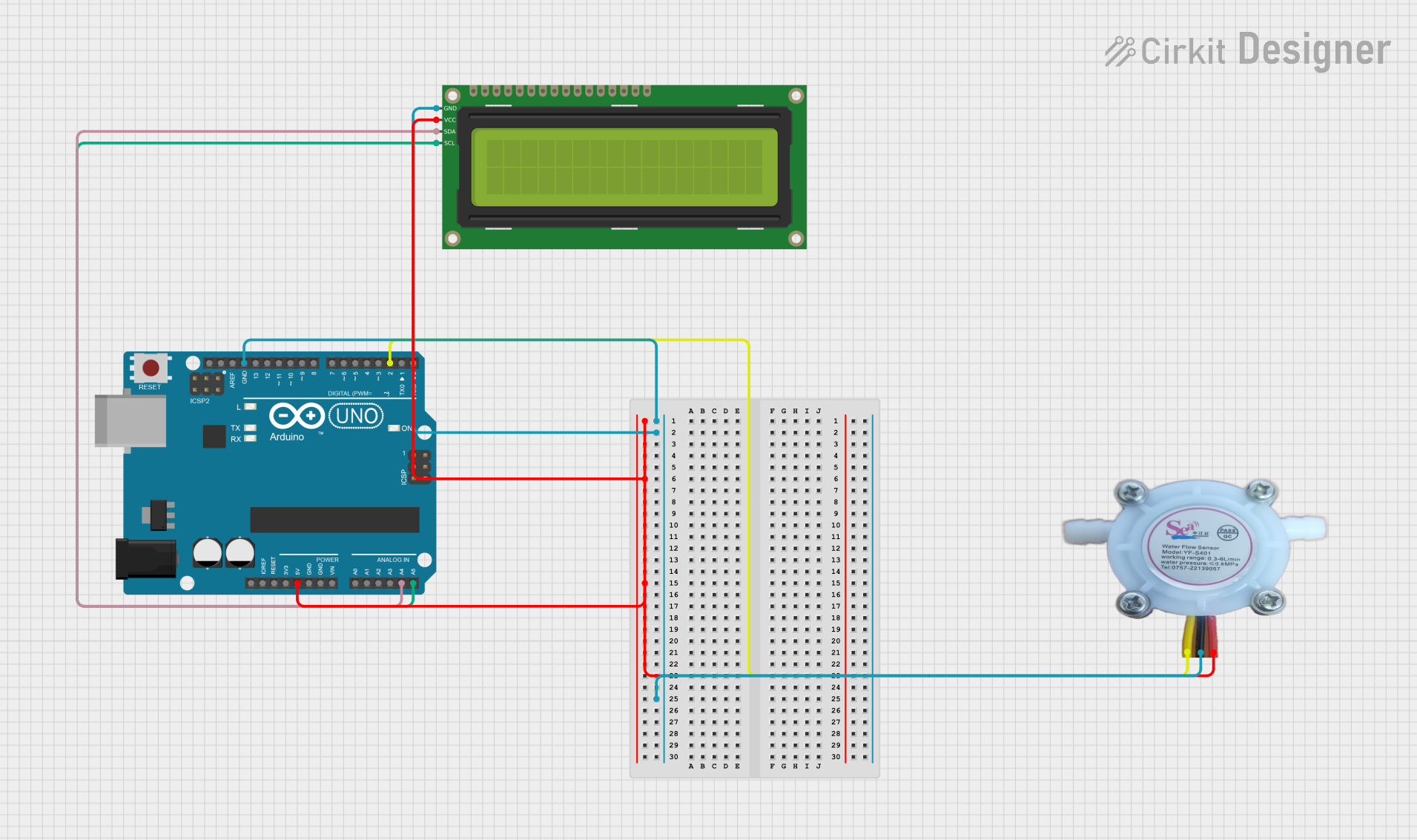 Open Project in Cirkit Designer
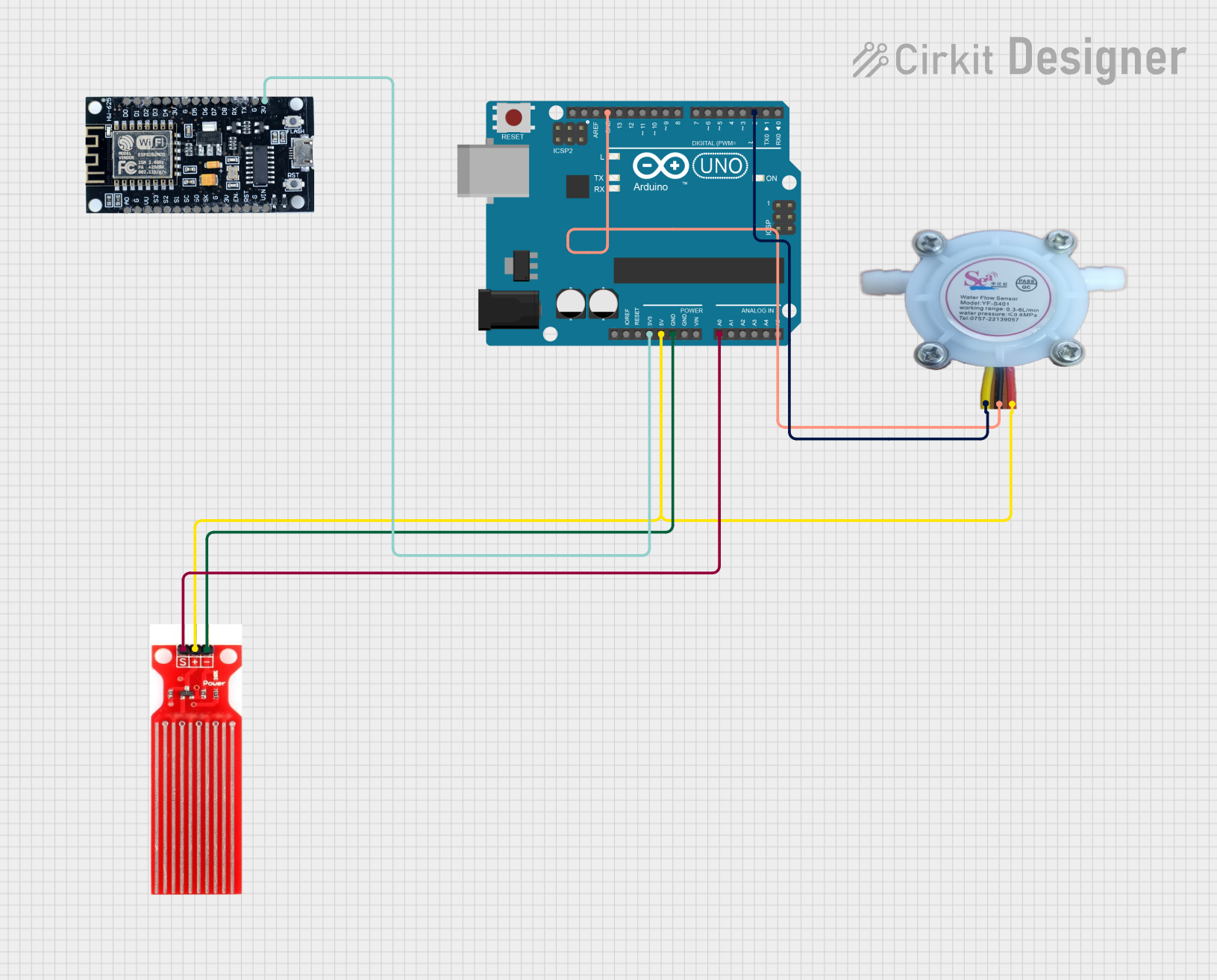 Open Project in Cirkit Designer
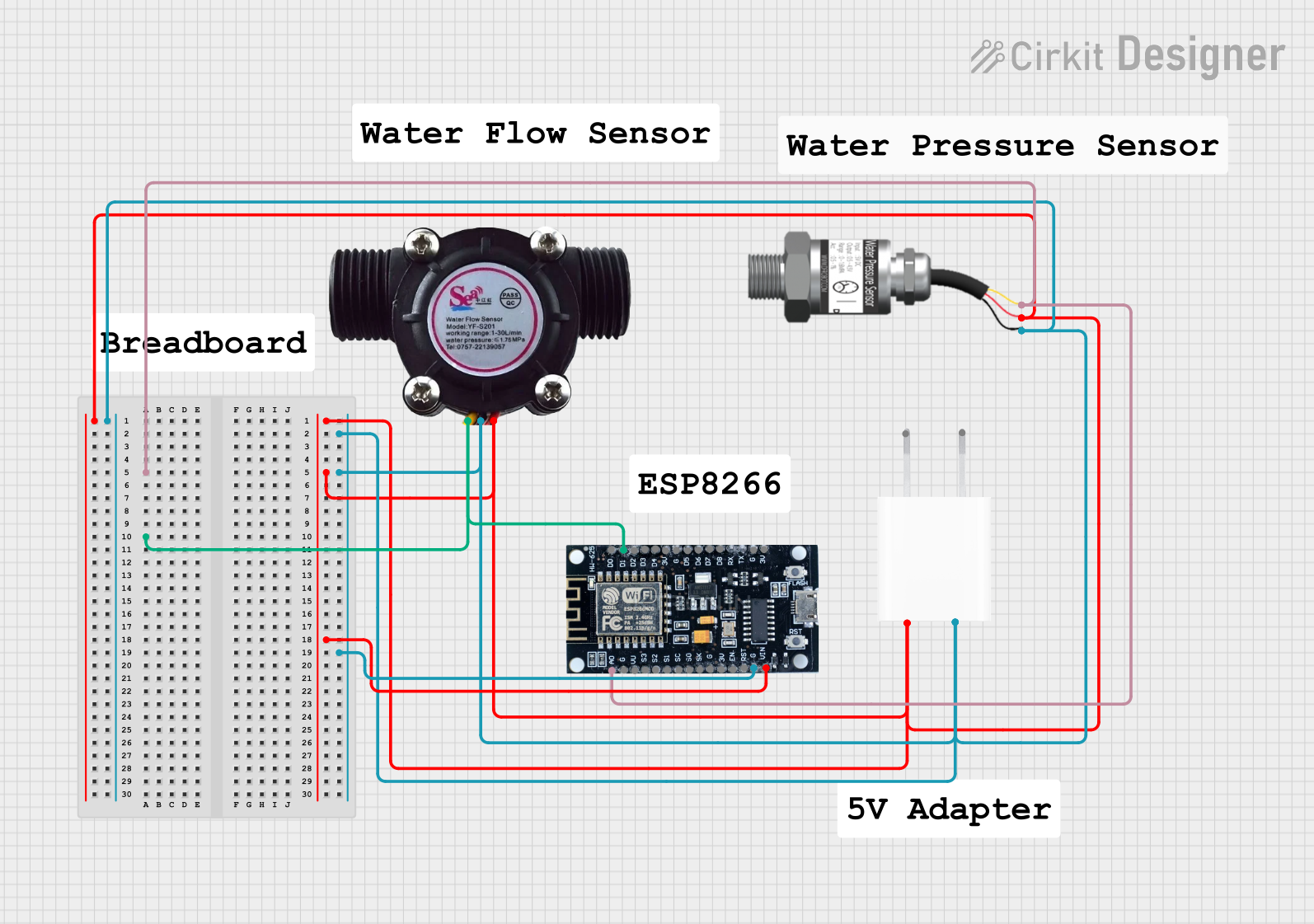 Open Project in Cirkit Designer
Explore Projects Built with WATER FLOW SENS
Open Project in Cirkit DesignerOpen Project in Cirkit DesignerOpen Project in Cirkit DesignerOpen Project in Cirkit DesignerTechnical Specifications
Below are the key technical details for a typical water flow sensor:
| Parameter | Value |
|---|---|
| Operating Voltage | 5V to 24V DC |
| Output Signal | Pulse signal (digital) |
| Flow Rate Range | 1 to 30 liters per minute (L/min) |
| Accuracy | ±10% |
| Maximum Water Pressure | 1.75 MPa |
| Operating Temperature | -25°C to 80°C |
| Output Duty Cycle | 50% |
Pin Configuration
The water flow sensor typically has three wires for connection. Below is the pin configuration:
| Wire Color | Function | Description |
|---|---|---|
| Red | VCC | Connect to the positive voltage supply (5V to 24V) |
| Black | GND | Connect to ground |
| Yellow | Signal (Output) | Outputs pulse signal proportional to flow rate |
Usage Instructions
How to Use the Water Flow Sensor in a Circuit
- Power Supply: Connect the red wire to a 5V to 24V DC power source and the black wire to ground.
- Signal Output: Connect the yellow wire to a microcontroller's digital input pin (e.g., Arduino UNO pin D2).
- Pull-Up Resistor: Use a pull-up resistor (typically 10kΩ) between the signal pin and the VCC to ensure stable signal output.
- Flow Rate Calculation: The sensor outputs a pulse signal where the frequency is proportional to the flow rate. Use the formula provided in the sensor's datasheet to calculate the flow rate from the pulse frequency.
Important Considerations and Best Practices
- Water Quality: Ensure the water is free of debris or particles that could damage the rotor.
- Orientation: Install the sensor in the correct orientation as indicated by the arrow on the sensor body.
- Calibration: Calibrate the sensor for your specific application to improve accuracy.
- Voltage Levels: Ensure the voltage supplied to the sensor matches its operating range to avoid damage.
- Debouncing: Implement software debouncing to filter out noise in the pulse signal.
Example Code for Arduino UNO
Below is an example of how to use the water flow sensor with an Arduino UNO to measure and display the flow rate:
// Water Flow Sensor Example Code for Arduino UNO
// Measures water flow rate and displays it on the Serial Monitor

const int sensorPin = 2; // Connect the yellow wire to digital pin 2
volatile int pulseCount = 0; // Variable to store pulse count
float flowRate = 0.0; // Variable to store flow rate in L/min
unsigned long previousMillis = 0; // Timer for flow rate calculation
const unsigned long interval = 1000; // Interval for calculations (1 second)

// Interrupt Service Routine (ISR) for counting pulses
void pulseCounter() {
  pulseCount++;
}

void setup() {
  pinMode(sensorPin, INPUT_PULLUP); // Set sensor pin as input with pull-up
  attachInterrupt(digitalPinToInterrupt(sensorPin), pulseCounter, RISING);
  Serial.begin(9600); // Initialize Serial Monitor
}

void loop() {
  unsigned long currentMillis = millis();

  // Calculate flow rate every second
  if (currentMillis - previousMillis >= interval) {
    previousMillis = currentMillis;

    // Flow rate calculation: (Pulse frequency / Calibration factor)
    // Calibration factor depends on the specific sensor model (e.g., 7.5 for YF-S201)
    float calibrationFactor = 7.5;
    flowRate = (pulseCount / calibrationFactor);

    // Reset pulse count for the next interval
    pulseCount = 0;

    // Display flow rate on Serial Monitor
    Serial.print("Flow Rate: ");
    Serial.print(flowRate);
    Serial.println(" L/min");
  }
}
Troubleshooting and FAQs
Common Issues and Solutions
No Output Signal:
- Check the wiring connections and ensure the sensor is powered correctly.
- Verify that the water flow is within the sensor's operating range.
Inaccurate Flow Rate:
- Calibrate the sensor using the specific calibration factor provided in the datasheet.
- Ensure the sensor is installed in the correct orientation.
Unstable Readings:
- Use a pull-up resistor on the signal pin to stabilize the output.
- Implement software debouncing to filter out noise in the pulse signal.
Sensor Not Detecting Flow:
- Inspect the rotor for blockages or damage.
- Ensure the water pressure is sufficient to spin the rotor.
FAQs
Q: Can the water flow sensor measure other liquids?
A: Most water flow sensors are designed for clean water. Using them with other liquids may damage the sensor or reduce accuracy.
Q: How do I know the calibration factor for my sensor?
A: The calibration factor is typically provided in the sensor's datasheet or user manual. For example, the YF-S201 sensor has a calibration factor of 7.5.
Q: Can I use the sensor with a 3.3V microcontroller?
A: Yes, but you may need a level shifter or ensure the sensor's output signal is compatible with the microcontroller's input voltage levels.
Q: What is the lifespan of a water flow sensor?
A: The lifespan depends on the quality of the sensor and operating conditions. Regular maintenance can extend its life.
By following this documentation, you can effectively integrate and troubleshoot a water flow sensor in your projects.