
How to Use 18650 Li-ion Battery x 2: Examples, Pinouts, and Specs
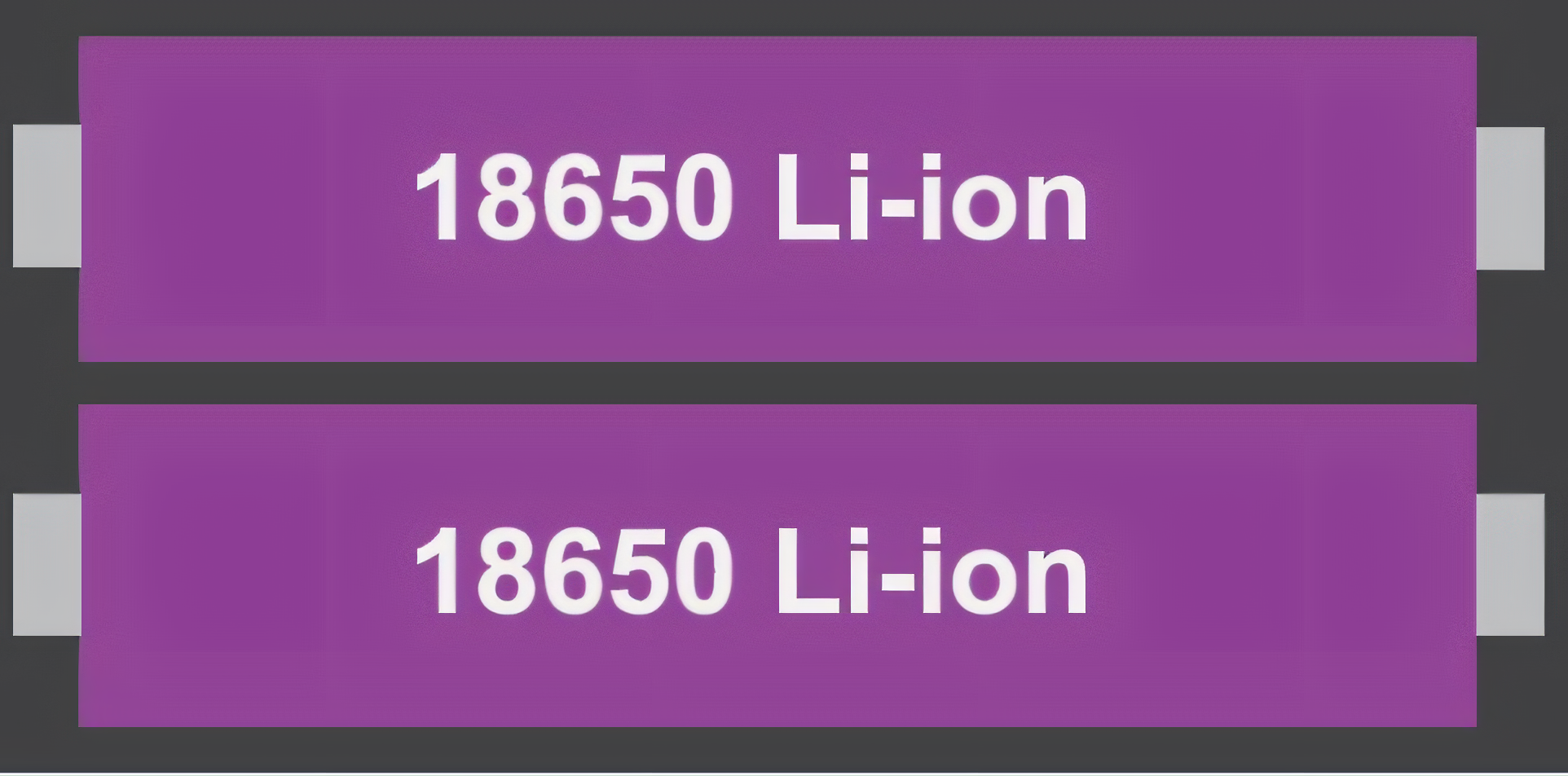
 Design with 18650 Li-ion Battery x 2 in Cirkit Designer
Introduction
The Samsung 18650 Li-ion Battery is a rechargeable lithium-ion battery known for its high energy density, long cycle life, and reliability. This documentation covers the use of two 18650 batteries in series or parallel configurations, which is common in applications requiring higher voltage or capacity. These batteries are widely used in portable electronics, power tools, electric vehicles, and DIY projects.
Explore Projects Built with 18650 Li-ion Battery x 2
 Open Project in Cirkit Designer
 Open Project in Cirkit Designer
 Open Project in Cirkit Designer
 Open Project in Cirkit Designer
Explore Projects Built with 18650 Li-ion Battery x 2
Open Project in Cirkit DesignerOpen Project in Cirkit DesignerOpen Project in Cirkit DesignerOpen Project in Cirkit DesignerCommon Applications
- Power banks and portable chargers
- Electric vehicles (e-bikes, scooters, etc.)
- Flashlights and LED lighting
- Robotics and IoT devices
- DIY electronics projects
Technical Specifications
Below are the key technical details for a single Samsung 18650 battery. When using two batteries, the specifications will vary depending on the configuration (series or parallel).
Battery Specifications
| Parameter | Value |
|---|---|
| Manufacturer | Samsung |
| Part ID | 18650 |
| Battery Type | Lithium-ion (Li-ion) |
| Nominal Voltage | 3.7V |
| Fully Charged Voltage | 4.2V |
| Capacity (Typical) | 2600mAh - 3500mAh (varies by model) |
| Discharge Cutoff Voltage | 2.5V |
| Maximum Discharge Current | 10A - 30A (varies by model) |
| Cycle Life | ~500-1000 cycles |
| Dimensions | 18mm (diameter) x 65mm (length) |
| Weight | ~45g per cell |
Pin Configuration
The 18650 battery has two terminals:
| Pin Name | Description |
|---|---|
| Positive (+) | Positive terminal of the battery |
| Negative (-) | Negative terminal of the battery |
Series and Parallel Configurations
| Configuration | Voltage Output | Capacity Output |
|---|---|---|
| Series (2S) | 7.4V (nominal) | Same as a single cell |
| Parallel (2P) | 3.7V (nominal) | Sum of both cell capacities |
Usage Instructions
How to Use the 18650 Batteries in a Circuit
- Determine Configuration: Decide whether you need higher voltage (series) or higher capacity (parallel).
- Series Configuration: Connect the positive terminal of one battery to the negative terminal of the other. The remaining terminals will serve as the output.
- Parallel Configuration: Connect the positive terminals of both batteries together and the negative terminals together. The combined terminals will serve as the output.
- Use a Battery Holder: For safety and convenience, use a dedicated 18650 battery holder designed for two cells.
- Add Protection Circuitry: Always include a Battery Management System (BMS) or protection circuit to prevent overcharging, over-discharging, and short circuits.
- Charging: Use a Li-ion battery charger compatible with the 18650 cells. Ensure the charger supports the combined voltage and capacity of your configuration.
Important Considerations and Best Practices
- Match Batteries: Use batteries of the same brand, capacity, and charge level to ensure balanced performance.
- Avoid Overcharging/Over-discharging: Use a BMS to maintain safe voltage levels.
- Temperature Monitoring: Avoid using the batteries in extreme temperatures (below 0°C or above 45°C).
- Polarity: Double-check the polarity before connecting the batteries to a circuit.
- Storage: Store the batteries in a cool, dry place at ~50% charge for long-term storage.
Example: Using 18650 Batteries with Arduino UNO
To power an Arduino UNO with two 18650 batteries in series (7.4V nominal), you can use a DC-DC step-down converter to regulate the voltage to 5V.
Circuit Diagram
- Connect the positive and negative terminals of the battery pack to the input of the DC-DC converter.
- Set the output of the converter to 5V.
- Connect the output of the converter to the Arduino UNO's 5V and GND pins.
Sample Code
// Example code to blink an LED using Arduino UNO powered by 18650 batteries
// Ensure the batteries are connected via a DC-DC converter to provide 5V.

const int ledPin = 13; // Built-in LED pin on Arduino UNO

void setup() {
  pinMode(ledPin, OUTPUT); // Set the LED pin as an output
}

void loop() {
  digitalWrite(ledPin, HIGH); // Turn the LED on
  delay(1000);                // Wait for 1 second
  digitalWrite(ledPin, LOW);  // Turn the LED off
  delay(1000);                // Wait for 1 second
}
Troubleshooting and FAQs
Common Issues
Battery Drains Quickly
- Cause: Over-discharging or using old batteries with reduced capacity.
- Solution: Replace the batteries and ensure they are not discharged below 2.5V.
Overheating During Use
- Cause: Excessive current draw or short circuit.
- Solution: Use a BMS and ensure the load does not exceed the battery's maximum discharge current.
Charger Not Working
- Cause: Incompatible charger or damaged battery.
- Solution: Use a charger specifically designed for 18650 batteries and check the battery's voltage.
Uneven Discharge in Parallel Configuration
- Cause: Mismatched batteries with different capacities or charge levels.
- Solution: Use batteries of the same brand, capacity, and charge level.
FAQs
Q: Can I use 18650 batteries without a BMS?
A: It is not recommended. A BMS ensures safe operation by preventing overcharging, over-discharging, and short circuits.
Q: How do I know if my 18650 battery is fully charged?
A: A fully charged 18650 battery will have a voltage of 4.2V. Use a multimeter to check the voltage.
Q: Can I solder directly to the battery terminals?
A: Direct soldering is not recommended as it can damage the battery. Use battery holders or spot welding for connections.
Q: How do I dispose of old 18650 batteries?
A: Dispose of them at a certified e-waste recycling facility. Do not throw them in regular trash.