
How to Use MQ-7 Gas Sensor: Examples, Pinouts, and Specs
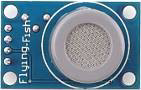
 Design with MQ-7 Gas Sensor in Cirkit Designer
Introduction
The MQ-7 Gas Sensor, manufactured by Flying Fish (Part ID: MQ-7), is a highly sensitive device designed to detect carbon monoxide (CO) concentrations in the air. It operates on the principle of resistive change in the presence of gas, providing an analog output proportional to the CO concentration. This sensor is widely used in air quality monitoring systems, safety devices, and industrial applications to ensure safe environments by detecting harmful CO levels.
Explore Projects Built with MQ-7 Gas Sensor
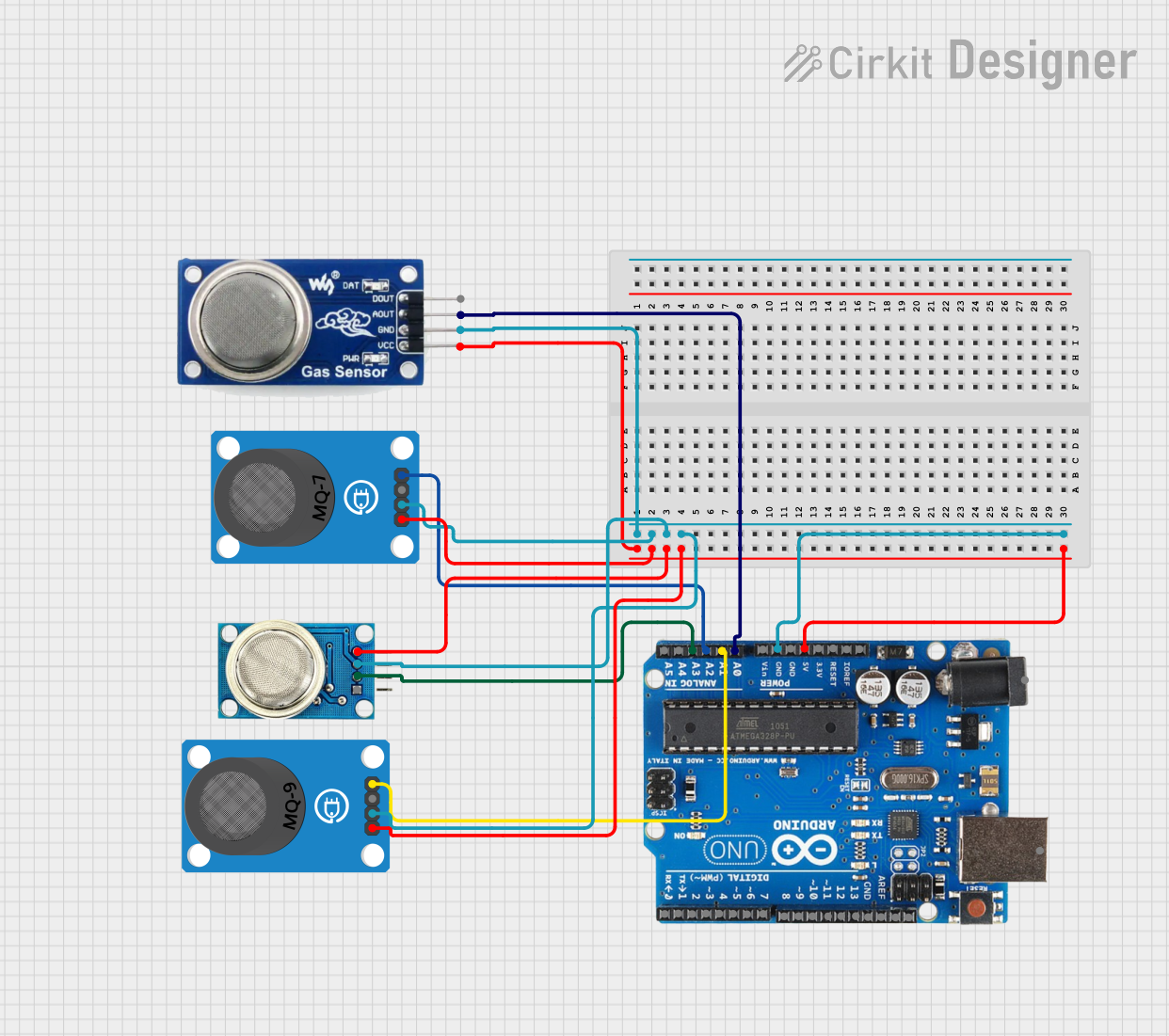 Open Project in Cirkit Designer
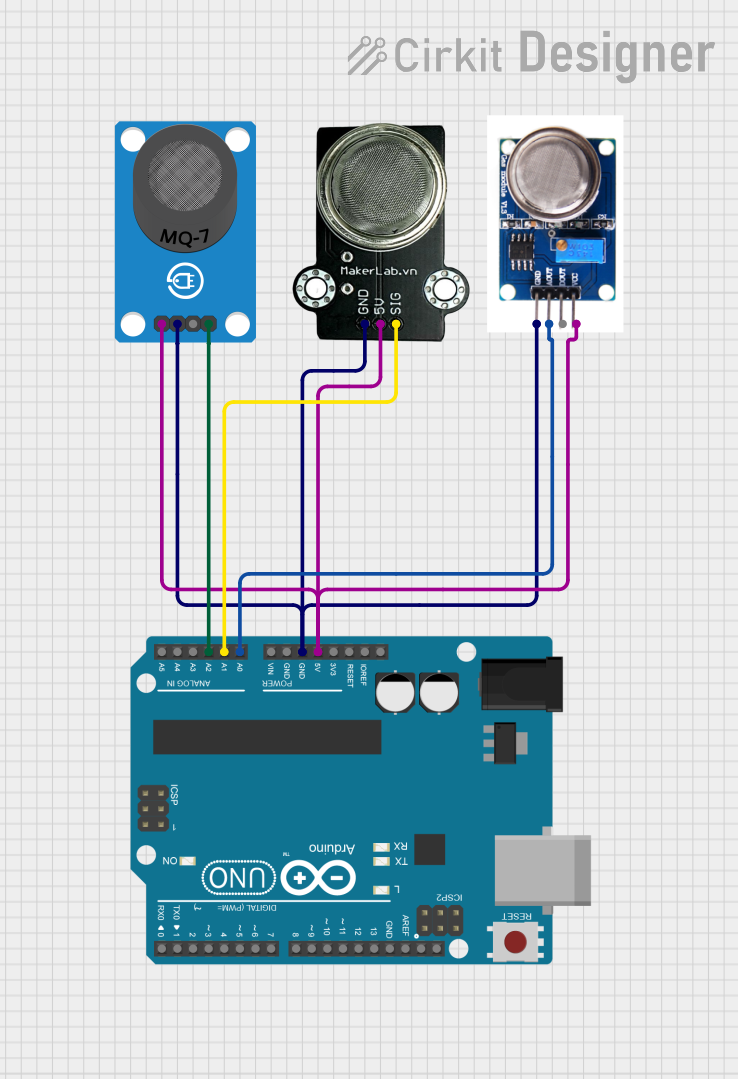 Open Project in Cirkit Designer
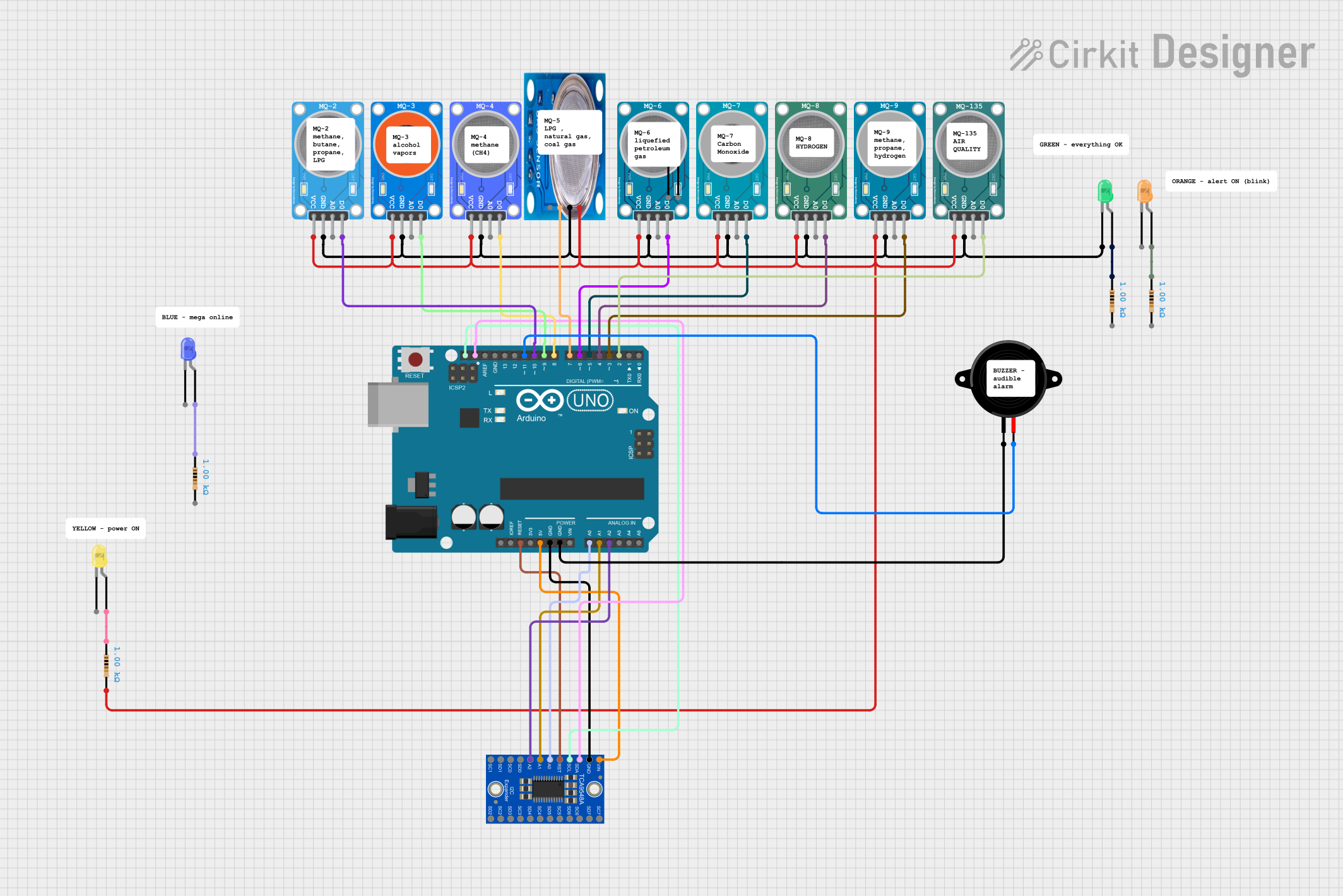 Open Project in Cirkit Designer
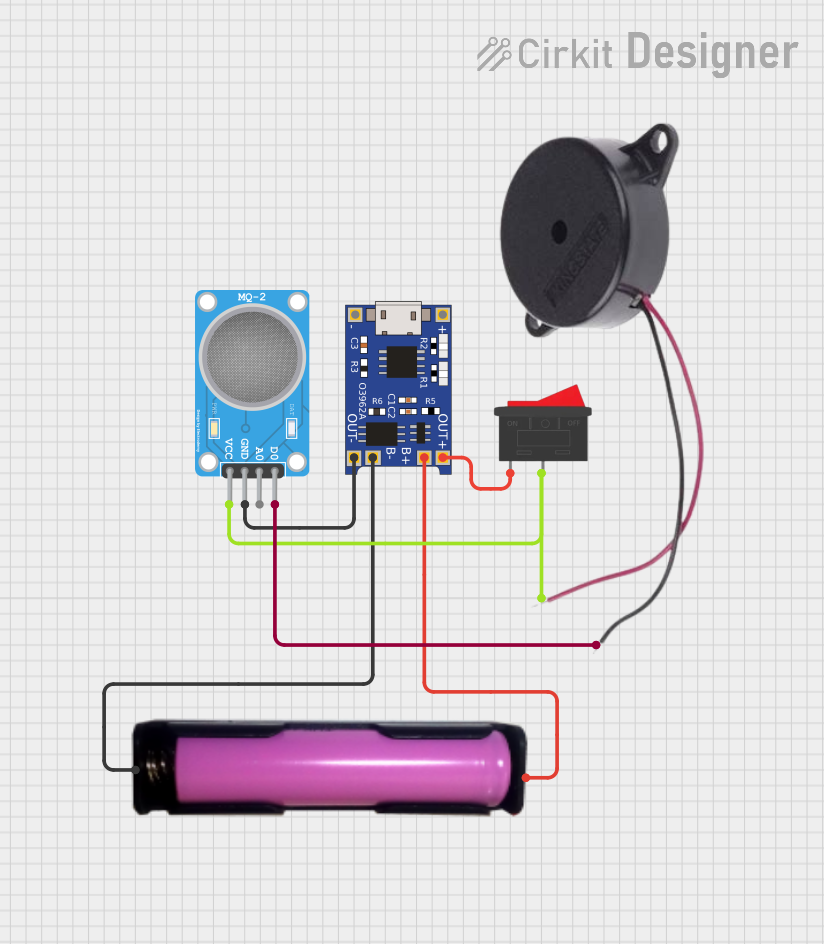 Open Project in Cirkit Designer
Explore Projects Built with MQ-7 Gas Sensor
Open Project in Cirkit DesignerOpen Project in Cirkit DesignerOpen Project in Cirkit DesignerOpen Project in Cirkit DesignerCommon Applications
- Carbon monoxide detection in homes and workplaces
- Air quality monitoring systems
- Industrial safety equipment
- Automotive exhaust monitoring
- Smart IoT-based environmental monitoring systems
Technical Specifications
Key Technical Details
| Parameter | Value |
|---|---|
| Operating Voltage | 5V DC |
| Load Resistance (RL) | Adjustable (typically 10 kΩ) |
| Heating Voltage (VH) | 5V DC (high) / 1.4V DC (low) |
| Heating Current | < 180 mA (high) / < 35 mA (low) |
| Detection Range | 20 ppm to 2000 ppm (CO) |
| Preheat Time | ≥ 24 hours |
| Analog Output Voltage | 0V to 5V (proportional to CO) |
| Sensitivity | Detects CO with high accuracy |
| Operating Temperature | -20°C to 50°C |
| Humidity Range | 33% to 85% RH |
| Dimensions | 32mm x 20mm x 22mm |
Pin Configuration and Descriptions
The MQ-7 sensor module typically has four pins. Below is the pinout description:
| Pin Name | Description |
|---|---|
| VCC | Power supply input (5V DC) |
| GND | Ground connection |
| AOUT | Analog output voltage (proportional to CO level) |
| DOUT | Digital output (threshold-based signal) |
Usage Instructions
How to Use the MQ-7 Gas Sensor in a Circuit
- Power Supply: Connect the
VCCpin to a 5V DC power source and theGNDpin to ground. - Analog Output: Connect the
AOUTpin to an analog input pin of a microcontroller (e.g., Arduino UNO) to read the CO concentration as a voltage. - Digital Output: Optionally, connect the
DOUTpin to a digital input pin of a microcontroller. The digital output is HIGH or LOW based on the preset threshold. - Load Resistor: Ensure the load resistor (RL) is properly configured. A typical value is 10 kΩ.
- Preheating: Allow the sensor to preheat for at least 24 hours before taking accurate measurements.
- Heating Cycle: The MQ-7 requires a heating cycle for accurate readings:
- Apply 5V (high heating) for 60 seconds.
- Apply 1.4V (low heating) for 90 seconds.
- Repeat this cycle continuously during operation.
Important Considerations and Best Practices
- Preheat Time: The sensor requires a long preheat time (≥ 24 hours) for stable operation.
- Heating Cycle: Implement the heating cycle in your circuit to ensure accurate CO detection.
- Calibration: Calibrate the sensor in a known CO concentration environment for precise measurements.
- Ventilation: Use the sensor in a well-ventilated area to avoid saturation or false readings.
- Avoid Contaminants: Keep the sensor away from silicone vapors, alcohol, and other contaminants that may affect its performance.
Example Code for Arduino UNO
Below is an example of how to interface the MQ-7 sensor with an Arduino UNO to read analog values:
// MQ-7 Gas Sensor Example Code for Arduino UNO
// Reads analog output from the sensor and prints CO concentration to Serial Monitor

const int analogPin = A0; // Connect AOUT pin of MQ-7 to Arduino A0
int sensorValue = 0;      // Variable to store analog reading

void setup() {
  Serial.begin(9600); // Initialize serial communication at 9600 baud
  pinMode(analogPin, INPUT); // Set A0 as input
}

void loop() {
  sensorValue = analogRead(analogPin); // Read analog value from MQ-7
  float voltage = sensorValue * (5.0 / 1023.0); // Convert to voltage (0-5V)

  // Print the sensor value and voltage to Serial Monitor
  Serial.print("Sensor Value: ");
  Serial.print(sensorValue);
  Serial.print(" | Voltage: ");
  Serial.print(voltage);
  Serial.println(" V");

  delay(1000); // Wait for 1 second before next reading
}
Notes on the Code
- The analog value (
sensorValue) corresponds to the CO concentration. You can map this value to ppm using a calibration curve. - Ensure the heating cycle is implemented in hardware or software for accurate readings.
Troubleshooting and FAQs
Common Issues and Solutions
No Output or Incorrect Readings:
- Ensure the sensor is powered with the correct voltage (5V DC).
- Verify the load resistor (RL) is properly connected and has the correct value.
- Allow sufficient preheat time (≥ 24 hours) before taking measurements.
Fluctuating or Unstable Readings:
- Check for proper implementation of the heating cycle (high and low heating phases).
- Ensure the sensor is not exposed to contaminants like alcohol or silicone vapors.
Digital Output Always HIGH or LOW:
- Adjust the onboard potentiometer to set the correct threshold for the digital output.
Sensor Not Responding:
- Verify all connections, especially the power supply and ground.
- Check for physical damage to the sensor or module.
FAQs
Q1: Can the MQ-7 detect gases other than CO?
A1: The MQ-7 is specifically designed for carbon monoxide detection. While it may respond to other gases, its sensitivity and accuracy are optimized for CO.
Q2: How do I calibrate the MQ-7 sensor?
A2: Place the sensor in an environment with a known CO concentration and record the analog output. Use this data to create a calibration curve for mapping voltage to ppm.
Q3: Can I use the MQ-7 without the heating cycle?
A3: No, the heating cycle is essential for accurate CO detection. The sensor alternates between high and low heating phases to stabilize its readings.
Q4: What is the lifespan of the MQ-7 sensor?
A4: The typical lifespan of the MQ-7 sensor is around 2-3 years under normal operating conditions.