
How to Use DHT22: Examples, Pinouts, and Specs
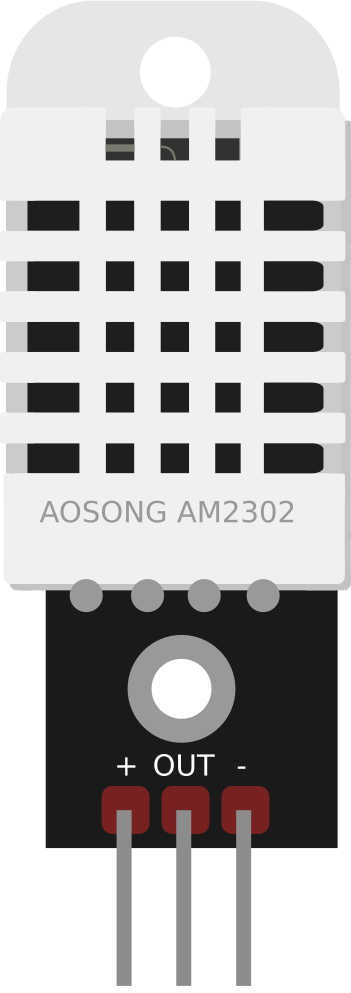
 Design with DHT22 in Cirkit Designer
Introduction
The DHT22 is a digital temperature and humidity sensor that provides accurate readings of temperature in Celsius and humidity in percentage. It is widely used in applications requiring environmental monitoring, such as weather stations, HVAC systems, greenhouses, and IoT projects. The DHT22 is known for its high precision and reliability, making it a popular choice for both hobbyists and professionals.
Explore Projects Built with DHT22
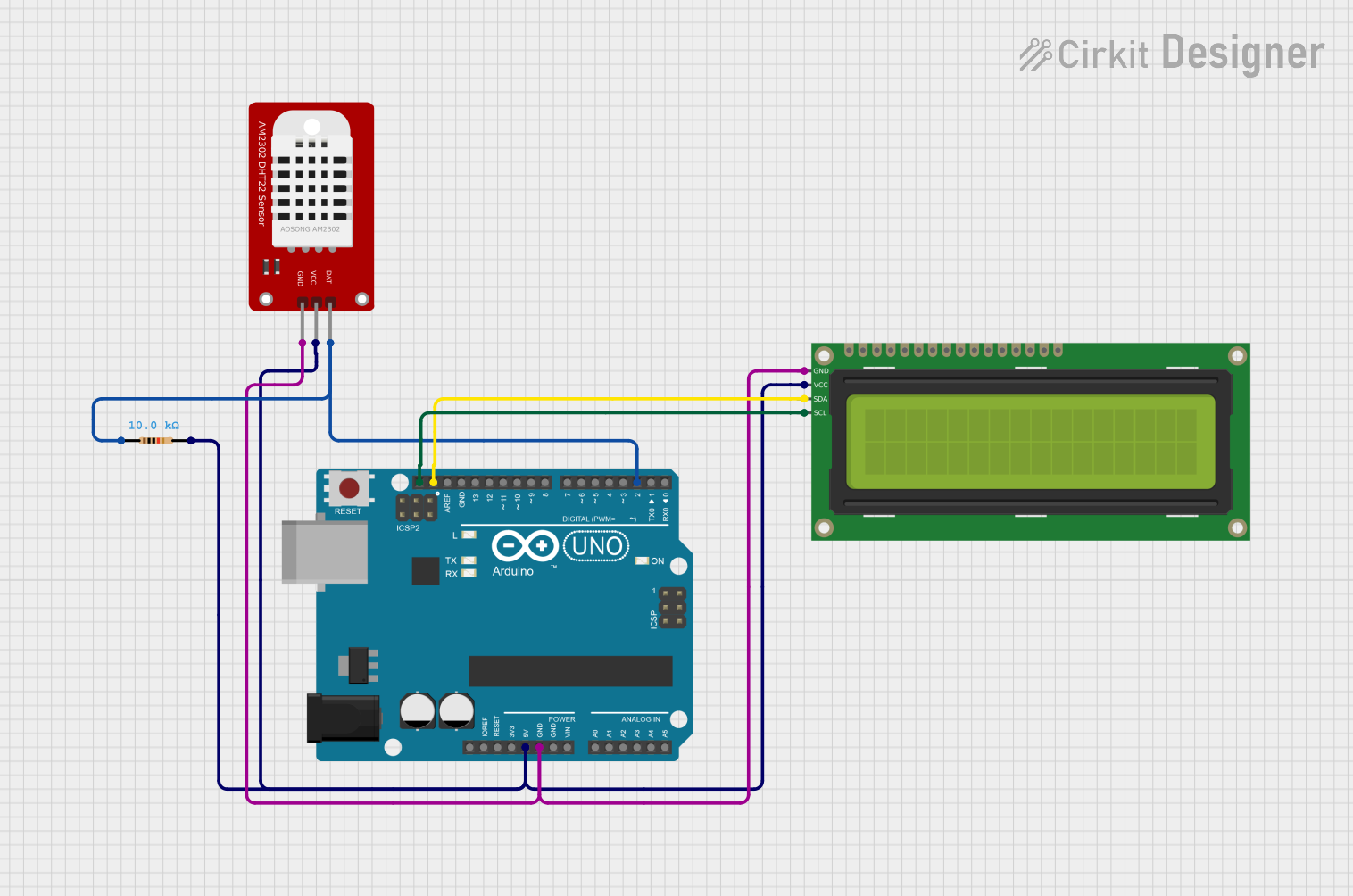 Open Project in Cirkit Designer
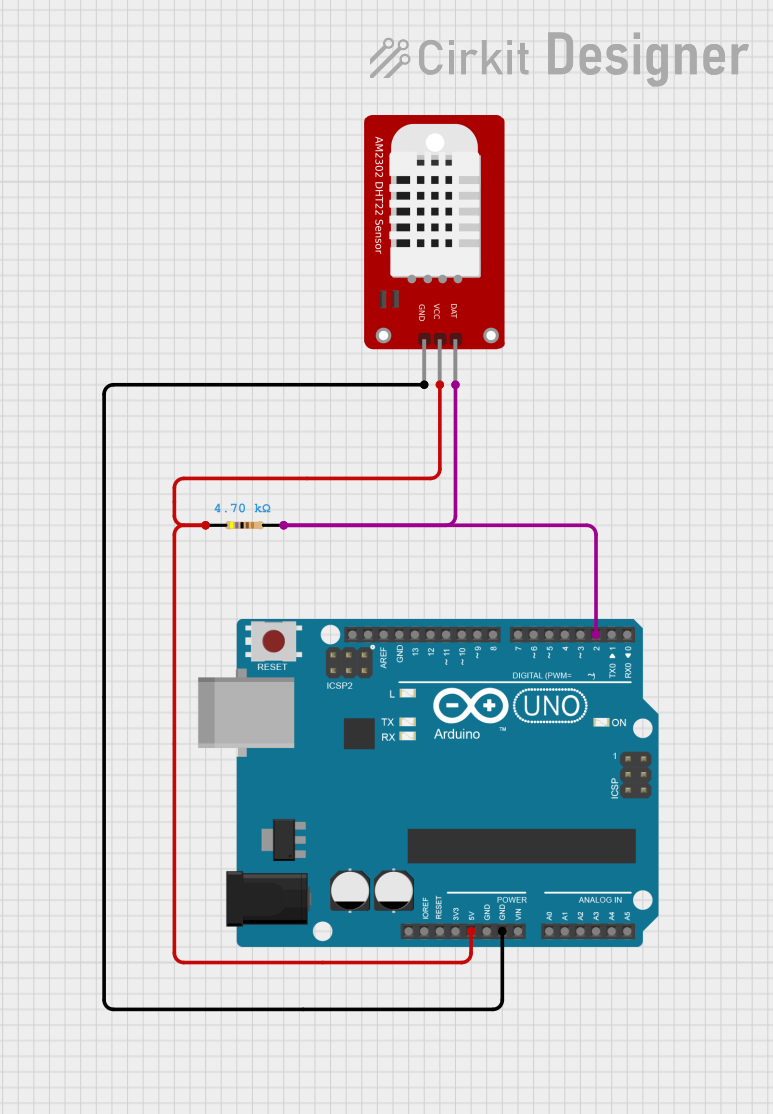 Open Project in Cirkit Designer
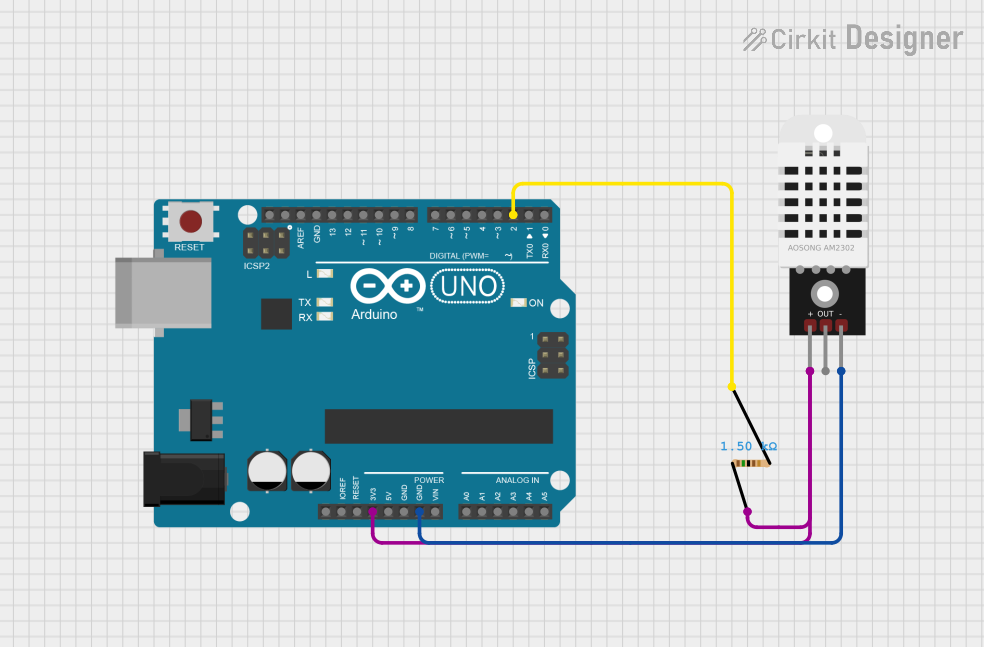 Open Project in Cirkit Designer
 Open Project in Cirkit Designer
Explore Projects Built with DHT22
Open Project in Cirkit DesignerOpen Project in Cirkit DesignerOpen Project in Cirkit DesignerOpen Project in Cirkit DesignerTechnical Specifications
The DHT22 sensor has the following key technical details:
| Parameter | Value |
|---|---|
| Supply Voltage | 3.3V to 6V |
| Operating Current | 0.3mA (measuring), 60µA (standby) |
| Temperature Range | -40°C to +80°C |
| Temperature Accuracy | ±0.5°C |
| Humidity Range | 0% to 100% RH |
| Humidity Accuracy | ±2% RH |
| Sampling Rate | 0.5 Hz (1 reading every 2 seconds) |
| Communication Protocol | Single-wire digital signal |
| Dimensions | 15.1mm x 25mm x 7.7mm |
Pin Configuration and Descriptions
The DHT22 has four pins, as described in the table below:
| Pin Number | Name | Description |
|---|---|---|
| 1 | VCC | Power supply (3.3V to 6V) |
| 2 | DATA | Digital data output (connect to microcontroller) |
| 3 | NC | Not connected (leave unconnected) |
| 4 | GND | Ground (0V reference) |
Note: A pull-up resistor (typically 10kΩ) is required between the DATA pin and VCC for proper communication.
Usage Instructions
How to Use the DHT22 in a Circuit
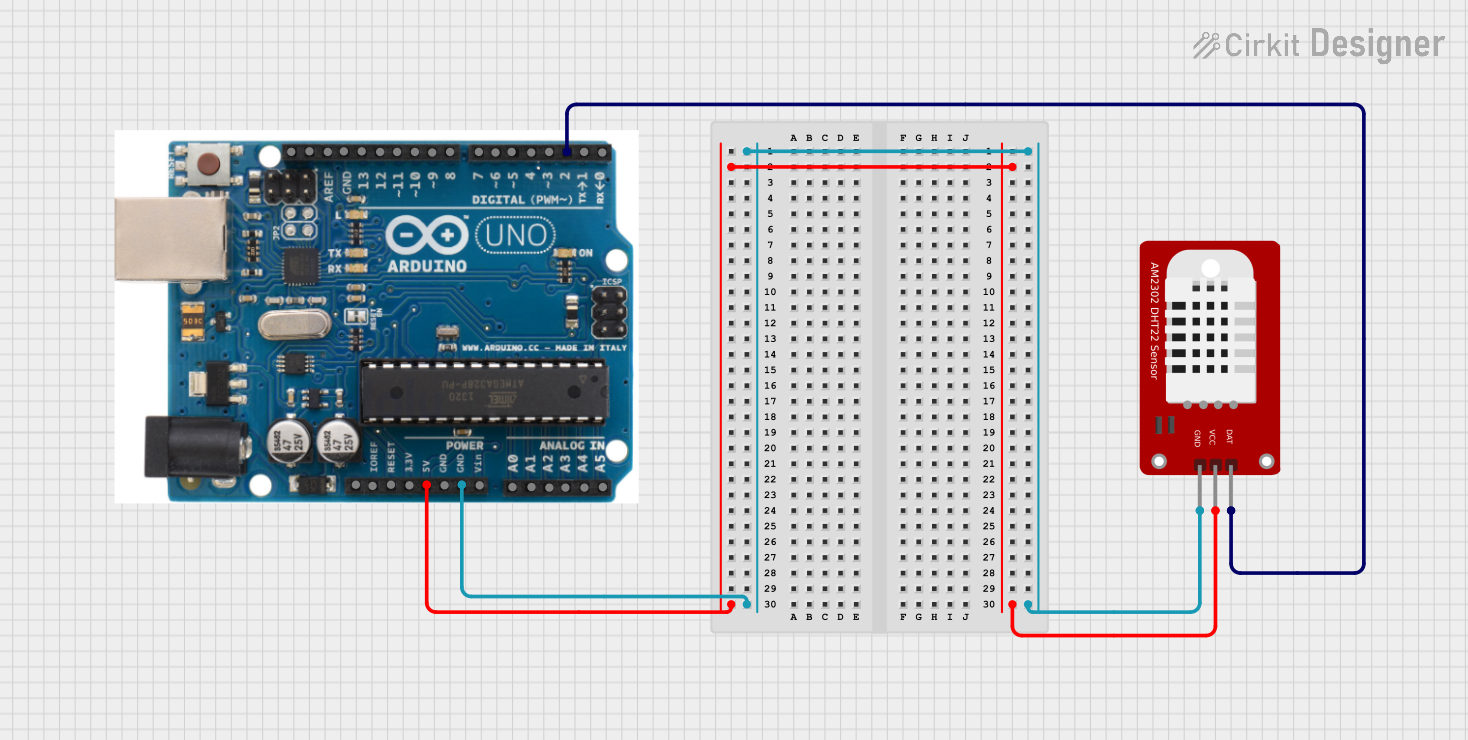
- Power the Sensor: Connect the VCC pin to a 3.3V or 5V power source and the GND pin to ground.
- Connect the DATA Pin: Attach the DATA pin to a digital input pin on your microcontroller. Use a 10kΩ pull-up resistor between the DATA pin and VCC.
- Read Data: Use a compatible library or write custom code to read temperature and humidity data from the sensor.
Important Considerations and Best Practices
- Sampling Rate: The DHT22 can only provide one reading every 2 seconds. Avoid polling the sensor more frequently to prevent communication errors.
- Cable Length: Keep the cable length between the sensor and microcontroller as short as possible to reduce signal degradation. For longer distances, consider using shielded cables.
- Environmental Factors: Place the sensor in a location where it can accurately measure the environment without interference from heat sources, direct sunlight, or moisture.
Example Code for Arduino UNO
Below is an example of how to use the DHT22 with an Arduino UNO. This code uses the popular DHT library.
#include "DHT.h"

// Define the DHT sensor type and pin
#define DHTPIN 2      // Pin connected to the DATA pin of DHT22
#define DHTTYPE DHT22 // Specify the sensor type (DHT22)

DHT dht(DHTPIN, DHTTYPE); // Initialize the DHT sensor

void setup() {
  Serial.begin(9600); // Start serial communication
  Serial.println("DHT22 Sensor Initialization");
  dht.begin();        // Start the DHT sensor
}

void loop() {
  delay(2000); // Wait 2 seconds between readings

  // Read temperature and humidity
  float humidity = dht.readHumidity();
  float temperature = dht.readTemperature();

  // Check if the readings are valid
  if (isnan(humidity) || isnan(temperature)) {
    Serial.println("Failed to read from DHT sensor!");
    return;
  }

  // Print the results to the Serial Monitor
  Serial.print("Humidity: ");
  Serial.print(humidity);
  Serial.print(" %\t");
  Serial.print("Temperature: ");
  Serial.print(temperature);
  Serial.println(" °C");
}
Note: Install the
DHTlibrary in the Arduino IDE by navigating to Sketch > Include Library > Manage Libraries, then search for "DHT" and install the library by Adafruit.
Troubleshooting and FAQs
Common Issues
No Data or Incorrect Readings:
- Ensure the pull-up resistor (10kΩ) is correctly connected between the DATA pin and VCC.
- Verify that the sensor is powered with the correct voltage (3.3V to 6V).
- Check the wiring and ensure the DATA pin is connected to the correct digital pin on the microcontroller.
Frequent Communication Errors:
- Ensure the sampling rate is no faster than once every 2 seconds.
- Use shorter cables or shielded wires to reduce noise and signal degradation.
Sensor Not Responding:
- Confirm that the DHT library is correctly installed and included in your code.
- Double-check the pin configuration and connections.
FAQs
Q: Can the DHT22 measure negative temperatures?
A: Yes, the DHT22 can measure temperatures as low as -40°C.
Q: What is the maximum cable length for the DHT22?
A: The maximum cable length depends on the environment and cable quality. For best results, keep the cable length under 20 meters. Use shielded cables for longer distances.
Q: Can I use the DHT22 with a 3.3V microcontroller?
A: Yes, the DHT22 operates with a supply voltage range of 3.3V to 6V, making it compatible with 3.3V microcontrollers.
Q: How do I protect the sensor in high-humidity environments?
A: Use a protective enclosure with ventilation to shield the sensor from direct exposure to water while allowing air circulation.
By following this documentation, you can effectively integrate the DHT22 sensor into your projects for accurate temperature and humidity monitoring.