
How to Use THERMAL IR: Examples, Pinouts, and Specs
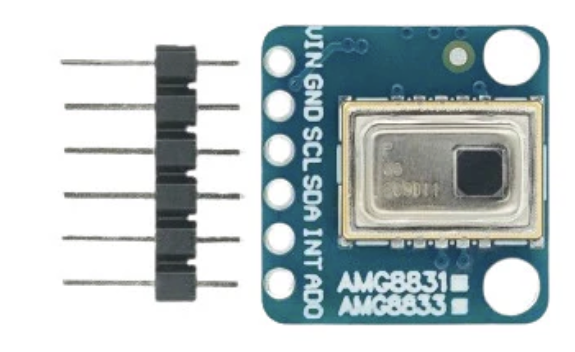
 Design with THERMAL IR in Cirkit Designer
Introduction
The Adafruit Thermal IR Sensor (Manufacturer Part ID: Thermal IR) is a highly sensitive thermal infrared sensor designed to detect infrared radiation emitted by objects. This allows for accurate temperature measurement and thermal imaging without requiring physical contact. The sensor is ideal for applications where non-contact temperature sensing is critical, such as in industrial automation, medical devices, and environmental monitoring.
Explore Projects Built with THERMAL IR
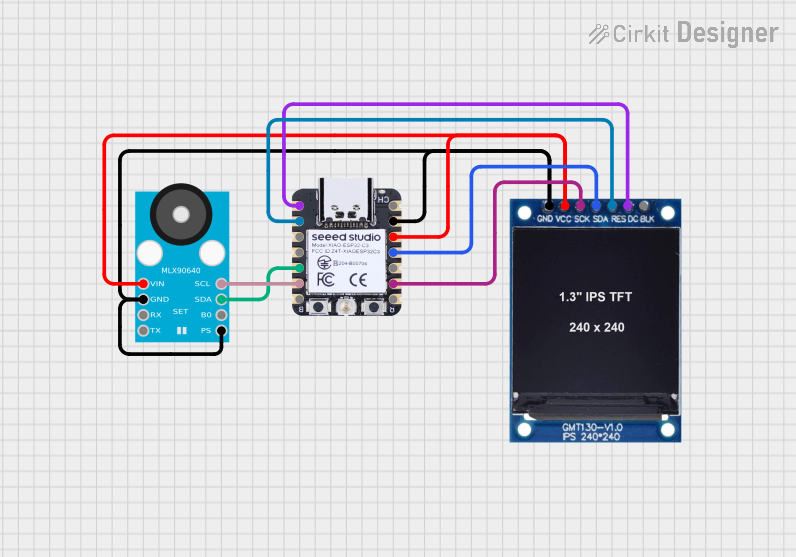 Open Project in Cirkit Designer
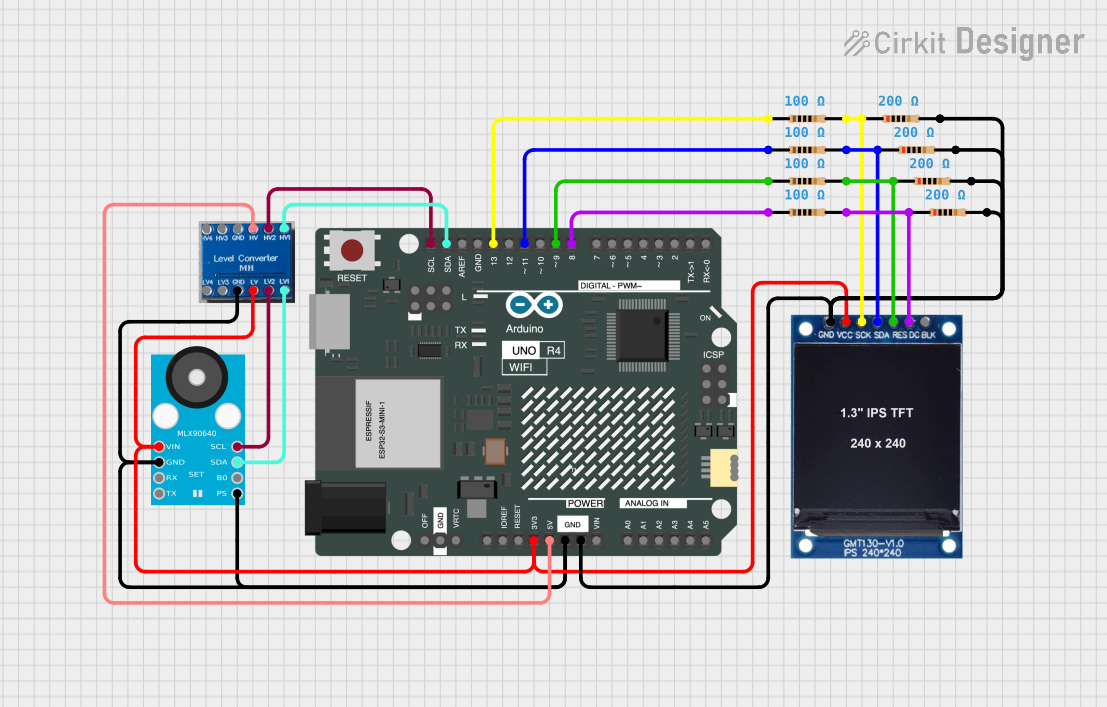 Open Project in Cirkit Designer
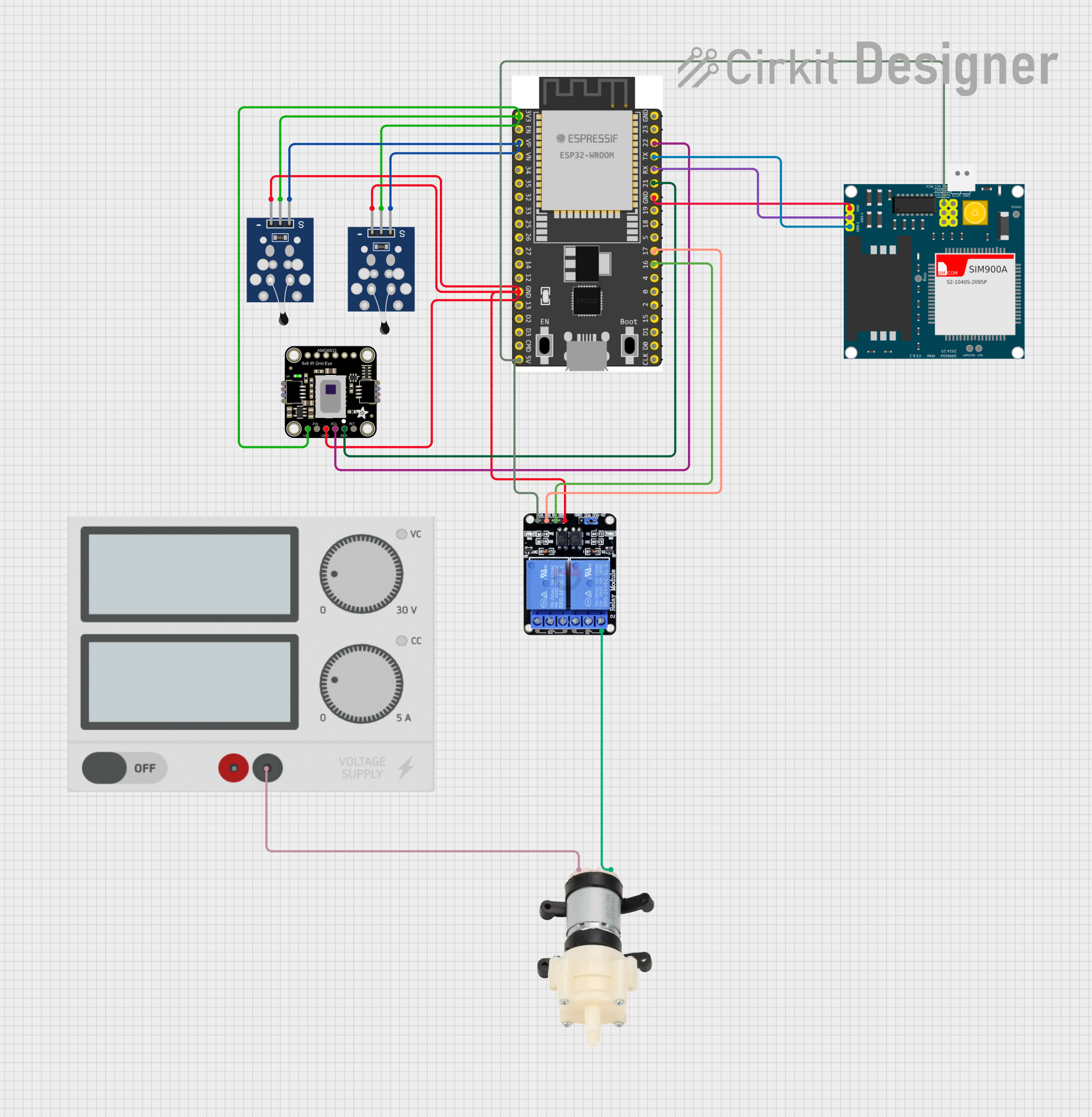 Open Project in Cirkit Designer
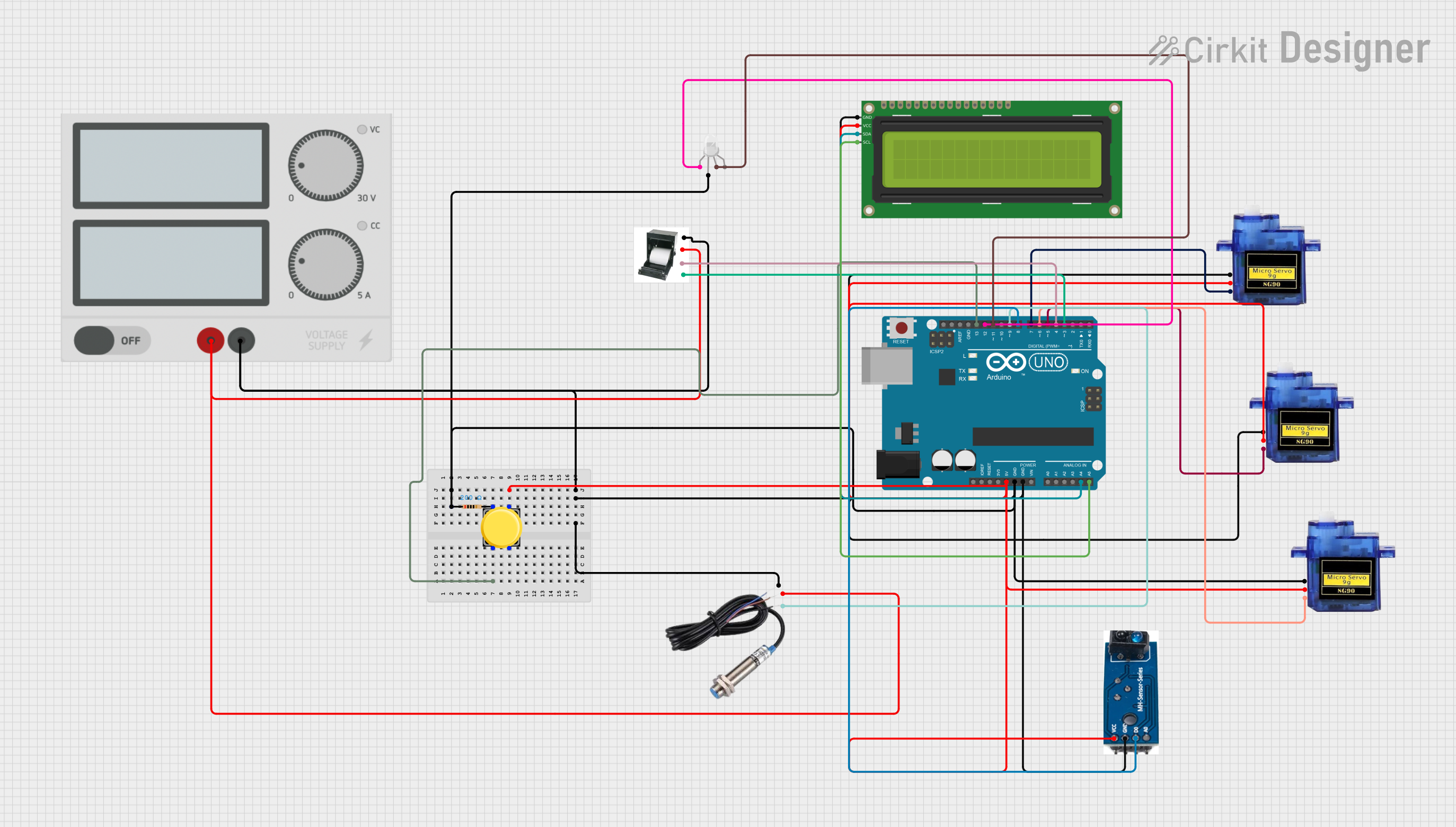 Open Project in Cirkit Designer
Explore Projects Built with THERMAL IR
Open Project in Cirkit DesignerOpen Project in Cirkit DesignerOpen Project in Cirkit DesignerOpen Project in Cirkit DesignerCommon Applications and Use Cases
- Non-contact temperature measurement
- Thermal imaging and heat mapping
- Human presence detection
- Industrial process monitoring
- Medical thermometers and diagnostics
- Home automation and HVAC systems
Technical Specifications
The Adafruit Thermal IR sensor is designed for precision and ease of use. Below are its key technical details:
Key Technical Details
- Operating Voltage: 3.3V to 5V DC
- Communication Protocol: I2C
- Field of View (FOV): 90° (typical)
- Temperature Range: -40°C to 300°C (-40°F to 572°F)
- Accuracy: ±0.5°C (typical, in the range of 0°C to 50°C)
- Response Time: <1 second
- Operating Temperature: -40°C to 85°C
- Dimensions: 20mm x 20mm x 5mm (approx.)
Pin Configuration and Descriptions
The sensor has a simple pinout for easy integration into your projects. Below is the pin configuration:
| Pin | Name | Description |
|---|---|---|
| 1 | VIN | Power input (3.3V to 5V DC). Connect to the power supply of your microcontroller. |
| 2 | GND | Ground. Connect to the ground of your circuit. |
| 3 | SDA | I2C data line. Connect to the SDA pin of your microcontroller. |
| 4 | SCL | I2C clock line. Connect to the SCL pin of your microcontroller. |
Usage Instructions
The Adafruit Thermal IR sensor is straightforward to use in a variety of applications. Below are the steps and best practices for integrating it into your circuit.
How to Use the Component in a Circuit
- Power the Sensor: Connect the VIN pin to a 3.3V or 5V power source and the GND pin to the ground.
- Connect I2C Lines: Connect the SDA and SCL pins to the corresponding I2C pins on your microcontroller (e.g., Arduino UNO).
- Install Required Libraries: If using an Arduino, install the Adafruit MLX90614 library from the Arduino Library Manager.
- Write Code: Use the provided library functions to read temperature data from the sensor.
Important Considerations and Best Practices
- Ensure proper power supply voltage (3.3V or 5V) to avoid damaging the sensor.
- Avoid placing the sensor in direct sunlight or near heat sources, as this may affect accuracy.
- Use pull-up resistors (typically 4.7kΩ) on the SDA and SCL lines if your microcontroller does not have internal pull-ups.
- Keep the sensor clean and free from dust or debris to maintain optimal performance.
Example Code for Arduino UNO
Below is an example Arduino sketch to read temperature data from the Adafruit Thermal IR sensor:
#include <Wire.h>
#include <Adafruit_MLX90614.h>

// Create an instance of the Adafruit_MLX90614 library
Adafruit_MLX90614 mlx = Adafruit_MLX90614();

void setup() {
  Serial.begin(9600); // Initialize serial communication at 9600 baud
  Serial.println("Adafruit Thermal IR Sensor Test");

  if (!mlx.begin()) {
    Serial.println("Error: Could not find a valid MLX90614 sensor. Check wiring!");
    while (1); // Halt execution if the sensor is not detected
  }
}

void loop() {
  // Read object and ambient temperatures
  double objectTemp = mlx.readObjectTempC(); // Object temperature in Celsius
  double ambientTemp = mlx.readAmbientTempC(); // Ambient temperature in Celsius

  // Print the temperature readings to the Serial Monitor
  Serial.print("Object Temperature: ");
  Serial.print(objectTemp);
  Serial.println(" °C");

  Serial.print("Ambient Temperature: ");
  Serial.print(ambientTemp);
  Serial.println(" °C");

  delay(1000); // Wait 1 second before taking the next reading
}
Troubleshooting and FAQs
Common Issues Users Might Face
Sensor Not Detected:
- Cause: Incorrect wiring or loose connections.
- Solution: Double-check the connections, ensuring SDA and SCL are connected to the correct pins on the microcontroller.
Inaccurate Temperature Readings:
- Cause: Sensor exposed to direct sunlight or heat sources.
- Solution: Shield the sensor from direct sunlight and ensure it is not near heat-emitting devices.
I2C Communication Errors:
- Cause: Missing pull-up resistors on SDA and SCL lines.
- Solution: Add 4.7kΩ pull-up resistors to the SDA and SCL lines if necessary.
No Output on Serial Monitor:
- Cause: Incorrect baud rate or uninitialized sensor.
- Solution: Ensure the Serial Monitor is set to 9600 baud and verify that the sensor is properly initialized in the code.
Solutions and Tips for Troubleshooting
- Use a multimeter to verify the voltage at the VIN pin.
- Test the I2C connection using an I2C scanner sketch to ensure the sensor is detected.
- Update the Adafruit MLX90614 library to the latest version to avoid compatibility issues.
By following this documentation, you can effectively integrate and use the Adafruit Thermal IR sensor in your projects.