
How to Use Terminal Block 10pt: Examples, Pinouts, and Specs

 Design with Terminal Block 10pt in Cirkit Designer
Introduction
The Terminal Block 10pt (Manufacturer: Vishnu, Part ID: WC_PAN_04) is a modular electrical connector designed to securely connect multiple wires in an organized manner. With 10 connection points, this component is ideal for applications requiring multiple wire terminations in a compact and reliable format. It is widely used in industrial control systems, power distribution, and automation projects.
Explore Projects Built with Terminal Block 10pt
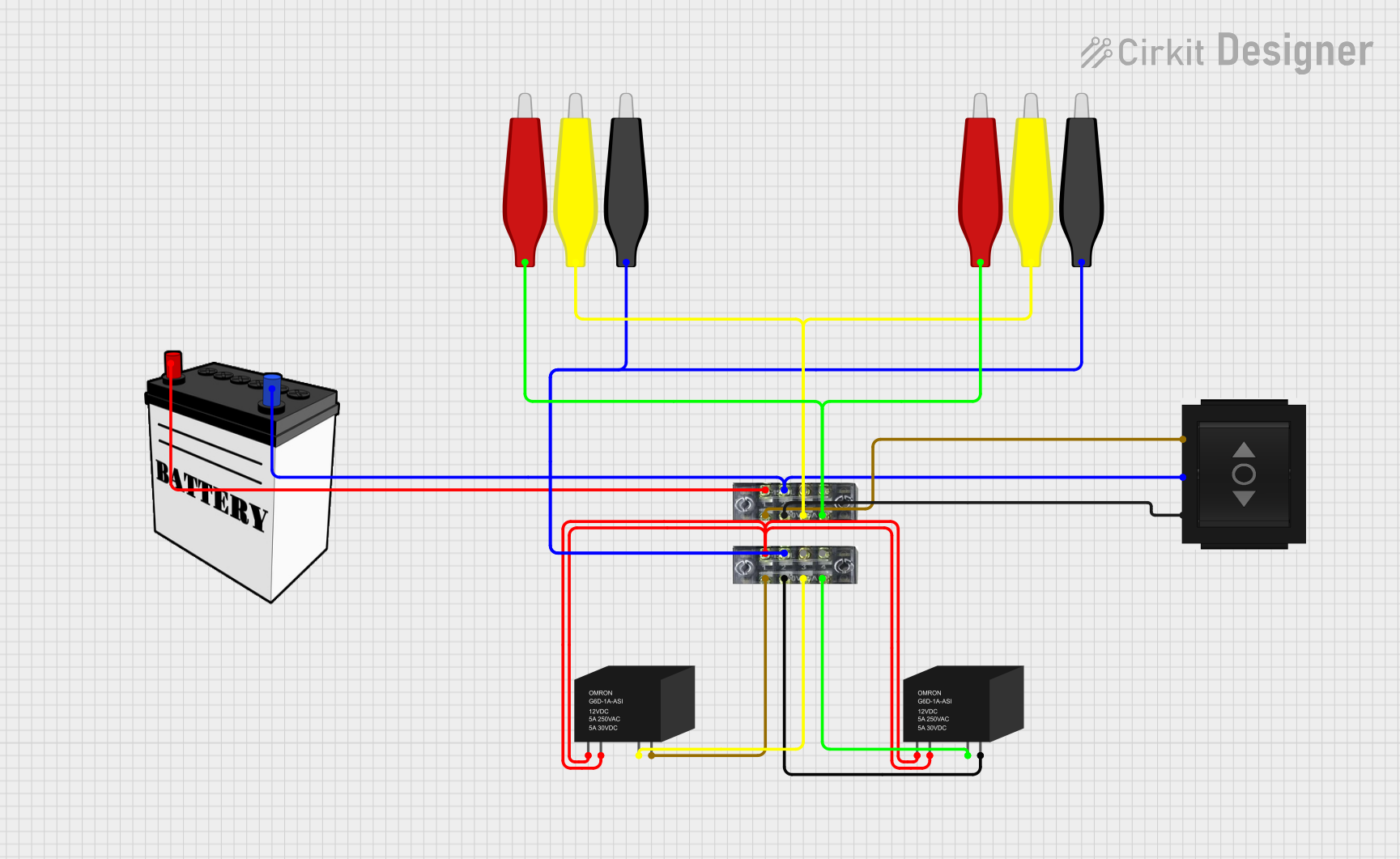 Open Project in Cirkit Designer
 Open Project in Cirkit Designer
 Open Project in Cirkit Designer
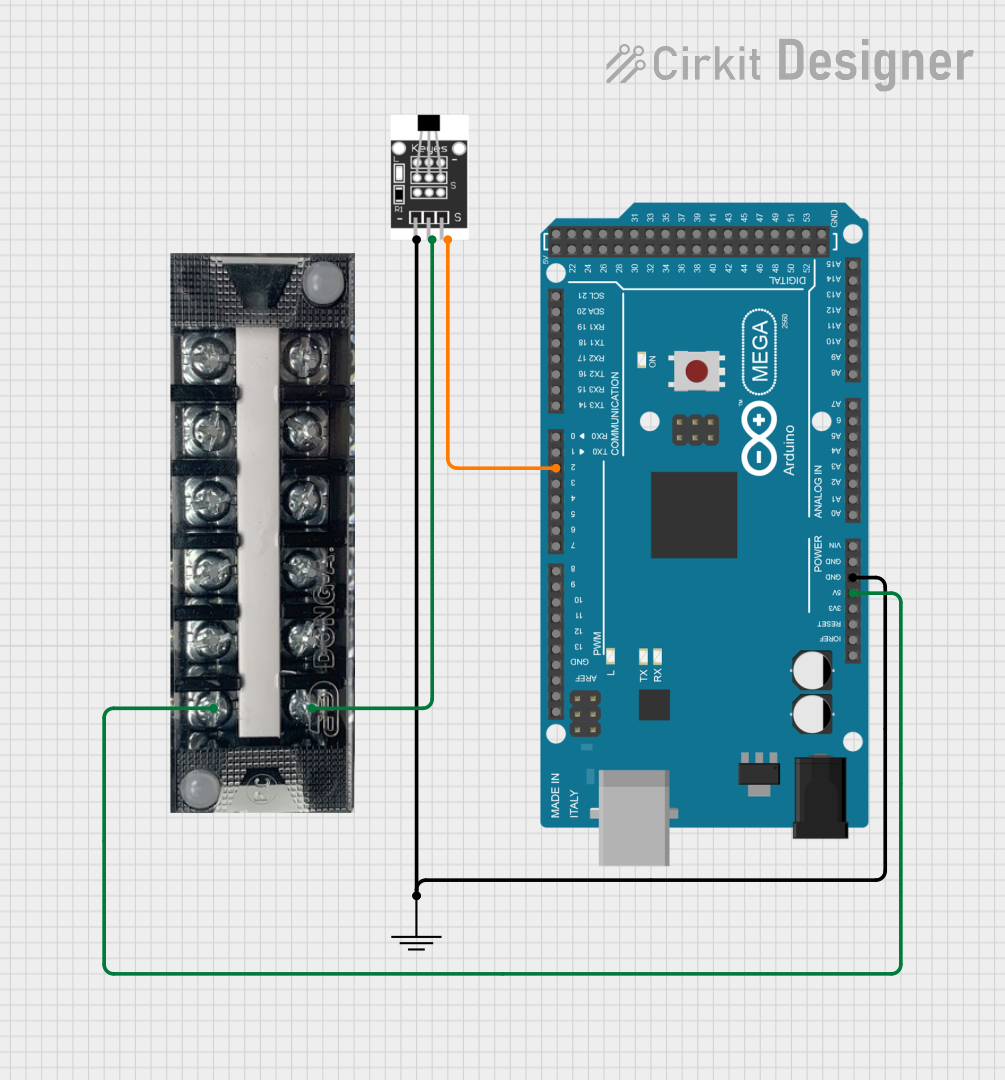 Open Project in Cirkit Designer
Explore Projects Built with Terminal Block 10pt
Open Project in Cirkit DesignerOpen Project in Cirkit DesignerOpen Project in Cirkit DesignerOpen Project in Cirkit DesignerCommon Applications and Use Cases
- Industrial Control Panels: For organizing and connecting control wiring.
- Power Distribution: To distribute power across multiple circuits.
- Automation Systems: For connecting sensors, actuators, and controllers.
- Prototyping and Testing: To simplify wiring in temporary setups.
- Home Electrical Systems: For secure and organized wiring in junction boxes.
Technical Specifications
The following table outlines the key technical details of the Terminal Block 10pt:
| Parameter | Specification |
|---|---|
| Manufacturer | Vishnu |
| Part ID | WC_PAN_04 |
| Number of Connection Points | 10 |
| Rated Voltage | 300V AC/DC |
| Rated Current | 15A |
| Wire Size Compatibility | 22-12 AWG |
| Insulation Material | Polyamide (PA66), flame-retardant |
| Operating Temperature | -40°C to +105°C |
| Mounting Type | DIN Rail or Panel Mount |
| Screw Type | M3 Slotted Screws |
| Dimensions (L x W x H) | 50mm x 12mm x 20mm |
| Certifications | UL, CE, RoHS compliant |
Pin Configuration and Descriptions
The Terminal Block 10pt does not have traditional "pins" but instead features screw terminals for wire connections. Below is a description of the connection points:
| Terminal Point | Description |
|---|---|
| 1-10 | Wire connection points for input/output. Each terminal is isolated from others to prevent short circuits. |
Usage Instructions
How to Use the Terminal Block 10pt in a Circuit
Mounting:
- Secure the terminal block to a DIN rail or panel using screws or clips.
- Ensure the mounting surface is stable and free from vibrations.
Wire Preparation:
- Strip the insulation from the wire ends (approximately 5-7mm).
- Ensure the wire gauge is within the supported range (22-12 AWG).
Connecting Wires:
- Loosen the screw on the desired terminal using a flathead screwdriver.
- Insert the stripped wire end into the terminal opening.
- Tighten the screw to secure the wire. Avoid overtightening to prevent damage.
Testing:
- After all connections are made, test the circuit for continuity and proper operation.
- Ensure there are no loose connections or exposed wires.
Important Considerations and Best Practices
- Avoid Overloading: Do not exceed the rated voltage (300V) or current (15A) to prevent overheating or damage.
- Wire Compatibility: Use wires within the specified gauge range (22-12 AWG) for secure connections.
- Insulation Check: Ensure no bare wires are exposed outside the terminal block to avoid short circuits.
- Tightening Screws: Use appropriate torque when tightening screws to avoid damaging the terminal or wire.
- Environmental Conditions: Install the terminal block in environments within the operating temperature range (-40°C to +105°C).
Example: Connecting to an Arduino UNO
While the Terminal Block 10pt is not directly connected to an Arduino UNO, it can be used to organize and distribute power or signals to multiple components in an Arduino-based project. Below is an example of how to use it in a simple LED circuit:
Circuit Description
- The terminal block is used to distribute power from the Arduino's 5V and GND pins to multiple LEDs.
Arduino Code
// Simple LED Blinking Example
// This code assumes multiple LEDs are connected via the terminal block
// to Arduino pins 2, 3, and 4.

void setup() {
  pinMode(2, OUTPUT); // Set pin 2 as output for LED 1
  pinMode(3, OUTPUT); // Set pin 3 as output for LED 2
  pinMode(4, OUTPUT); // Set pin 4 as output for LED 3
}

void loop() {
  digitalWrite(2, HIGH); // Turn on LED 1
  digitalWrite(3, HIGH); // Turn on LED 2
  digitalWrite(4, HIGH); // Turn on LED 3
  delay(1000);           // Wait for 1 second

  digitalWrite(2, LOW);  // Turn off LED 1
  digitalWrite(3, LOW);  // Turn off LED 2
  digitalWrite(4, LOW);  // Turn off LED 3
  delay(1000);           // Wait for 1 second
}
Troubleshooting and FAQs
Common Issues and Solutions
| Issue | Possible Cause | Solution |
|---|---|---|
| Loose wire connections | Screws not tightened properly | Re-tighten screws with appropriate torque. |
| Overheating of terminal block | Exceeding rated current or voltage | Reduce load to within rated specifications. |
| Wires slipping out of terminals | Incorrect wire stripping or loose screws | Strip wires to correct length and retighten. |
| Short circuits between terminals | Exposed wire ends touching adjacent terminals | Ensure proper insulation and spacing. |
FAQs
Can I use this terminal block for DC circuits?
- Yes, the Terminal Block 10pt supports both AC and DC circuits up to 300V.
What tools are required for installation?
- A flathead screwdriver is required for tightening the screws. Wire strippers are needed for preparing the wires.
Is the terminal block reusable?
- Yes, the terminal block can be reused as long as it is not physically damaged.
Can it handle high-frequency signals?
- While it can handle low-frequency signals, it is not specifically designed for high-frequency applications.
What is the maximum wire size it supports?
- The terminal block supports wires up to 12 AWG in size.
By following this documentation, users can effectively utilize the Vishnu WC_PAN_04 Terminal Block 10pt in their electrical and electronic projects.