
How to Use 5v DC Adapter: Examples, Pinouts, and Specs
 Design with 5v DC Adapter in Cirkit Designer
Introduction
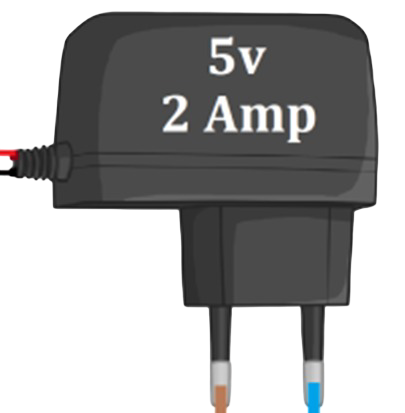
The 5V DC Adapter is a power supply device designed to convert AC voltage from a standard wall outlet into a stable 5V DC output. This adapter is widely used to power a variety of electronic devices, including microcontrollers, sensors, and small appliances. Its compact design and reliable performance make it an essential component for hobbyists, engineers, and professionals working with low-power electronics.
Explore Projects Built with 5v DC Adapter
 Open Project in Cirkit Designer
 Open Project in Cirkit Designer
 Open Project in Cirkit Designer
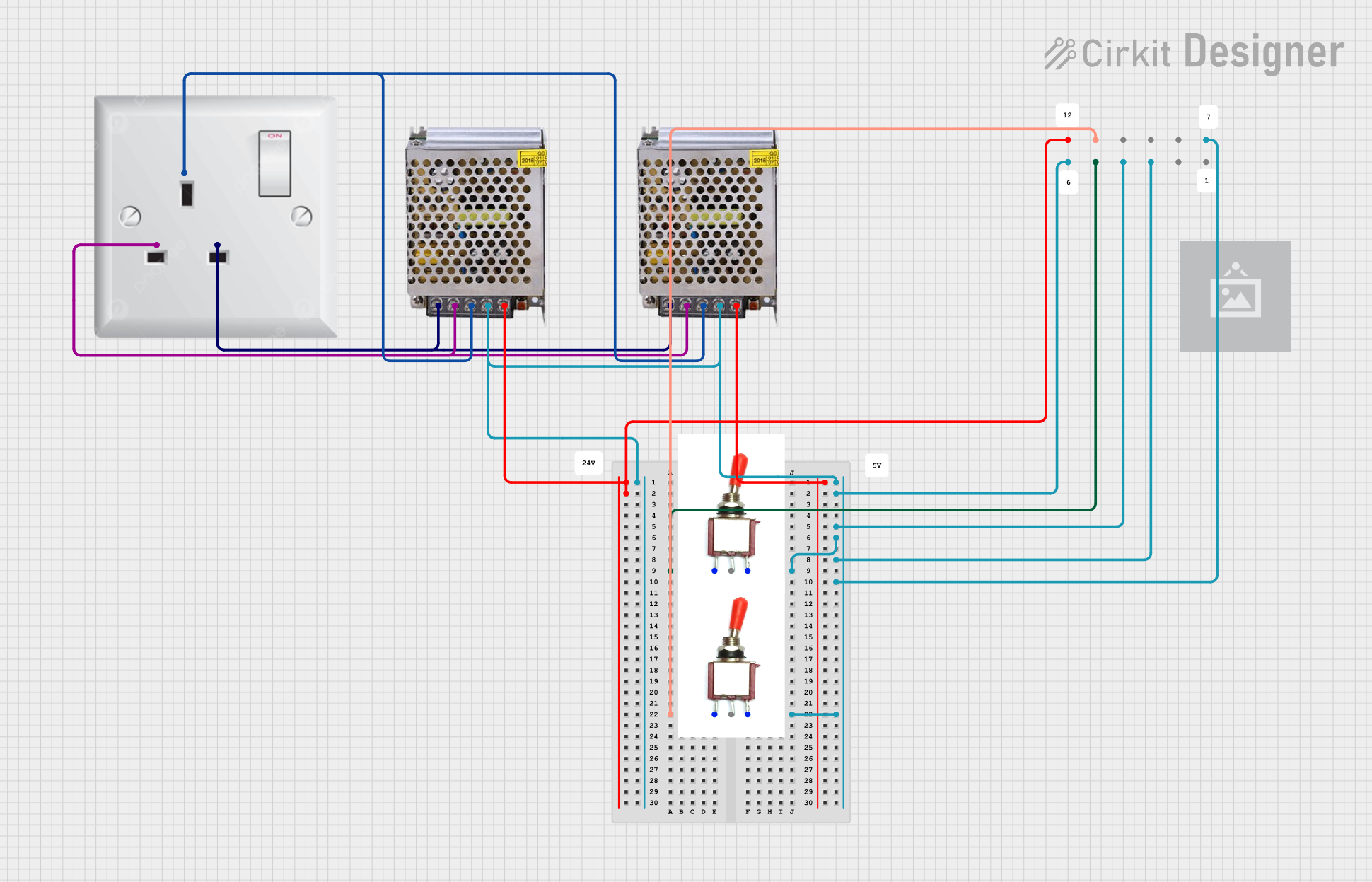 Open Project in Cirkit Designer
Explore Projects Built with 5v DC Adapter
Open Project in Cirkit DesignerOpen Project in Cirkit DesignerOpen Project in Cirkit DesignerOpen Project in Cirkit DesignerCommon Applications and Use Cases
- Powering microcontroller boards such as Arduino, Raspberry Pi, and ESP32.
- Supplying power to sensors, modules, and small electronic circuits.
- Charging USB-powered devices like smartphones and portable gadgets.
- Providing a stable 5V DC source for prototyping and testing electronic projects.
Technical Specifications
Below are the key technical details of the 5V DC Adapter:
| Parameter | Specification |
|---|---|
| Input Voltage | 100-240V AC, 50/60Hz |
| Output Voltage | 5V DC |
| Output Current | Typically 1A to 2A (varies by model) |
| Power Rating | 5W to 10W |
| Connector Type | Barrel jack (commonly 5.5mm x 2.1mm) or USB-A |
| Polarity | Center positive (for barrel jack) |
| Efficiency | ≥ 80% |
| Operating Temperature | 0°C to 40°C |
| Storage Temperature | -20°C to 70°C |
| Safety Features | Overvoltage, overcurrent, and short-circuit protection |
Pin Configuration and Descriptions
For barrel jack connectors, the pin configuration is as follows:
| Pin | Description |
|---|---|
| Center Pin | Positive terminal (+5V DC) |
| Outer Sleeve | Negative terminal (Ground) |
For USB-A connectors, the pin configuration is as follows:
| Pin | Description |
|---|---|
| VBUS (Pin 1) | Positive terminal (+5V DC) |
| D- (Pin 2) | Data line (not used for power) |
| D+ (Pin 3) | Data line (not used for power) |
| GND (Pin 4) | Negative terminal (Ground) |
Usage Instructions
How to Use the 5V DC Adapter in a Circuit
- Verify Compatibility: Ensure the device or circuit you are powering requires a 5V DC input and does not exceed the adapter's current rating.
- Connect the Adapter:
- For barrel jack connectors, plug the adapter into the device's power input port, ensuring the polarity matches (center positive).
- For USB-powered devices, connect the USB-A plug to the device's USB input port.
- Power On: Plug the adapter into a wall outlet and switch it on (if applicable). The connected device should now receive a stable 5V DC supply.
Important Considerations and Best Practices
- Check Polarity: Incorrect polarity can damage your device. Always confirm the adapter's polarity matches the device's requirements.
- Avoid Overloading: Do not connect devices that draw more current than the adapter's maximum output rating.
- Ventilation: Ensure the adapter has adequate ventilation to prevent overheating during prolonged use.
- Use Quality Components: Avoid using counterfeit or low-quality adapters, as they may lack proper safety features and pose a risk to your devices.
Example: Using the 5V DC Adapter with an Arduino UNO
The 5V DC Adapter can be used to power an Arduino UNO via its barrel jack input. Below is an example of how to connect and use the adapter:
- Plug the adapter's barrel jack into the Arduino UNO's power input port.
- Ensure the adapter provides a stable 5V DC output with a current rating of at least 1A.
- Connect the adapter to a wall outlet and power on the Arduino UNO.
Sample Arduino Code
Here is a simple Arduino sketch to blink an LED while powered by the 5V DC Adapter:
// Blink an LED connected to pin 13 on the Arduino UNO
// Ensure the Arduino is powered by the 5V DC Adapter

void setup() {
  pinMode(13, OUTPUT); // Set pin 13 as an output
}

void loop() {
  digitalWrite(13, HIGH); // Turn the LED on
  delay(1000);            // Wait for 1 second
  digitalWrite(13, LOW);  // Turn the LED off
  delay(1000);            // Wait for 1 second
}
Troubleshooting and FAQs
Common Issues Users Might Face
Device Not Powering On:
- Cause: Incorrect polarity or insufficient current rating.
- Solution: Verify the adapter's polarity and ensure it meets the device's power requirements.
Adapter Overheating:
- Cause: Prolonged use at maximum load or poor ventilation.
- Solution: Reduce the load or ensure proper ventilation around the adapter.
Intermittent Power Supply:
- Cause: Loose connections or damaged cables.
- Solution: Check all connections and replace damaged cables if necessary.
No Output Voltage:
- Cause: Faulty adapter or blown internal fuse.
- Solution: Test the adapter with a multimeter and replace it if defective.
FAQs
Q1: Can I use the 5V DC Adapter to charge my smartphone?
A1: Yes, if the adapter has a USB-A output and meets the current requirements of your smartphone.
Q2: Is the adapter safe to use with sensitive electronics?
A2: Yes, most 5V DC Adapters include safety features like overvoltage and short-circuit protection, making them safe for sensitive devices.
Q3: Can I use the adapter with a device requiring more than 5V?
A3: No, using the adapter with devices requiring higher voltages may result in insufficient power or device malfunction.
Q4: How do I check the polarity of the adapter?
A4: Use a multimeter to measure the voltage at the connector. The center pin should be positive, and the outer sleeve should be negative.
By following this documentation, users can safely and effectively utilize the 5V DC Adapter in their electronic projects and devices.