
How to Use 4 Ohm 3W Square Cavity Speaker for Laptop 3525 Ultra Thin Speaker: Examples, Pinouts, and Specs
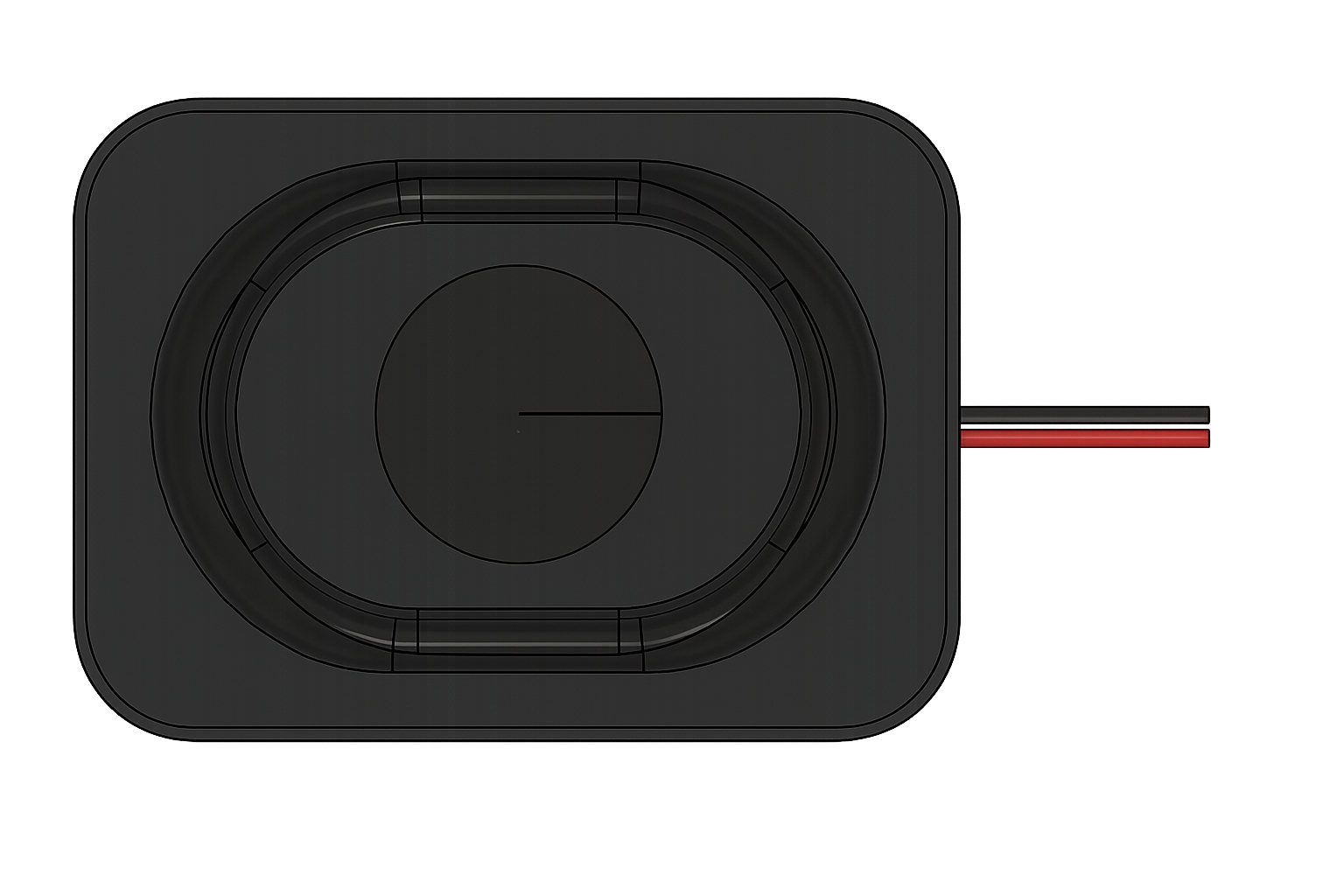
 Design with 4 Ohm 3W Square Cavity Speaker for Laptop 3525 Ultra Thin Speaker in Cirkit Designer
Introduction
The 4 Ohm 3W Square Cavity Speaker for Laptop 3525 Ultra Thin Speaker, manufactured by Kznifmk (Part ID: 500754827A1), is a compact and lightweight speaker designed for applications requiring high-quality audio output in a small form factor. Its ultra-thin design makes it ideal for integration into slim devices such as laptops, tablets, and other portable electronics.
Explore Projects Built with 4 Ohm 3W Square Cavity Speaker for Laptop 3525 Ultra Thin Speaker
 Open Project in Cirkit Designer
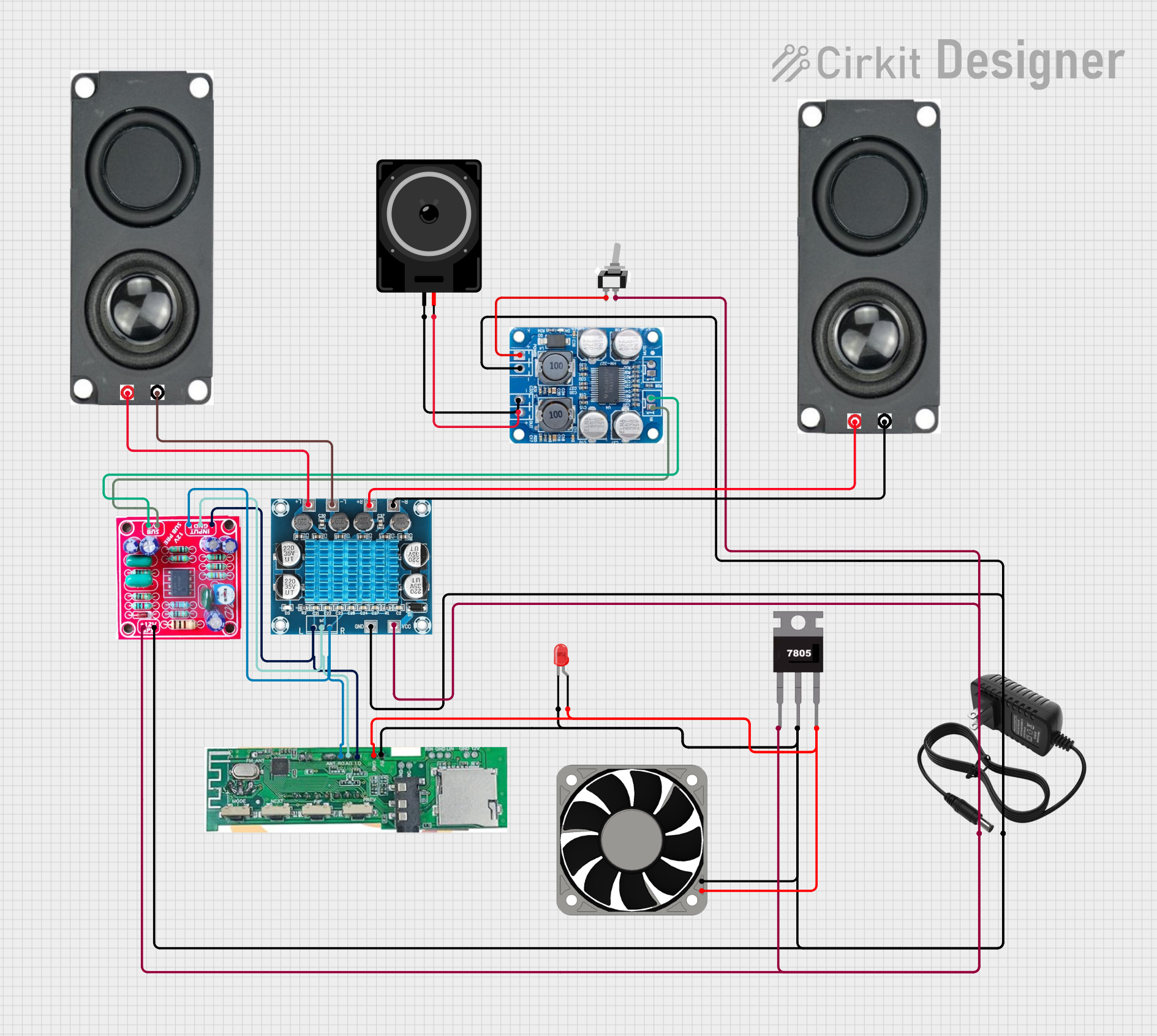 Open Project in Cirkit Designer
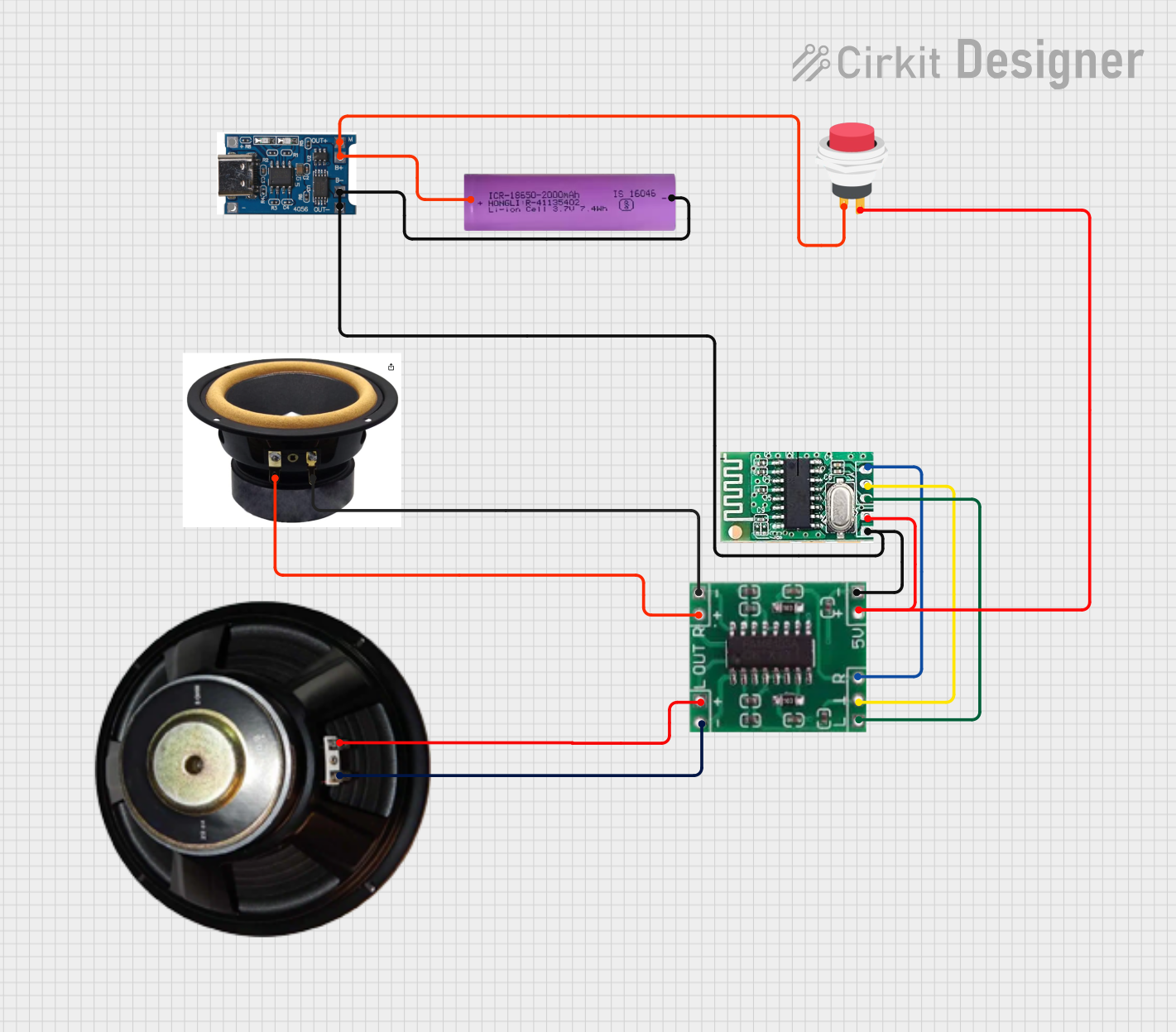 Open Project in Cirkit Designer
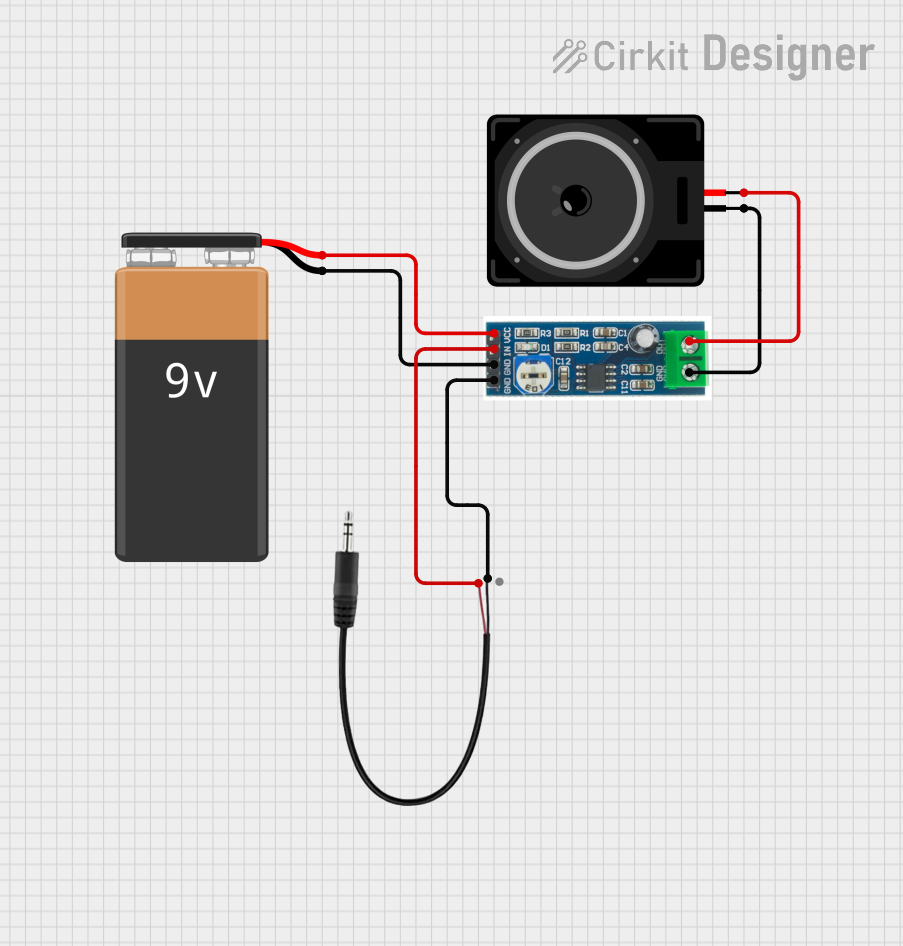 Open Project in Cirkit Designer
Explore Projects Built with 4 Ohm 3W Square Cavity Speaker for Laptop 3525 Ultra Thin Speaker
Open Project in Cirkit DesignerOpen Project in Cirkit DesignerOpen Project in Cirkit DesignerOpen Project in Cirkit DesignerCommon Applications and Use Cases
- Laptops and ultrabooks
- Tablets and handheld devices
- Portable audio systems
- Embedded systems requiring audio output
- DIY electronics projects
Technical Specifications
The following table outlines the key technical specifications of the speaker:
| Parameter | Value |
|---|---|
| Manufacturer | Kznifmk |
| Part ID | 500754827A1 |
| Impedance | 4 Ohms |
| Rated Power | 3 Watts |
| Maximum Power | 4 Watts |
| Frequency Response | 200 Hz – 20 kHz |
| Sensitivity | 88 dB ± 3 dB |
| Dimensions | 35 mm x 25 mm x 4 mm |
| Weight | 10 grams |
| Connector Type | Solder pads |
| Housing Material | ABS plastic with metal grill |
Pin Configuration and Descriptions
The speaker has two solder pads for electrical connections. The table below describes the connections:
| Pin | Description |
|---|---|
| + | Positive terminal (V+) |
| - | Negative terminal (GND) |
Usage Instructions
How to Use the Component in a Circuit
- Power Requirements: Ensure the audio amplifier driving the speaker can deliver a maximum of 3W at 4 Ohms. Exceeding this power rating may damage the speaker.
- Connection:
- Solder the positive terminal (
+) of the speaker to the output of the amplifier's positive channel. - Solder the negative terminal (
-) to the amplifier's ground.
- Solder the positive terminal (
- Amplifier Selection: Use an amplifier IC such as the LM386 or PAM8403, which are commonly used for low-power audio applications.
- Enclosure: For optimal sound quality, mount the speaker in a properly designed enclosure to enhance bass response and minimize distortion.
Important Considerations and Best Practices
- Avoid Overloading: Do not exceed the rated power of 3W to prevent damage to the speaker.
- Frequency Response: The speaker performs best within its frequency range of 200 Hz to 20 kHz. Use an equalizer or filter to avoid sending frequencies outside this range.
- Heat Management: Ensure proper ventilation around the speaker to prevent overheating during prolonged use.
- Polarity: Always connect the speaker with the correct polarity to avoid phase cancellation and poor sound quality.
Example: Connecting to an Arduino UNO
To use the speaker with an Arduino UNO, you can generate simple tones using the tone() function. Below is an example:
// Example: Generating tones with a 4 Ohm 3W speaker using Arduino UNO
// Connect the positive terminal of the speaker to pin 9 via a 100-ohm resistor
// Connect the negative terminal of the speaker to GND

#define SPEAKER_PIN 9  // Define the pin connected to the speaker

void setup() {
  // No setup required for tone generation
}

void loop() {
  tone(SPEAKER_PIN, 440, 500); // Play a 440 Hz tone for 500 ms
  delay(1000);                // Wait for 1 second
  tone(SPEAKER_PIN, 880, 500); // Play an 880 Hz tone for 500 ms
  delay(1000);                // Wait for 1 second
}
Note: Use a resistor (e.g., 100 ohms) in series with the speaker to limit current and protect the Arduino's output pin.
Troubleshooting and FAQs
Common Issues Users Might Face
No Sound Output:
- Cause: Incorrect wiring or loose connections.
- Solution: Verify the connections to the amplifier and ensure proper soldering.
Distorted Sound:
- Cause: Overdriving the speaker or using an amplifier with insufficient power.
- Solution: Ensure the amplifier's output matches the speaker's rated power and impedance.
Low Volume:
- Cause: Insufficient amplifier gain or incorrect enclosure design.
- Solution: Adjust the amplifier gain or use a properly designed enclosure to enhance sound output.
Speaker Overheating:
- Cause: Prolonged use at maximum power or inadequate ventilation.
- Solution: Reduce the power level and ensure proper ventilation around the speaker.
Solutions and Tips for Troubleshooting
- Check Polarity: Ensure the positive and negative terminals are connected correctly.
- Inspect Solder Joints: Poor soldering can lead to intermittent connections. Re-solder if necessary.
- Test with a Known Good Amplifier: If the speaker does not work, test it with a different amplifier to rule out amplifier issues.
- Use a Multimeter: Measure the resistance across the speaker terminals. It should read approximately 4 Ohms. A significantly different reading may indicate a damaged speaker.
By following this documentation, users can effectively integrate the 4 Ohm 3W Square Cavity Speaker for Laptop 3525 Ultra Thin Speaker into their projects and troubleshoot common issues with ease.