
How to Use Aries 28-6574-10 28W ZIF Socket: Examples, Pinouts, and Specs
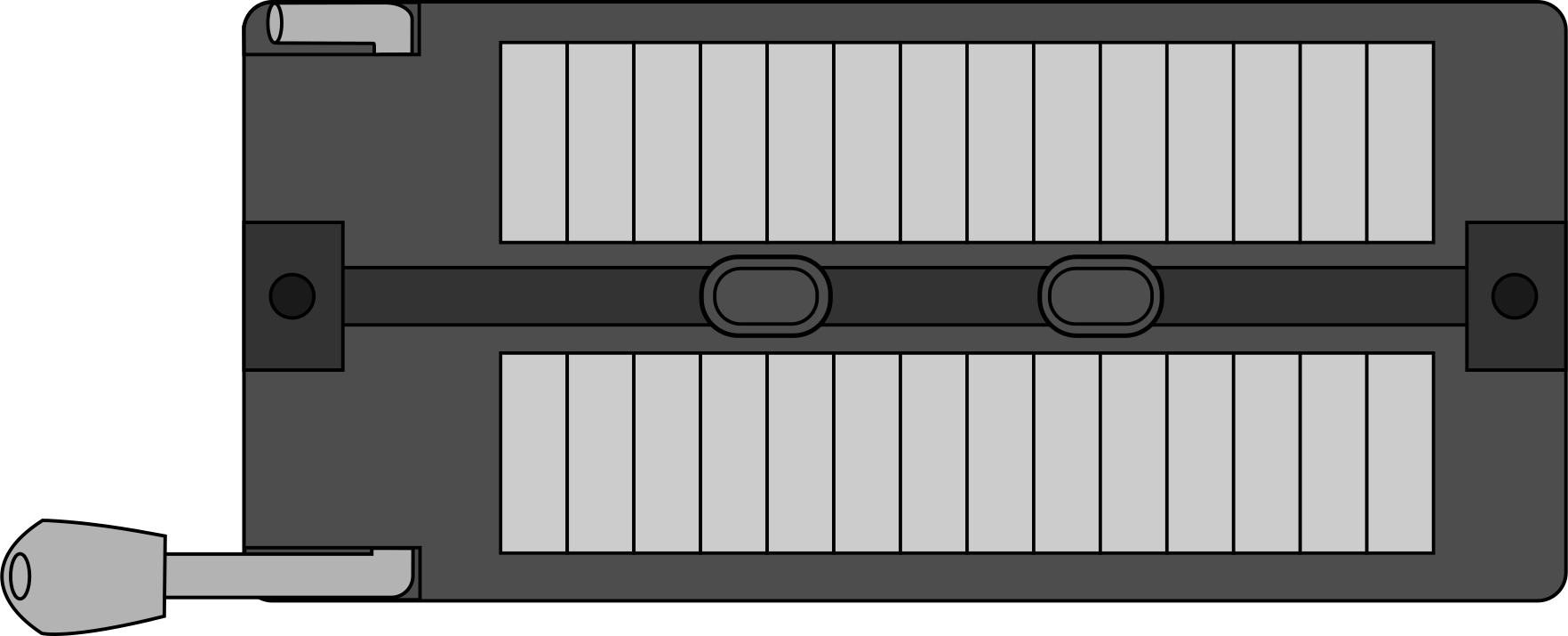
 Design with Aries 28-6574-10 28W ZIF Socket in Cirkit Designer
Introduction
The Aries 28-6574-10 is a high-quality Zero Insertion Force (ZIF) socket designed to facilitate the easy insertion and removal of integrated circuits (ICs) without causing damage to their pins. Manufactured by Aries Electronics, this socket is ideal for applications requiring frequent IC replacement or testing. Its robust design ensures durability and reliable performance, making it a preferred choice for prototyping, testing, and production environments.
Explore Projects Built with Aries 28-6574-10 28W ZIF Socket
 Open Project in Cirkit Designer
 Open Project in Cirkit Designer
 Open Project in Cirkit Designer
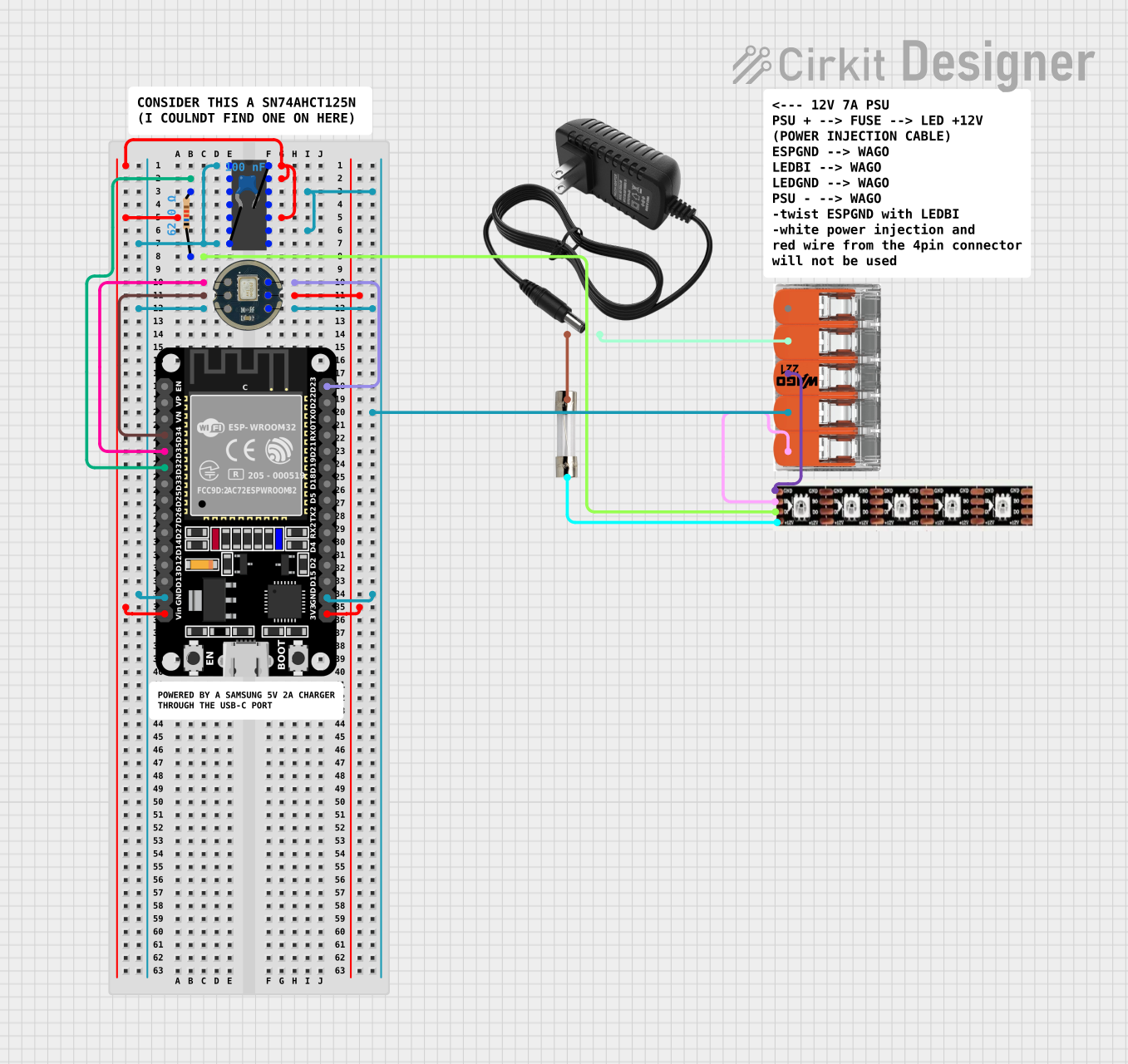 Open Project in Cirkit Designer
Explore Projects Built with Aries 28-6574-10 28W ZIF Socket
Open Project in Cirkit DesignerOpen Project in Cirkit DesignerOpen Project in Cirkit DesignerOpen Project in Cirkit DesignerCommon Applications and Use Cases
- Prototyping and Development: Allows engineers to test ICs without risking damage to the pins.
- IC Testing: Frequently used in test fixtures for quality control and debugging.
- Educational Labs: Ideal for teaching environments where ICs are repeatedly inserted and removed.
- Repair and Maintenance: Simplifies the replacement of ICs in electronic devices.
Technical Specifications
The Aries 28-6574-10 ZIF socket is designed to accommodate 28-pin dual in-line package (DIP) ICs. Below are the key technical details:
General Specifications
| Parameter | Value |
|---|---|
| Manufacturer | Aries Electronics |
| Part Number | 28-6574-10 |
| Socket Type | Zero Insertion Force (ZIF) |
| Number of Pins | 28 |
| Pin Pitch | 2.54 mm (0.1 inch) |
| Contact Material | Beryllium Copper |
| Contact Plating | Gold over Nickel |
| Operating Temperature | -55°C to +125°C |
| Durability | 10,000 insertion cycles |
Pin Configuration and Descriptions
The Aries 28-6574-10 ZIF socket is a passive component and does not have active pin functionality. However, it is designed to interface with standard 28-pin DIP ICs. Below is the pin layout:
| Pin Number | Description |
|---|---|
| 1-28 | IC pin connections (1:1 mapping to IC pins) |
Usage Instructions
How to Use the Aries 28-6574-10 ZIF Socket
Prepare the Socket:
- Ensure the ZIF socket lever is in the open position. This raises the internal contacts, allowing the IC to be inserted without resistance.
Insert the IC:
- Align the IC with the socket, ensuring that Pin 1 of the IC matches Pin 1 of the socket. Pin 1 is typically marked with a dot or notch on the IC and a corresponding marking on the socket.
- Gently place the IC into the socket.
Secure the IC:
- Lower the ZIF socket lever to lock the IC in place. This action brings the internal contacts into firm contact with the IC pins.
Connect the Socket to the Circuit:
- Solder the socket pins to the PCB or connect them to a breadboard as required.
Remove the IC:
- To remove the IC, lift the ZIF socket lever to release the contacts, then carefully lift the IC out of the socket.
Important Considerations and Best Practices
- Avoid Excessive Force: Always use the lever to open and close the socket. Forcing the IC into the socket without opening the lever can damage the pins.
- Check Pin Alignment: Ensure proper alignment of the IC to avoid bent or damaged pins.
- Handle with Care: Avoid touching the gold-plated contacts to prevent contamination or corrosion.
- Temperature Limits: Do not exceed the operating temperature range of -55°C to +125°C.
Example: Using the ZIF Socket with an Arduino UNO
The Aries 28-6574-10 ZIF socket can be used to interface DIP ICs with an Arduino UNO. Below is an example of connecting an ATmega328P microcontroller (used in Arduino UNO) to the ZIF socket for programming or testing:
/*
  Example: Blinking an LED using an ATmega328P in a ZIF socket
  This code assumes the ATmega328P is pre-programmed with the Arduino bootloader.
  Connect the ZIF socket pins to the Arduino UNO headers as follows:
  - Pin 7 (VCC) to 5V
  - Pin 8 (GND) to GND
  - Pin 19 (PB5) to digital pin 13 (LED)
*/

void setup() {
  pinMode(13, OUTPUT); // Set digital pin 13 as an output
}

void loop() {
  digitalWrite(13, HIGH); // Turn the LED on
  delay(1000);            // Wait for 1 second
  digitalWrite(13, LOW);  // Turn the LED off
  delay(1000);            // Wait for 1 second
}
Troubleshooting and FAQs
Common Issues and Solutions
IC Pins Not Making Contact:
- Cause: The ZIF socket lever is not fully closed.
- Solution: Ensure the lever is completely lowered to secure the IC pins.
Bent or Damaged IC Pins:
- Cause: Misalignment during insertion.
- Solution: Carefully align the IC with the socket before insertion. Use a pin straightener if necessary.
Poor Electrical Connection:
- Cause: Contaminated or corroded contacts.
- Solution: Clean the socket contacts with isopropyl alcohol and a lint-free cloth.
Socket Not Fitting on PCB:
- Cause: Incorrect pin pitch or footprint.
- Solution: Verify the PCB design matches the 2.54 mm pin pitch of the socket.
FAQs
Q: Can the Aries 28-6574-10 ZIF socket be reused?
A: Yes, the socket is designed for up to 10,000 insertion cycles, making it highly reusable.
Q: Is this socket compatible with surface-mount ICs?
A: No, the Aries 28-6574-10 is designed for through-hole DIP ICs only.
Q: Can this socket handle high-frequency signals?
A: While suitable for most general-purpose applications, the socket's performance at very high frequencies may vary. Consult Aries Electronics for specific use cases.
Q: How do I identify Pin 1 on the socket?
A: Pin 1 is typically marked with a notch or dot on the socket body.
This concludes the documentation for the Aries 28-6574-10 ZIF socket. For further assistance, refer to the manufacturer's datasheet or contact Aries Electronics.