
How to Use SparkFun CO2 Humidity and Temperature Sensor - SCD41 (Qwiic): Examples, Pinouts, and Specs
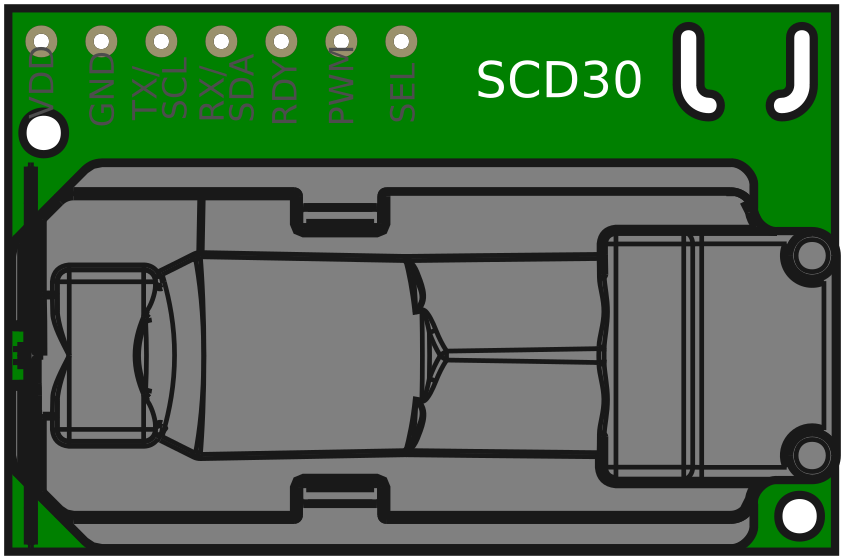
 Design with SparkFun CO2 Humidity and Temperature Sensor - SCD41 (Qwiic) in Cirkit Designer
Introduction
The SparkFun CO2 Humidity and Temperature Sensor - SCD41 (Qwiic) is a compact, high-precision sensor designed to measure carbon dioxide (CO2) levels, relative humidity, and temperature. It utilizes Sensirion's SCD41 sensor module, which is based on photoacoustic sensing technology, ensuring accurate and reliable measurements. The sensor is equipped with the Qwiic connect system, enabling seamless integration into projects without the need for soldering.
Explore Projects Built with SparkFun CO2 Humidity and Temperature Sensor - SCD41 (Qwiic)
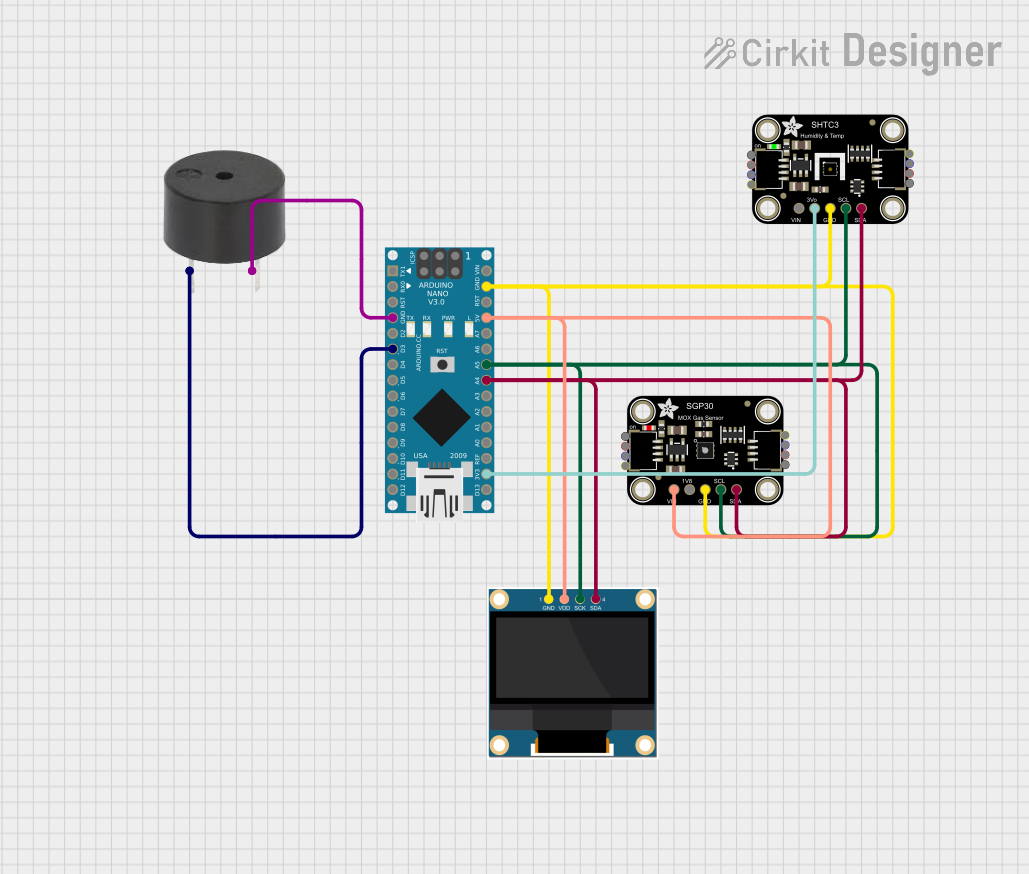 Open Project in Cirkit Designer
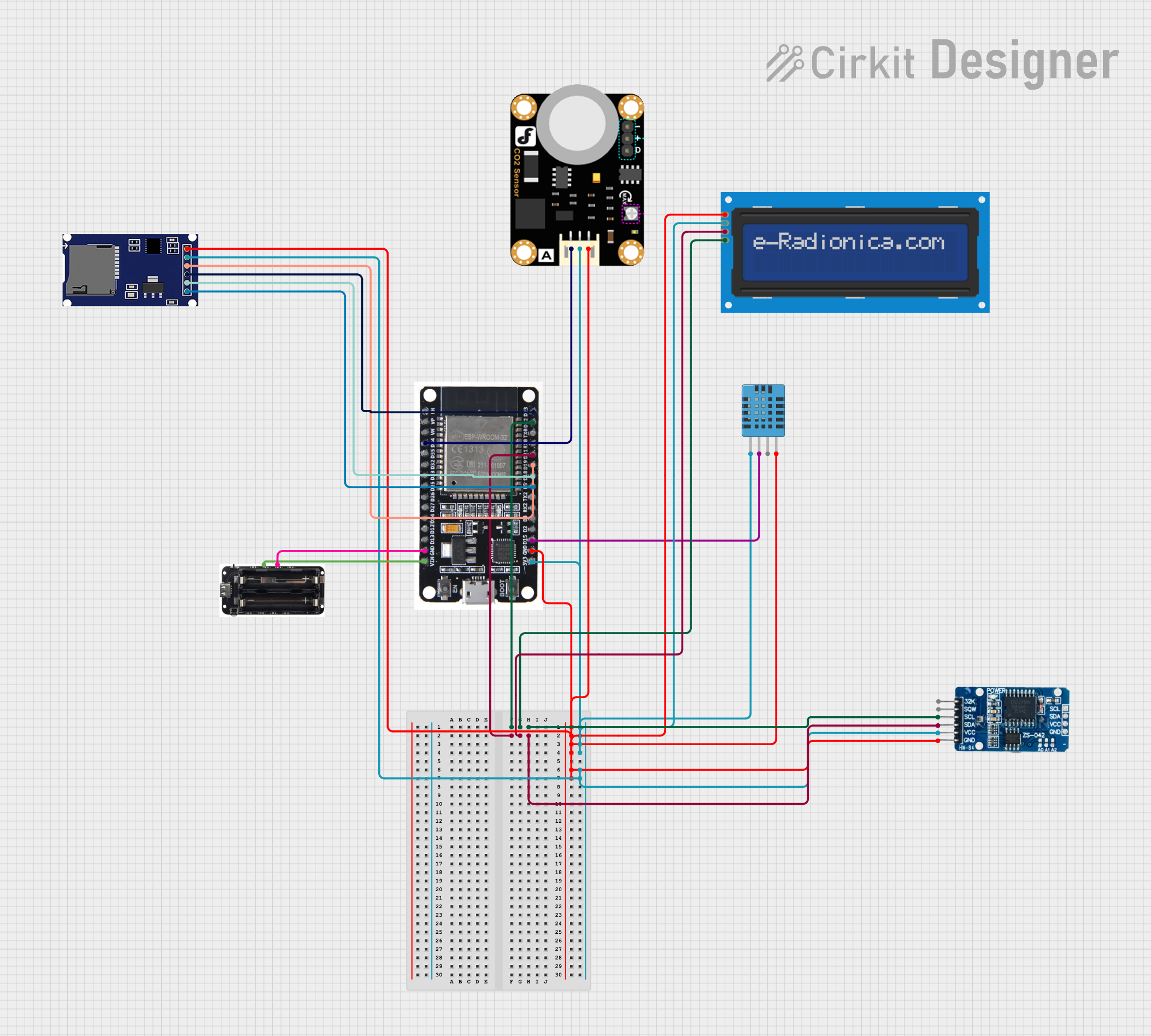 Open Project in Cirkit Designer
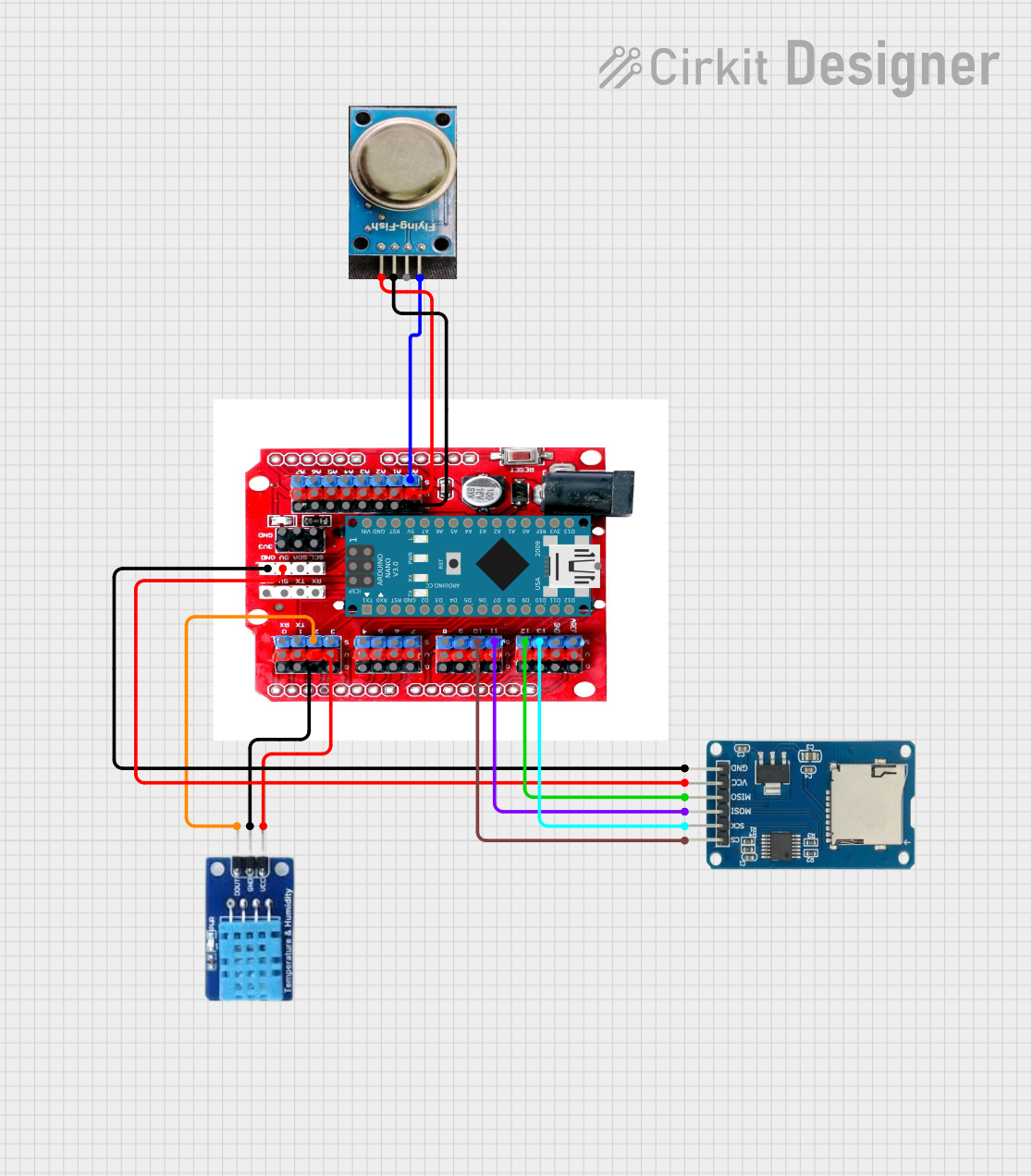 Open Project in Cirkit Designer
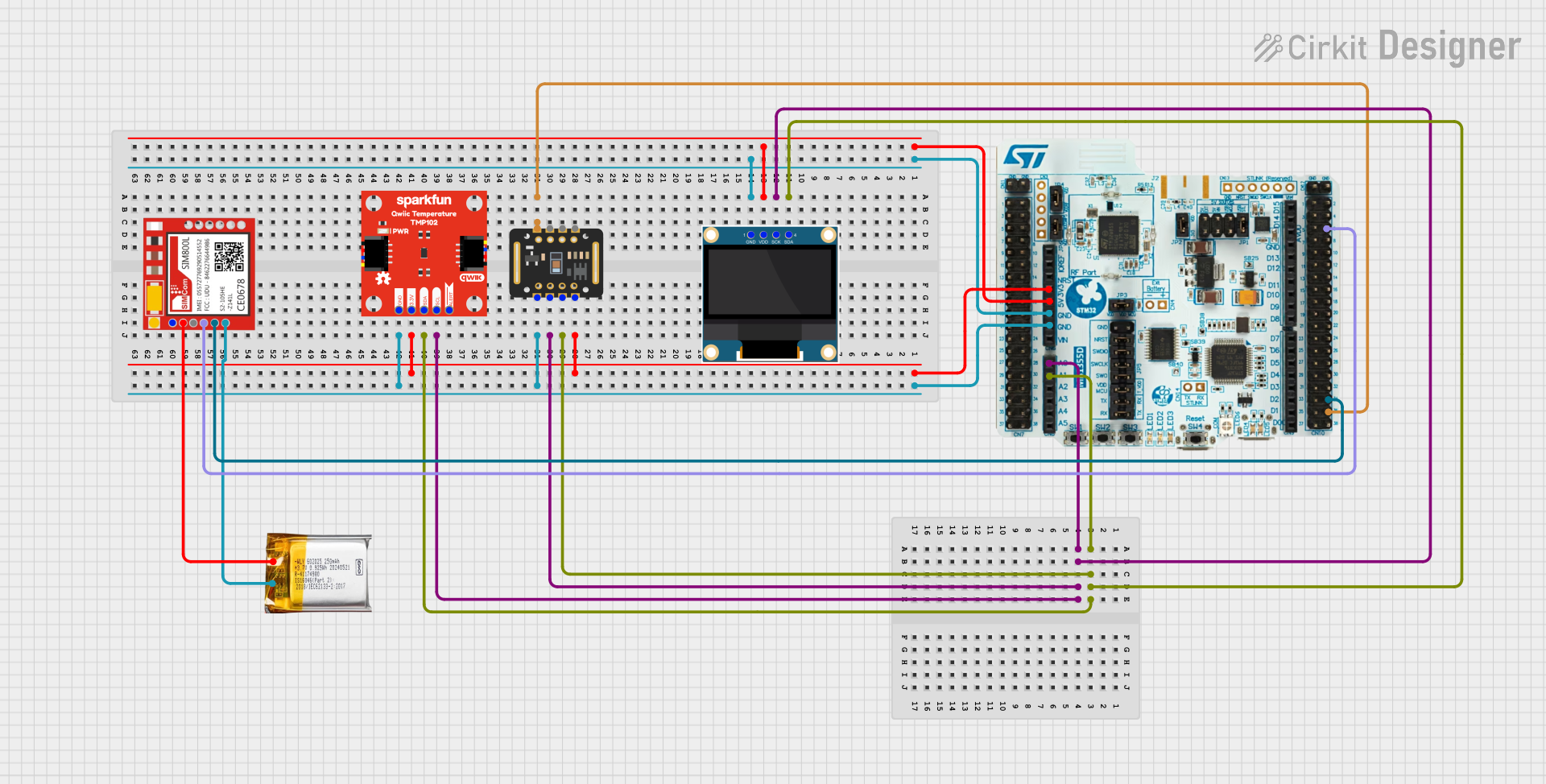 Open Project in Cirkit Designer
Explore Projects Built with SparkFun CO2 Humidity and Temperature Sensor - SCD41 (Qwiic)
Open Project in Cirkit DesignerOpen Project in Cirkit DesignerOpen Project in Cirkit DesignerOpen Project in Cirkit DesignerCommon Applications and Use Cases
- Indoor air quality monitoring
- HVAC systems
- Greenhouse and agricultural monitoring
- IoT environmental sensing projects
- Educational and research applications
Technical Specifications
Key Technical Details
| Parameter | Value |
|---|---|
| CO2 Measurement Range | 400 ppm to 5,000 ppm |
| CO2 Accuracy | ±(40 ppm + 5% of reading) |
| Humidity Range | 0% to 100% RH |
| Humidity Accuracy | ±3% RH |
| Temperature Range | -10°C to 60°C |
| Temperature Accuracy | ±0.8°C |
| Supply Voltage | 3.3V (via Qwiic connector) |
| Interface | I2C (Qwiic) |
| Dimensions | 25.4 mm x 25.4 mm |
Pin Configuration and Descriptions
The SCD41 sensor uses the Qwiic connector for I2C communication. Below is the pinout for the Qwiic connector:
| Pin Name | Description |
|---|---|
| GND | Ground |
| 3.3V | Power supply (3.3V) |
| SDA | I2C data line |
| SCL | I2C clock line |
Usage Instructions
How to Use the Component in a Circuit
- Connect the Sensor: Use a Qwiic cable to connect the SCD41 sensor to a Qwiic-enabled microcontroller, such as an Arduino UNO with a Qwiic Shield.
- Power the Sensor: Ensure the microcontroller provides a stable 3.3V power supply to the sensor.
- I2C Address: The default I2C address of the SCD41 is
0x62. Ensure no other devices on the I2C bus conflict with this address. - Install Required Libraries: Use the SparkFun SCD4x Arduino library, which simplifies communication with the sensor.
Important Considerations and Best Practices
- Warm-Up Time: Allow the sensor to warm up for at least 5 minutes after powering on for accurate readings.
- Ventilation: Ensure proper airflow around the sensor for reliable CO2 and humidity measurements.
- Avoid Contaminants: Keep the sensor away from dust, liquids, and volatile organic compounds (VOCs) that may affect its performance.
- Altitude Compensation: If used at high altitudes, apply altitude compensation to the CO2 readings for accuracy.
Example Arduino Code
Below is an example of how to read CO2, humidity, and temperature data from the SCD41 sensor using an Arduino UNO:
#include <Wire.h>
#include <SparkFun_SCD4x_Arduino_Library.h> // Include the SCD4x library

SCD4x mySensor; // Create an instance of the SCD4x class

void setup() {
  Serial.begin(9600); // Initialize serial communication
  Wire.begin();       // Initialize I2C communication

  if (mySensor.begin() == false) {
    Serial.println("SCD41 not detected. Check connections.");
    while (1); // Halt execution if the sensor is not detected
  }

  Serial.println("SCD41 initialized successfully.");
}

void loop() {
  if (mySensor.readMeasurement()) {
    // Check if valid data is available
    Serial.print("CO2: ");
    Serial.print(mySensor.getCO2());
    Serial.print(" ppm, ");

    Serial.print("Humidity: ");
    Serial.print(mySensor.getHumidity());
    Serial.print(" %RH, ");

    Serial.print("Temperature: ");
    Serial.print(mySensor.getTemperature());
    Serial.println(" °C");
  } else {
    Serial.println("Failed to read data. Ensure sensor is connected.");
  }

  delay(2000); // Wait 2 seconds before the next reading
}
Troubleshooting and FAQs
Common Issues Users Might Face
Sensor Not Detected:
- Cause: Incorrect wiring or loose Qwiic connection.
- Solution: Verify the Qwiic cable is securely connected to both the sensor and the microcontroller.
Inaccurate Readings:
- Cause: Insufficient warm-up time or poor ventilation.
- Solution: Allow the sensor to warm up for at least 5 minutes and ensure proper airflow.
I2C Address Conflict:
- Cause: Another device on the I2C bus shares the same address (
0x62). - Solution: Check the I2C bus for address conflicts and reconfigure other devices if necessary.
- Cause: Another device on the I2C bus shares the same address (
Library Not Found:
- Cause: Required library not installed in the Arduino IDE.
- Solution: Install the SparkFun SCD4x library via the Arduino Library Manager.
Solutions and Tips for Troubleshooting
- Use a multimeter to verify the 3.3V power supply to the sensor.
- Test the I2C bus using an I2C scanner sketch to confirm the sensor's address.
- Update the SparkFun SCD4x library to the latest version for compatibility and bug fixes.
- If readings are unstable, ensure the sensor is not exposed to rapid temperature or humidity changes.