
How to Use Power bar Smartec ST-PS104FB: Examples, Pinouts, and Specs
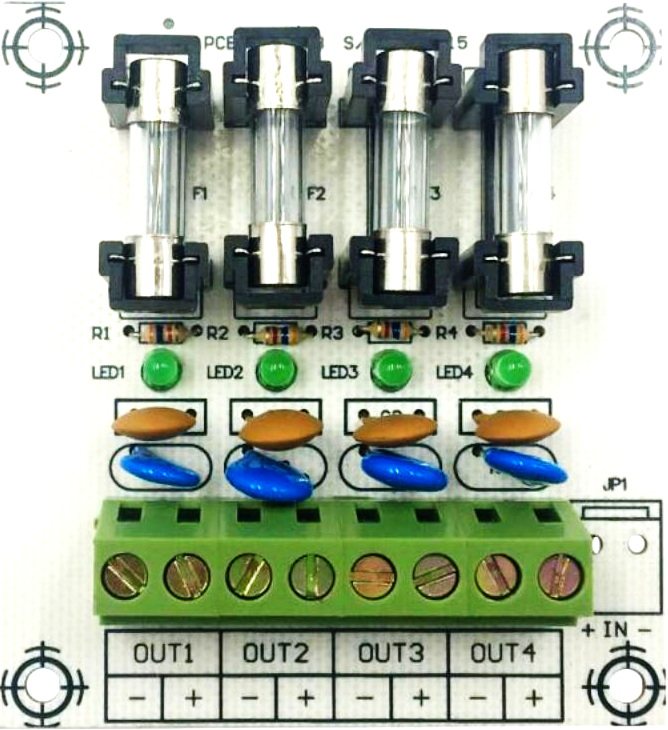
 Design with Power bar Smartec ST-PS104FB in Cirkit Designer
Introduction
The Smartec ST-PS104FB is a high-quality power strip designed to expand a single wall socket into multiple electrical outlets. It features built-in surge protection to safeguard connected devices from voltage spikes and individual switches for each outlet, allowing users to control power delivery independently. This power bar is ideal for home, office, and workshop environments where multiple devices need to be powered simultaneously while ensuring safety and convenience.
Explore Projects Built with Power bar Smartec ST-PS104FB
 Open Project in Cirkit Designer
 Open Project in Cirkit Designer
 Open Project in Cirkit Designer
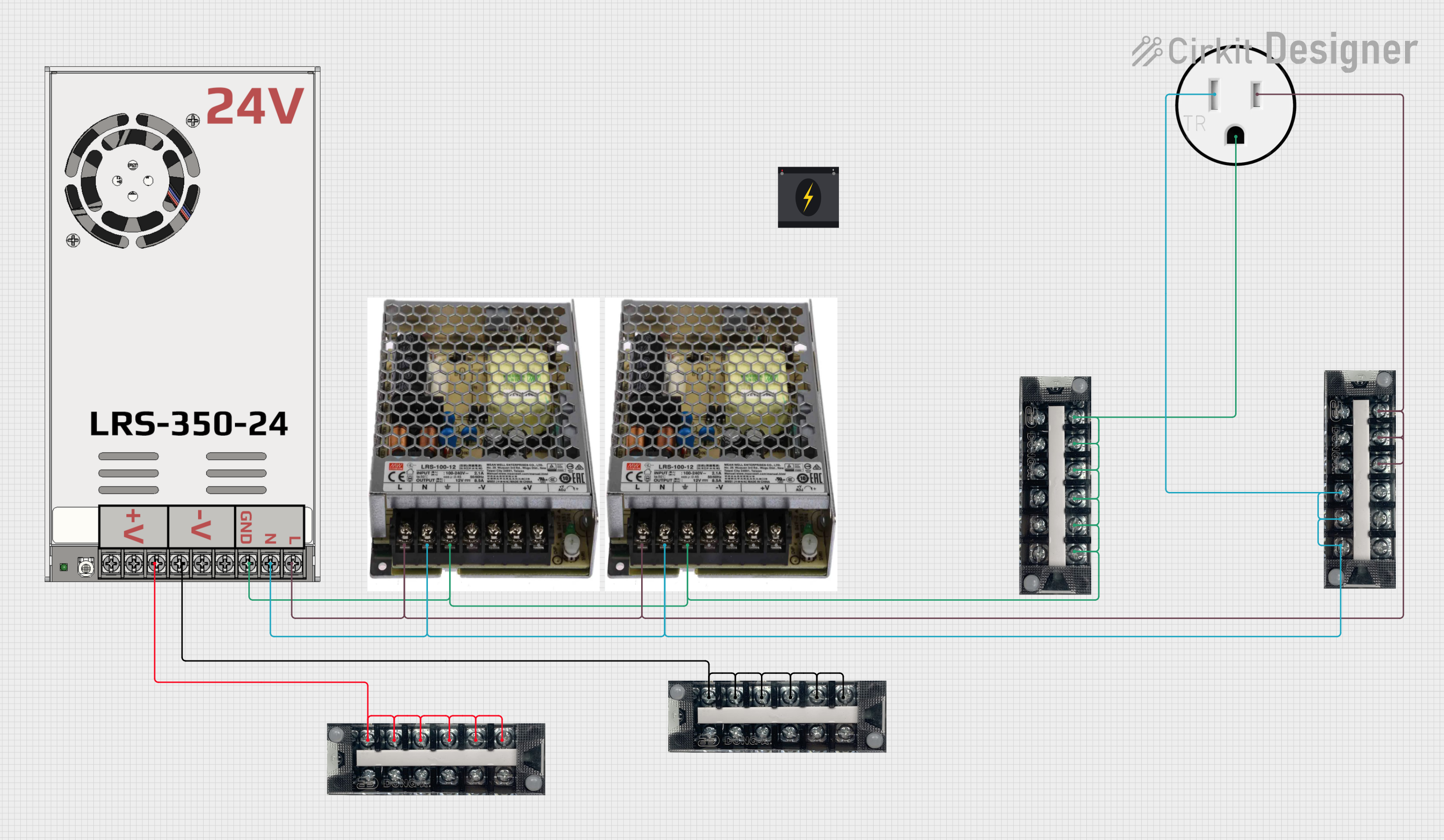 Open Project in Cirkit Designer
Explore Projects Built with Power bar Smartec ST-PS104FB
Open Project in Cirkit DesignerOpen Project in Cirkit DesignerOpen Project in Cirkit DesignerOpen Project in Cirkit DesignerCommon Applications and Use Cases
- Powering multiple electronic devices such as computers, monitors, and printers in office setups.
- Providing surge-protected power for home entertainment systems, including TVs, gaming consoles, and sound systems.
- Safeguarding sensitive equipment like routers, modems, and chargers from power surges.
- Conveniently managing power for tools and appliances in workshops or garages.
Technical Specifications
Key Technical Details
| Parameter | Specification |
|---|---|
| Manufacturer | Smartec |
| Part ID | ST-PS104FB |
| Input Voltage | 100-240V AC, 50/60Hz |
| Maximum Load Current | 10A |
| Maximum Power Rating | 2500W |
| Surge Protection Rating | 600 Joules |
| Number of Outlets | 4 |
| Outlet Type | Universal (compatible with most plug types) |
| Individual Switches | Yes (1 per outlet) |
| Cable Length | 1.8 meters (6 feet) |
| Housing Material | Flame-retardant ABS plastic |
| Certifications | CE, RoHS |
Pin Configuration and Descriptions
The Smartec ST-PS104FB does not have traditional pins like electronic ICs but includes the following key components:
| Component | Description |
|---|---|
| Power Input Plug | Standard AC plug for wall socket connection. |
| Universal Outlets (x4) | Accepts various plug types for powering devices. |
| Individual Switches (x4) | Controls power delivery to each outlet independently. |
| Surge Protection Circuit | Protects connected devices from voltage spikes. |
| LED Indicators (x4) | Indicates the power status of each outlet. |
Usage Instructions
How to Use the Component in a Circuit
- Placement: Place the Smartec ST-PS104FB on a flat, stable surface near a wall socket.
- Connection: Plug the power strip's input plug into a standard AC wall socket.
- Device Connection: Insert the plugs of your devices into the universal outlets on the power strip.
- Switch Control: Use the individual switches to turn power on or off for each connected device. The corresponding LED indicator will light up when the outlet is active.
- Surge Protection: The built-in surge protection will automatically safeguard connected devices from voltage spikes.
Important Considerations and Best Practices
- Do Not Overload: Ensure the total power consumption of connected devices does not exceed the maximum power rating of 2500W.
- Avoid Daisy-Chaining: Do not connect multiple power strips in series, as this can lead to overloading and safety hazards.
- Check Compatibility: Verify that the plug types of your devices are compatible with the universal outlets.
- Inspect Regularly: Periodically check the power strip for signs of wear, damage, or overheating.
- Use in Dry Environments: Avoid using the power strip in wet or humid conditions to prevent electrical hazards.
Arduino UNO Integration
While the Smartec ST-PS104FB is not directly connected to microcontrollers like the Arduino UNO, it can be used to power external devices or modules that are part of an Arduino project. For example, you can use the power strip to supply power to a 12V adapter for motors or sensors in your project.
Troubleshooting and FAQs
Common Issues Users Might Face
No Power to Outlets:
- Cause: The power strip is not properly plugged into the wall socket.
- Solution: Ensure the input plug is securely connected to the wall socket and the wall socket is functional.
LED Indicator Not Lighting Up:
- Cause: The individual switch for the outlet is turned off.
- Solution: Turn on the corresponding switch to activate the outlet.
Devices Not Receiving Power:
- Cause: Overloading or tripped surge protection.
- Solution: Disconnect some devices to reduce the load and reset the power strip if it has a reset button.
Frequent Tripping of Surge Protection:
- Cause: Voltage fluctuations or excessive power draw.
- Solution: Use a voltage stabilizer or ensure the total power consumption does not exceed 2500W.
Burning Smell or Overheating:
- Cause: Faulty devices or overloading.
- Solution: Immediately unplug the power strip and connected devices. Inspect for damage and replace the power strip if necessary.
Solutions and Tips for Troubleshooting
- Always check the power strip's maximum load capacity before connecting devices.
- If the power strip stops working, inspect the fuse (if replaceable) or contact Smartec customer support for assistance.
- Keep the power strip clean and free from dust to ensure proper ventilation and heat dissipation.
This documentation provides a comprehensive guide to using the Smartec ST-PS104FB power strip safely and effectively. For further assistance, refer to the manufacturer's user manual or contact Smartec support.