
How to Use GP8403: Examples, Pinouts, and Specs
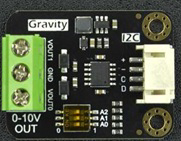
 Design with GP8403 in Cirkit Designer
Introduction
The GP8403 is a high-performance, low-power integrated circuit (IC) designed for a wide range of applications, including power management and signal processing. Its versatile functionality and energy-efficient design make it an ideal choice for battery-operated devices. The GP8403 supports multiple operational modes, allowing it to adapt to various use cases with ease.
Explore Projects Built with GP8403
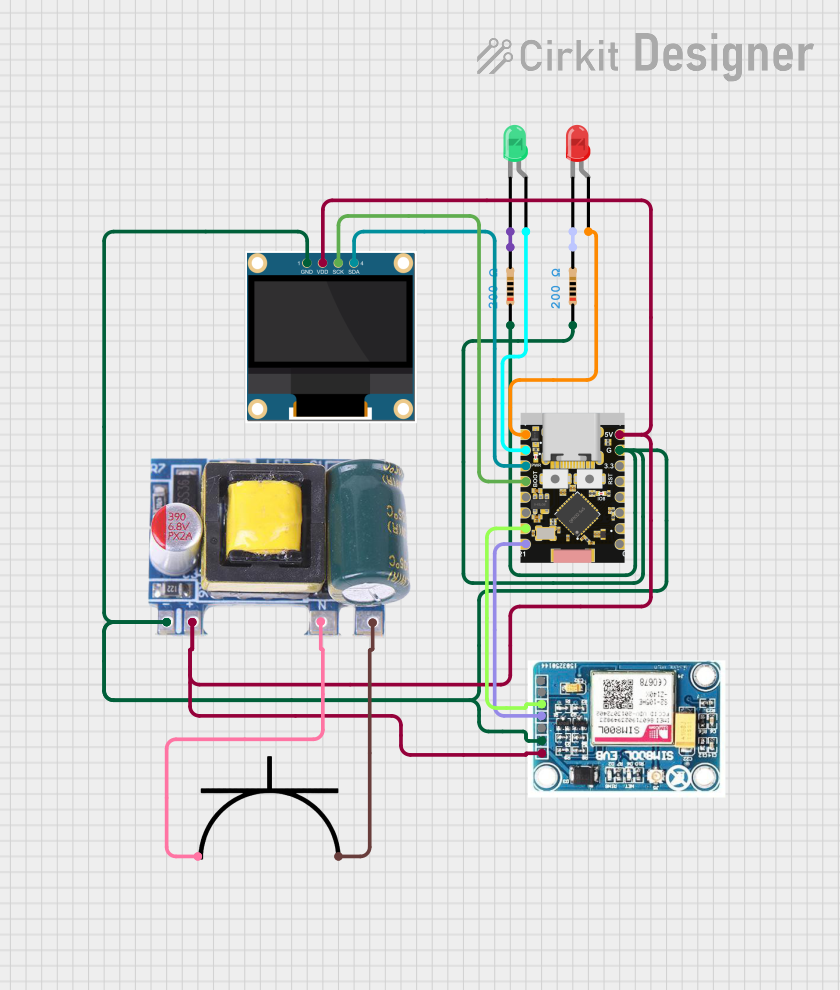 Open Project in Cirkit Designer
 Open Project in Cirkit Designer
 Open Project in Cirkit Designer
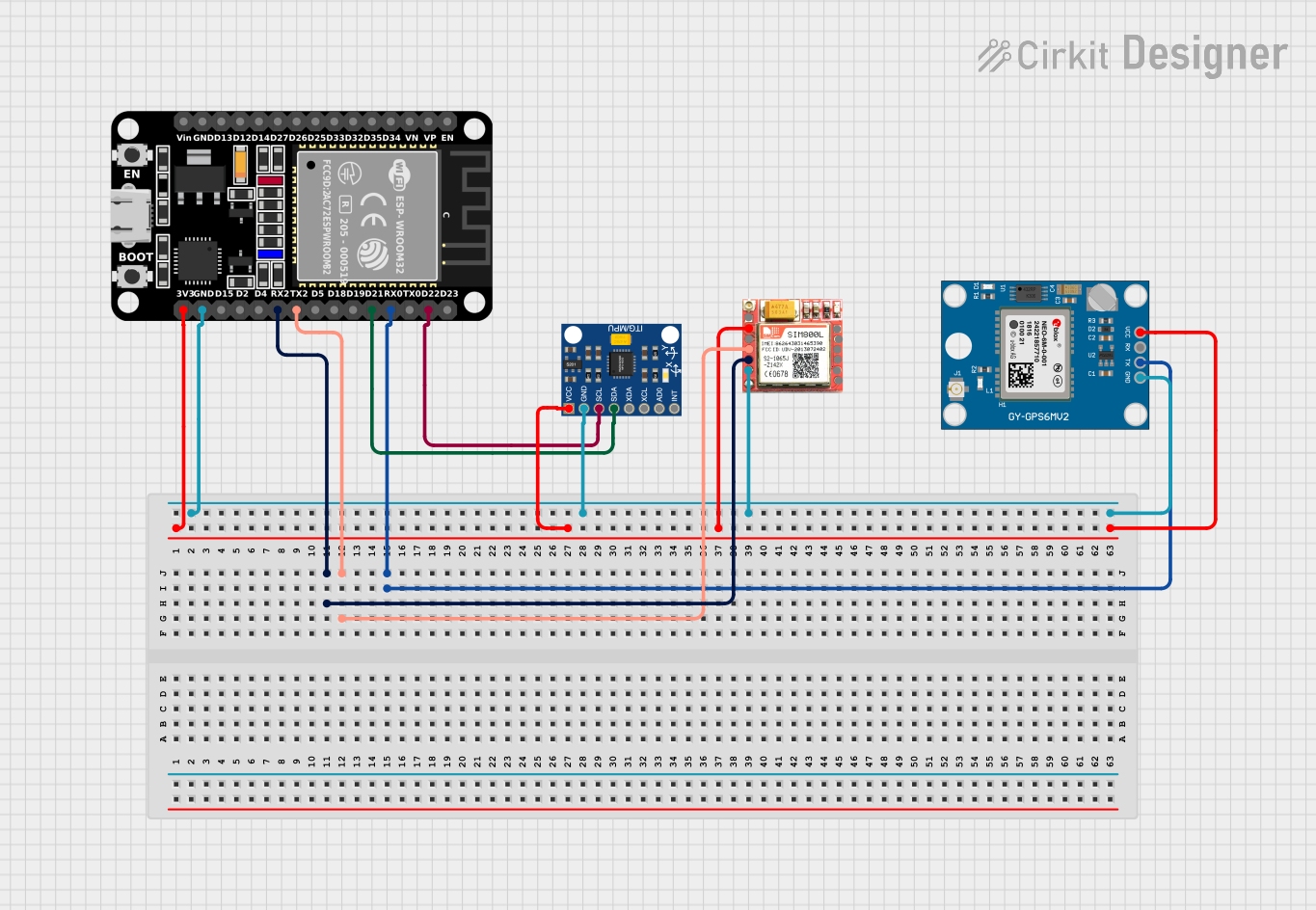 Open Project in Cirkit Designer
Explore Projects Built with GP8403
Open Project in Cirkit DesignerOpen Project in Cirkit DesignerOpen Project in Cirkit DesignerOpen Project in Cirkit DesignerCommon Applications
- Power management in portable electronics
- Signal processing in audio and communication devices
- Battery-operated systems requiring low power consumption
- Embedded systems and IoT devices
Technical Specifications
Key Technical Details
| Parameter | Value |
|---|---|
| Operating Voltage Range | 2.7V to 5.5V |
| Quiescent Current | 10 µA (typical) |
| Maximum Output Current | 500 mA |
| Operating Temperature | -40°C to +85°C |
| Package Type | SOP-8 (Small Outline Package) |
Pin Configuration and Descriptions
| Pin Number | Pin Name | Description |
|---|---|---|
| 1 | VDD | Power supply input (2.7V to 5.5V) |
| 2 | GND | Ground connection |
| 3 | IN1 | Input signal 1 for processing |
| 4 | IN2 | Input signal 2 for processing |
| 5 | OUT1 | Output signal 1 |
| 6 | OUT2 | Output signal 2 |
| 7 | MODE | Mode selection pin (low-power or high-performance) |
| 8 | EN | Enable pin (active high to enable the IC) |
Usage Instructions
How to Use the GP8403 in a Circuit
- Power Supply: Connect the VDD pin to a stable power source within the operating voltage range (2.7V to 5.5V). Connect the GND pin to the circuit ground.
- Input Signals: Feed the input signals to the IN1 and IN2 pins. Ensure the input signals are within the acceptable voltage levels specified in the datasheet.
- Output Signals: The processed signals will be available at the OUT1 and OUT2 pins. Connect these pins to the desired load or circuit.
- Mode Selection: Use the MODE pin to select the operational mode:
- Pull the MODE pin low for low-power mode.
- Pull the MODE pin high for high-performance mode.
- Enable the IC: Pull the EN pin high to enable the GP8403. Pull it low to disable the IC and reduce power consumption.
Important Considerations and Best Practices
- Decoupling Capacitors: Place a 0.1 µF ceramic capacitor close to the VDD pin to filter out noise and ensure stable operation.
- Thermal Management: Ensure adequate ventilation or heat dissipation if the IC operates near its maximum output current.
- Signal Integrity: Use short and direct traces for input and output signals to minimize noise and signal degradation.
- Mode Switching: Avoid rapid toggling of the MODE pin to prevent instability in the IC's operation.
Example: Connecting the GP8403 to an Arduino UNO
The GP8403 can be interfaced with an Arduino UNO for control and signal processing. Below is an example code snippet to enable the IC and toggle its mode:
// Define pin connections
const int enablePin = 7;  // Connect to the EN pin of GP8403
const int modePin = 8;    // Connect to the MODE pin of GP8403

void setup() {
  // Initialize pins as outputs
  pinMode(enablePin, OUTPUT);
  pinMode(modePin, OUTPUT);

  // Enable the GP8403
  digitalWrite(enablePin, HIGH);  // Set EN pin high to enable the IC

  // Set the GP8403 to high-performance mode
  digitalWrite(modePin, HIGH);   // Set MODE pin high for high-performance mode
}

void loop() {
  // Example: Toggle between modes every 5 seconds
  digitalWrite(modePin, LOW);    // Set MODE pin low for low-power mode
  delay(5000);                   // Wait for 5 seconds
  digitalWrite(modePin, HIGH);   // Set MODE pin high for high-performance mode
  delay(5000);                   // Wait for 5 seconds
}
Troubleshooting and FAQs
Common Issues and Solutions
The IC does not power on:
- Verify that the VDD pin is connected to a stable power source within the specified voltage range.
- Check the GND connection for proper grounding.
No output signal:
- Ensure the EN pin is pulled high to enable the IC.
- Verify that the input signals are within the acceptable voltage range.
- Check the connections to the OUT1 and OUT2 pins for continuity.
Excessive heat generation:
- Ensure the load connected to the output pins does not exceed the maximum output current (500 mA).
- Use proper heat dissipation techniques, such as a heat sink or adequate ventilation.
Unstable operation:
- Check for proper decoupling capacitor placement near the VDD pin.
- Avoid rapid toggling of the MODE pin.
FAQs
Q: Can the GP8403 operate at 3.3V?
A: Yes, the GP8403 can operate within a voltage range of 2.7V to 5.5V, making it compatible with 3.3V systems.
Q: What happens if the EN pin is left floating?
A: The EN pin should not be left floating. It must be pulled high to enable the IC or pulled low to disable it.
Q: Can the GP8403 handle audio signal processing?
A: Yes, the GP8403 is suitable for signal processing applications, including audio signals, provided the input and output specifications are met.
Q: Is the GP8403 suitable for battery-powered devices?
A: Absolutely. Its low quiescent current (10 µA typical) and support for low-power mode make it ideal for battery-operated systems.