
How to Use led: Examples, Pinouts, and Specs
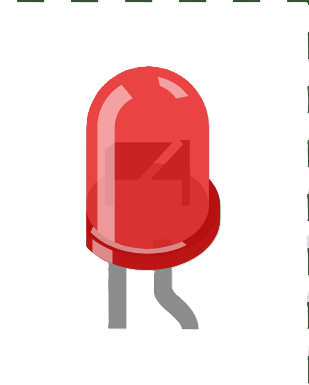
 Design with led in Cirkit Designer
Introduction
A Light Emitting Diode (LED) is a semiconductor device that emits light when an electric current passes through it. LEDs are highly energy-efficient, have a long operational lifespan, and are available in various colors, shapes, and sizes. They are widely used in applications such as status indicators, digital displays, decorative lighting, and general-purpose illumination.
Common applications of LEDs include:
- Power and status indicators in electronic devices
- Backlighting for LCD screens
- Automotive lighting (e.g., headlights, brake lights)
- Decorative and architectural lighting
- Signal and traffic lights
- Wearable electronics and IoT devices
Explore Projects Built with led
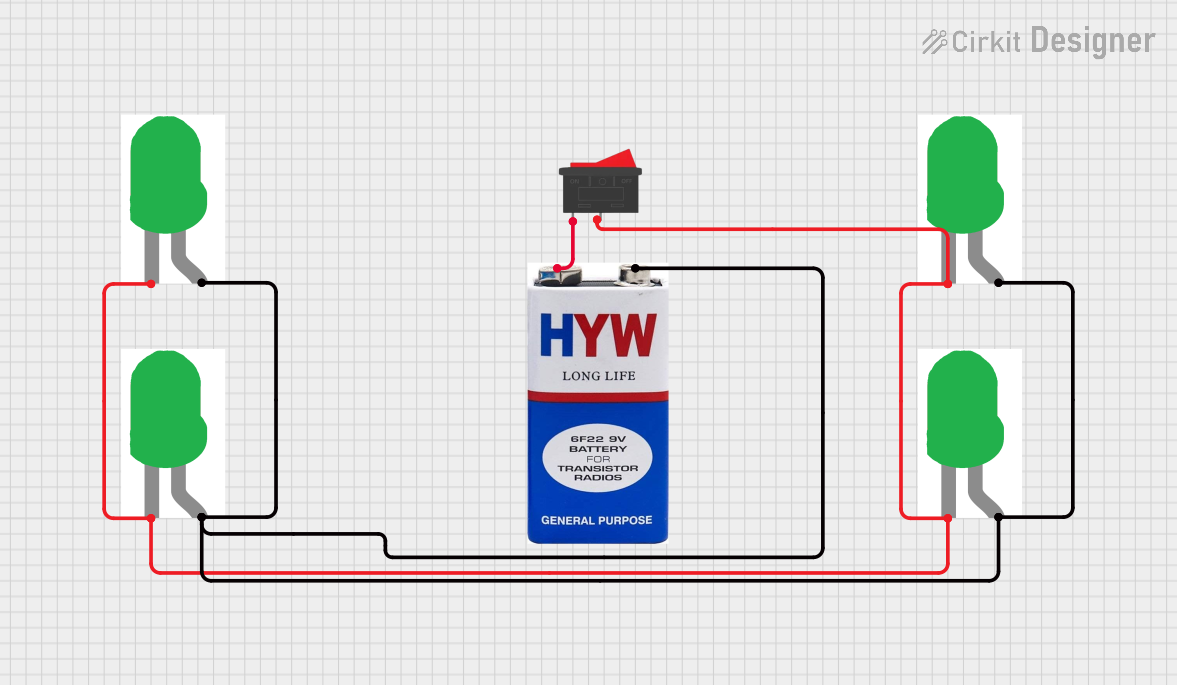 Open Project in Cirkit Designer
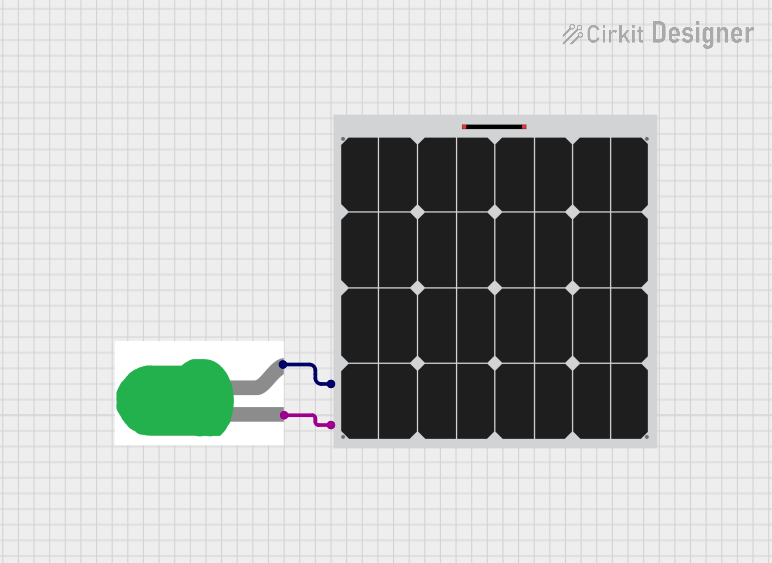 Open Project in Cirkit Designer
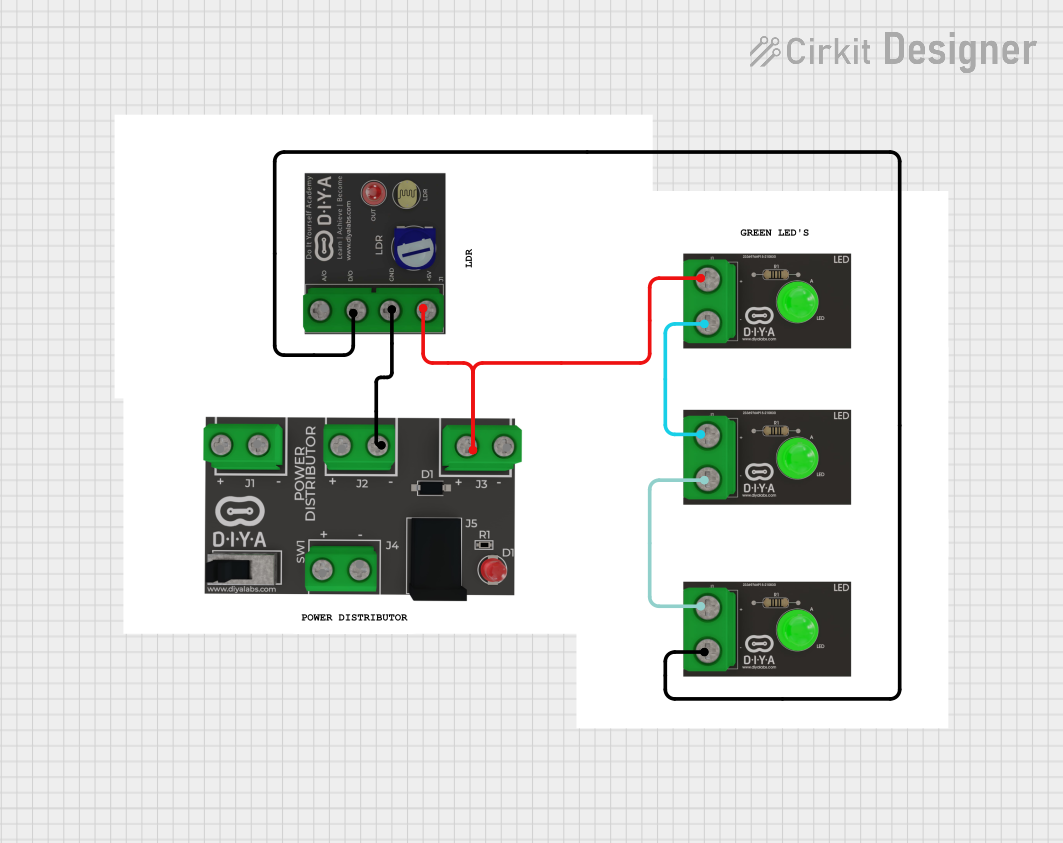 Open Project in Cirkit Designer
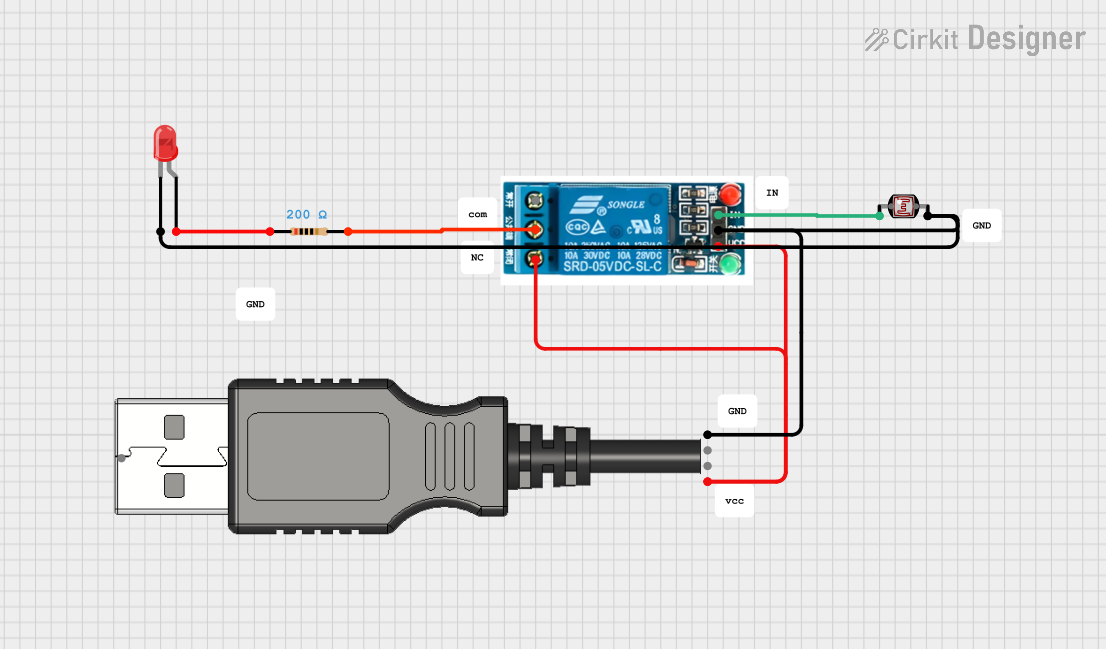 Open Project in Cirkit Designer
Explore Projects Built with led
Open Project in Cirkit DesignerOpen Project in Cirkit DesignerOpen Project in Cirkit DesignerOpen Project in Cirkit DesignerTechnical Specifications
Below are the general technical specifications for a standard LED. Note that specific values may vary depending on the type and manufacturer of the LED.
| Parameter | Value |
|---|---|
| Forward Voltage (Vf) | 1.8V to 3.3V (varies by color) |
| Forward Current (If) | 10mA to 30mA (typical) |
| Power Dissipation | 30mW to 150mW |
| Reverse Voltage | 5V (maximum, varies by type) |
| Wavelength (Color) | 400nm to 700nm (visible spectrum) |
| Viewing Angle | 20° to 120° |
| Lifespan | 50,000+ hours |
Pin Configuration and Descriptions
An LED typically has two pins: the anode (positive) and the cathode (negative). The table below describes the pin configuration:
| Pin | Description |
|---|---|
| Anode (+) | The longer leg of the LED. Connect this to the positive terminal of the circuit. |
| Cathode (-) | The shorter leg of the LED. Connect this to the negative terminal or ground. |
Note: Some LEDs may have a flat edge on the cathode side for easy identification.
Usage Instructions
How to Use an LED in a Circuit
Determine the Forward Voltage and Current: Check the LED's datasheet for its forward voltage (Vf) and forward current (If). For example, a red LED typically has a Vf of 2.0V and an If of 20mA.
Calculate the Resistor Value: To prevent damage to the LED, use a current-limiting resistor. The resistor value can be calculated using Ohm's Law: [ R = \frac{V_{supply} - V_f}{I_f} ] Where:
- ( V_{supply} ) is the supply voltage
- ( V_f ) is the forward voltage of the LED
- ( I_f ) is the forward current of the LED (in amperes)
For example, if ( V_{supply} = 5V ), ( V_f = 2V ), and ( I_f = 20mA ), the resistor value is: [ R = \frac{5V - 2V}{0.02A} = 150\Omega ]
Connect the LED:
- Connect the anode to the positive terminal of the power supply through the resistor.
- Connect the cathode to the ground.
Test the Circuit: Power on the circuit and verify that the LED lights up.
Important Considerations and Best Practices
- Polarity: LEDs are polarized components. Ensure the anode and cathode are connected correctly.
- Current Limiting: Always use a resistor to limit the current through the LED. Excessive current can damage the LED.
- Heat Management: For high-power LEDs, consider using a heatsink to dissipate heat.
- Series and Parallel Connections: When using multiple LEDs, calculate the resistor values for each configuration.
Example: Connecting an LED to an Arduino UNO
Below is an example of how to connect and control an LED using an Arduino UNO:
Circuit Setup
- Connect the anode of the LED to digital pin 13 on the Arduino through a 220Ω resistor.
- Connect the cathode of the LED to the Arduino's GND pin.
Arduino Code
// This code blinks an LED connected to pin 13 of the Arduino UNO.
// The LED will turn on for 1 second and off for 1 second in a loop.

void setup() {
  pinMode(13, OUTPUT); // Set pin 13 as an output pin
}

void loop() {
  digitalWrite(13, HIGH); // Turn the LED on
  delay(1000);            // Wait for 1 second
  digitalWrite(13, LOW);  // Turn the LED off
  delay(1000);            // Wait for 1 second
}
Troubleshooting and FAQs
Common Issues
LED Does Not Light Up:
Cause: Incorrect polarity.
Solution: Ensure the anode is connected to the positive terminal and the cathode to ground.
Cause: No current-limiting resistor or incorrect resistor value.
Solution: Use a resistor with the correct value as calculated using Ohm's Law.
LED is Dim:
- Cause: Insufficient current.
- Solution: Check the resistor value and ensure the power supply provides enough voltage.
LED Burns Out:
- Cause: Excessive current.
- Solution: Use a resistor to limit the current to the LED's rated forward current.
Flickering LED:
- Cause: Unstable power supply or loose connections.
- Solution: Check the power supply and ensure all connections are secure.
FAQs
Q: Can I connect an LED directly to a battery?
A: No, connecting an LED directly to a battery without a resistor can cause excessive current to flow through the LED, potentially damaging it.
Q: How do I choose the right resistor for my LED?
A: Use the formula ( R = \frac{V_{supply} - V_f}{I_f} ) to calculate the resistor value. Ensure the resistor can handle the power dissipation.
Q: Can I use an LED with an AC power source?
A: LEDs are designed for DC operation. To use an LED with AC power, you need additional components such as a rectifier and a current-limiting resistor.
Q: What is the difference between a standard LED and a high-power LED?
A: High-power LEDs are designed to emit more light and handle higher currents, but they require proper heat dissipation (e.g., heatsinks) to operate safely.
This concludes the documentation for the LED component.