
How to Use MPPT 15A: Examples, Pinouts, and Specs
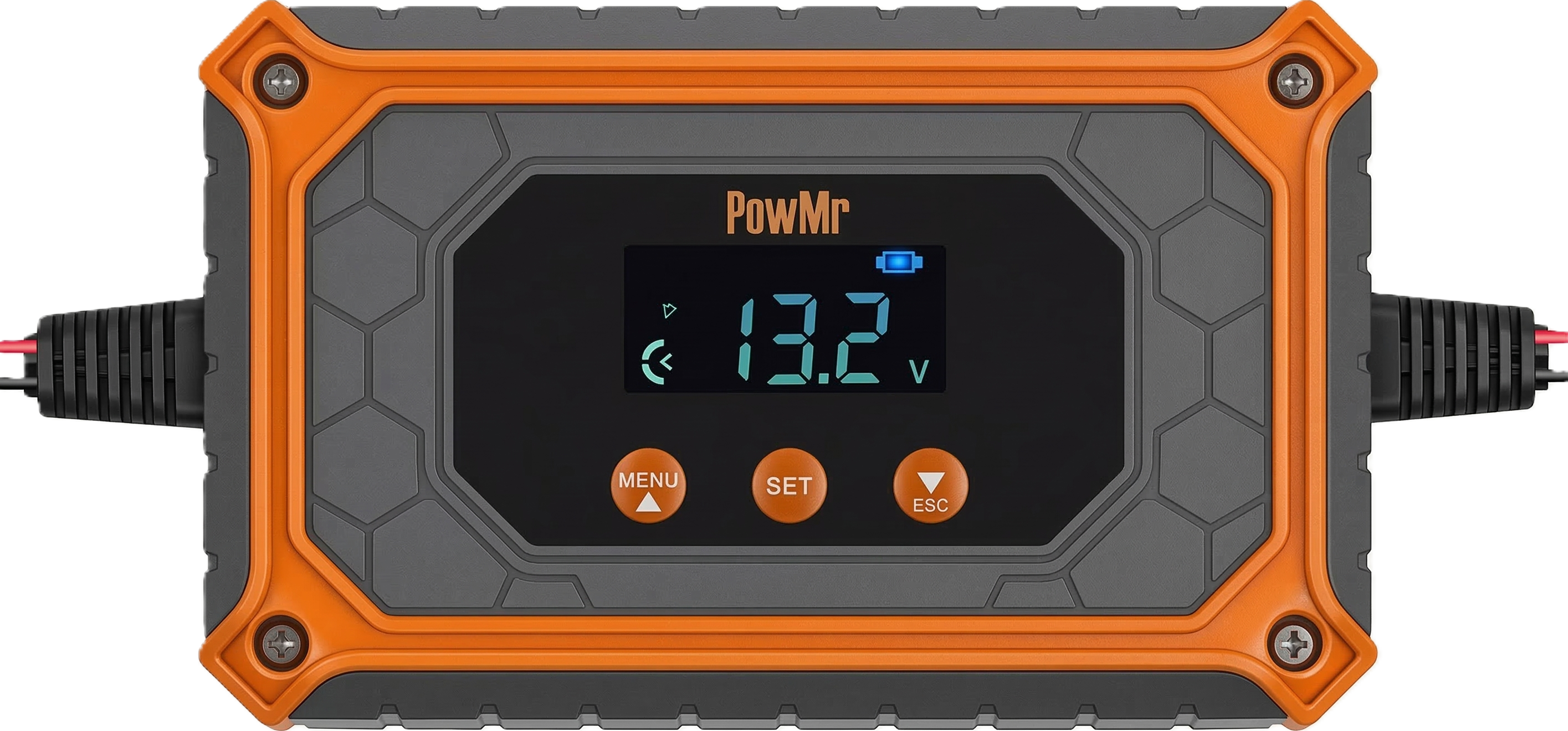
 Design with MPPT 15A in Cirkit Designer
Introduction
The MPPT 15A by PowMR is a Maximum Power Point Tracking (MPPT) charge controller designed to optimize the power output from solar panels. It ensures efficient energy transfer by dynamically adjusting the operating point of the solar panels to their maximum power point. With a current handling capacity of up to 15A, this device is ideal for small to medium-sized solar power systems.
Explore Projects Built with MPPT 15A
 Open Project in Cirkit Designer
 Open Project in Cirkit Designer
 Open Project in Cirkit Designer
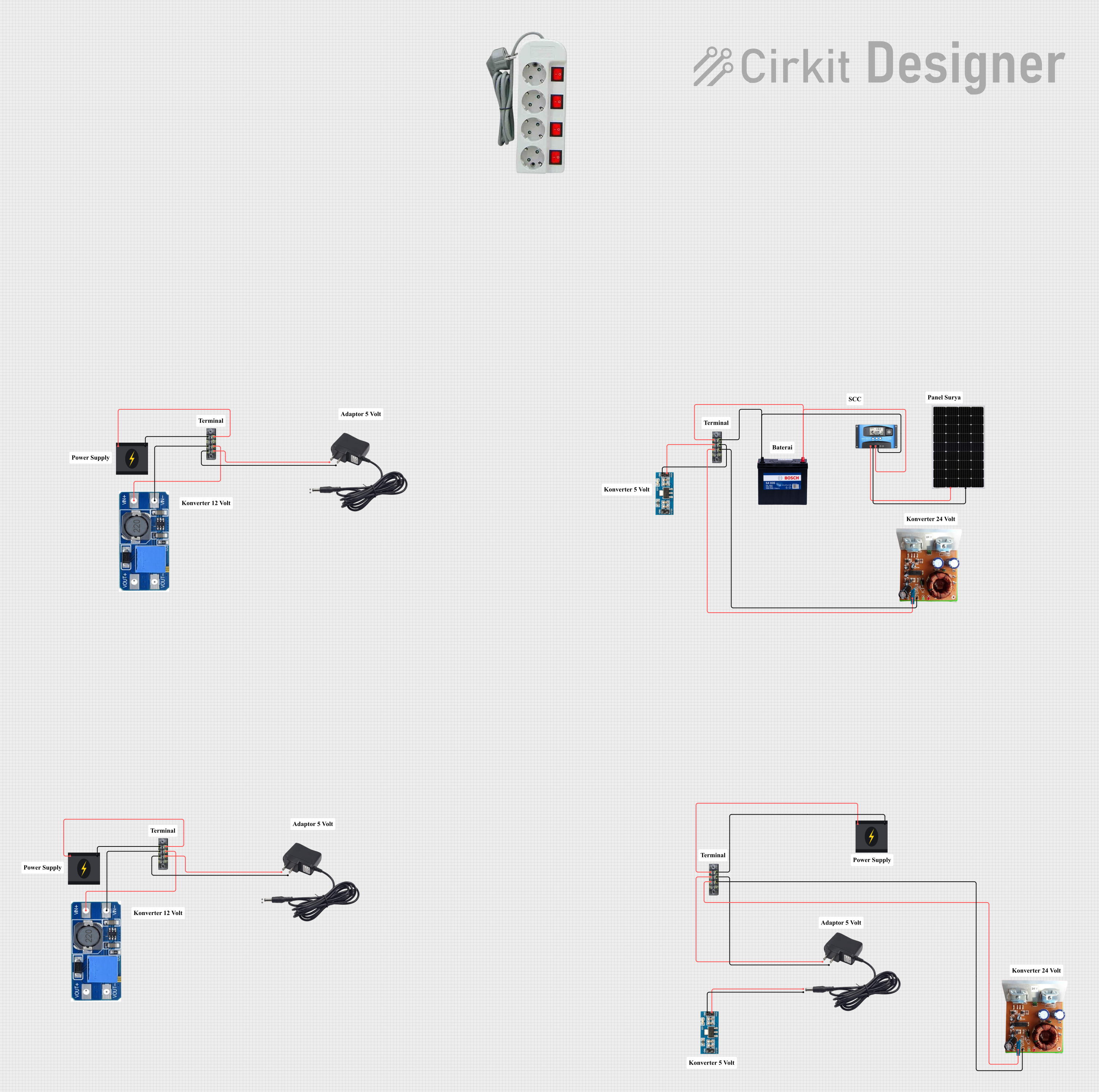 Open Project in Cirkit Designer
Explore Projects Built with MPPT 15A
Open Project in Cirkit DesignerOpen Project in Cirkit DesignerOpen Project in Cirkit DesignerOpen Project in Cirkit DesignerCommon Applications and Use Cases
- Solar-powered home systems
- Off-grid solar installations
- RV and marine solar setups
- Battery charging for 12V or 24V systems
- Renewable energy research and development projects
Technical Specifications
The MPPT 15A is engineered to deliver high efficiency and reliability. Below are its key technical details:
General Specifications
| Parameter | Value |
|---|---|
| Maximum Input Voltage | 100V DC |
| Rated Current | 15A |
| Battery Voltage Options | 12V / 24V (auto-detect) |
| Efficiency | Up to 98% |
| Operating Temperature | -20°C to 60°C |
| Dimensions | 150mm x 85mm x 40mm |
| Weight | 450g |
Pin Configuration and Descriptions
The MPPT 15A features input and output terminals for connecting solar panels, batteries, and loads. Below is the pin configuration:
| Pin Label | Description |
|---|---|
| PV+ | Positive terminal for solar panel input |
| PV- | Negative terminal for solar panel input |
| BAT+ | Positive terminal for battery connection |
| BAT- | Negative terminal for battery connection |
| LOAD+ | Positive terminal for DC load connection |
| LOAD- | Negative terminal for DC load connection |
Usage Instructions
How to Use the MPPT 15A in a Circuit
Connect the Solar Panel:
- Attach the positive (+) and negative (-) terminals of the solar panel to the PV+ and PV- inputs on the MPPT 15A.
- Ensure the solar panel's voltage does not exceed the maximum input voltage (100V DC).
Connect the Battery:
- Connect the positive (+) and negative (-) terminals of the battery to the BAT+ and BAT- outputs.
- The MPPT 15A will automatically detect whether the battery is 12V or 24V.
Connect the Load (Optional):
- If you wish to power a DC load directly, connect the load's positive (+) and negative (-) terminals to the LOAD+ and LOAD- outputs.
Power On:
- Once all connections are secure, the MPPT 15A will begin operating automatically. The built-in display (if available) will show real-time data such as input voltage, output current, and battery status.
Important Considerations and Best Practices
- Safety First: Always disconnect the battery before making or modifying connections to avoid short circuits or damage.
- Wire Sizing: Use appropriately rated wires to handle the current (15A) and minimize voltage drops.
- Fusing: Install fuses on both the solar panel and battery connections for added protection.
- Ventilation: Ensure adequate airflow around the MPPT 15A to prevent overheating.
- Firmware Updates: If applicable, check for firmware updates from PowMR to ensure optimal performance.
Arduino Integration Example
The MPPT 15A can be monitored using an Arduino UNO by reading the battery voltage and current. Below is an example code snippet:
// Example: Reading battery voltage and current from MPPT 15A
// Note: Use appropriate voltage and current sensors for accurate readings.

#include <Wire.h>

// Define analog input pins for sensors
const int voltagePin = A0; // Pin connected to voltage sensor
const int currentPin = A1; // Pin connected to current sensor

void setup() {
  Serial.begin(9600); // Initialize serial communication
  pinMode(voltagePin, INPUT);
  pinMode(currentPin, INPUT);
}

void loop() {
  // Read voltage and current sensor values
  int voltageRaw = analogRead(voltagePin);
  int currentRaw = analogRead(currentPin);

  // Convert raw values to actual voltage and current
  float batteryVoltage = (voltageRaw / 1023.0) * 25.0; // Adjust scale as per sensor
  float batteryCurrent = (currentRaw / 1023.0) * 15.0; // Adjust scale as per sensor

  // Print values to Serial Monitor
  Serial.print("Battery Voltage: ");
  Serial.print(batteryVoltage);
  Serial.println(" V");

  Serial.print("Battery Current: ");
  Serial.print(batteryCurrent);
  Serial.println(" A");

  delay(1000); // Wait 1 second before next reading
}
Troubleshooting and FAQs
Common Issues and Solutions
No Output from the MPPT 15A:
- Cause: Incorrect wiring or loose connections.
- Solution: Double-check all connections and ensure proper polarity.
Overheating:
- Cause: Insufficient ventilation or excessive current draw.
- Solution: Improve airflow around the device and ensure the load does not exceed 15A.
Battery Not Charging:
- Cause: Solar panel voltage too low or battery disconnected.
- Solution: Verify the solar panel's output voltage and ensure the battery is properly connected.
Display Shows Error Code:
- Cause: Fault condition such as overvoltage or short circuit.
- Solution: Refer to the PowMR user manual for specific error codes and corrective actions.
FAQs
Q1: Can the MPPT 15A handle multiple solar panels?
A1: Yes, as long as the combined voltage and current of the panels do not exceed the device's limits (100V DC and 15A).
Q2: Is the MPPT 15A compatible with lithium-ion batteries?
A2: Yes, it supports various battery types, including lithium-ion, lead-acid, and AGM. Ensure the correct battery type is selected in the settings.
Q3: Can I use the MPPT 15A without a battery?
A3: No, the MPPT 15A requires a battery to function properly as it regulates the charging process.
Q4: How do I update the firmware?
A4: Check the PowMR website for firmware updates and follow the provided instructions.
By following this documentation, users can effectively integrate the MPPT 15A into their solar power systems and troubleshoot common issues with ease.