Introduction
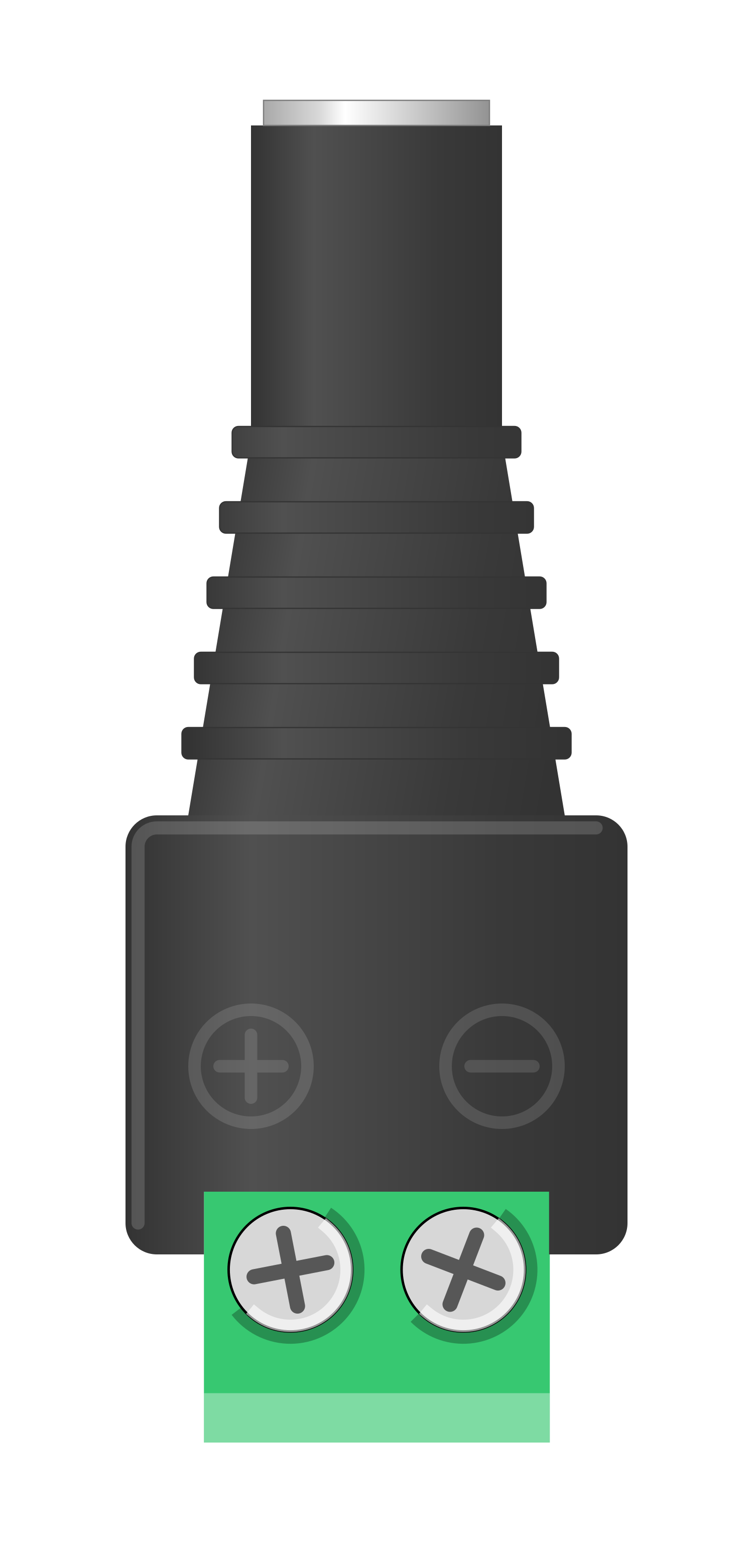
The 2.1mm Barrel Jack with Terminal Block is a versatile electrical connector designed for power supply applications. It features a cylindrical barrel jack with a 2.1mm inner diameter and a terminal block for easy and secure wiring. This component is widely used in low-voltage DC power systems, such as powering Arduino boards, LED strips, small motors, and other electronic devices. Its terminal block design eliminates the need for soldering, making it ideal for prototyping and quick connections.
Common Applications
- Powering Arduino boards and other microcontrollers
- Connecting LED strips and lighting systems
- Supplying power to small DC motors
- Prototyping and testing circuits
- Replacing or extending power supply connections
Technical Specifications
Key Technical Details
Pin Configuration and Descriptions
Usage Instructions
How to Use the Component in a Circuit
- Prepare the Wires: Strip the insulation from the ends of the wires you want to connect to the terminal block.
- Connect to the Terminal Block:
- Loosen the screws on the terminal block using a small screwdriver.
- Insert the positive wire into the terminal marked with a "+" symbol.
- Insert the negative wire into the terminal marked with a "-" symbol.
- Tighten the screws to secure the wires in place.
- Connect the Barrel Jack:
- Plug the barrel jack into the corresponding power input of your device.
- Ensure the polarity matches the device's requirements (tip positive or tip negative).
- Power On: Once all connections are secure, connect the other end of the wires to your power source and turn it on.
Important Considerations and Best Practices
- Polarity: Always verify the polarity of the power source and the device to avoid damage.
- Current Rating: Ensure the current drawn by the connected device does not exceed the 5A rating of the barrel jack.
- Wire Gauge: Use wires of appropriate gauge to handle the current without overheating.
- Secure Connections: Double-check that the terminal block screws are tightened properly to prevent loose connections.
- Avoid Short Circuits: Ensure that the positive and negative wires do not touch each other.
Example: Connecting to an Arduino UNO
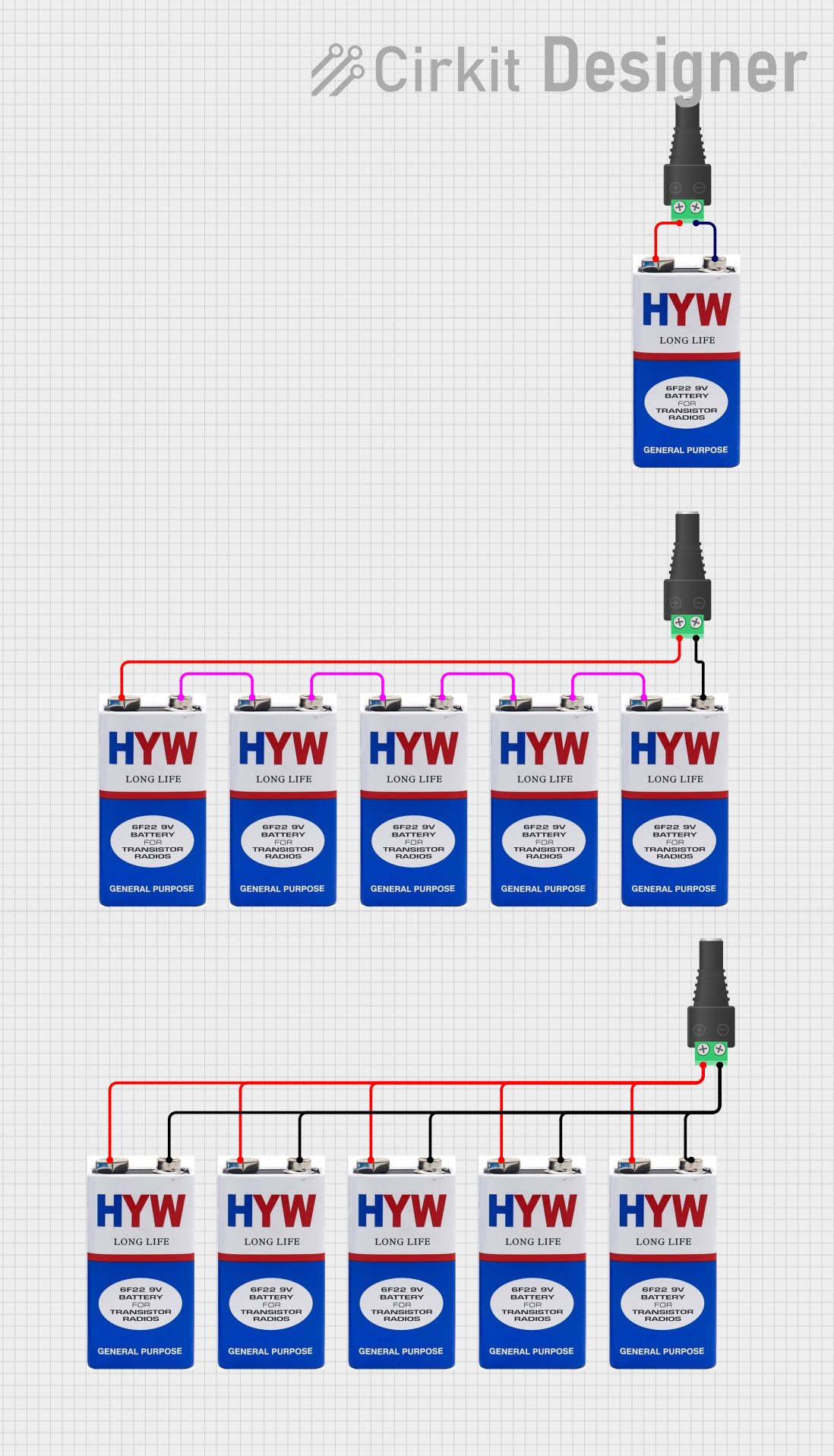
The 2.1mm Barrel Jack with Terminal Block can be used to power an Arduino UNO. Below is an example of how to connect it:
- Connect a 9V DC power supply to the terminal block:
- Positive wire to the "+" terminal.
- Negative wire to the "-" terminal.
- Plug the barrel jack into the Arduino UNO's power input port.
- Verify the connection and turn on the power supply.
Arduino Code Example
If you're powering an Arduino UNO and running a simple LED blink program, you can use the following code:
// This code blinks an LED connected to pin 13 of the Arduino UNO.
// Ensure the Arduino is powered via the 2.1mm barrel jack.

void setup() {
  pinMode(13, OUTPUT); // Set pin 13 as an output pin
}

void loop() {
  digitalWrite(13, HIGH); // Turn the LED on
  delay(1000);            // Wait for 1 second
  digitalWrite(13, LOW);  // Turn the LED off
  delay(1000);            // Wait for 1 second
}
Troubleshooting and FAQs
Common Issues and Solutions
FAQs
Can I use this component with an AC power source?
- No, this component is designed for DC power only. Using it with AC power may damage the component or connected devices.
What wire gauge should I use?
- For currents up to 5A, use wires with a gauge of 20 AWG or thicker.
Can I use this to power multiple devices?
- Yes, but ensure the total current draw does not exceed the 5A rating of the barrel jack.
Is soldering required to use this component?
- No, the terminal block design eliminates the need for soldering, making it easy to use.
By following this documentation, you can effectively use the 2.1mm Barrel Jack with Terminal Block in your projects.

 Open Project in Cirkit Designer