
How to Use NPK Soil Sensor : Examples, Pinouts, and Specs
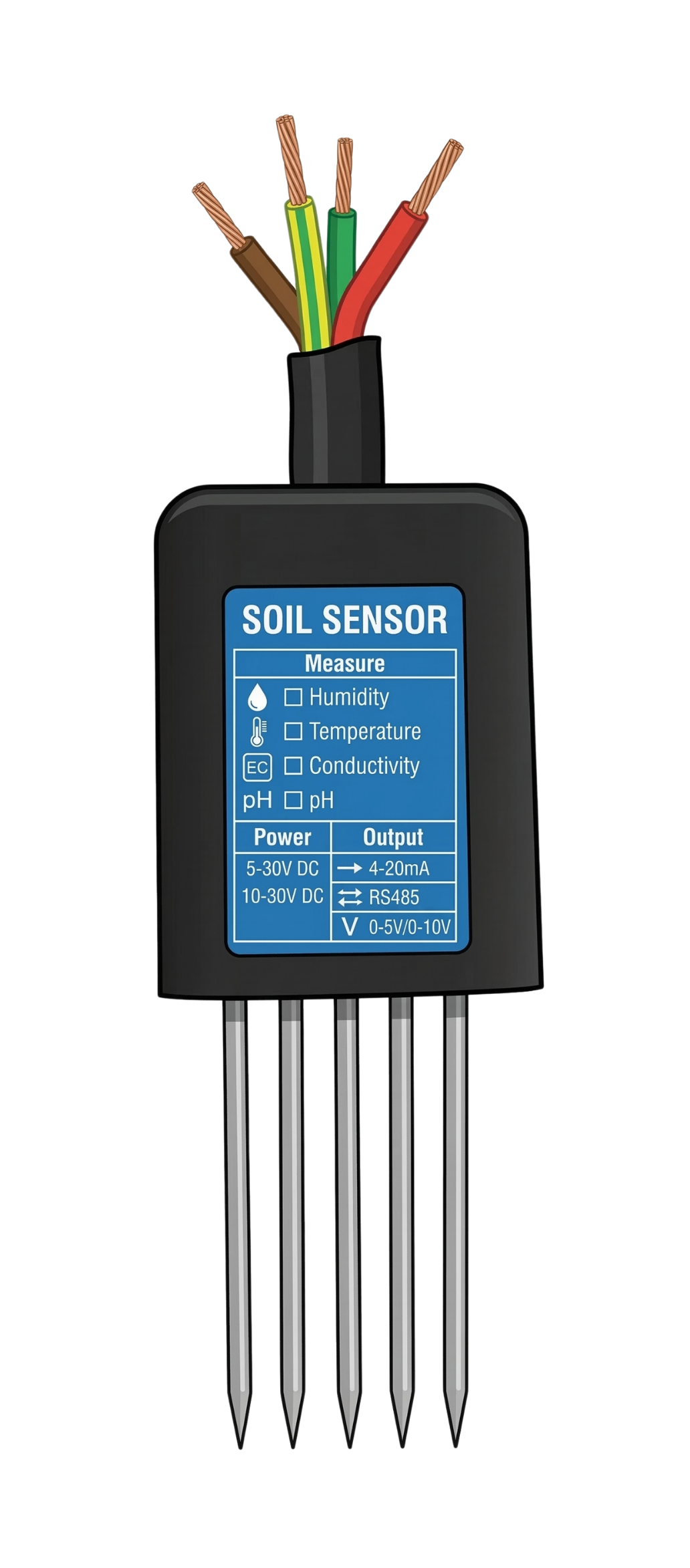
 Design with NPK Soil Sensor in Cirkit Designer
Introduction
The NPK Soil Sensor is a device designed to measure the levels of nitrogen (N), phosphorus (P), and potassium (K) in the soil. These three nutrients are essential for plant growth, and their concentrations directly impact soil fertility. By using this sensor, users can assess soil nutrient levels and make informed decisions about fertilization and crop management.
Explore Projects Built with NPK Soil Sensor
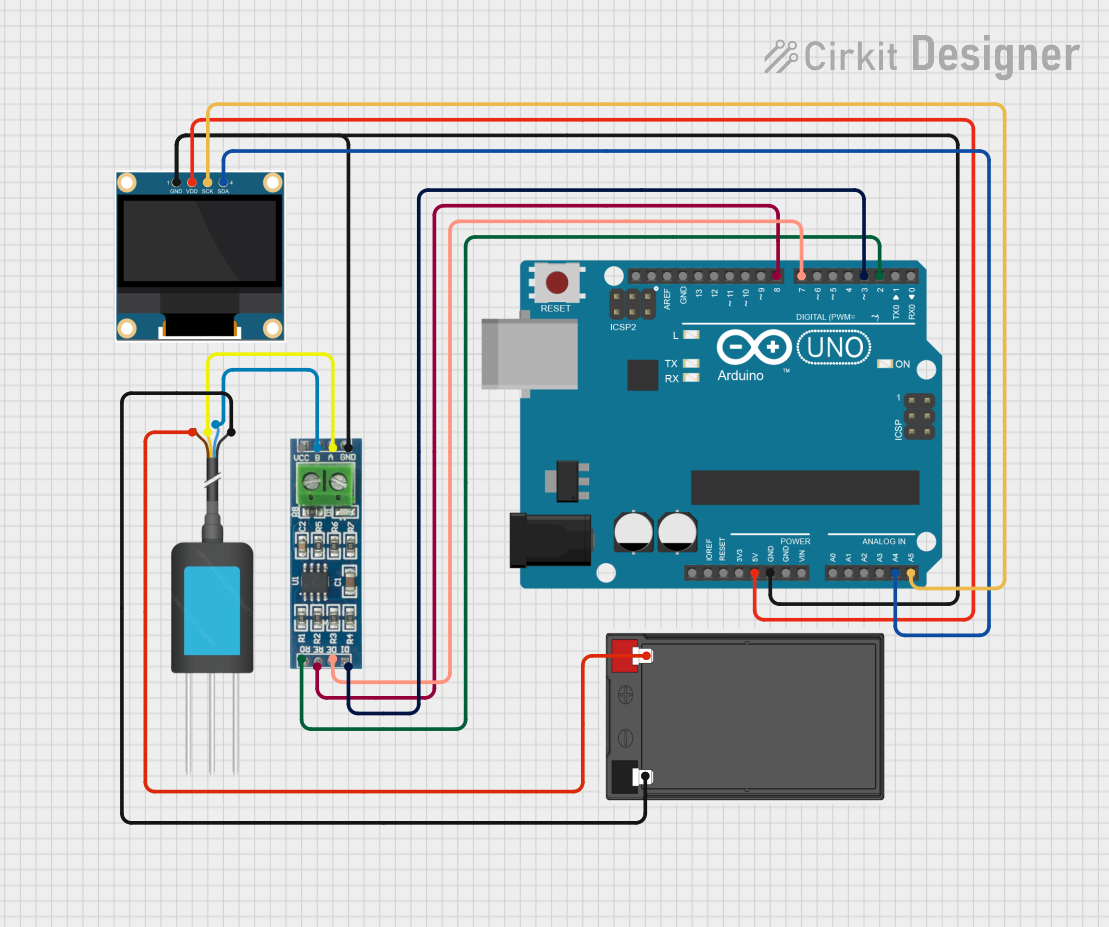 Open Project in Cirkit Designer
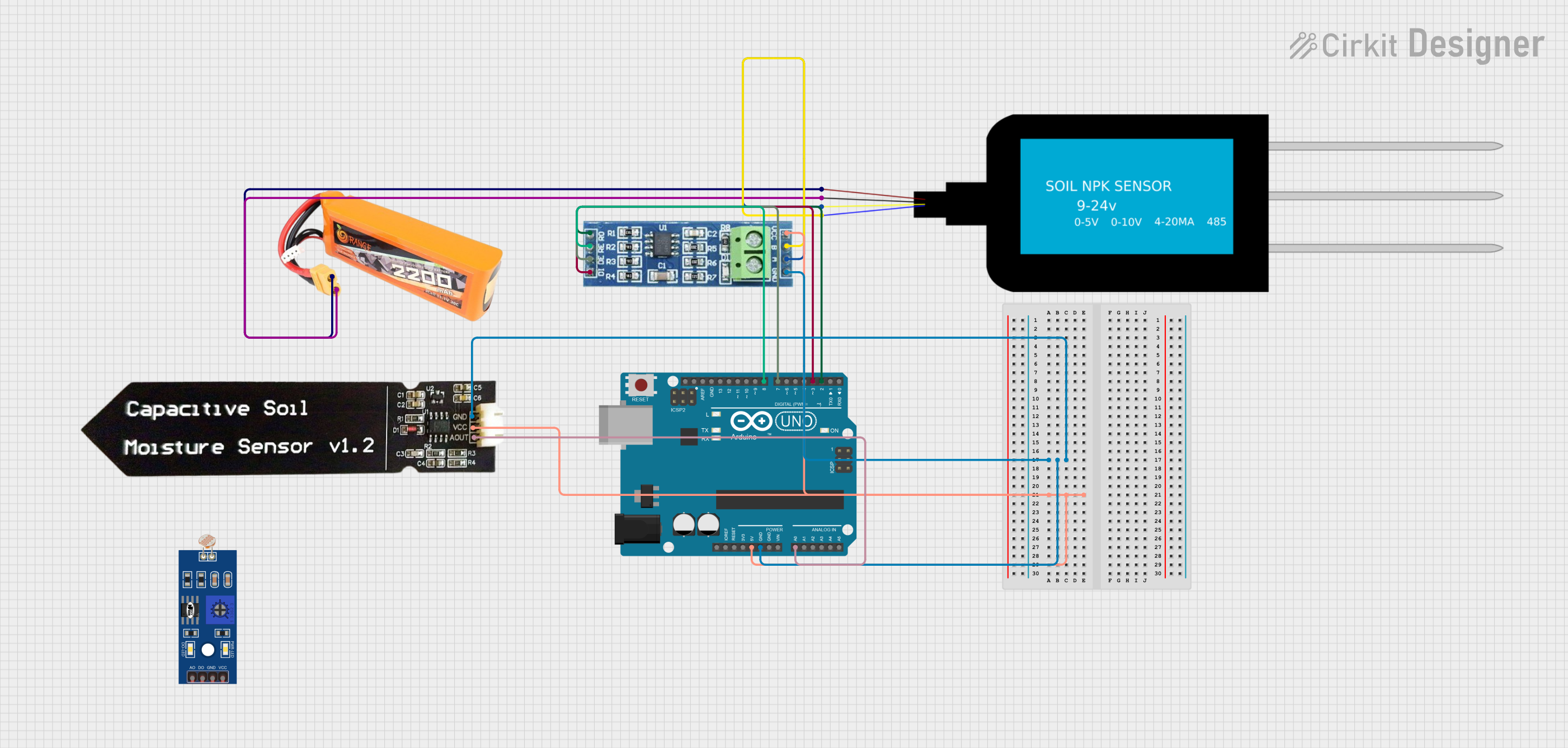 Open Project in Cirkit Designer
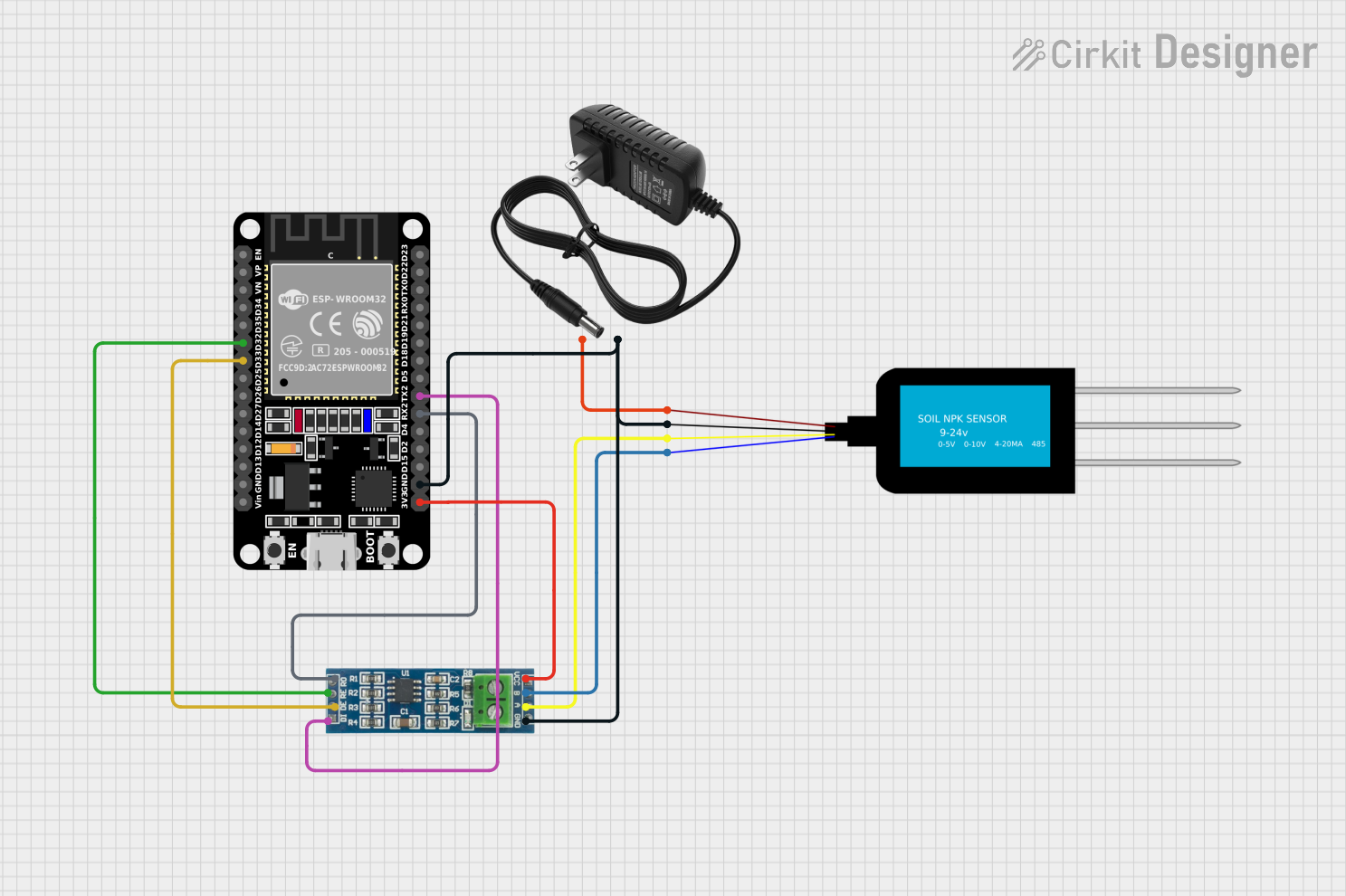 Open Project in Cirkit Designer
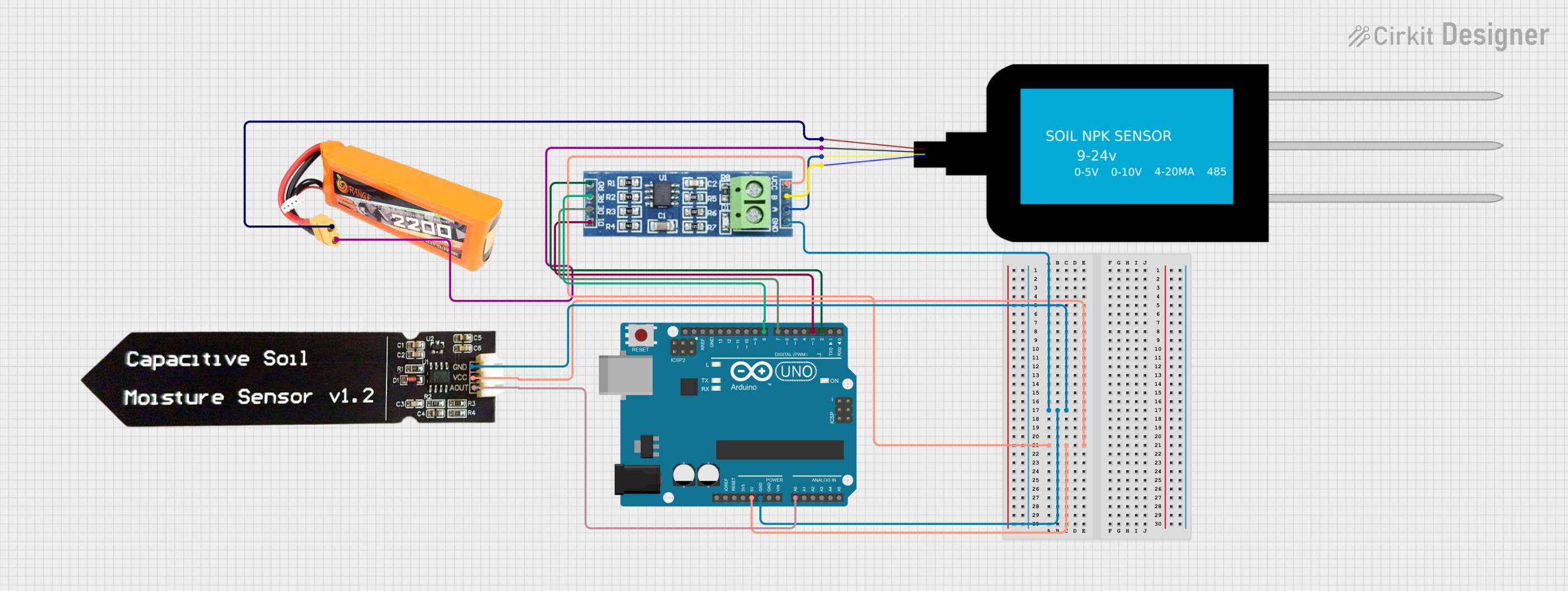 Open Project in Cirkit Designer
Explore Projects Built with NPK Soil Sensor
Open Project in Cirkit DesignerOpen Project in Cirkit DesignerOpen Project in Cirkit DesignerOpen Project in Cirkit DesignerCommon Applications and Use Cases
- Precision agriculture to optimize crop yields
- Soil testing for gardening and farming
- Research and development in agronomy
- Environmental monitoring and soil health assessment
Technical Specifications
The NPK Soil Sensor is typically designed to provide accurate readings of soil nutrient levels. Below are the key technical details:
| Parameter | Specification |
|---|---|
| Operating Voltage | 5V DC |
| Operating Current | ≤ 50mA |
| Measurement Range (NPK) | 0–1999 mg/kg |
| Communication Protocol | UART (Universal Asynchronous Receiver-Transmitter) |
| Response Time | ≤ 2 seconds |
| Operating Temperature | -20°C to 60°C |
| Humidity Range | 5%–95% RH (non-condensing) |
Pin Configuration and Descriptions
The NPK Soil Sensor typically has a 4-pin interface. Below is the pinout description:
| Pin | Name | Description |
|---|---|---|
| 1 | VCC | Power supply input (5V DC) |
| 2 | GND | Ground connection |
| 3 | TXD | UART Transmit pin (sends data to the microcontroller) |
| 4 | RXD | UART Receive pin (receives data from the microcontroller) |
Usage Instructions
How to Use the NPK Soil Sensor in a Circuit
- Power the Sensor: Connect the VCC pin to a 5V power source and the GND pin to the ground.
- Connect to a Microcontroller: Use the TXD and RXD pins to establish UART communication with a microcontroller (e.g., Arduino UNO).
- Insert the Sensor into Soil: Ensure the sensor probes are fully inserted into the soil for accurate readings.
- Read Data: Use the microcontroller to read the NPK values transmitted by the sensor.
Important Considerations and Best Practices
- Calibration: Some sensors may require calibration before use. Refer to the manufacturer's instructions for calibration procedures.
- Soil Preparation: Ensure the soil is moist but not waterlogged for accurate readings.
- Avoid Corrosion: Clean the sensor probes after use to prevent corrosion and maintain accuracy.
- Power Supply: Use a stable 5V power source to avoid fluctuations in readings.
Example Code for Arduino UNO
Below is an example of how to interface the NPK Soil Sensor with an Arduino UNO:
#include <SoftwareSerial.h>

// Define RX and TX pins for UART communication
SoftwareSerial npkSerial(10, 11); // RX = pin 10, TX = pin 11

void setup() {
  Serial.begin(9600); // Initialize Serial Monitor at 9600 baud
  npkSerial.begin(9600); // Initialize NPK sensor communication at 9600 baud
  Serial.println("NPK Soil Sensor Initialized");
}

void loop() {
  if (npkSerial.available()) {
    // Read data from the NPK sensor
    String npkData = "";
    while (npkSerial.available()) {
      char c = npkSerial.read();
      npkData += c;
    }
    // Print the received data to the Serial Monitor
    Serial.println("NPK Data: " + npkData);
  }
  delay(1000); // Wait for 1 second before the next reading
}
Notes on the Code
- Ensure the RX and TX pins of the sensor are connected to the correct pins on the Arduino.
- The
SoftwareSeriallibrary is used to create a secondary UART interface for the sensor. - The sensor's data format may vary depending on the manufacturer. Refer to the sensor's datasheet for specific details.
Troubleshooting and FAQs
Common Issues and Solutions
No Data Received from the Sensor
- Cause: Incorrect wiring or loose connections.
- Solution: Double-check the connections, ensuring the TXD and RXD pins are correctly connected to the microcontroller.
Inaccurate Readings
- Cause: Dry or overly wet soil, or dirty sensor probes.
- Solution: Ensure the soil is moist and clean the sensor probes after use.
Sensor Not Responding
- Cause: Incorrect baud rate or power supply issues.
- Solution: Verify the baud rate (default is usually 9600) and ensure a stable 5V power supply.
Corrosion on Probes
- Cause: Prolonged exposure to soil without cleaning.
- Solution: Clean the probes with a soft cloth and store the sensor in a dry place when not in use.
FAQs
Q: Can the NPK Soil Sensor be used in saline soil?
A: The sensor may not provide accurate readings in highly saline soil. It is recommended to consult the manufacturer's specifications for limitations.
Q: How often should the sensor be calibrated?
A: Calibration frequency depends on usage and environmental conditions. For best results, calibrate the sensor periodically or as recommended by the manufacturer.
Q: Can the sensor be used outdoors?
A: Yes, the sensor is designed for outdoor use, but ensure it is not exposed to extreme weather conditions for prolonged periods.
Q: Is the sensor compatible with other microcontrollers?
A: Yes, the sensor can be used with other microcontrollers (e.g., ESP32, Raspberry Pi) that support UART communication.