
How to Use PCA9658: Examples, Pinouts, and Specs
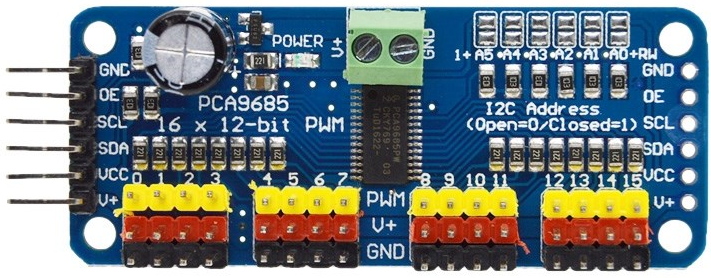
 Design with PCA9658 in Cirkit Designer
Introduction
The PCA9658 is an I2C-bus I/O port expander with interrupt capability, designed to expand the number of GPIO pins available in microcontroller applications. It features 16 GPIO pins that can be individually configured as inputs or outputs. The device communicates with a host microcontroller via the I2C interface, making it an efficient solution for applications requiring additional I/O without increasing the microcontroller's pin count.
Explore Projects Built with PCA9658
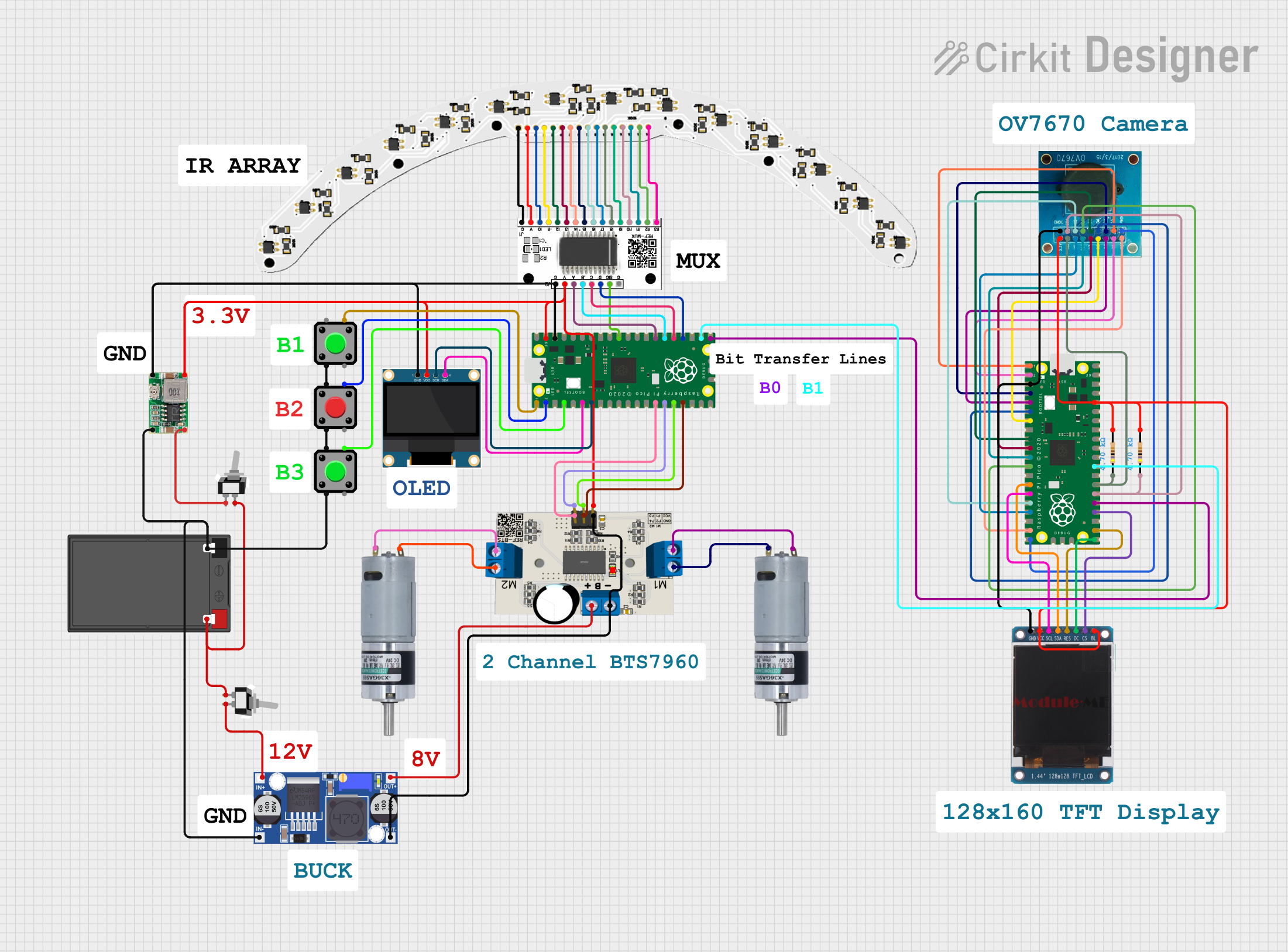 Open Project in Cirkit Designer
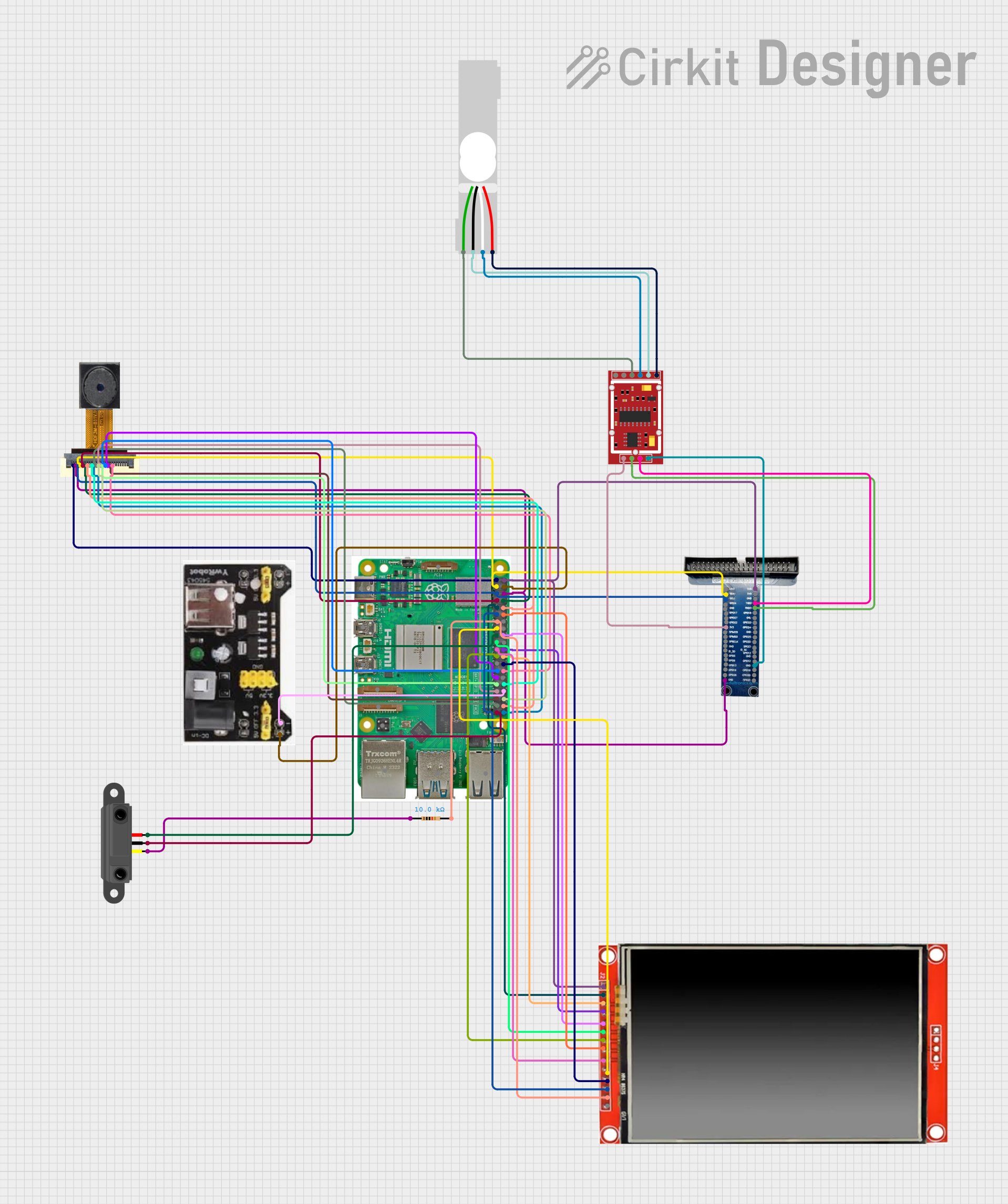 Open Project in Cirkit Designer
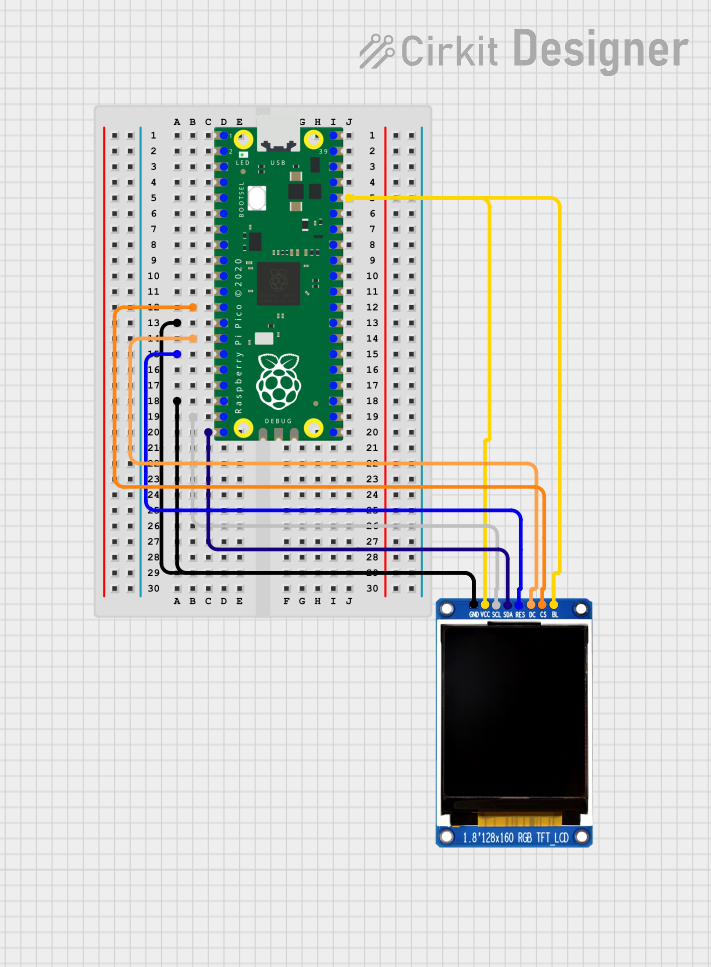 Open Project in Cirkit Designer
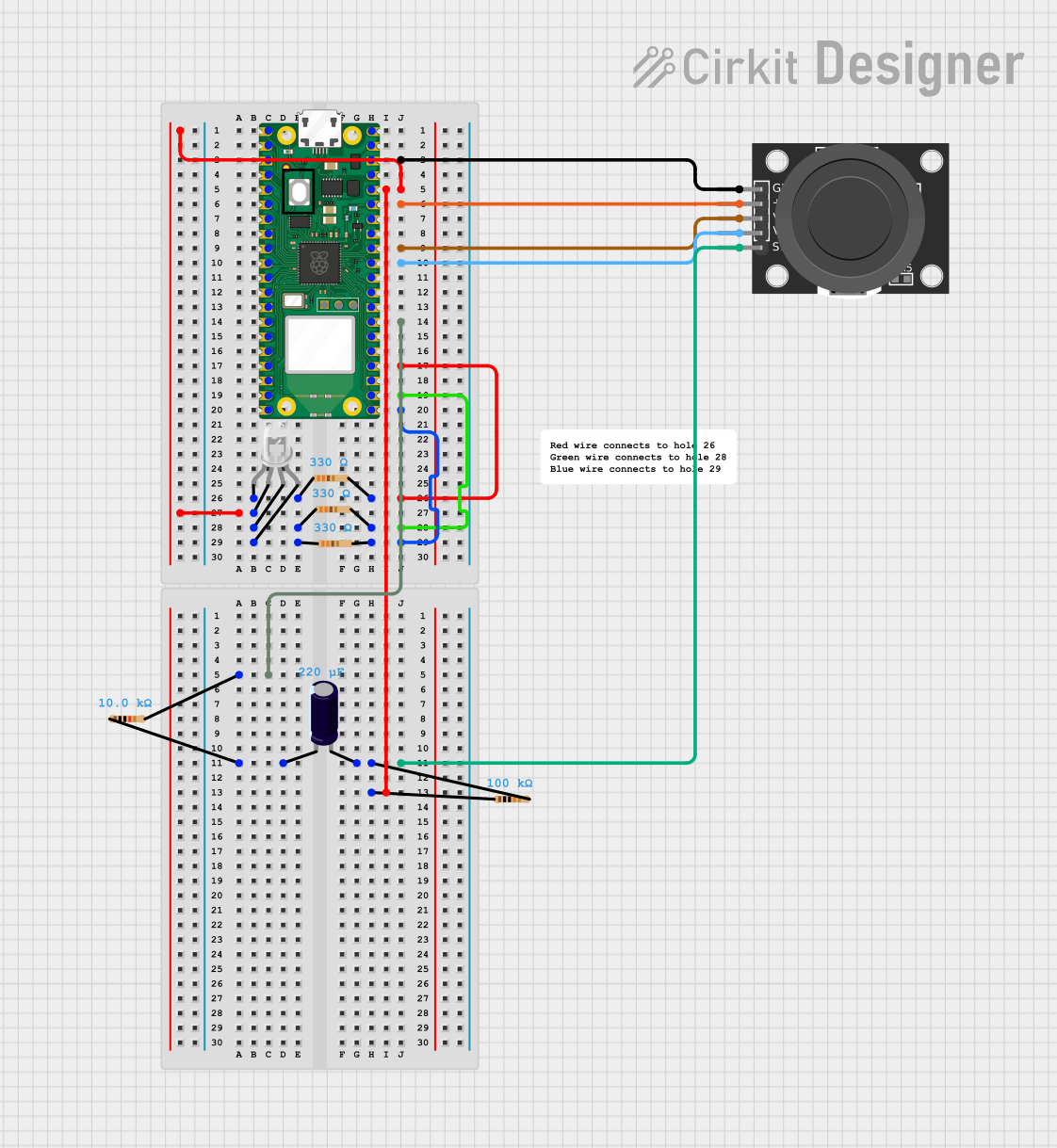 Open Project in Cirkit Designer
Explore Projects Built with PCA9658
Open Project in Cirkit DesignerOpen Project in Cirkit DesignerOpen Project in Cirkit DesignerOpen Project in Cirkit DesignerCommon Applications and Use Cases
- Expanding GPIO pins in microcontroller-based systems
- Home automation and IoT devices
- Keypad and button matrix interfacing
- LED control and status indication
- Sensor interfacing in embedded systems
- Industrial control systems
Technical Specifications
The PCA9658 is a versatile component with the following key technical details:
| Parameter | Value |
|---|---|
| Operating Voltage Range | 2.3V to 5.5V |
| I2C Bus Speed | Up to 1 MHz (Fast-mode Plus) |
| GPIO Pins | 16 (individually configurable) |
| Interrupt Output | Open-drain, active low |
| Maximum Sink Current (per pin) | 25 mA |
| Maximum Source Current (per pin) | 10 mA |
| Operating Temperature Range | -40°C to +85°C |
| Package Options | TSSOP24, HVQFN24 |
Pin Configuration and Descriptions
The PCA9658 is typically available in a 24-pin package. Below is the pin configuration:
| Pin Number | Pin Name | Description |
|---|---|---|
| 1 | A0 | I2C Address Selection Pin |
| 2 | A1 | I2C Address Selection Pin |
| 3 | A2 | I2C Address Selection Pin |
| 4-11 | P0.0-P0.7 | GPIO Port 0 Pins (Configurable as Input/Output) |
| 12 | GND | Ground |
| 13-20 | P1.0-P1.7 | GPIO Port 1 Pins (Configurable as Input/Output) |
| 21 | INT | Interrupt Output (Active Low) |
| 22 | SCL | I2C Clock Line |
| 23 | SDA | I2C Data Line |
| 24 | VCC | Power Supply |
Usage Instructions
How to Use the PCA9658 in a Circuit
- Power Supply: Connect the VCC pin to a power source within the operating voltage range (2.3V to 5.5V) and the GND pin to ground.
- I2C Address Configuration: Use the A0, A1, and A2 pins to set the I2C address. These pins can be connected to VCC or GND to configure the address.
- I2C Communication: Connect the SCL and SDA pins to the corresponding I2C lines of the microcontroller. Use pull-up resistors (typically 4.7kΩ) on these lines.
- GPIO Configuration: Configure the GPIO pins (P0.0-P0.7 and P1.0-P1.7) as inputs or outputs by writing to the appropriate control registers via I2C.
- Interrupt Handling: If using the interrupt feature, connect the INT pin to an interrupt-capable pin on the microcontroller. The INT pin will go low when a change is detected on any input pin.
Important Considerations and Best Practices
- Use appropriate pull-up resistors on the I2C lines to ensure reliable communication.
- Avoid exceeding the maximum current ratings for GPIO pins to prevent damage.
- Debounce input signals in software if connecting mechanical switches or buttons.
- Use decoupling capacitors (e.g., 0.1µF) near the VCC pin to reduce noise and improve stability.
Example Code for Arduino UNO
Below is an example of how to interface the PCA9658 with an Arduino UNO to toggle an LED connected to one of the GPIO pins:
#include <Wire.h> // Include the Wire library for I2C communication

#define PCA9658_ADDR 0x20 // Default I2C address of PCA9658 (adjust if needed)
#define GPIO_PORT0  0x02  // Register address for GPIO Port 0 output

void setup() {
  Wire.begin(); // Initialize I2C communication
  Serial.begin(9600); // Initialize serial communication for debugging

  // Set all pins on Port 0 as outputs
  Wire.beginTransmission(PCA9658_ADDR);
  Wire.write(0x06); // Register address for Port 0 configuration
  Wire.write(0x00); // Set all pins as outputs (0 = output, 1 = input)
  Wire.endTransmission();

  Serial.println("PCA9658 initialized.");
}

void loop() {
  // Toggle GPIO pin P0.0
  Wire.beginTransmission(PCA9658_ADDR);
  Wire.write(GPIO_PORT0); // Select Port 0 output register
  Wire.write(0x01); // Set P0.0 high (binary: 00000001)
  Wire.endTransmission();
  delay(500); // Wait for 500ms

  Wire.beginTransmission(PCA9658_ADDR);
  Wire.write(GPIO_PORT0); // Select Port 0 output register
  Wire.write(0x00); // Set P0.0 low (binary: 00000000)
  Wire.endTransmission();
  delay(500); // Wait for 500ms
}
Troubleshooting and FAQs
Common Issues and Solutions
I2C Communication Failure
- Cause: Incorrect I2C address or missing pull-up resistors.
- Solution: Verify the I2C address configuration (A0, A1, A2 pins) and ensure pull-up resistors are connected to the SDA and SCL lines.
GPIO Pins Not Responding
- Cause: Incorrect GPIO configuration or exceeding current limits.
- Solution: Check the GPIO configuration registers and ensure the current drawn or sourced by the pins is within the specified limits.
Interrupt Pin Not Functioning
- Cause: Interrupts not enabled or incorrect wiring.
- Solution: Verify that interrupts are enabled in the control registers and ensure the INT pin is connected to an interrupt-capable pin on the microcontroller.
Device Overheating
- Cause: Excessive current draw or incorrect power supply voltage.
- Solution: Ensure the power supply voltage is within the operating range and that the current drawn by GPIO pins does not exceed the maximum ratings.
FAQs
Q: Can the PCA9658 operate at 3.3V?
A: Yes, the PCA9658 supports an operating voltage range of 2.3V to 5.5V, making it compatible with 3.3V systems.
Q: How many PCA9658 devices can be connected on the same I2C bus?
A: Up to 8 devices can be connected by configuring unique I2C addresses using the A0, A1, and A2 pins.
Q: Does the PCA9658 support bidirectional GPIO pins?
A: Yes, the GPIO pins can be configured as either inputs or outputs, but they are not bidirectional simultaneously.
Q: What is the maximum I2C clock speed supported?
A: The PCA9658 supports I2C clock speeds up to 1 MHz in Fast-mode Plus.