
How to Use SFA30 Formaldehyde Sensor: Examples, Pinouts, and Specs
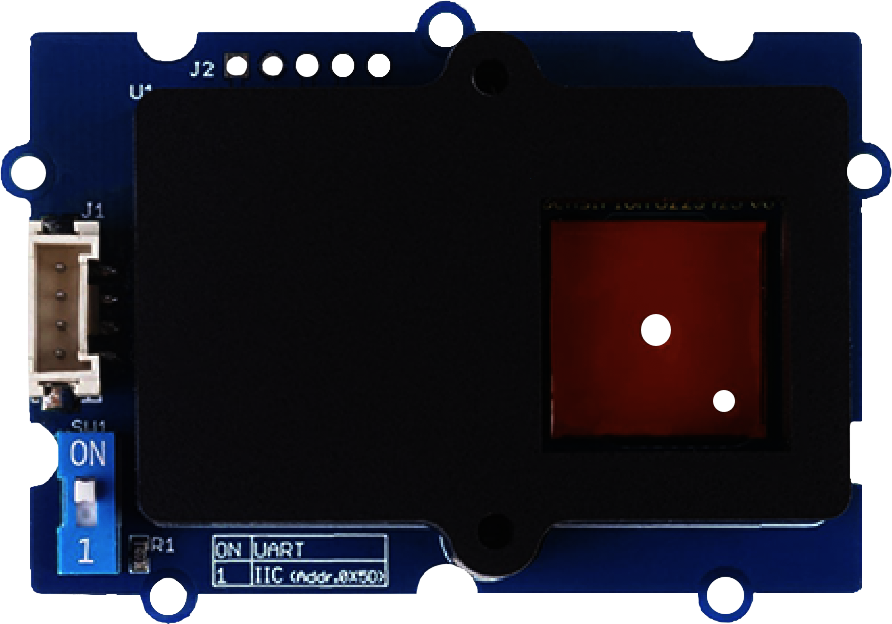
 Design with SFA30 Formaldehyde Sensor in Cirkit Designer
Introduction
The SFA30 Formaldehyde Sensor, manufactured by Grove, is a compact and reliable device designed to detect and measure formaldehyde (HCHO) gas concentrations in the air. It employs advanced electrochemical sensing technology to deliver precise and stable readings, making it an ideal choice for applications requiring accurate air quality monitoring. The sensor is particularly useful in environments such as homes, offices, laboratories, and industrial settings where formaldehyde levels need to be monitored for safety and compliance.
Explore Projects Built with SFA30 Formaldehyde Sensor
 Open Project in Cirkit Designer
 Open Project in Cirkit Designer
 Open Project in Cirkit Designer
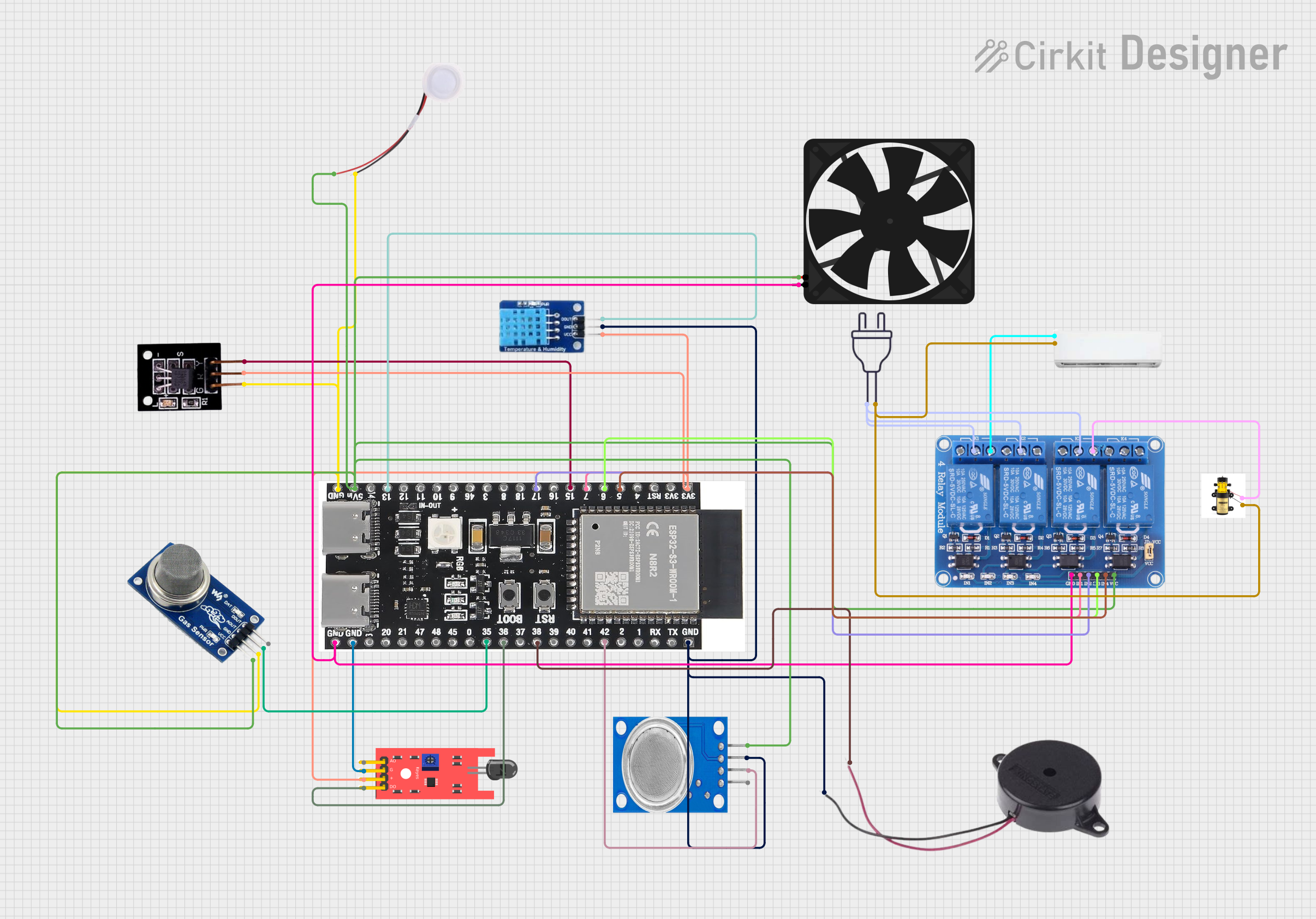 Open Project in Cirkit Designer
Explore Projects Built with SFA30 Formaldehyde Sensor
Open Project in Cirkit DesignerOpen Project in Cirkit DesignerOpen Project in Cirkit DesignerOpen Project in Cirkit DesignerCommon Applications
- Indoor air quality monitoring
- Environmental assessments
- Industrial safety systems
- Smart home devices
- HVAC systems
Technical Specifications
The following table outlines the key technical details of the SFA30 Formaldehyde Sensor:
| Parameter | Value |
|---|---|
| Manufacturer | Grove |
| Part ID | SFA30 |
| Measurement Range | 0 to 5 ppm (parts per million) |
| Accuracy | ±0.03 ppm + 3% of reading |
| Response Time (t90) | < 60 seconds |
| Operating Voltage | 3.3V to 5V |
| Operating Current | < 50 mA |
| Communication Interface | I2C |
| Operating Temperature | -10°C to 50°C |
| Operating Humidity | 0% to 90% RH (non-condensing) |
| Dimensions | 33 mm x 20 mm x 7 mm |
Pin Configuration
The SFA30 sensor has a 4-pin interface for I2C communication. The pin configuration is as follows:
| Pin | Name | Description |
|---|---|---|
| 1 | VCC | Power supply (3.3V to 5V) |
| 2 | GND | Ground |
| 3 | SDA | I2C data line |
| 4 | SCL | I2C clock line |
Usage Instructions
Connecting the SFA30 to an Arduino UNO
To use the SFA30 Formaldehyde Sensor with an Arduino UNO, follow these steps:
Wiring: Connect the sensor to the Arduino UNO as shown below:
- VCC → 5V on Arduino
- GND → GND on Arduino
- SDA → A4 (I2C data line)
- SCL → A5 (I2C clock line)
Install Required Libraries:
- Download and install the
Wirelibrary (usually pre-installed with Arduino IDE). - If a specific library for the SFA30 is available, install it from the Arduino Library Manager.
- Download and install the
Upload Code: Use the following example code to read formaldehyde concentration:
#include <Wire.h>

// I2C address of the SFA30 sensor
#define SFA30_ADDRESS 0x5A

void setup() {
  Serial.begin(9600); // Initialize serial communication
  Wire.begin();       // Initialize I2C communication
  delay(100);         // Allow sensor to stabilize
}

void loop() {
  Wire.beginTransmission(SFA30_ADDRESS);
  Wire.write(0x00); // Command to read formaldehyde concentration
  Wire.endTransmission();

  delay(10); // Wait for sensor to process the command

  Wire.requestFrom(SFA30_ADDRESS, 6); // Request 6 bytes of data
  if (Wire.available() == 6) {
    uint8_t data[6];
    for (int i = 0; i < 6; i++) {
      data[i] = Wire.read();
    }

    // Convert the received data to formaldehyde concentration
    uint16_t hcho_raw = (data[0] << 8) | data[1];
    float hcho_ppm = hcho_raw / 1000.0; // Convert to ppm

    Serial.print("Formaldehyde Concentration: ");
    Serial.print(hcho_ppm);
    Serial.println(" ppm");
  } else {
    Serial.println("Error: No data received from sensor.");
  }

  delay(1000); // Wait 1 second before the next reading
}
Important Considerations
- Power Supply: Ensure the sensor is powered within the specified voltage range (3.3V to 5V).
- Warm-Up Time: Allow the sensor to stabilize for a few minutes after powering it on for accurate readings.
- Environmental Conditions: Avoid exposing the sensor to extreme temperatures, humidity, or corrosive gases, as these may affect its performance.
- I2C Address: The default I2C address of the SFA30 is
0x5A. Ensure no other devices on the I2C bus share the same address.
Troubleshooting and FAQs
Common Issues and Solutions
| Issue | Possible Cause | Solution |
|---|---|---|
| No data received from the sensor | Incorrect wiring or loose connections | Verify all connections and ensure proper wiring. |
| Sensor readings are inaccurate or unstable | Insufficient warm-up time | Allow the sensor to stabilize for at least 5 minutes. |
| I2C communication failure | Address conflict or incorrect I2C address | Check the I2C address and ensure no conflicts. |
| Sensor not responding | Power supply issue | Ensure the sensor is powered within 3.3V to 5V. |
FAQs
Can the SFA30 detect gases other than formaldehyde?
- No, the SFA30 is specifically designed to detect and measure formaldehyde gas concentrations.
What is the lifespan of the SFA30 sensor?
- The sensor has a typical lifespan of 5 years under normal operating conditions.
Can I use the SFA30 with a Raspberry Pi?
- Yes, the SFA30 can be used with a Raspberry Pi via the I2C interface. Ensure proper wiring and use an appropriate library for I2C communication.
How often should I calibrate the sensor?
- The SFA30 is factory-calibrated and does not require frequent calibration. However, periodic calibration may be necessary in critical applications.
By following this documentation, you can effectively integrate and use the SFA30 Formaldehyde Sensor in your projects.