
How to Use SHT45: Examples, Pinouts, and Specs
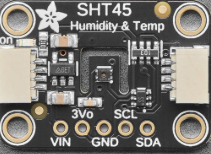
 Design with SHT45 in Cirkit Designer
Introduction
The SHT45, manufactured by Adafruit, is a high-precision digital humidity and temperature sensor. It combines a capacitive humidity sensor and a bandgap temperature sensor to deliver accurate environmental measurements. With its low power consumption and compact design, the SHT45 is ideal for applications such as environmental monitoring, HVAC systems, weather stations, and IoT devices.
Explore Projects Built with SHT45
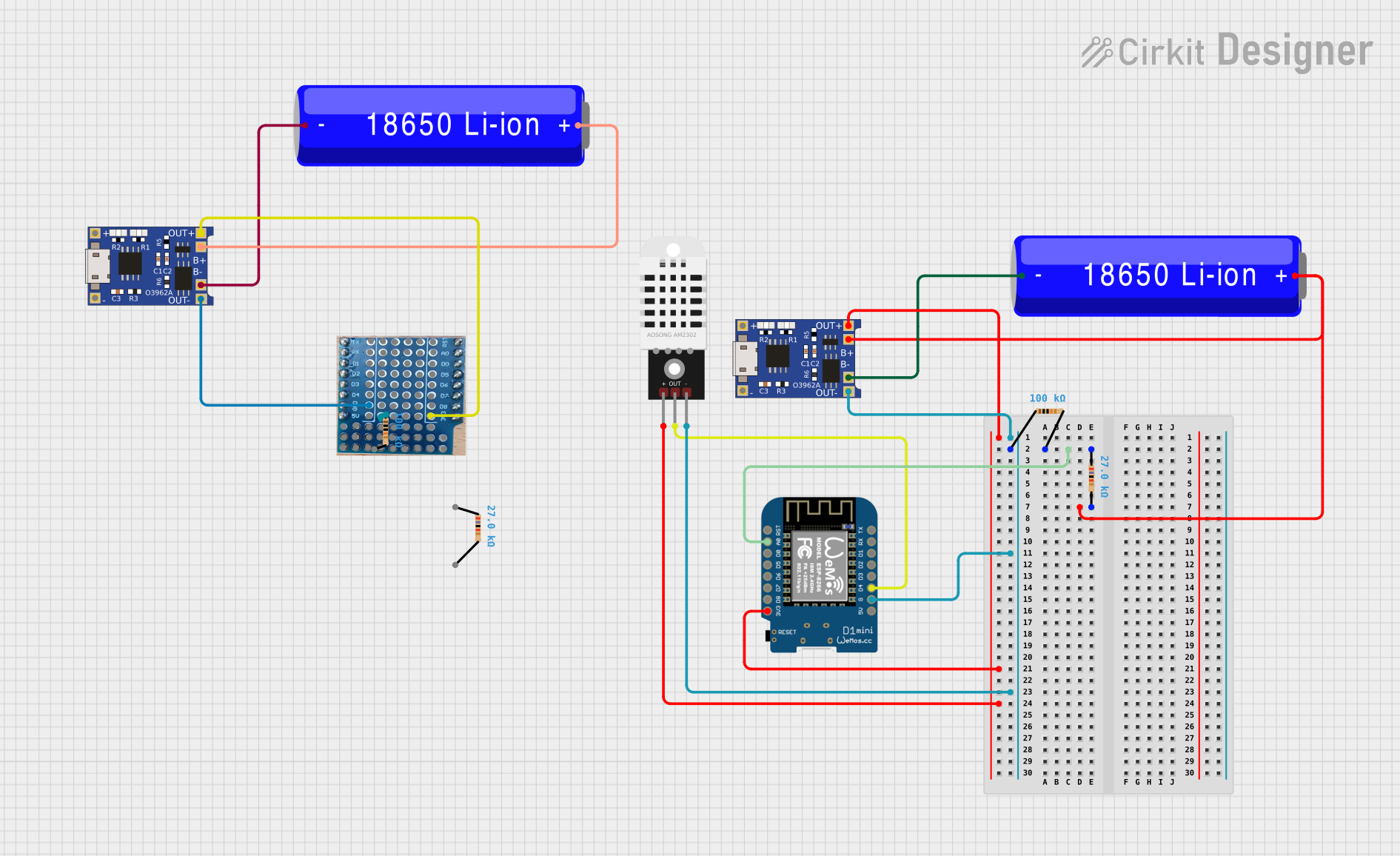 Open Project in Cirkit Designer
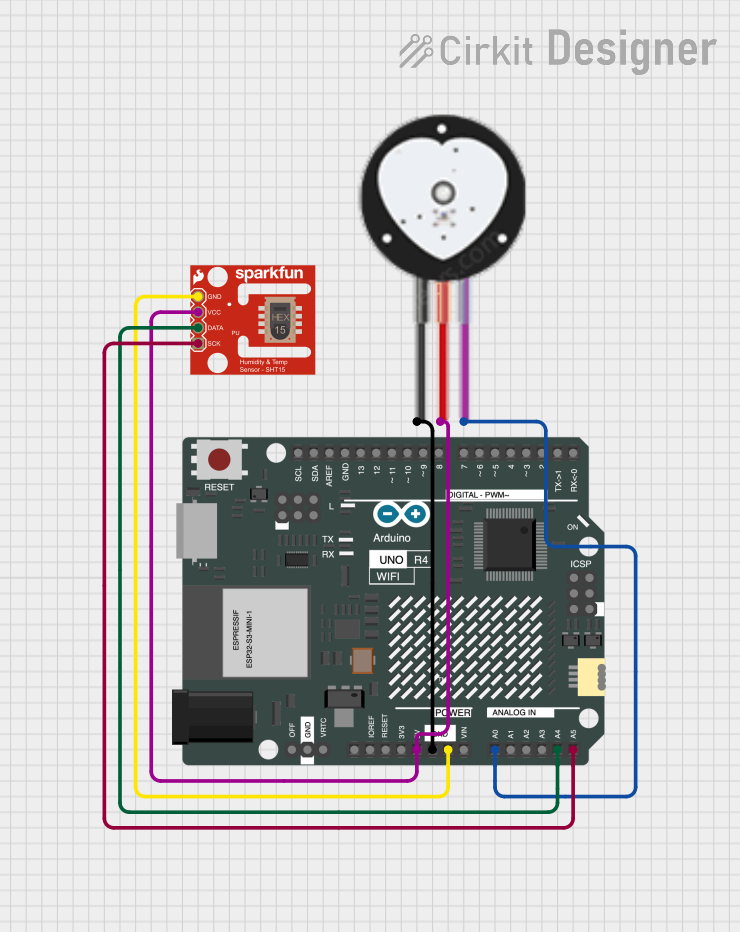 Open Project in Cirkit Designer
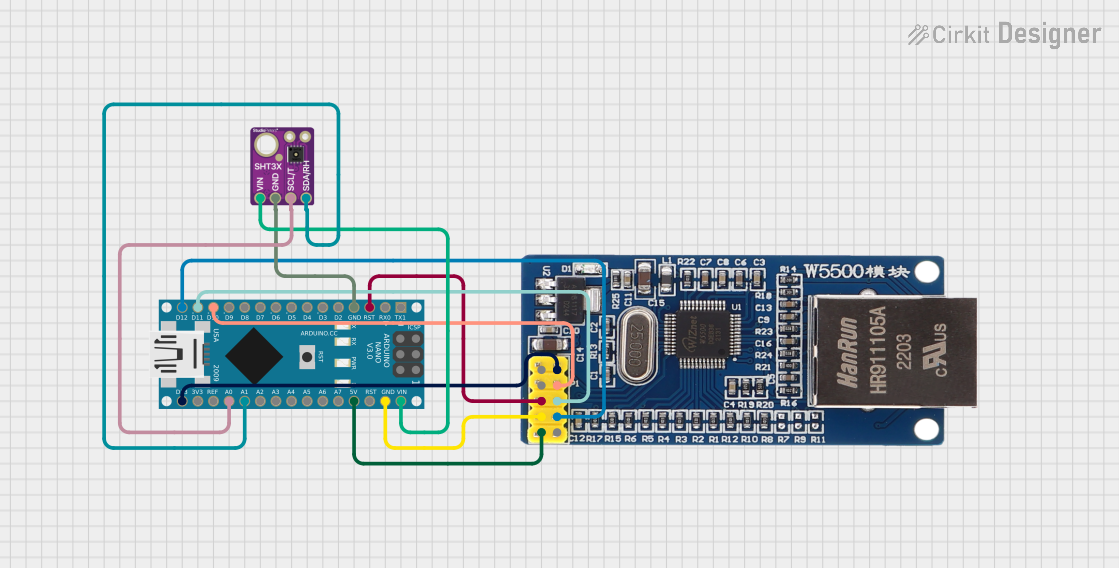 Open Project in Cirkit Designer
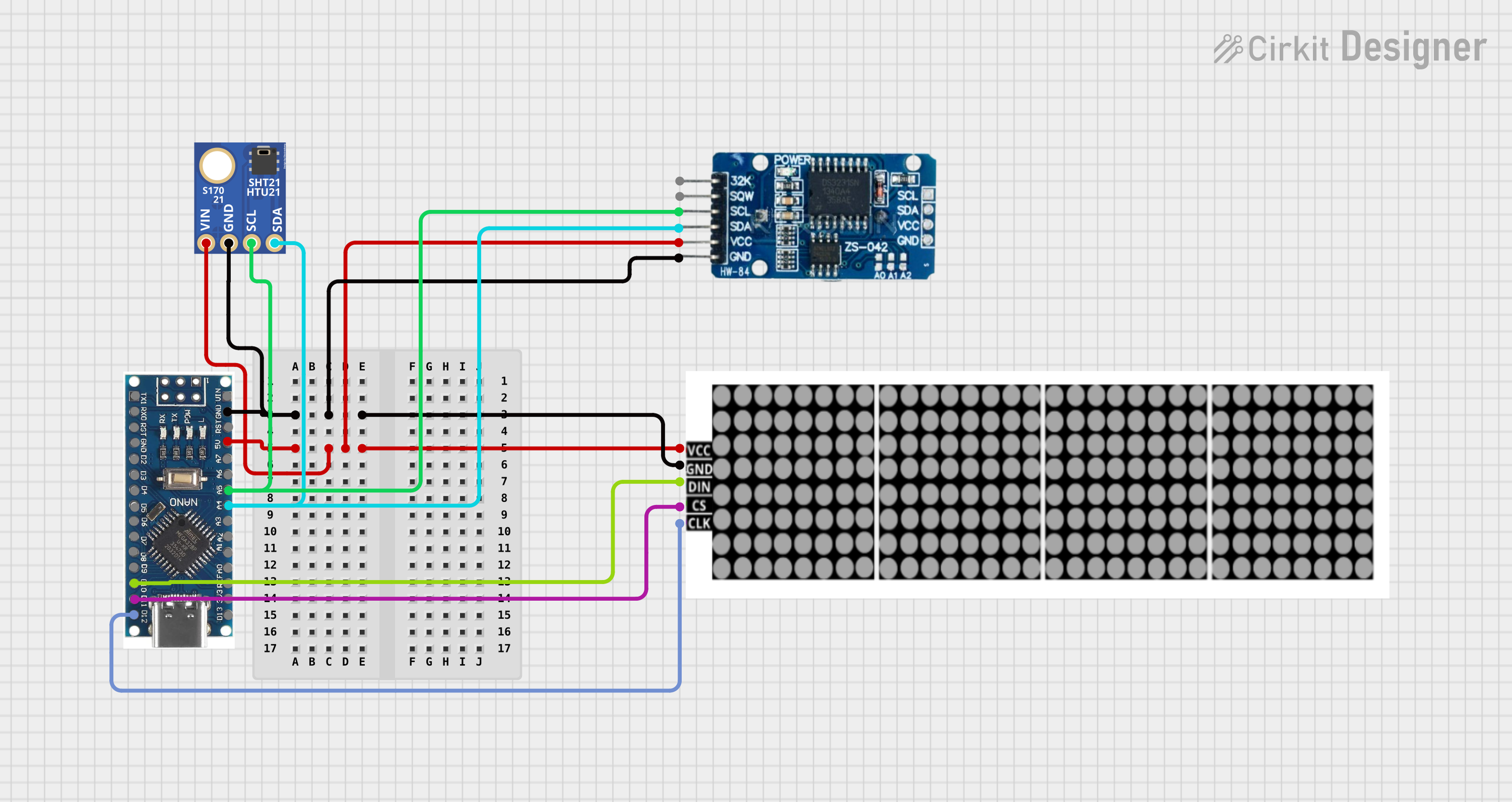 Open Project in Cirkit Designer
Explore Projects Built with SHT45
Open Project in Cirkit DesignerOpen Project in Cirkit DesignerOpen Project in Cirkit DesignerOpen Project in Cirkit DesignerCommon Applications:
- Environmental monitoring systems
- HVAC (Heating, Ventilation, and Air Conditioning) controls
- Weather stations
- Industrial process monitoring
- IoT (Internet of Things) devices
Technical Specifications
The SHT45 sensor offers excellent performance and reliability. Below are its key technical details:
| Parameter | Value |
|---|---|
| Supply Voltage (VDD) | 2.4V to 5.5V |
| Average Current Consumption | 0.4 µA (at 1 Hz measurement rate) |
| Humidity Measurement Range | 0% RH to 100% RH |
| Humidity Accuracy | ±1.5% RH (typical) |
| Temperature Measurement Range | -40°C to +125°C |
| Temperature Accuracy | ±0.1°C (typical) |
| Communication Interface | I²C |
| I²C Address | 0x44 (default) |
| Operating Temperature Range | -40°C to +125°C |
| Dimensions | 2.5 mm x 2.5 mm x 0.9 mm |
Pin Configuration
The SHT45 sensor has four pins, as described in the table below:
| Pin Name | Pin Number | Description |
|---|---|---|
| VDD | 1 | Power supply (2.4V to 5.5V) |
| GND | 2 | Ground |
| SDA | 3 | I²C data line |
| SCL | 4 | I²C clock line |
Usage Instructions
How to Use the SHT45 in a Circuit
- Power Supply: Connect the VDD pin to a 3.3V or 5V power source and the GND pin to ground.
- I²C Communication: Connect the SDA and SCL pins to the corresponding I²C data and clock lines of your microcontroller. Use pull-up resistors (typically 4.7 kΩ) on both SDA and SCL lines if not already present on your board.
- Address Selection: The default I²C address of the SHT45 is 0x44. Ensure no other devices on the I²C bus share this address.
Important Considerations
- Placement: Place the sensor in an area with good airflow for accurate readings. Avoid exposure to water or contaminants.
- Power Supply Stability: Use a stable power supply to ensure consistent performance.
- I²C Pull-Up Resistors: Verify that pull-up resistors are present on the I²C lines to ensure proper communication.
Example Code for Arduino UNO
Below is an example of how to interface the SHT45 with an Arduino UNO using the Adafruit SHT4x library:
#include <Wire.h>
#include "Adafruit_SHT4x.h"

// Create an instance of the SHT4x sensor
Adafruit_SHT4x sht4 = Adafruit_SHT4x();

void setup() {
  Serial.begin(115200);
  while (!Serial) delay(10); // Wait for Serial Monitor to open

  // Initialize the sensor
  if (!sht4.begin()) {
    Serial.println("Failed to find SHT4x sensor!");
    while (1) delay(10);
  }
  Serial.println("SHT4x sensor initialized!");

  // Set the sensor to high precision mode
  sht4.setPrecision(SHT4X_HIGH_PRECISION);
}

void loop() {
  sensors_event_t humidity, temp;

  // Get temperature and humidity readings
  if (sht4.getEvent(&humidity, &temp)) {
    Serial.print("Temperature: ");
    Serial.print(temp.temperature);
    Serial.println(" °C");

    Serial.print("Humidity: ");
    Serial.print(humidity.relative_humidity);
    Serial.println(" %RH");
  } else {
    Serial.println("Failed to read data from SHT4x sensor!");
  }

  delay(1000); // Wait 1 second before the next reading
}
Notes:
- Install the Adafruit SHT4x library via the Arduino Library Manager before running the code.
- Ensure the I²C address (0x44) matches the default address of the SHT45.
Troubleshooting and FAQs
Common Issues and Solutions
Sensor Not Detected:
- Cause: Incorrect wiring or I²C address mismatch.
- Solution: Verify the connections and ensure the correct I²C address (0x44) is used in the code.
Inaccurate Readings:
- Cause: Poor sensor placement or environmental interference.
- Solution: Place the sensor in a well-ventilated area, away from heat sources or contaminants.
I²C Communication Errors:
- Cause: Missing or incorrect pull-up resistors on SDA and SCL lines.
- Solution: Add 4.7 kΩ pull-up resistors to the SDA and SCL lines if not already present.
Temperature or Humidity Out of Range:
- Cause: Sensor exposed to extreme conditions beyond its operating range.
- Solution: Ensure the sensor operates within its specified temperature and humidity ranges.
FAQs
Q: Can the SHT45 operate at 5V?
A: Yes, the SHT45 supports a supply voltage range of 2.4V to 5.5V.
Q: What is the default I²C address of the SHT45?
A: The default I²C address is 0x44.
Q: Do I need to calibrate the SHT45?
A: No, the SHT45 is factory-calibrated and does not require additional calibration.
Q: Can the SHT45 measure dew point?
A: The SHT45 does not directly measure dew point, but you can calculate it using temperature and humidity readings.
Q: Is the SHT45 waterproof?
A: No, the SHT45 is not waterproof. Avoid exposing it to water or high humidity for extended periods.