
How to Use 12v battery: Examples, Pinouts, and Specs
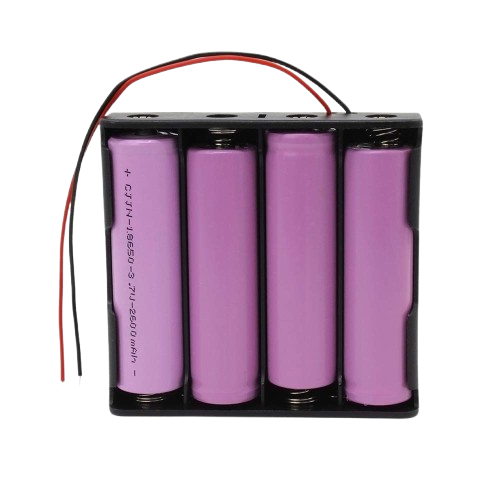
 Design with 12v battery in Cirkit Designer
Introduction
The 12V Battery (Manufacturer: Zain, Part ID: 12v) is a versatile power source designed to provide a nominal voltage of 12 volts. It is available in both rechargeable and non-rechargeable variants, making it suitable for a wide range of applications. This battery is commonly used in automotive systems, uninterruptible power supplies (UPS), portable electronics, and renewable energy systems such as solar panels.
Explore Projects Built with 12v battery
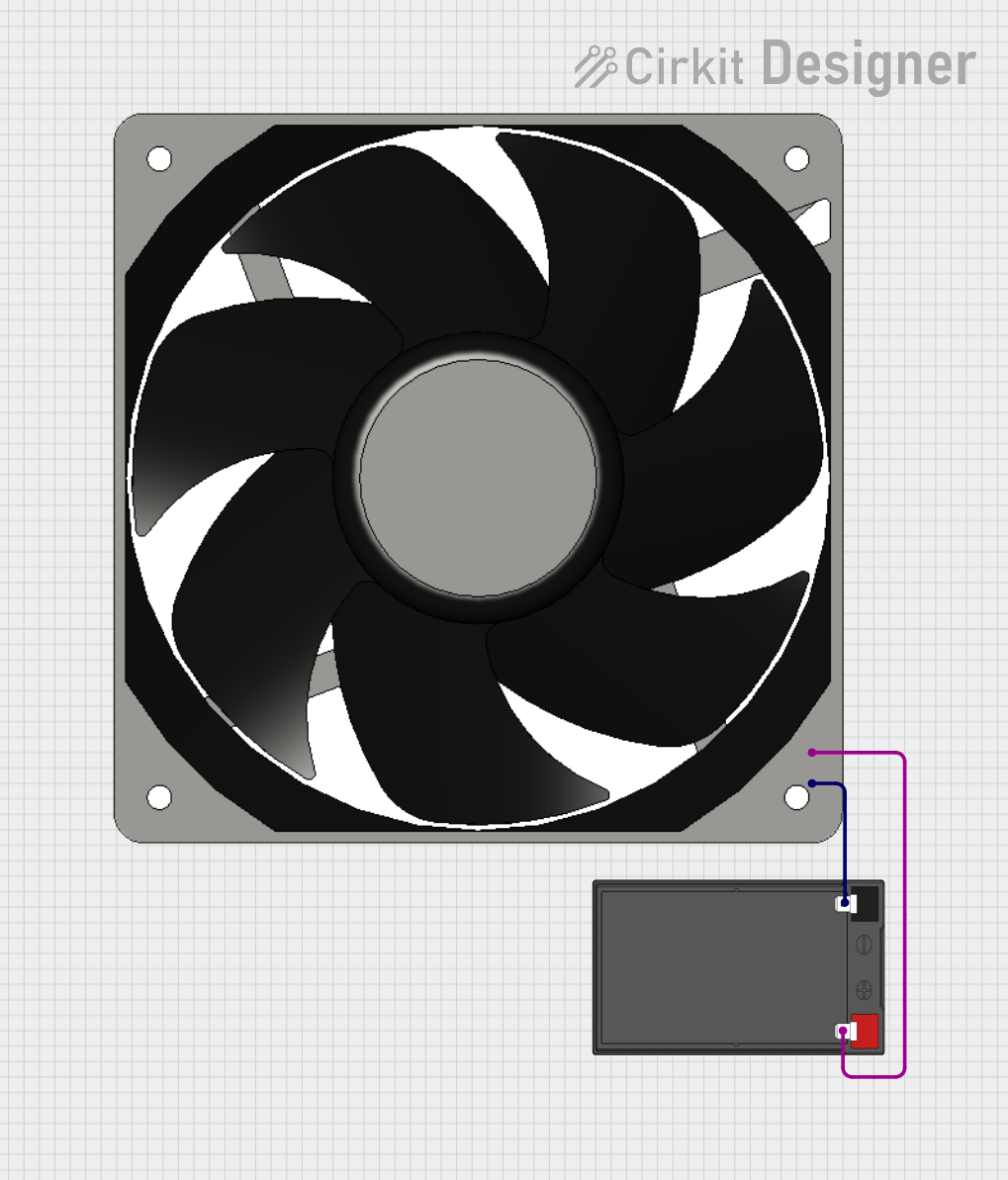 Open Project in Cirkit Designer
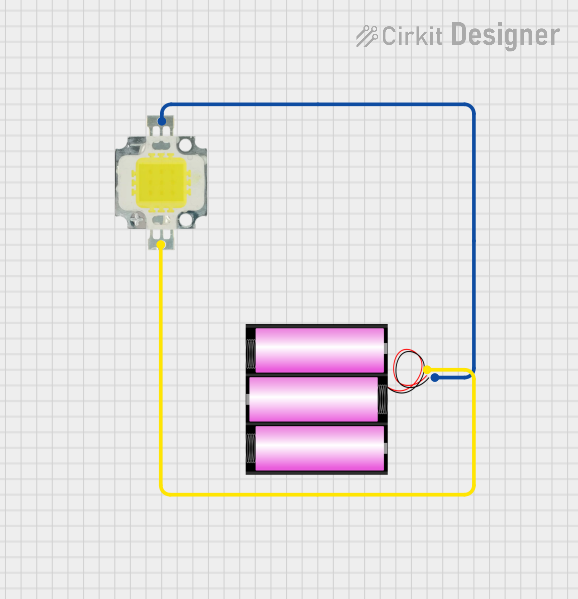 Open Project in Cirkit Designer
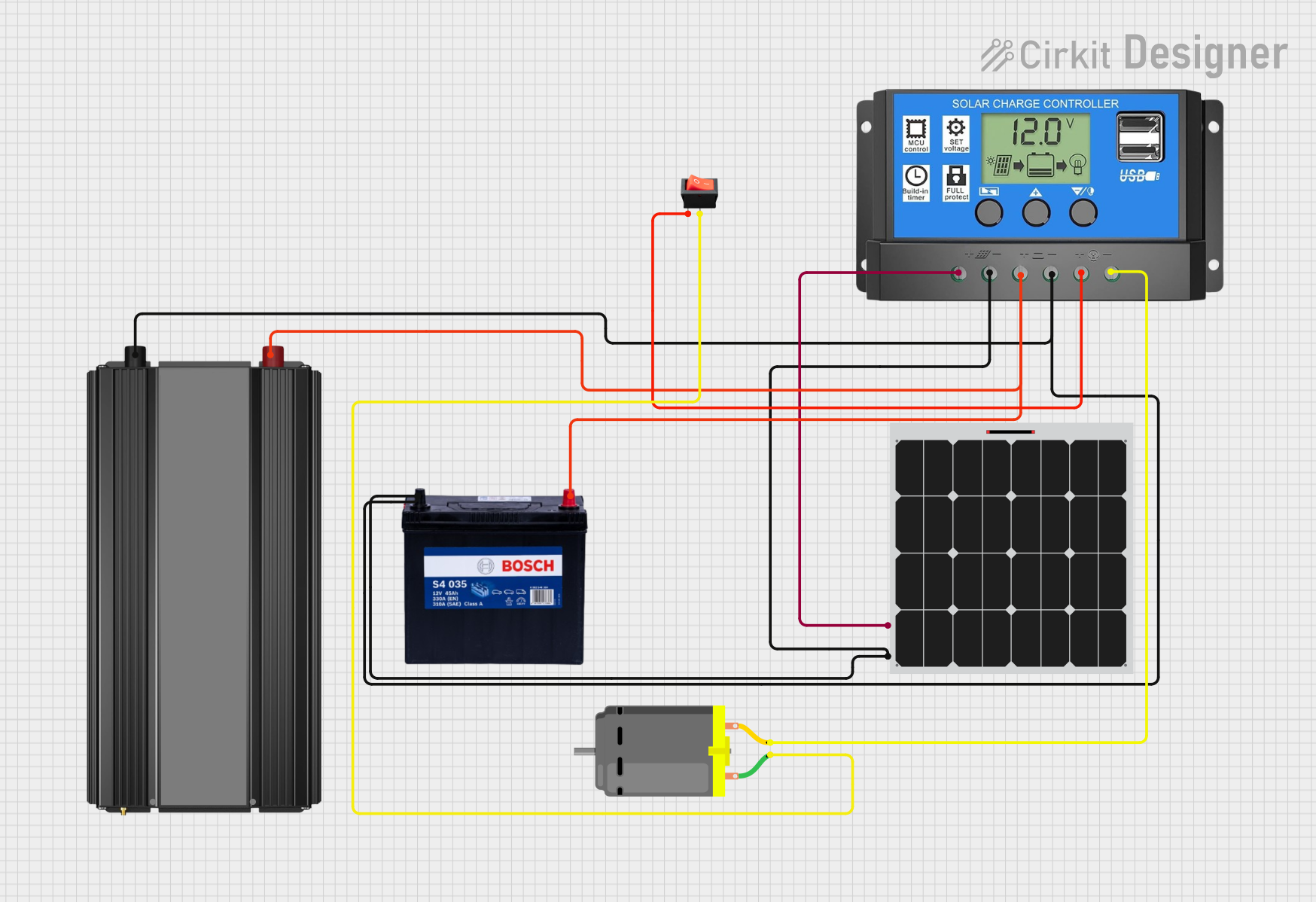 Open Project in Cirkit Designer
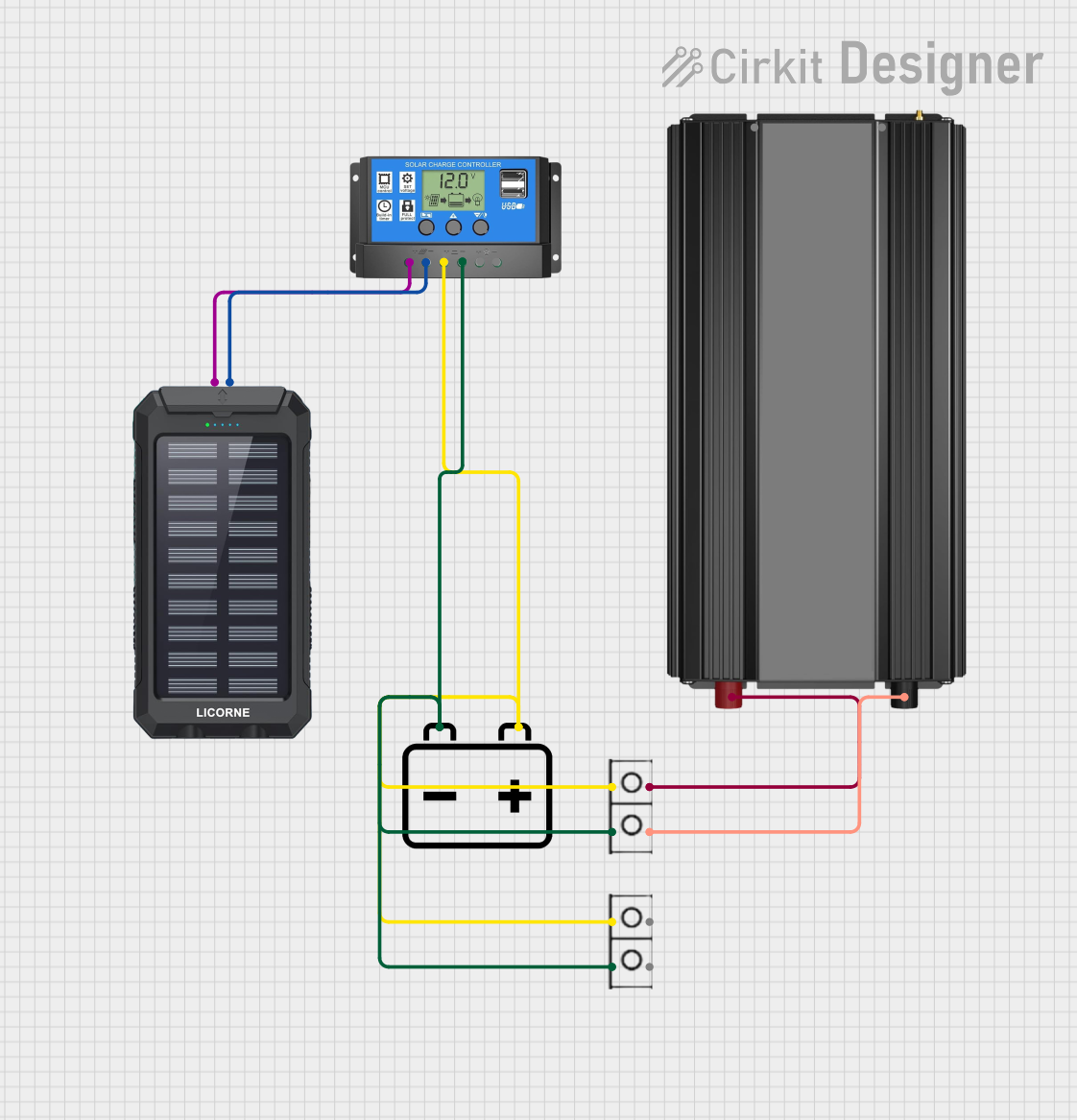 Open Project in Cirkit Designer
Explore Projects Built with 12v battery
Open Project in Cirkit DesignerOpen Project in Cirkit DesignerOpen Project in Cirkit DesignerOpen Project in Cirkit DesignerCommon Applications
- Automotive systems (e.g., starting, lighting, and ignition)
- Backup power for UPS systems
- Powering portable electronic devices
- Renewable energy storage (e.g., solar and wind systems)
- Robotics and DIY electronics projects
Technical Specifications
Below are the key technical details for the Zain 12V Battery:
| Parameter | Specification |
|---|---|
| Nominal Voltage | 12V |
| Capacity Range | 1.2Ah to 200Ah (varies by model) |
| Chemistry Type | Lead-acid, Lithium-ion, or NiMH |
| Rechargeable | Yes (for rechargeable variants) |
| Maximum Charging Voltage | 14.4V to 14.7V (for rechargeable models) |
| Discharge Cut-off Voltage | 10.5V (typical) |
| Operating Temperature | -20°C to 60°C |
| Dimensions | Varies by capacity and model |
| Weight | Varies by capacity and model |
Pin Configuration and Descriptions
The 12V battery typically has two terminals:
| Terminal | Description |
|---|---|
| Positive (+) | Connects to the positive side of the circuit |
| Negative (-) | Connects to the ground or negative side |
Note: Ensure proper polarity when connecting the battery to avoid damage to the circuit or the battery.
Usage Instructions
How to Use the 12V Battery in a Circuit
- Identify the Terminals: Locate the positive (+) and negative (-) terminals on the battery.
- Connect to the Circuit:
- Connect the positive terminal to the positive input of your circuit.
- Connect the negative terminal to the ground or negative input of your circuit.
- Use Proper Connectors: Use appropriate connectors or clamps to ensure a secure and stable connection.
- Fuse Protection: Add a fuse in series with the positive terminal to protect the circuit from overcurrent.
- Charging (for Rechargeable Models):
- Use a compatible charger with the correct voltage and current ratings.
- Monitor the charging process to avoid overcharging.
Important Considerations and Best Practices
- Polarity: Always double-check the polarity before connecting the battery to a circuit.
- Ventilation: For lead-acid batteries, ensure proper ventilation to prevent the buildup of gases.
- Storage: Store the battery in a cool, dry place when not in use.
- Discharge Limits: Avoid deep discharging below the cut-off voltage to prolong battery life.
- Charging Safety: Use a charger with overcharge protection to prevent damage to rechargeable batteries.
Example: Connecting a 12V Battery to an Arduino UNO
The 12V battery can be used to power an Arduino UNO via its VIN pin. Below is an example circuit and code:
Circuit Setup
- Connect the positive terminal of the 12V battery to the VIN pin of the Arduino UNO.
- Connect the negative terminal of the 12V battery to the GND pin of the Arduino UNO.
- Optionally, add a switch between the battery and the Arduino for easy power control.
Arduino Code Example
// Example code to blink an LED using a 12V battery-powered Arduino UNO

const int ledPin = 13; // Pin connected to the onboard LED

void setup() {
  pinMode(ledPin, OUTPUT); // Set the LED pin as an output
}

void loop() {
  digitalWrite(ledPin, HIGH); // Turn the LED on
  delay(1000);               // Wait for 1 second
  digitalWrite(ledPin, LOW);  // Turn the LED off
  delay(1000);               // Wait for 1 second
}
Note: Ensure the Arduino's onboard voltage regulator can handle the 12V input. Avoid exceeding the recommended input voltage range (7-12V) for prolonged use.
Troubleshooting and FAQs
Common Issues and Solutions
| Issue | Possible Cause | Solution |
|---|---|---|
| Battery not powering the circuit | Incorrect polarity or loose connections | Verify connections and polarity |
| Battery drains quickly | Overload or deep discharge | Reduce load or avoid deep discharges |
| Overheating during charging | Overcharging or faulty charger | Use a charger with overcharge protection |
| No output voltage | Battery is fully discharged or damaged | Recharge or replace the battery |
FAQs
Can I use a 12V battery to power a 5V device?
- Yes, but you will need a voltage regulator or a DC-DC converter to step down the voltage to 5V.
How do I know if my 12V battery is fully charged?
- For lead-acid batteries, a fully charged battery typically reads around 12.6V to 12.8V at rest. For lithium-ion batteries, check the manufacturer's specifications.
Can I connect multiple 12V batteries together?
- Yes, you can connect them in series to increase voltage or in parallel to increase capacity. Ensure all batteries are of the same type and capacity.
What is the lifespan of a 12V battery?
- The lifespan depends on the battery type and usage. Lead-acid batteries typically last 3-5 years, while lithium-ion batteries can last 5-10 years with proper care.
By following this documentation, you can safely and effectively use the Zain 12V Battery in your projects and applications.