
How to Use Lithium Ion Polymer Battery 3.7v 150mAh: Examples, Pinouts, and Specs
 Design with Lithium Ion Polymer Battery 3.7v 150mAh in Cirkit Designer
Introduction
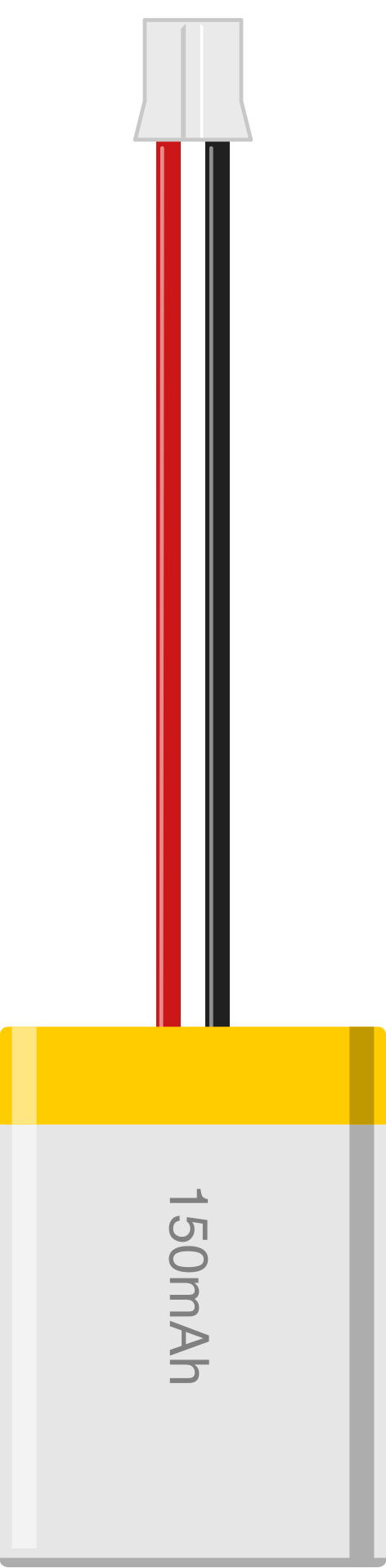
The Adafruit Lithium Ion Polymer Battery (Part ID: 1317) is a lightweight, rechargeable battery with a nominal voltage of 3.7V and a capacity of 150mAh. This battery is ideal for powering small, portable electronic devices due to its compact size, high energy density, and reliable performance. It is commonly used in applications such as wearable electronics, IoT devices, and small robotics.
Explore Projects Built with Lithium Ion Polymer Battery 3.7v 150mAh
 Open Project in Cirkit Designer
 Open Project in Cirkit Designer
 Open Project in Cirkit Designer
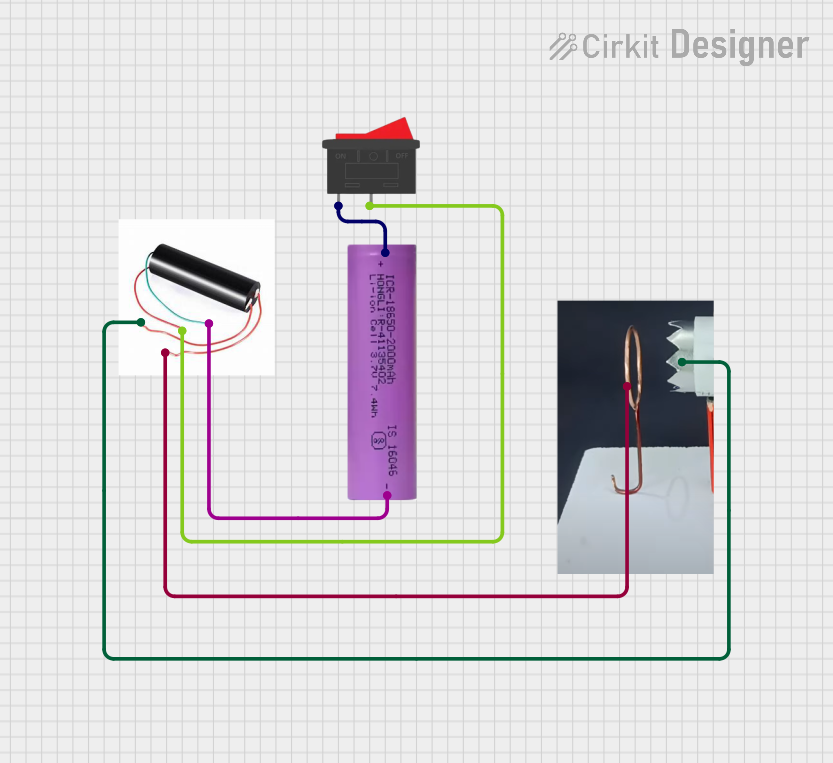 Open Project in Cirkit Designer
Explore Projects Built with Lithium Ion Polymer Battery 3.7v 150mAh
Open Project in Cirkit DesignerOpen Project in Cirkit DesignerOpen Project in Cirkit DesignerOpen Project in Cirkit DesignerCommon Applications
- Wearable devices (e.g., fitness trackers, smartwatches)
- Internet of Things (IoT) sensors and modules
- Portable audio devices
- Small robotics and drones
- Backup power for microcontroller-based projects
Technical Specifications
Below are the key technical details of the Adafruit Lithium Ion Polymer Battery (Part ID: 1317):
| Parameter | Value |
|---|---|
| Nominal Voltage | 3.7V |
| Capacity | 150mAh |
| Maximum Charge Voltage | 4.2V |
| Discharge Cutoff Voltage | 3.0V |
| Maximum Discharge Current | 150mA |
| Connector Type | JST-PH 2-pin |
| Dimensions | 20mm x 30mm x 4mm |
| Weight | ~4 grams |
Pin Configuration
The battery is equipped with a JST-PH 2-pin connector. The pinout is as follows:
| Pin | Description | Wire Color |
|---|---|---|
| 1 | Positive Terminal (+) | Red |
| 2 | Negative Terminal (-) | Black |
Usage Instructions
How to Use the Battery in a Circuit
Connecting the Battery:
- The battery comes with a JST-PH 2-pin connector, which can be directly plugged into compatible devices or charging modules (e.g., Adafruit Micro-Lipo Charger).
- Ensure the polarity matches the device's input terminals to avoid damage.
Charging the Battery:
- Use a dedicated LiPo battery charger with a maximum charge voltage of 4.2V.
- Adafruit's Micro-Lipo Charger is recommended for safe and efficient charging.
- Avoid overcharging or discharging below 3.0V, as this can damage the battery.
Powering a Circuit:
- Connect the battery to the power input of your circuit or device.
- Ensure the circuit's current draw does not exceed the battery's maximum discharge current of 150mA.
Important Considerations
Safety Precautions:
- Do not short-circuit the terminals.
- Avoid puncturing or exposing the battery to high temperatures.
- Store the battery in a cool, dry place when not in use.
Battery Protection:
- Use a battery protection circuit to prevent overcharging, over-discharging, and short circuits.
- Many LiPo charging modules include built-in protection.
Arduino UNO Example:
While the battery cannot be directly connected to an Arduino UNO, it can power the board via a voltage regulator or a compatible power shield. Below is an example of using the battery with an Adafruit PowerBoost 500C to power an Arduino UNO:
// Example: Powering an Arduino UNO with a LiPo battery via PowerBoost 500C
// Ensure the PowerBoost 500C is connected to the Arduino's VIN and GND pins.

// No specific code is required for powering the Arduino UNO.
// Simply connect the PowerBoost output to the Arduino's VIN and GND pins.
// The PowerBoost will regulate the battery's voltage to 5V for the Arduino.
Troubleshooting and FAQs
Common Issues and Solutions
Battery Not Charging:
- Cause: Faulty charger or incorrect connection.
- Solution: Verify the charger is functioning and the battery is connected with the correct polarity.
Battery Drains Quickly:
- Cause: Excessive current draw or aging battery.
- Solution: Ensure the circuit's current draw does not exceed 150mA. Replace the battery if it has degraded over time.
Device Does Not Power On:
- Cause: Low battery voltage or incorrect connection.
- Solution: Check the battery voltage with a multimeter. Recharge if below 3.0V. Verify the polarity of the connection.
Battery Swells or Overheats:
- Cause: Overcharging, over-discharging, or physical damage.
- Solution: Immediately disconnect and safely dispose of the battery. Replace with a new one.
FAQs
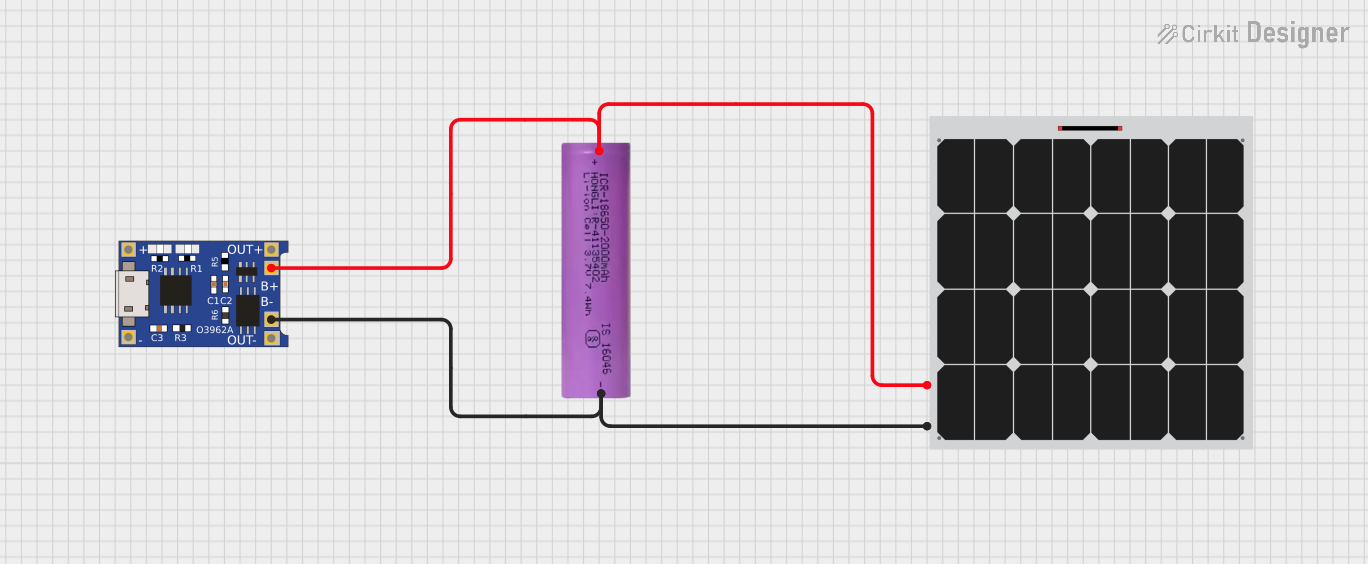
Can I use this battery with a solar charging circuit?
Yes, but ensure the solar charger is designed for LiPo batteries and limits the charge voltage to 4.2V.How long will the battery last on a single charge?
The runtime depends on the current draw of your circuit. For example, a device drawing 50mA will run for approximately 3 hours (150mAh ÷ 50mA).Is it safe to leave the battery connected to a charger?
Only if the charger has overcharge protection. Otherwise, disconnect the battery once fully charged.Can I connect multiple batteries in series or parallel?
It is not recommended unless you use a proper battery management system (BMS) to balance the cells.
By following these guidelines, you can safely and effectively use the Adafruit Lithium Ion Polymer Battery (Part ID: 1317) in your projects.