
How to Use Fan DC 12v: Examples, Pinouts, and Specs
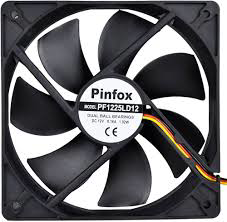
 Design with Fan DC 12v in Cirkit Designer
Introduction
The Fan DC 12V is a compact and efficient cooling solution designed to operate on a 12-volt DC power supply. It is widely used in electronic systems to dissipate heat, ensuring optimal performance and preventing overheating. This fan is commonly found in computer systems, power supplies, 3D printers, and other electronic devices requiring airflow for cooling.
Explore Projects Built with Fan DC 12v
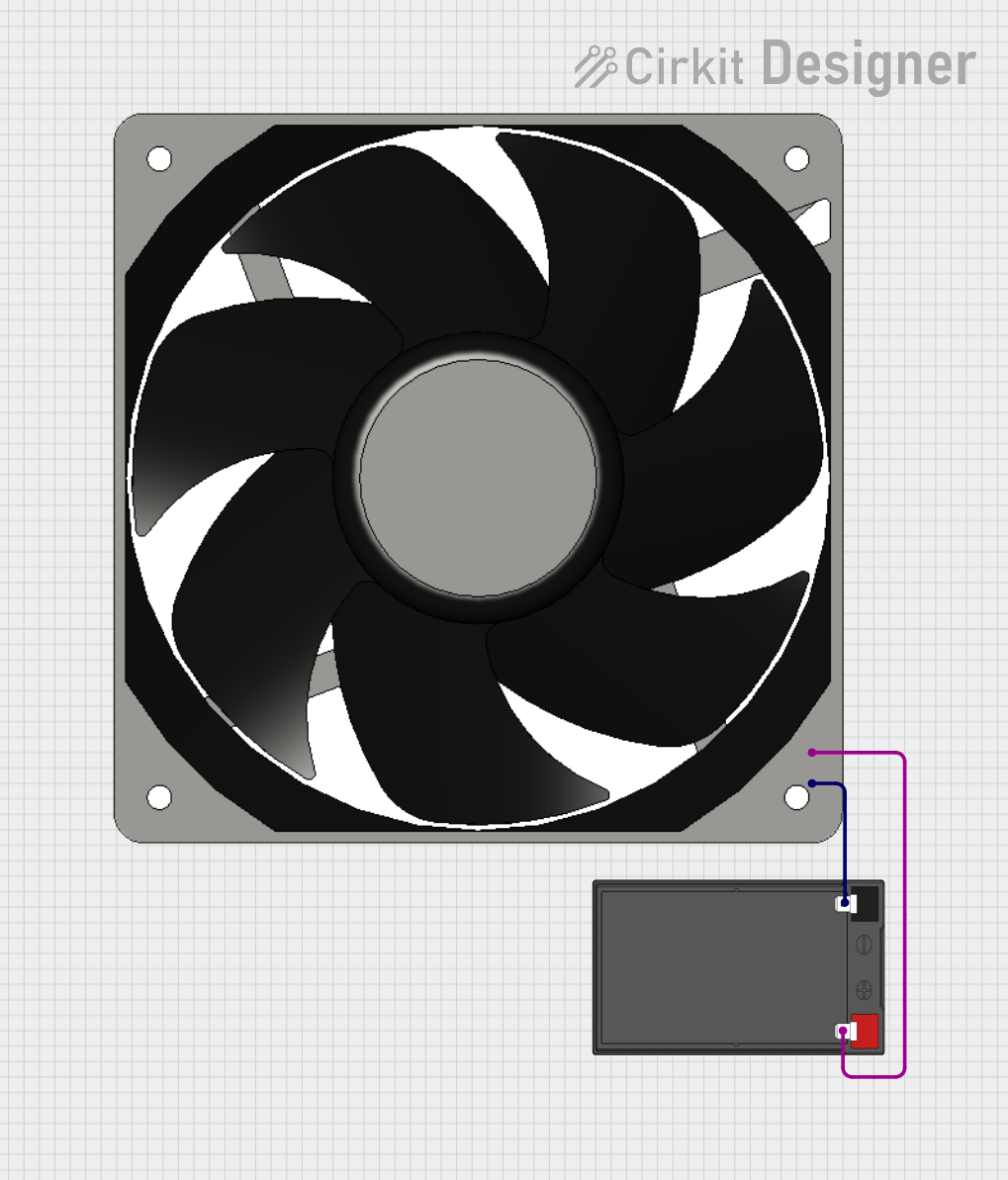 Open Project in Cirkit Designer
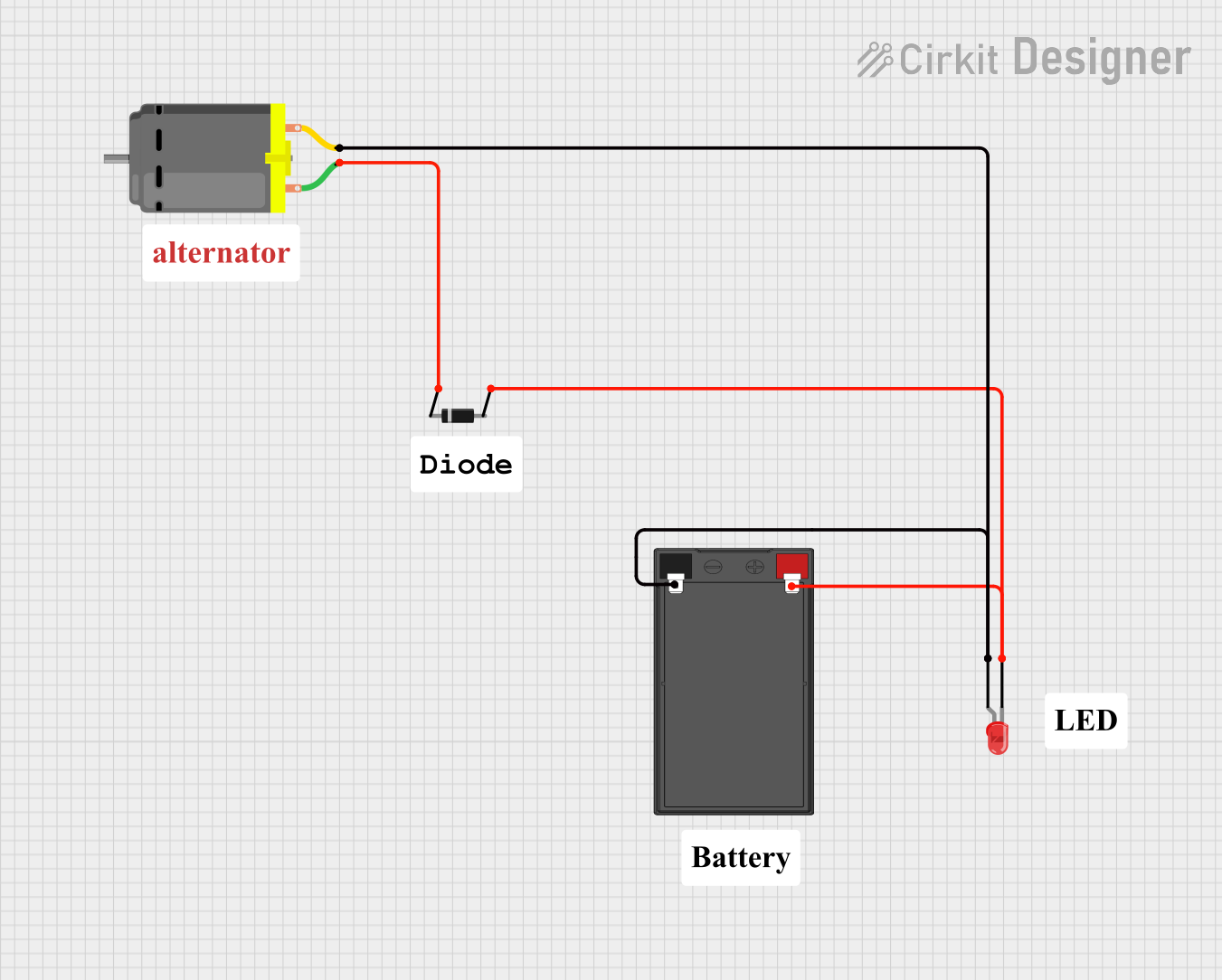 Open Project in Cirkit Designer
 Open Project in Cirkit Designer
 Open Project in Cirkit Designer
Explore Projects Built with Fan DC 12v
Open Project in Cirkit DesignerOpen Project in Cirkit DesignerOpen Project in Cirkit DesignerOpen Project in Cirkit DesignerCommon Applications and Use Cases
- Cooling electronic components such as CPUs, GPUs, and power transistors.
- Ventilation in enclosures for 3D printers, robotics, and IoT devices.
- Air circulation in small appliances and DIY projects.
- Heat dissipation in power supplies and battery packs.
Technical Specifications
Below are the key technical details of the Fan DC 12V:
| Parameter | Value |
|---|---|
| Operating Voltage | 12V DC |
| Operating Current | 0.1A to 0.3A (varies by model) |
| Power Consumption | 1.2W to 3.6W |
| Speed (RPM) | 2000 to 5000 RPM (approx.) |
| Airflow | 20 to 50 CFM (Cubic Feet/Minute) |
| Noise Level | 20 to 40 dBA |
| Dimensions | Common sizes: 40mm, 60mm, 80mm, 120mm |
| Bearing Type | Sleeve or Ball Bearing |
| Connector Type | 2-pin or 3-pin (optional tachometer) |
Pin Configuration and Descriptions
The Fan DC 12V typically comes with a 2-pin or 3-pin connector. Below is the pin configuration:
2-Pin Connector
| Pin | Wire Color | Description |
|---|---|---|
| 1 | Red | Positive (+12V) |
| 2 | Black | Ground (GND) |
3-Pin Connector
| Pin | Wire Color | Description |
|---|---|---|
| 1 | Red | Positive (+12V) |
| 2 | Black | Ground (GND) |
| 3 | Yellow | Tachometer (Speed Signal) |
Usage Instructions
How to Use the Fan DC 12V in a Circuit
- Power Supply: Connect the red wire to a 12V DC power source and the black wire to ground. Ensure the power supply can provide sufficient current (e.g., 0.3A for a typical fan).
- Mounting: Secure the fan in place using screws or adhesive mounts. Ensure the airflow direction aligns with your cooling requirements (usually indicated by arrows on the fan housing).
- Optional Tachometer: If using a 3-pin fan, connect the yellow wire to a microcontroller or monitoring circuit to measure the fan's speed.
Important Considerations and Best Practices
- Voltage Tolerance: Do not exceed the rated 12V input to avoid damaging the fan.
- Current Rating: Ensure your power supply can handle the fan's current draw, especially if multiple fans are used.
- Airflow Direction: Check the airflow direction (indicated by arrows on the fan) to ensure proper cooling.
- Noise Reduction: Use rubber mounts or grommets to minimize vibration and noise.
- Dust Management: Periodically clean the fan blades to prevent dust buildup, which can reduce efficiency.
Example: Connecting to an Arduino UNO
The Fan DC 12V can be controlled using an Arduino UNO and a transistor for switching. Below is an example circuit and code:
Circuit Setup
- Connect the fan's red wire to the collector of an NPN transistor (e.g., 2N2222).
- Connect the fan's black wire to ground (GND).
- Connect the emitter of the transistor to ground (GND).
- Connect a 1kΩ resistor between the Arduino digital pin (e.g., D9) and the transistor's base.
- Connect the fan's power supply (12V) to the fan's red wire.
Arduino Code
// This code controls the Fan DC 12V using PWM on pin D9 of the Arduino UNO.
// Ensure the fan is connected via a transistor for proper switching.

const int fanPin = 9; // Pin connected to the transistor base

void setup() {
  pinMode(fanPin, OUTPUT); // Set the fan control pin as output
}

void loop() {
  analogWrite(fanPin, 128); // Set fan speed to 50% (PWM value: 128)
  delay(5000); // Run the fan at 50% speed for 5 seconds

  analogWrite(fanPin, 255); // Set fan speed to 100% (PWM value: 255)
  delay(5000); // Run the fan at full speed for 5 seconds
}
Troubleshooting and FAQs
Common Issues and Solutions
Fan Does Not Spin
- Cause: No power or incorrect wiring.
- Solution: Verify the power supply voltage is 12V and check the wiring connections.
Fan Spins Slowly
- Cause: Insufficient current or high resistance in the circuit.
- Solution: Ensure the power supply can provide adequate current and check for loose connections.
Excessive Noise
- Cause: Dust buildup or improper mounting.
- Solution: Clean the fan blades and ensure it is securely mounted with vibration-dampening materials.
Fan Overheats
- Cause: Prolonged operation at high voltage or blocked airflow.
- Solution: Operate within the rated voltage and ensure proper ventilation.
FAQs
Can I use a 9V power supply for the Fan DC 12V?
- The fan may spin at a reduced speed, but it is not recommended as it may not provide sufficient cooling.
How do I reverse the airflow direction?
- You cannot reverse the airflow by changing the wiring. Instead, physically rotate the fan.
Can I control the fan speed without a microcontroller?
- Yes, you can use a variable resistor (potentiometer) or a dedicated fan speed controller circuit.
By following this documentation, you can effectively integrate and troubleshoot the Fan DC 12V in your projects.