The SEN0253 is a high-precision temperature and humidity sensor manufactured by DFRobot. It is designed to provide accurate and reliable environmental data, making it ideal for applications such as weather stations, HVAC (Heating, Ventilation, and Air Conditioning) systems, and smart home devices. The sensor features a digital output, ensuring seamless integration with microcontrollers and other digital systems.
With its compact design and high accuracy, the SEN0253 is a versatile component for monitoring environmental conditions in both industrial and consumer applications.
Explore Projects Built with SEN0253
Use Cirkit Designer to design, explore, and prototype these projects online. Some projects support real-time simulation. Click "Open Project" to start designing instantly!
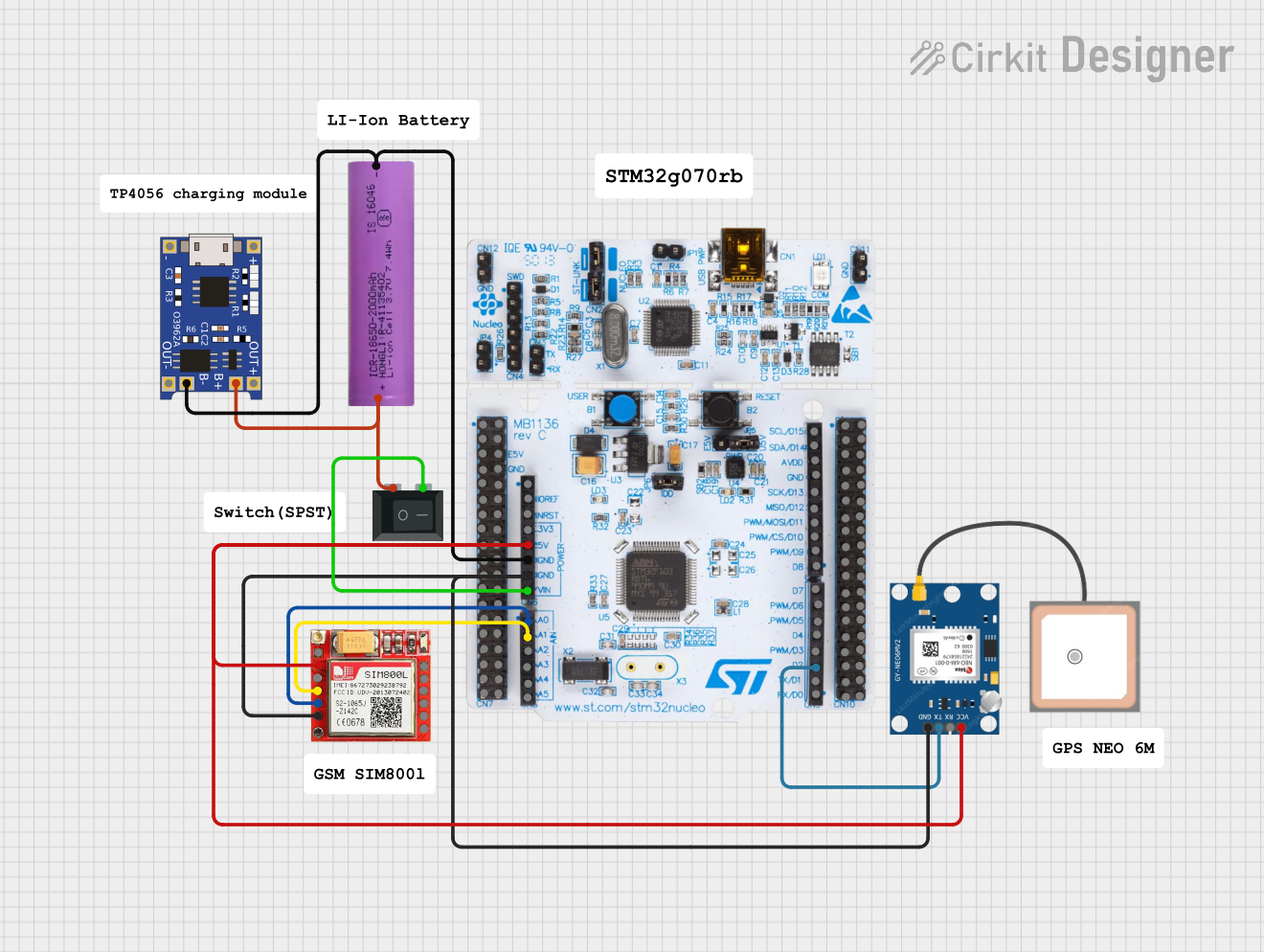
This circuit is an emergency alert system that uses a NUCLEO-F072RB microcontroller to send SMS alerts and make calls via a SIM800L GSM module, while obtaining location data from a GPS NEO 6M module. The system is powered by a Li-ion battery and includes a TP4056 module for battery charging and protection, with a rocker switch to control power to the microcontroller.
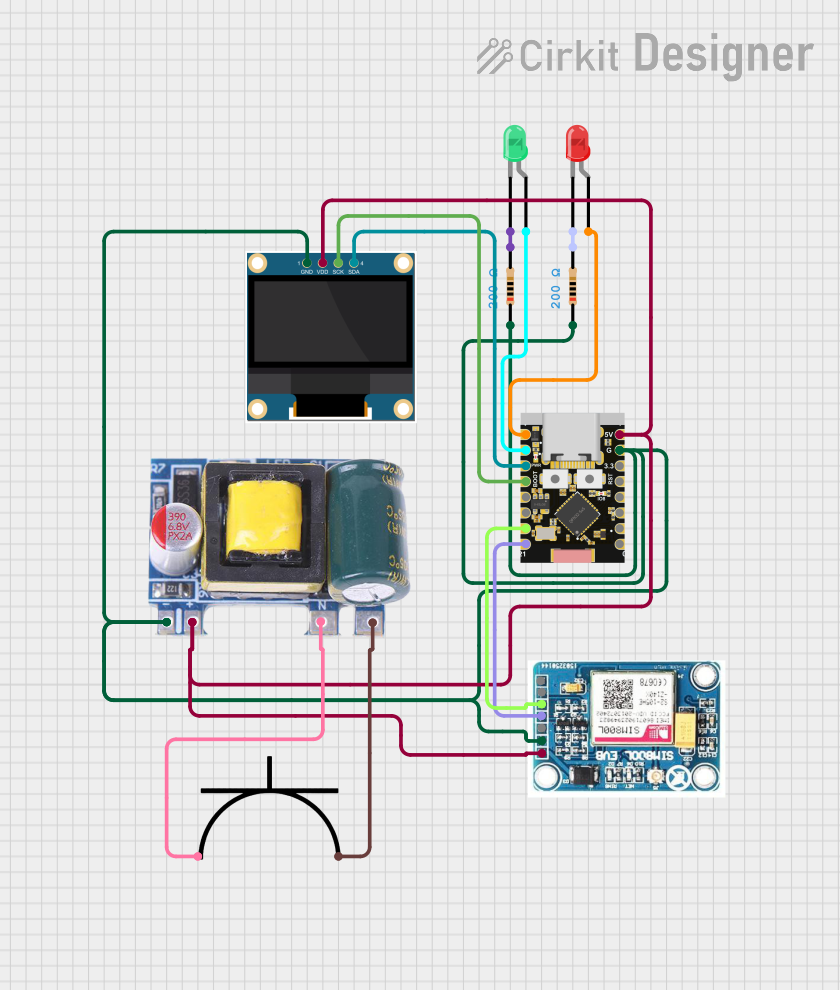
This circuit is a power monitoring system that uses an ESP32C3 microcontroller to collect power usage data from slave devices via WiFi and SMS. The collected data is displayed on a 0.96" OLED screen, and the system is powered by an AC-DC converter module. Additionally, the circuit includes a SIM800L GSM module for SMS communication and LEDs for status indication.
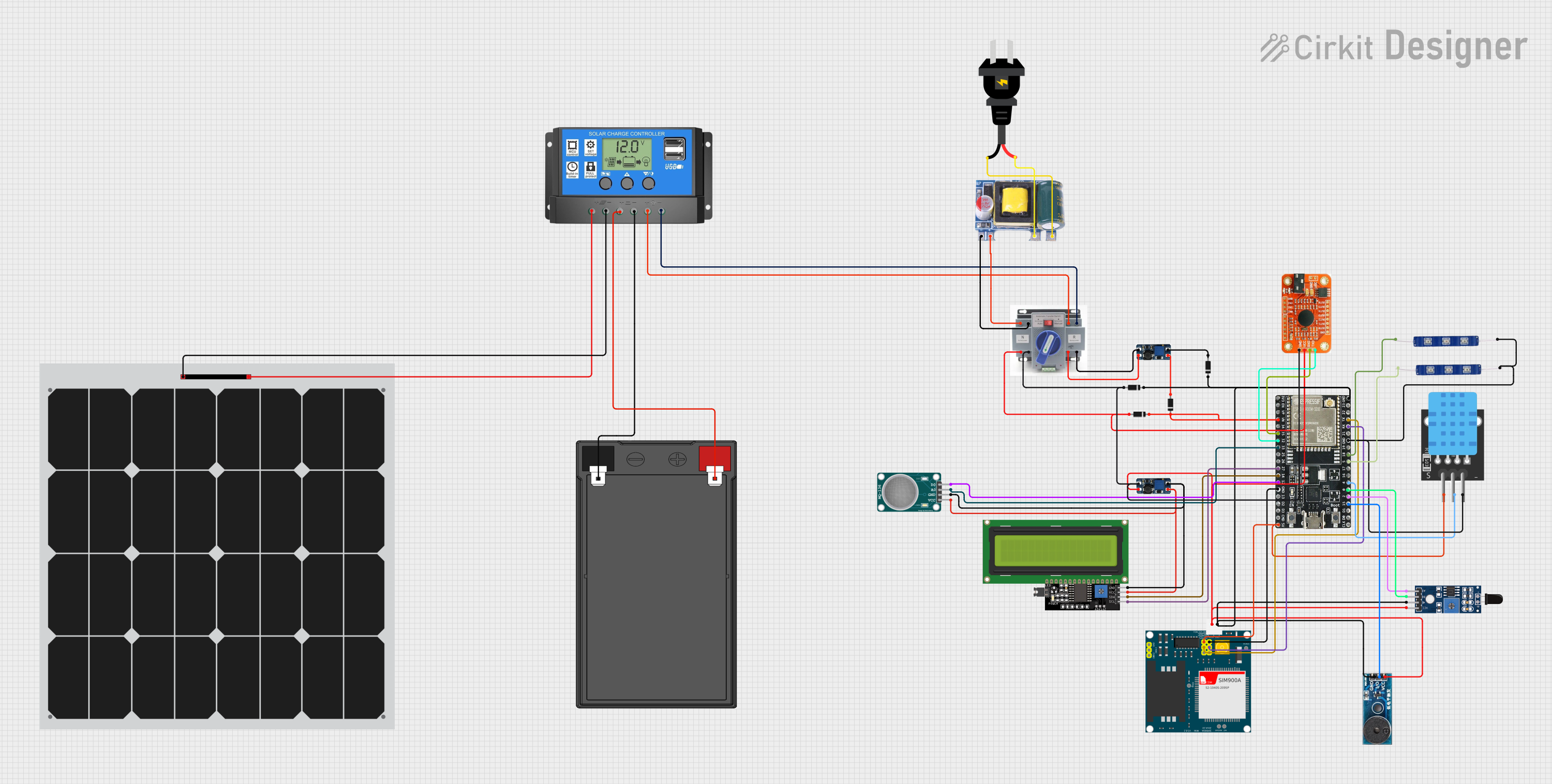
This is a solar-powered monitoring and control system with automatic power source selection, environmental sensing, and communication capabilities. It uses an ESP32 microcontroller to process inputs from gas, flame, and temperature sensors, and to manage outputs like an LCD display, LEDs, and a buzzer. The system can communicate via a SIM900A module and switch between solar and AC power sources using an ATS.
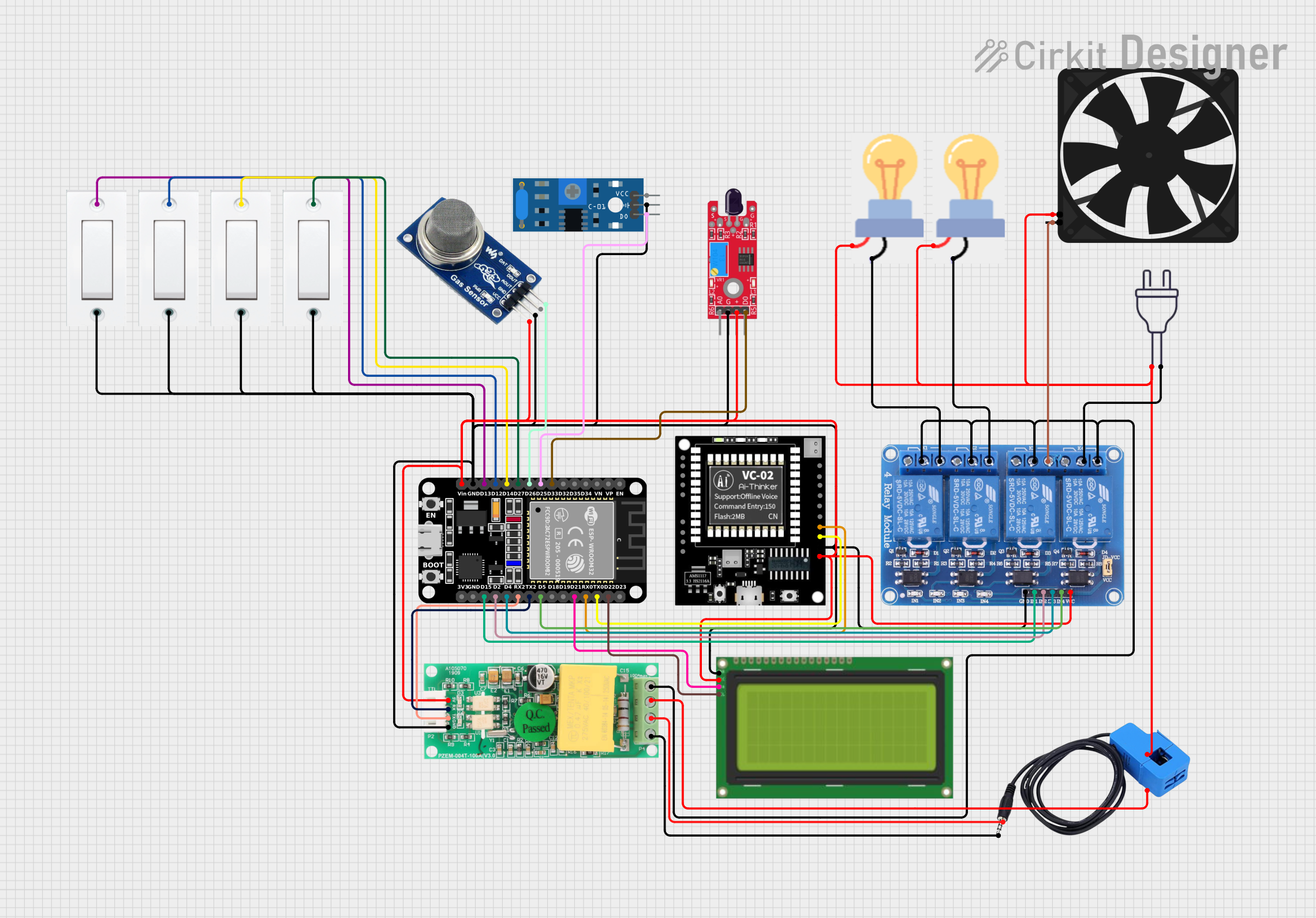
This is a smart environmental monitoring and control system featuring an ESP32 microcontroller interfaced with a PZEM004T for power monitoring, relay modules for actuating bulbs and a fan, and an LCD for user interface. It includes flame, gas, and vibration sensors for safety monitoring purposes.
The SEN0253 sensor is equipped with advanced features to ensure precise measurements. Below are its key technical specifications:
Parameter
Value
Operating Voltage
3.3V - 5.5V
Operating Current
< 2.5mA
Temperature Range
-40°C to 80°C
Temperature Accuracy
±0.5°C
Humidity Range
0% to 100% RH
Humidity Accuracy
±2% RH
Communication Interface
I2C
Dimensions
27mm x 27mm
Pin Configuration
The SEN0253 has a 4-pin interface for easy connection to microcontrollers. The pin configuration is as follows:
Pin
Name
Description
1
VCC
Power supply (3.3V - 5.5V)
2
GND
Ground
3
SDA
I2C data line
4
SCL
I2C clock line
Usage Instructions
Connecting the SEN0253 to a Circuit
Power Supply: Connect the VCC pin to a 3.3V or 5V power source and the GND pin to the ground of your circuit.
I2C Communication: Connect the SDA and SCL pins to the corresponding I2C pins on your microcontroller. For an Arduino UNO, connect:
SDA to A4
SCL to A5
Pull-Up Resistors: Ensure that the I2C lines (SDA and SCL) have pull-up resistors (typically 4.7kΩ) if they are not already present on your board.
Example Code for Arduino UNO
Below is an example Arduino sketch to read temperature and humidity data from the SEN0253:
#include <Wire.h> // Include the Wire library for I2C communication
#include "DFRobot_SEN0253.h" // Include the SEN0253 library (install via Library Manager)

// Create an instance of the SEN0253 sensor
DFRobot_SEN0253 sensor;

void setup() {
  Serial.begin(9600); // Initialize serial communication at 9600 baud
  Wire.begin();       // Initialize I2C communication

  // Initialize the sensor
  if (!sensor.begin()) {
    Serial.println("Failed to initialize SEN0253 sensor!");
    while (1); // Halt execution if initialization fails
  }
  Serial.println("SEN0253 sensor initialized successfully.");
}

void loop() {
  // Read temperature and humidity data
  float temperature = sensor.readTemperature(); // Get temperature in °C
  float humidity = sensor.readHumidity();       // Get relative humidity in %

  // Print the readings to the Serial Monitor
  Serial.print("Temperature: ");
  Serial.print(temperature);
  Serial.println(" °C");

  Serial.print("Humidity: ");
  Serial.print(humidity);
  Serial.println(" %");

  delay(1000); // Wait 1 second before the next reading
}
Important Considerations
Power Supply: Ensure the sensor operates within its specified voltage range (3.3V - 5.5V) to avoid damage.
I2C Address: The default I2C address of the SEN0253 is 0x40. If you have multiple I2C devices, ensure there are no address conflicts.
Environmental Factors: Avoid exposing the sensor to extreme conditions (e.g., condensation or corrosive gases) to maintain accuracy and longevity.
Troubleshooting and FAQs
Common Issues
No Data Output:
Cause: Incorrect wiring or loose connections.
Solution: Double-check the wiring and ensure all connections are secure.
Incorrect Readings:
Cause: Environmental interference or improper calibration.
Solution: Ensure the sensor is placed in a stable environment and away from heat sources or moisture.
I2C Communication Failure:
Cause: Address conflict or missing pull-up resistors.
Solution: Verify the I2C address and ensure pull-up resistors are present on the SDA and SCL lines.
FAQs
Q: Can the SEN0253 be used outdoors?
A: Yes, but it should be housed in a protective enclosure to shield it from direct exposure to rain or dust.
Q: What is the maximum cable length for I2C communication?
A: The maximum length depends on the pull-up resistor values and the operating frequency, but it is generally recommended to keep the cable length under 1 meter for reliable communication.
Q: How often should I calibrate the sensor?
A: The SEN0253 is factory-calibrated and does not require frequent calibration. However, periodic checks in critical applications are recommended.
By following this documentation, you can effectively integrate the SEN0253 sensor into your projects and ensure accurate environmental monitoring.


 Open Project in Cirkit Designer