
How to Use Gameboy Speaker: Examples, Pinouts, and Specs
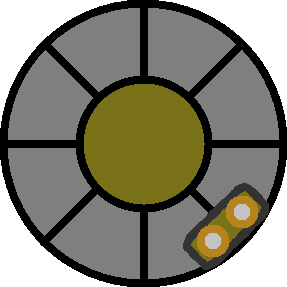
 Design with Gameboy Speaker in Cirkit Designer
Introduction
The Gameboy Speaker is a compact, low-power audio transducer originally designed for the iconic Gameboy handheld console. It is responsible for producing audio output, including game soundtracks, sound effects, and system notifications. This small yet efficient speaker is ideal for projects requiring minimal space and low power consumption while delivering clear audio output.
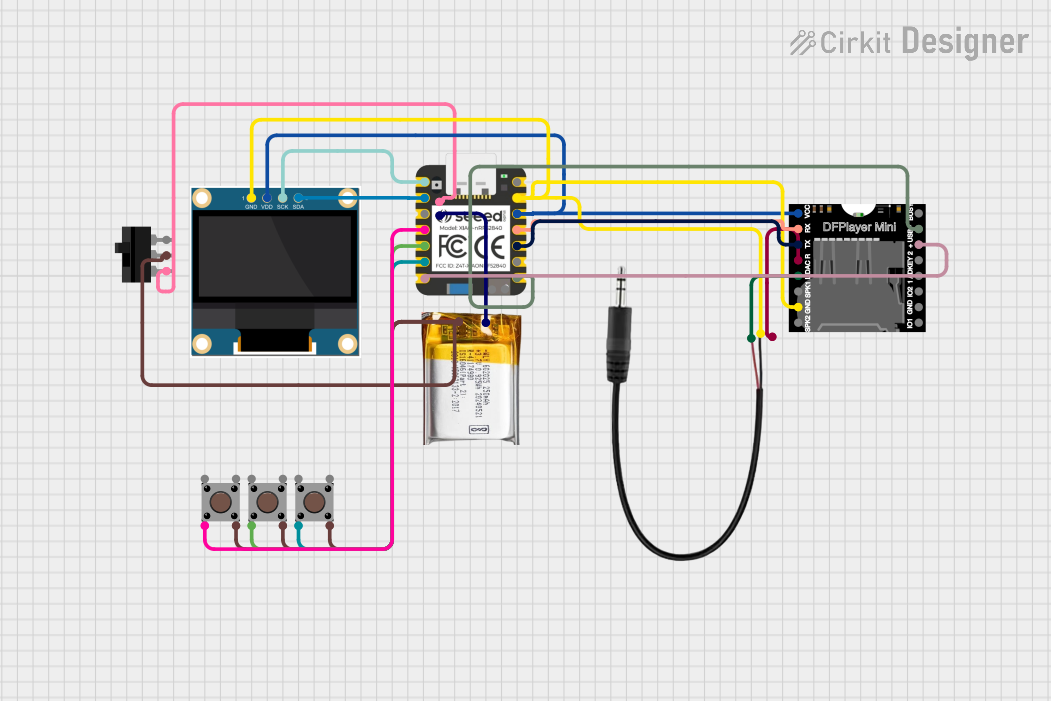
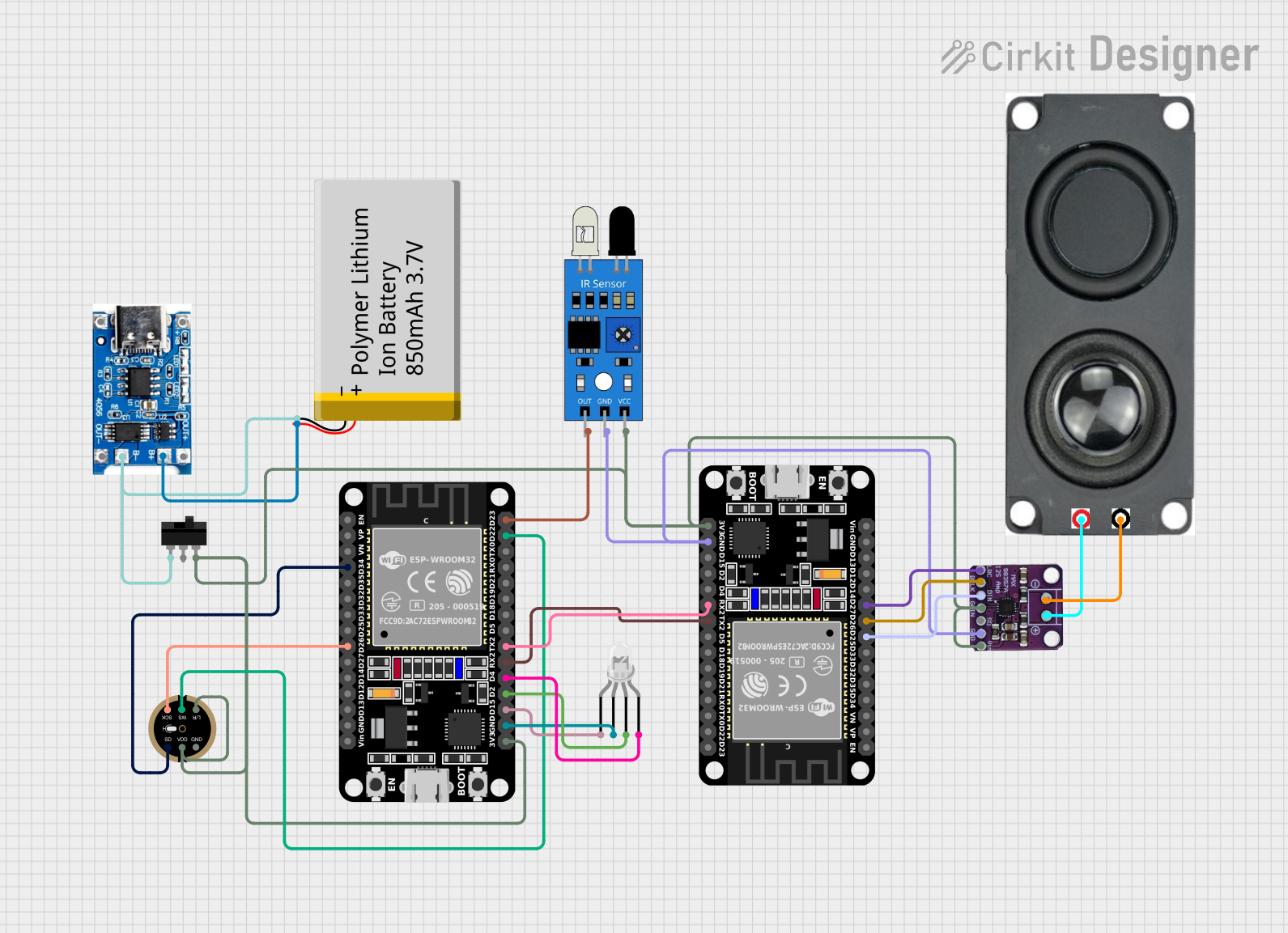
Explore Projects Built with Gameboy Speaker
 Open Project in Cirkit Designer
 Open Project in Cirkit Designer
 Open Project in Cirkit Designer
 Open Project in Cirkit Designer
Explore Projects Built with Gameboy Speaker
Open Project in Cirkit DesignerOpen Project in Cirkit DesignerOpen Project in Cirkit DesignerOpen Project in Cirkit DesignerCommon Applications and Use Cases
- Retro gaming console repairs and restorations
- DIY handheld gaming devices
- Compact audio output for embedded systems
- Low-power sound generation in portable electronics
- Educational projects involving sound generation
Technical Specifications
The Gameboy Speaker is a piezoelectric or dynamic speaker (depending on the model) with the following key specifications:
| Parameter | Value |
|---|---|
| Speaker Type | Dynamic (8Ω impedance) |
| Nominal Impedance | 8Ω |
| Rated Power | 0.5W |
| Maximum Power | 1W |
| Frequency Response | 200 Hz – 10 kHz |
| Dimensions | ~28mm diameter, ~5mm height |
| Weight | ~5g |
Pin Configuration and Descriptions
The Gameboy Speaker typically has two terminals for connection:
| Pin | Description |
|---|---|
| + | Positive terminal for audio signal input |
| - | Negative terminal (ground) |
Usage Instructions
How to Use the Component in a Circuit
- Power Requirements: The Gameboy Speaker operates at low power and is compatible with most microcontroller audio outputs. Ensure the audio signal does not exceed the rated power of 0.5W to avoid damage.
- Connection: Connect the positive terminal (
+) to the audio signal output of your circuit and the negative terminal (-) to the ground. - Amplification: For louder audio output, use an audio amplifier circuit between the microcontroller and the speaker. Ensure the amplifier's output matches the speaker's impedance (8Ω).
- Mounting: Secure the speaker in place using adhesive or a custom enclosure to prevent vibrations and improve sound quality.
Important Considerations and Best Practices
- Avoid Overloading: Do not exceed the maximum power rating of 1W to prevent permanent damage to the speaker.
- Enclosure Design: Use an enclosure with proper acoustic design to enhance sound quality and volume.
- Signal Filtering: Use a low-pass filter to remove high-frequency noise from the audio signal for cleaner sound output.
- Polarity: Ensure correct polarity when connecting the speaker to avoid phase cancellation or reduced sound quality.
Example: Connecting to an Arduino UNO
The Gameboy Speaker can be connected to an Arduino UNO to play simple tones using the tone() function. Below is an example:
/*
  Example: Playing a tone on the Gameboy Speaker using Arduino UNO
  Connect the positive terminal of the speaker to pin 8 and the negative
  terminal to GND. Ensure the speaker is within its power rating.
*/

#define SPEAKER_PIN 8  // Define the pin connected to the speaker

void setup() {
  // No setup required for tone generation
}

void loop() {
  tone(SPEAKER_PIN, 440, 500); // Play a 440Hz tone for 500ms
  delay(1000);                 // Wait for 1 second
  tone(SPEAKER_PIN, 880, 500); // Play an 880Hz tone for 500ms
  delay(1000);                 // Wait for 1 second
}
Troubleshooting and FAQs
Common Issues Users Might Face
No Sound Output:
- Cause: Incorrect wiring or loose connections.
- Solution: Verify the connections and ensure the positive terminal is connected to the audio signal source.
Distorted Sound:
- Cause: Overdriving the speaker with excessive power or a noisy signal.
- Solution: Reduce the audio signal amplitude or use a low-pass filter to clean the signal.
Low Volume:
- Cause: Insufficient signal strength or lack of amplification.
- Solution: Use an audio amplifier circuit to boost the signal.
Speaker Overheating:
- Cause: Prolonged operation at or above the maximum power rating.
- Solution: Ensure the audio signal stays within the rated power limits.
Solutions and Tips for Troubleshooting
- Check Polarity: Ensure the speaker terminals are connected correctly to avoid phase issues.
- Inspect the Circuit: Look for loose connections, damaged wires, or faulty components.
- Test with a Known Signal: Use a simple tone generator or audio source to verify the speaker's functionality.
- Use a Multimeter: Measure the impedance of the speaker to confirm it matches the expected value (8Ω).
By following these guidelines, you can effectively integrate the Gameboy Speaker into your projects and troubleshoot any issues that arise.