
How to Use DevKitC ESP32-WROOM-32E: Examples, Pinouts, and Specs
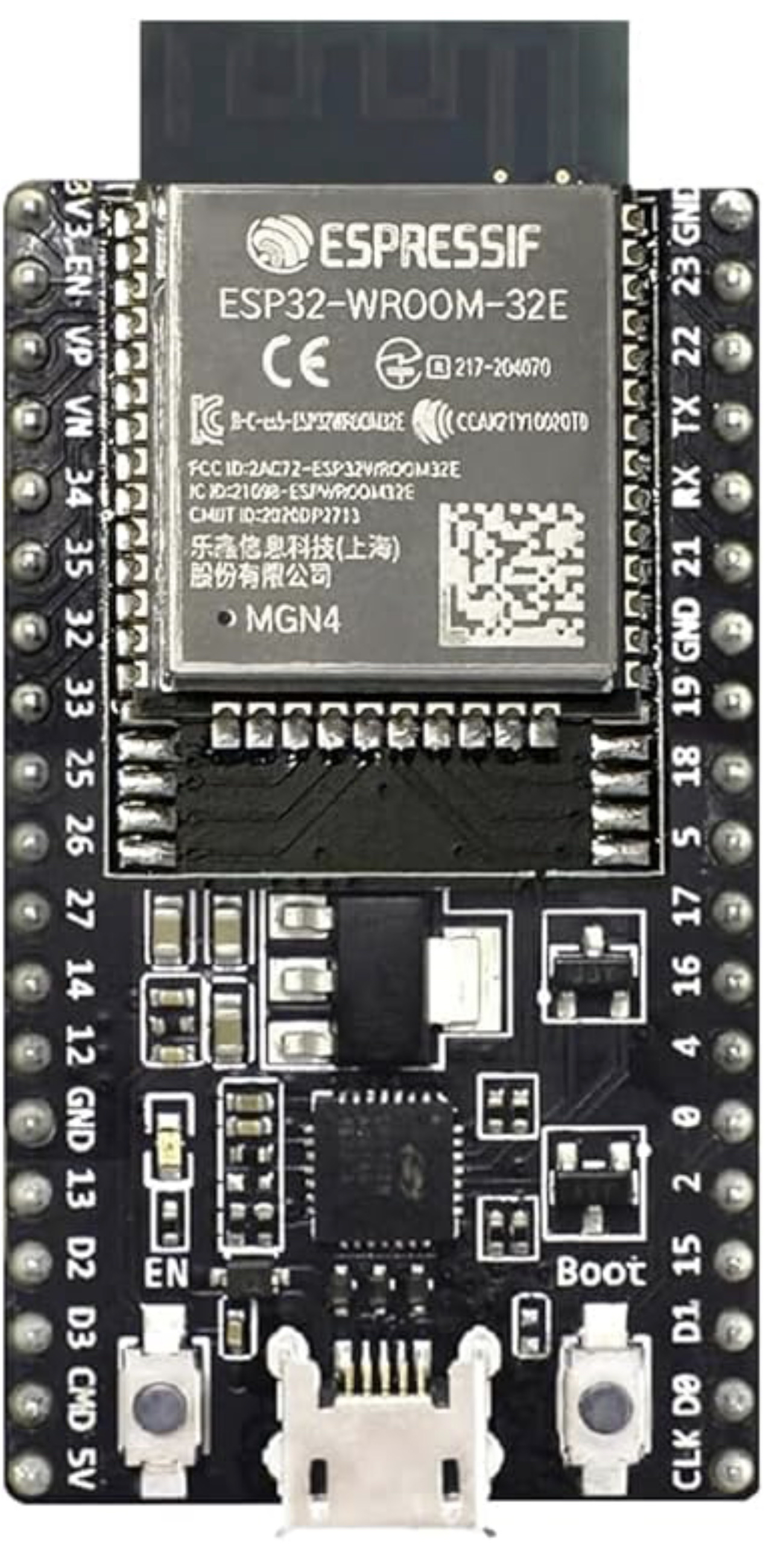
 Design with DevKitC ESP32-WROOM-32E in Cirkit Designer
Introduction
The DevKitC ESP32-WROOM-32E is a development board manufactured by Espressif, featuring the ESP32-WROOM-32E module. This board is designed for prototyping and development of IoT (Internet of Things) applications, offering integrated Wi-Fi and Bluetooth capabilities. It is compact, versatile, and supports multiple programming environments, including Arduino IDE, ESP-IDF, and MicroPython.
Explore Projects Built with DevKitC ESP32-WROOM-32E
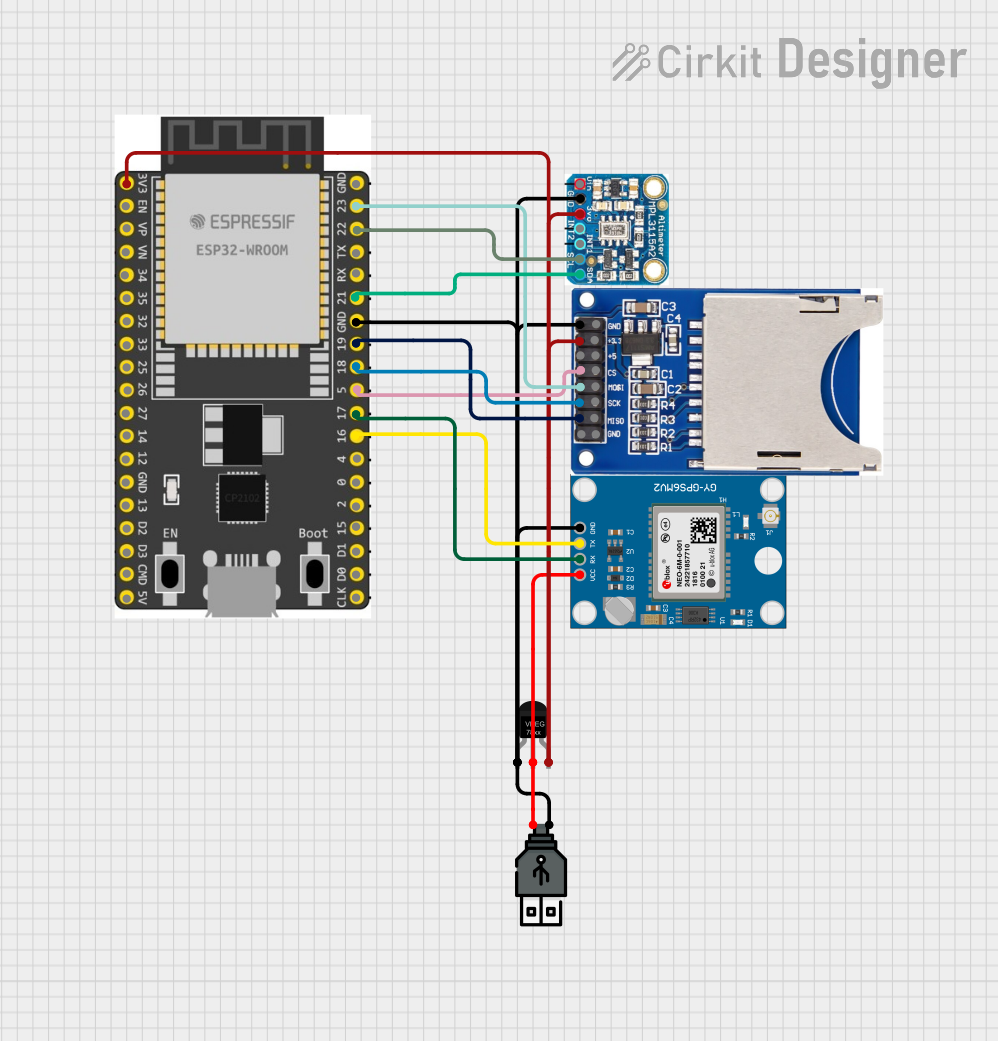 Open Project in Cirkit Designer
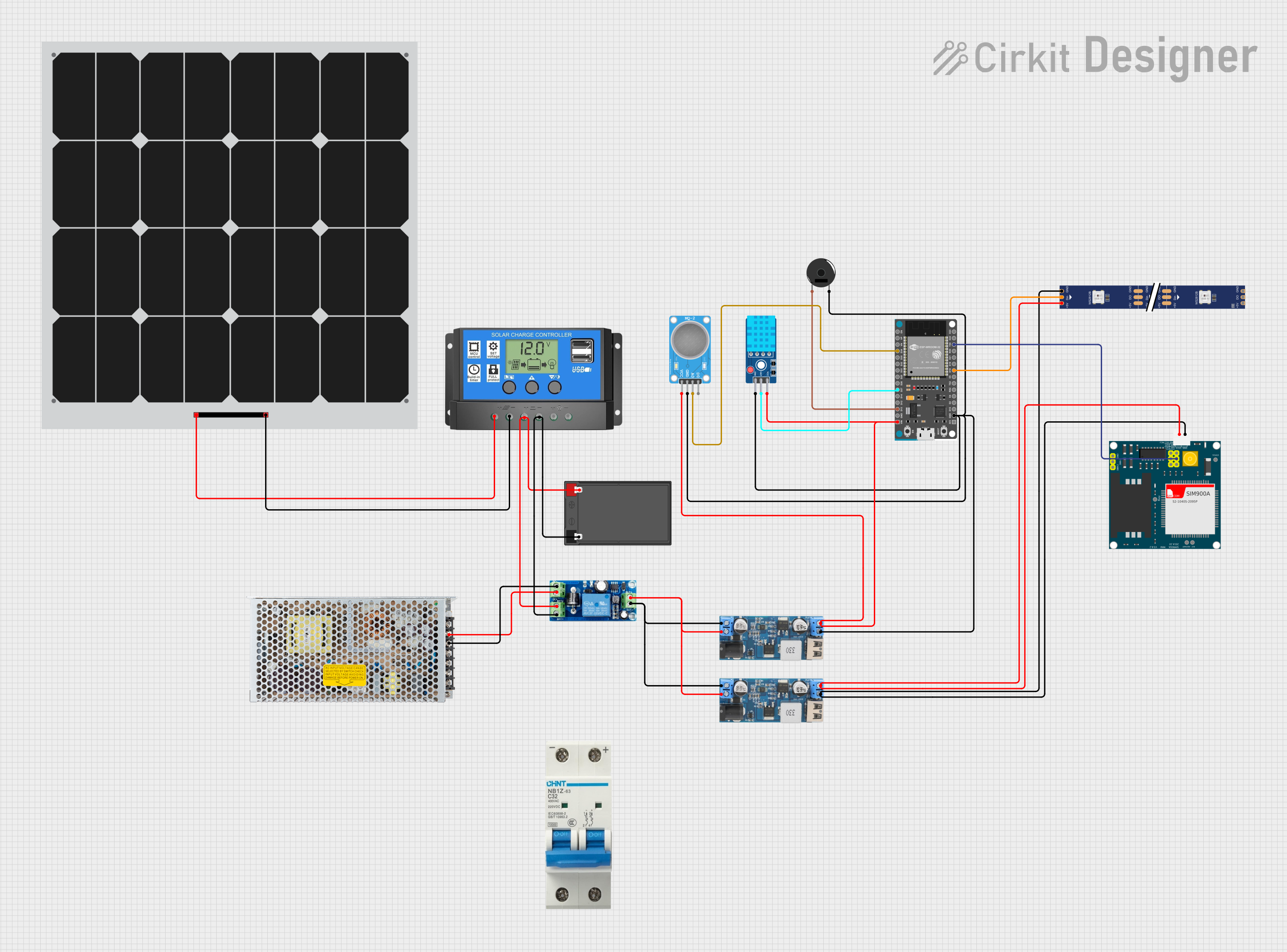 Open Project in Cirkit Designer
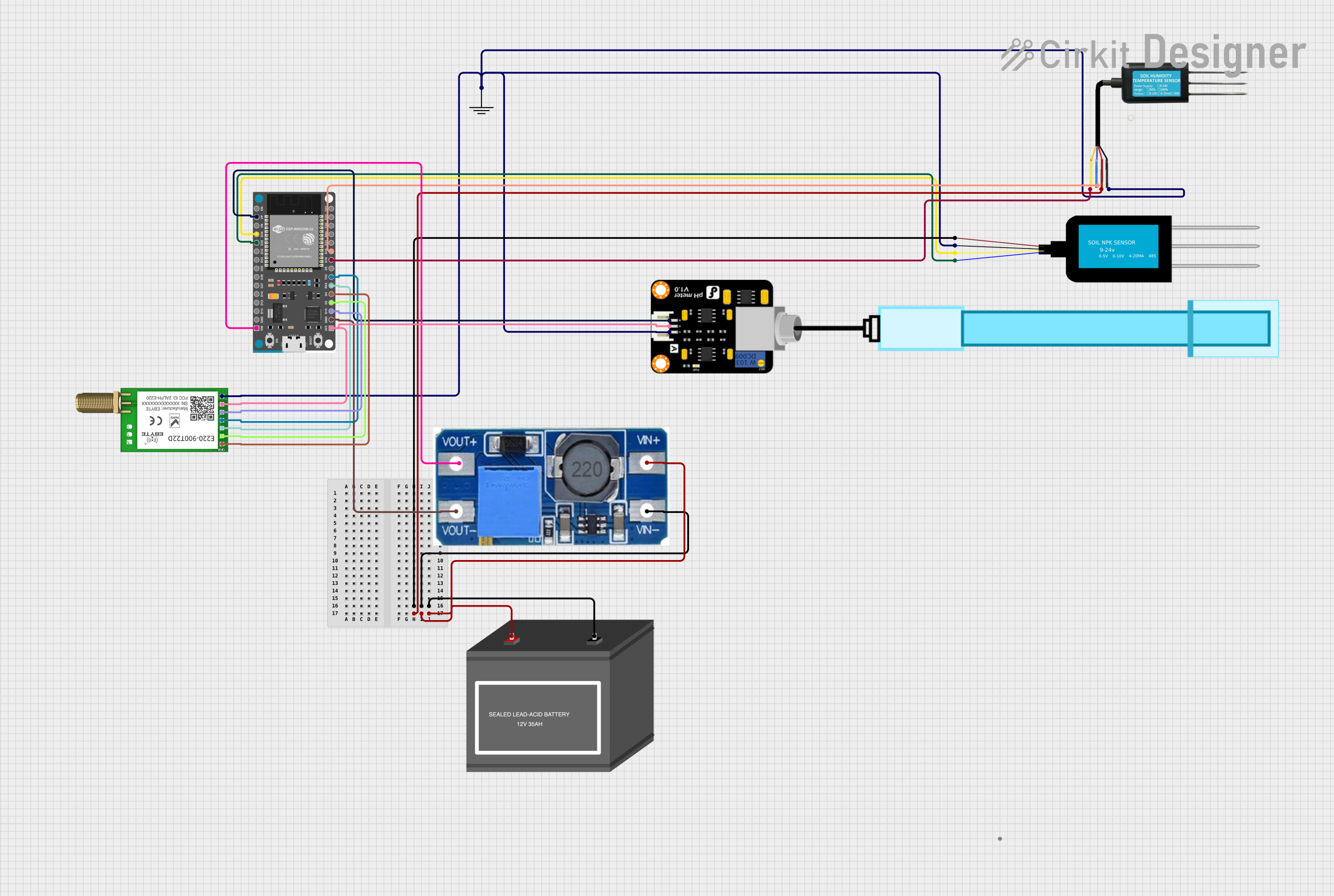 Open Project in Cirkit Designer
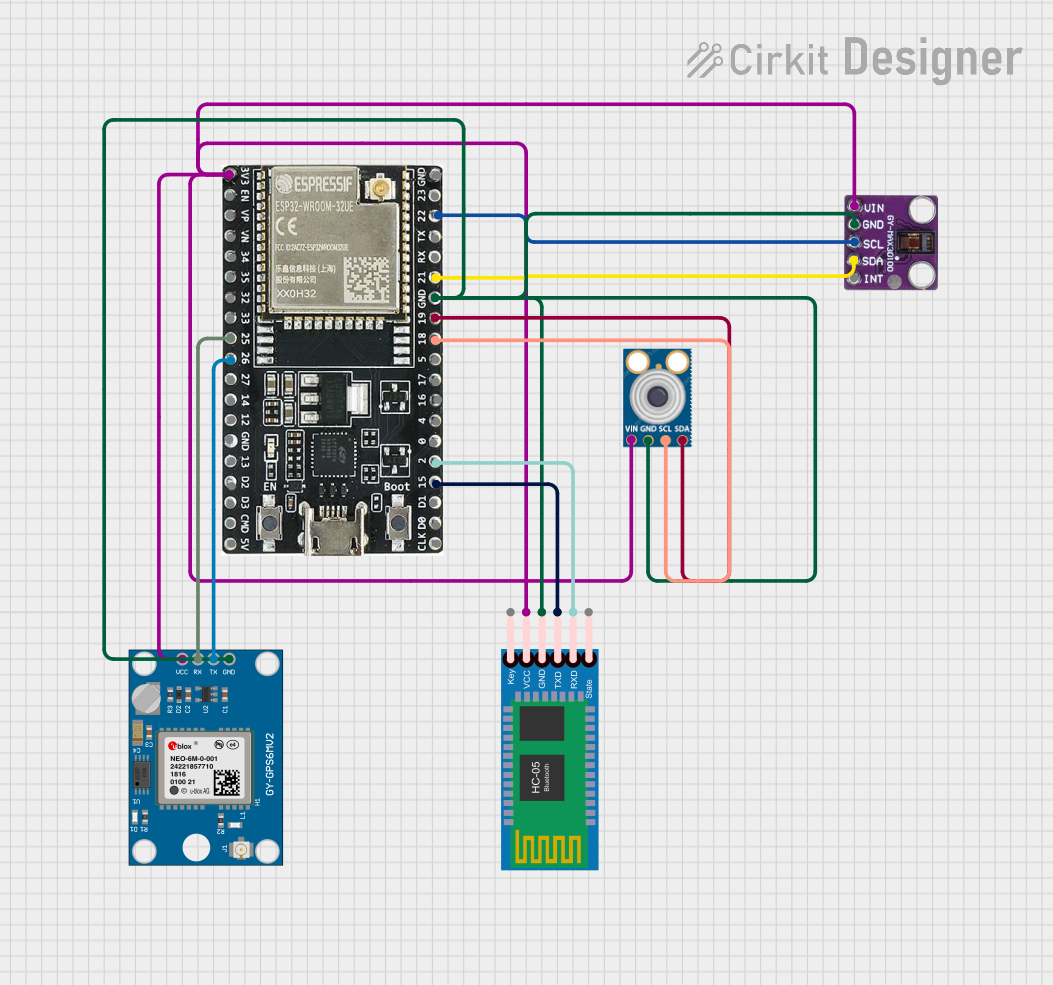 Open Project in Cirkit Designer
Explore Projects Built with DevKitC ESP32-WROOM-32E
Open Project in Cirkit DesignerOpen Project in Cirkit DesignerOpen Project in Cirkit DesignerOpen Project in Cirkit DesignerCommon Applications and Use Cases
- IoT devices and smart home automation
- Wireless sensor networks
- Wearable technology
- Industrial automation
- Prototyping for Wi-Fi and Bluetooth-enabled applications
Technical Specifications
The following are the key technical details of the DevKitC ESP32-WROOM-32E:
General Specifications
| Parameter | Value |
|---|---|
| Microcontroller | ESP32 dual-core Xtensa LX6 processor |
| Clock Speed | Up to 240 MHz |
| Flash Memory | 4 MB (embedded in ESP32-WROOM-32E module) |
| SRAM | 520 KB |
| Wireless Connectivity | Wi-Fi 802.11 b/g/n, Bluetooth v4.2 BR/EDR |
| Operating Voltage | 3.3V |
| Input Voltage (USB) | 5V |
| GPIO Pins | 34 (multipurpose) |
| Communication Interfaces | UART, SPI, I2C, I2S, PWM, ADC, DAC |
| USB Interface | Micro-USB for programming and power |
Pin Configuration and Descriptions
The DevKitC ESP32-WROOM-32E features a 38-pin layout. Below is a summary of the pin configuration:
| Pin Number | Pin Name | Description |
|---|---|---|
| 1 | EN | Reset pin (active high) |
| 2 | IO0 | GPIO0, used for boot mode selection |
| 3 | IO1 (TXD0) | UART0 TX pin |
| 4 | IO3 (RXD0) | UART0 RX pin |
| 5 | IO4 | GPIO4, supports PWM, ADC, etc. |
| 6 | IO5 | GPIO5, supports PWM, ADC, etc. |
| 7 | IO12 | GPIO12, supports ADC, touch functionality |
| 8 | IO13 | GPIO13, supports ADC, touch functionality |
| 9 | IO14 | GPIO14, supports PWM, ADC, etc. |
| 10 | IO15 | GPIO15, supports PWM, ADC, etc. |
| ... | ... | ... (Refer to the datasheet for full list) |
Note: Some GPIO pins have specific functions during boot. Refer to the ESP32-WROOM-32E datasheet for detailed pin behavior.
Usage Instructions
How to Use the DevKitC ESP32-WROOM-32E in a Circuit
Powering the Board:
- Connect the board to your computer using a Micro-USB cable. This provides both power and a programming interface.
- Alternatively, supply 5V to the VIN pin or 3.3V to the 3V3 pin.
Programming the Board:
- Install the required drivers for the USB-to-serial chip (e.g., CP2102 or CH340).
- Use a compatible development environment such as Arduino IDE, ESP-IDF, or MicroPython.
- Select the correct board and port in your development environment.
Connecting Peripherals:
- Use the GPIO pins to connect sensors, actuators, or other peripherals.
- Ensure that the voltage levels of connected devices are compatible with the 3.3V logic of the ESP32.
Uploading Code:
- Write your code in the chosen development environment.
- Press the "Upload" button to flash the code to the board.
- If required, hold the BOOT button during the upload process.
Important Considerations and Best Practices
- Voltage Levels: The GPIO pins operate at 3.3V. Avoid connecting 5V devices directly to the pins without level shifters.
- Boot Mode: GPIO0 must be pulled low during boot to enter programming mode.
- Power Supply: Ensure a stable power supply to avoid unexpected resets or malfunctions.
- Wi-Fi and Bluetooth Antenna: Avoid placing metallic objects near the onboard antenna to ensure optimal wireless performance.
Example Code for Arduino IDE
Below is an example code to blink an LED connected to GPIO2:
// Blink an LED connected to GPIO2 on the DevKitC ESP32-WROOM-32E

#define LED_PIN 2  // Define the GPIO pin for the LED

void setup() {
  pinMode(LED_PIN, OUTPUT);  // Set GPIO2 as an output pin
}

void loop() {
  digitalWrite(LED_PIN, HIGH);  // Turn the LED on
  delay(1000);                  // Wait for 1 second
  digitalWrite(LED_PIN, LOW);   // Turn the LED off
  delay(1000);                  // Wait for 1 second
}
Tip: Ensure the LED is connected with a current-limiting resistor (e.g., 220Ω) to prevent damage.
Troubleshooting and FAQs
Common Issues and Solutions
Board Not Detected by Computer:
- Ensure the USB cable is functional and supports data transfer.
- Install the correct USB-to-serial driver (e.g., CP2102 or CH340).
Code Upload Fails:
- Check that the correct board and port are selected in the development environment.
- Hold the BOOT button while uploading the code.
Wi-Fi Connection Issues:
- Verify the SSID and password in your code.
- Ensure the Wi-Fi network is within range and not using unsupported security protocols.
GPIO Pin Not Working:
- Check if the pin is being used for another function (e.g., boot mode).
- Verify the wiring and connections.
FAQs
Q: Can I power the board using a battery?
A: Yes, you can power the board using a 3.7V LiPo battery connected to the 3V3 pin or a 5V source connected to the VIN pin.
Q: What is the maximum current output of the GPIO pins?
A: Each GPIO pin can source or sink up to 12 mA. For higher currents, use an external transistor or relay.
Q: Can I use the board with MicroPython?
A: Yes, the DevKitC ESP32-WROOM-32E supports MicroPython. Flash the MicroPython firmware to the board and use a compatible IDE like Thonny.
Q: How do I reset the board?
A: Press the EN button to reset the board.
For additional support, refer to the official Espressif documentation or community forums.