
How to Use 8 Pin Connector: Examples, Pinouts, and Specs

 Design with 8 Pin Connector in Cirkit Designer
Introduction
The 8 Pin Connector (Manufacturer: De, Part ID: Connection Part) is a versatile electronic component designed to establish reliable electrical connections between circuit components. With its eight pins, it is commonly used for data and power transmission in a variety of electronic devices, including computers, communication systems, and embedded systems. Its robust design ensures durability and consistent performance in both consumer and industrial applications.
Explore Projects Built with 8 Pin Connector
 Open Project in Cirkit Designer
 Open Project in Cirkit Designer
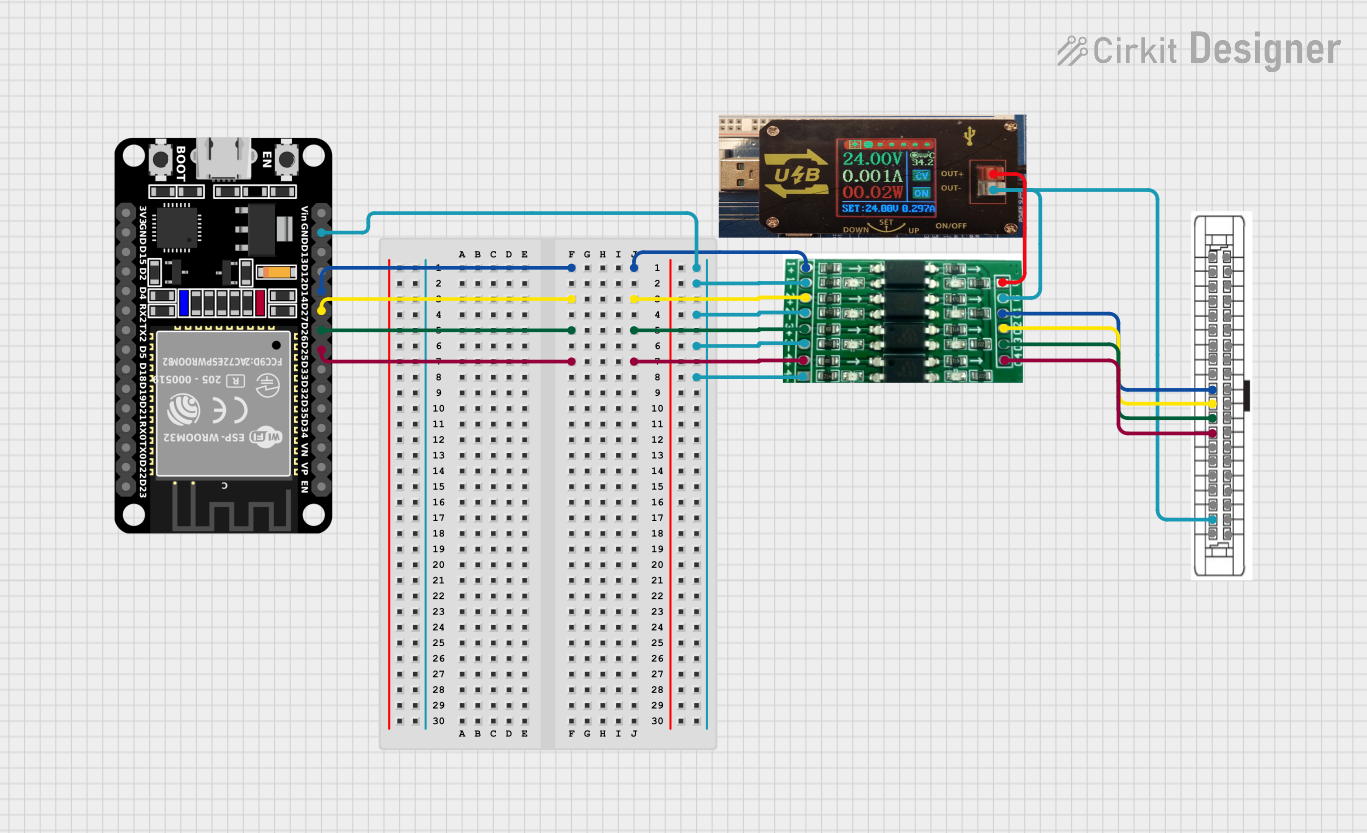 Open Project in Cirkit Designer
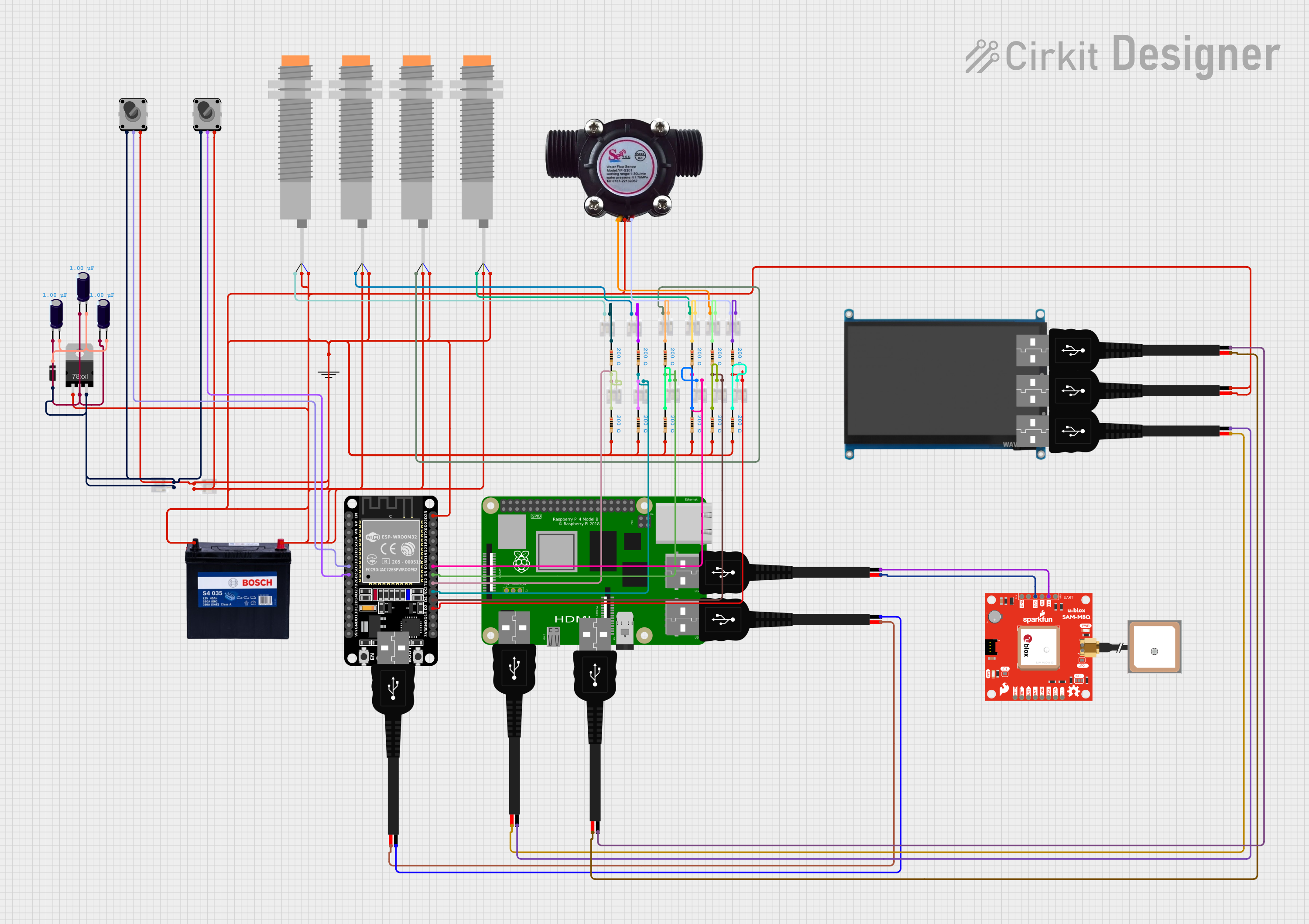 Open Project in Cirkit Designer
Explore Projects Built with 8 Pin Connector
Open Project in Cirkit DesignerOpen Project in Cirkit DesignerOpen Project in Cirkit DesignerOpen Project in Cirkit DesignerCommon Applications and Use Cases
- Data Transmission: Used in communication systems to transfer data between devices.
- Power Delivery: Facilitates power connections in embedded systems and electronic circuits.
- Prototyping: Ideal for connecting modules and components in development boards.
- Consumer Electronics: Found in devices such as printers, routers, and gaming consoles.
Technical Specifications
Below are the key technical details and pin configuration for the 8 Pin Connector:
Key Technical Details
| Parameter | Specification |
|---|---|
| Manufacturer | De |
| Part ID | Connection Part |
| Number of Pins | 8 |
| Rated Voltage | 250V |
| Rated Current | 3A per pin |
| Contact Resistance | ≤ 20 mΩ |
| Insulation Resistance | ≥ 1000 MΩ |
| Operating Temperature | -40°C to +85°C |
| Connector Type | Male/Female (varies by model) |
| Mounting Style | Through-hole or surface mount |
Pin Configuration and Descriptions
The pin configuration for the 8 Pin Connector is as follows:
| Pin Number | Description | Typical Use Case |
|---|---|---|
| 1 | Ground (GND) | Common ground for the circuit |
| 2 | Power Supply (VCC) | Positive voltage input |
| 3 | Data Line 1 (D1) | Data transmission or signal line |
| 4 | Data Line 2 (D2) | Data transmission or signal line |
| 5 | Data Line 3 (D3) | Data transmission or signal line |
| 6 | Data Line 4 (D4) | Data transmission or signal line |
| 7 | Reserved/Custom Use | User-defined functionality |
| 8 | Reserved/Custom Use | User-defined functionality |
Usage Instructions
How to Use the Component in a Circuit
- Identify Pin Functions: Refer to the pin configuration table to understand the purpose of each pin.
- Soldering: If using a through-hole version, solder the connector to the PCB. For surface-mount versions, use reflow soldering techniques.
- Wiring: Connect the corresponding pins to the appropriate circuit components (e.g., power supply, ground, data lines).
- Testing: Verify the connections using a multimeter to ensure proper continuity and avoid short circuits.
Important Considerations and Best Practices
- Avoid Overloading: Do not exceed the rated current (3A per pin) or voltage (250V) to prevent damage.
- Proper Alignment: Ensure the male and female connectors are properly aligned to avoid bent pins or poor connections.
- Secure Mounting: Use screws or clips to secure the connector in place, especially in high-vibration environments.
- Insulation: Use heat shrink tubing or insulation tape to protect exposed connections.
Example: Connecting to an Arduino UNO
The 8 Pin Connector can be used to interface external modules with an Arduino UNO. Below is an example of connecting four data lines and power:
Circuit Diagram
- Pin 1 (GND) → Arduino GND
- Pin 2 (VCC) → Arduino 5V
- Pins 3-6 (D1-D4) → Arduino Digital Pins 2, 3, 4, 5
Arduino Code Example
// Example code for using an 8 Pin Connector with an Arduino UNO
// This code reads digital inputs from the connector and toggles an LED

#define DATA_PIN_1 2  // Pin connected to Data Line 1
#define DATA_PIN_2 3  // Pin connected to Data Line 2
#define DATA_PIN_3 4  // Pin connected to Data Line 3
#define DATA_PIN_4 5  // Pin connected to Data Line 4
#define LED_PIN 13    // Built-in LED on Arduino UNO

void setup() {
  // Initialize data pins as inputs
  pinMode(DATA_PIN_1, INPUT);
  pinMode(DATA_PIN_2, INPUT);
  pinMode(DATA_PIN_3, INPUT);
  pinMode(DATA_PIN_4, INPUT);

  // Initialize LED pin as output
  pinMode(LED_PIN, OUTPUT);
}

void loop() {
  // Read data from the first pin
  int data1 = digitalRead(DATA_PIN_1);

  // Toggle LED based on the input from Data Line 1
  if (data1 == HIGH) {
    digitalWrite(LED_PIN, HIGH);  // Turn LED on
  } else {
    digitalWrite(LED_PIN, LOW);   // Turn LED off
  }

  delay(100);  // Small delay for stability
}
Troubleshooting and FAQs
Common Issues and Solutions
| Issue | Possible Cause | Solution |
|---|---|---|
| No connection between pins | Misalignment of male/female parts | Realign the connectors properly |
| High contact resistance | Dirty or oxidized pins | Clean pins with isopropyl alcohol |
| Overheating of connector | Exceeding current/voltage ratings | Reduce load to within rated limits |
| Loose connection | Poor soldering or mounting | Resolder or secure the connector |
FAQs
Can I use the 8 Pin Connector for high-speed data transmission?
Yes, but ensure the connector's contact resistance and insulation meet the requirements for high-speed signals.What is the difference between the male and female versions?
The male version has pins, while the female version has sockets to receive the pins.Can I use this connector in outdoor environments?
Only if it is housed in a weatherproof enclosure, as it is not inherently waterproof.What tools are recommended for soldering this connector?
Use a fine-tip soldering iron and lead-free solder for precise and environmentally friendly connections.