
How to Use MLX90614 IR Temperature Sensor: Examples, Pinouts, and Specs
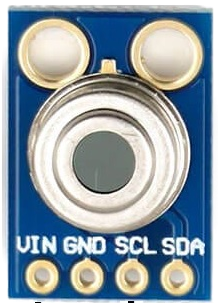
 Design with MLX90614 IR Temperature Sensor in Cirkit Designer
Introduction
The Melexis MLX90614 is a non-contact infrared (IR) temperature sensor designed to measure the temperature of objects without requiring physical contact. It utilizes advanced infrared thermopile technology and an integrated signal processing unit to deliver accurate temperature readings. The sensor is factory-calibrated for both ambient and object temperature measurements, making it a reliable and versatile solution for a wide range of applications.
Explore Projects Built with MLX90614 IR Temperature Sensor
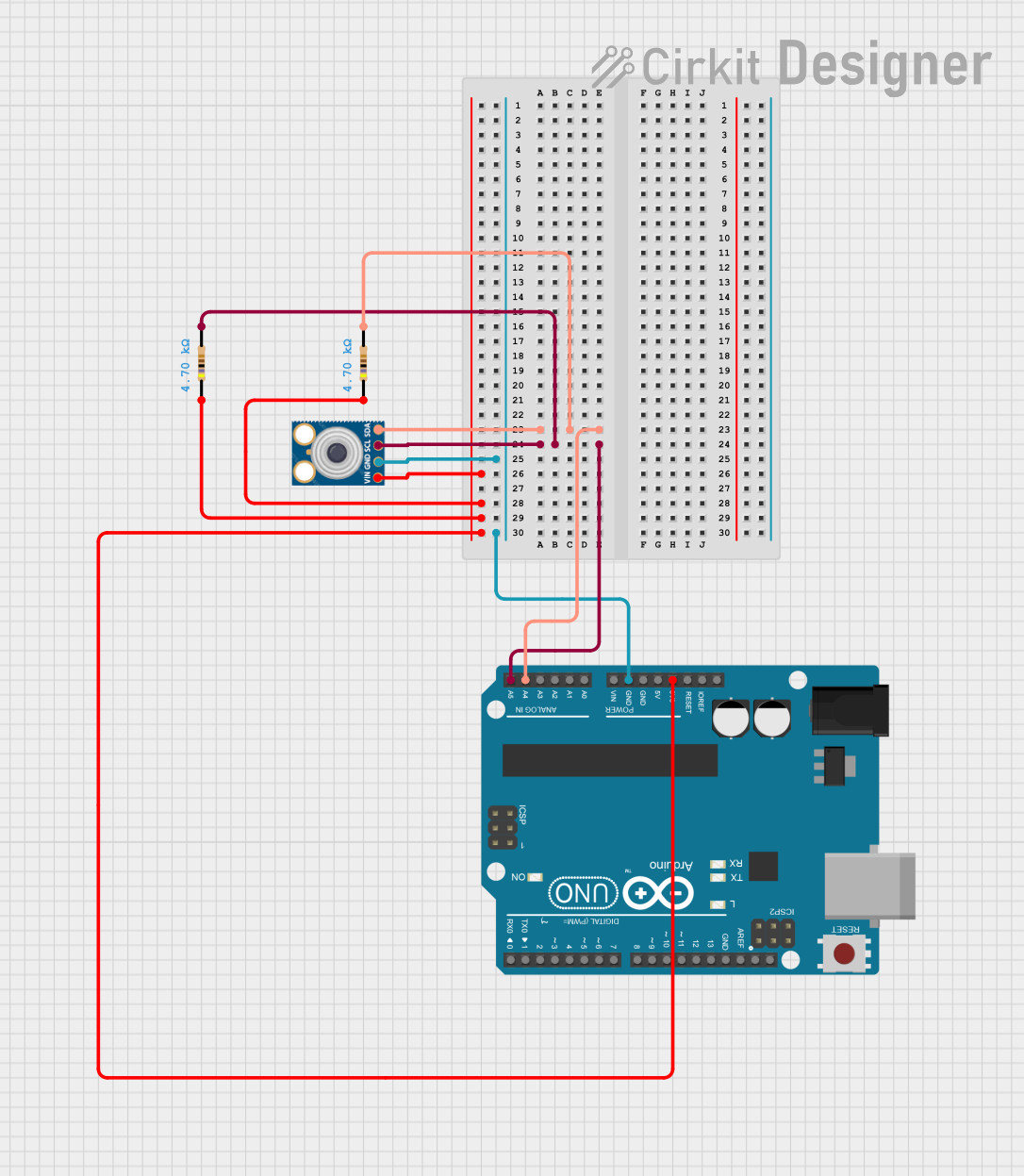 Open Project in Cirkit Designer
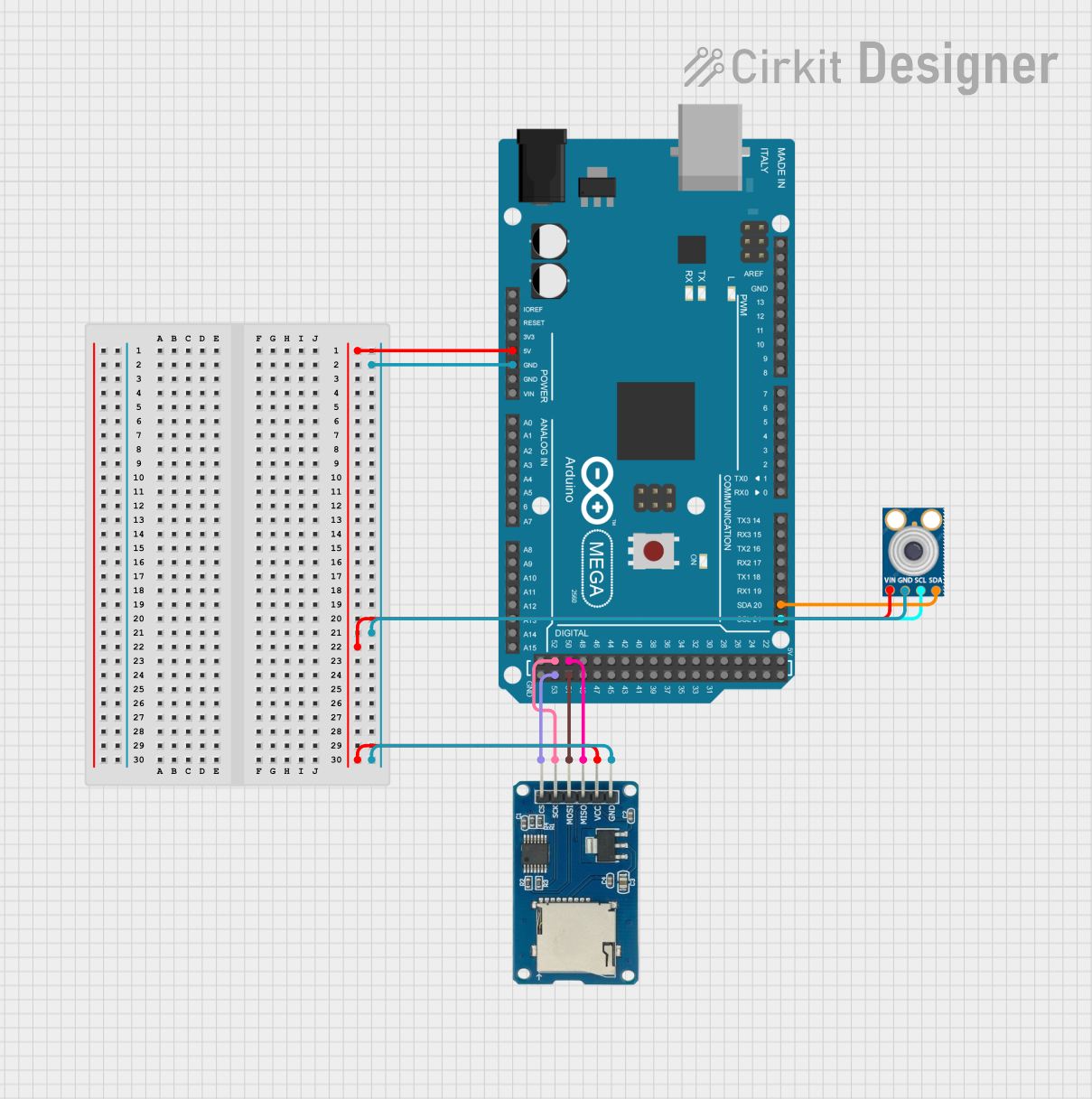 Open Project in Cirkit Designer
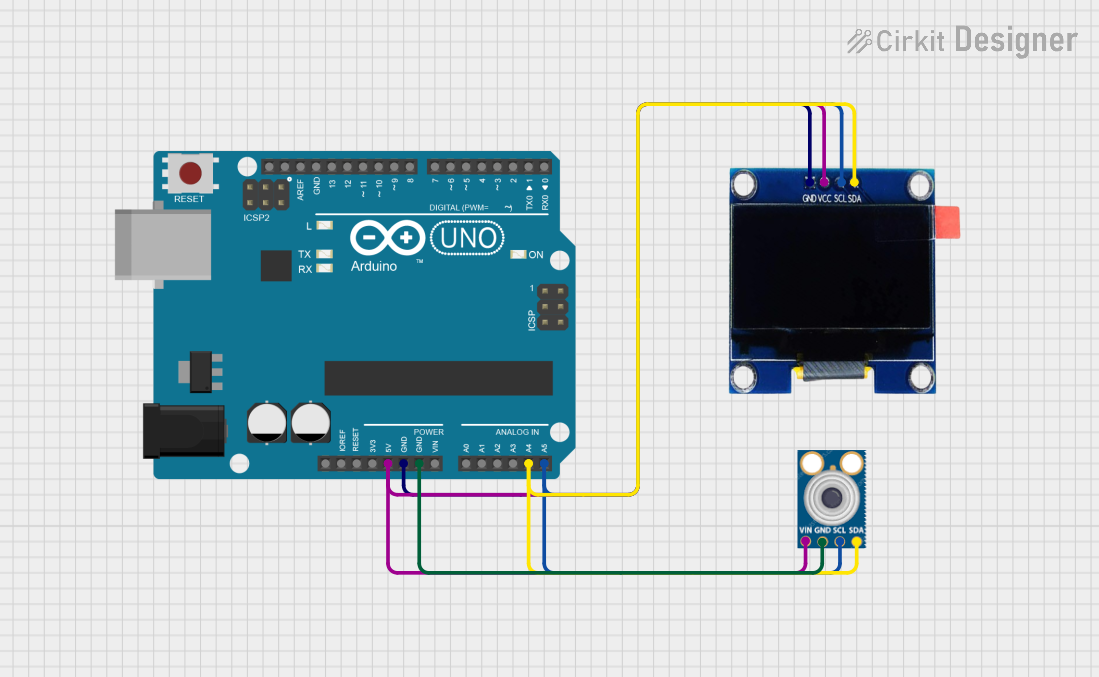 Open Project in Cirkit Designer
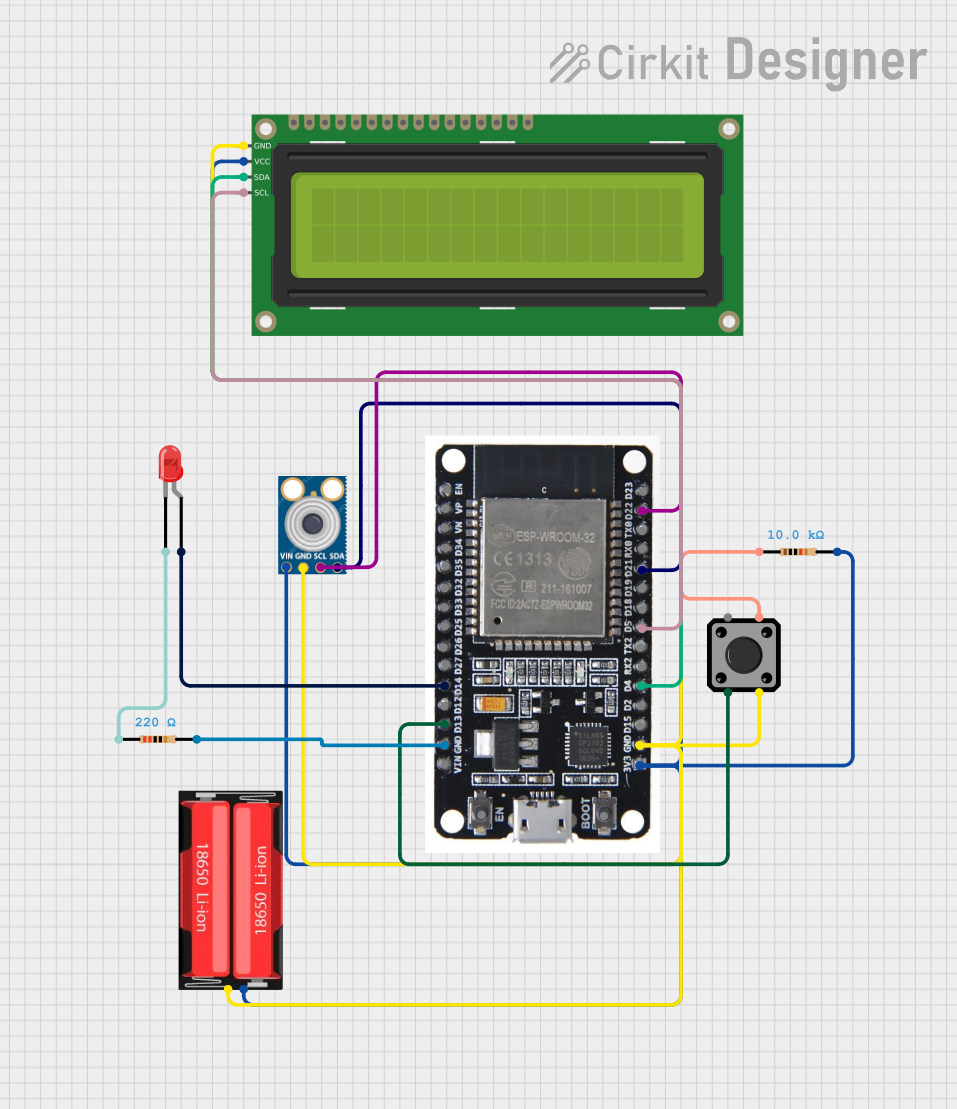 Open Project in Cirkit Designer
Explore Projects Built with MLX90614 IR Temperature Sensor
Open Project in Cirkit DesignerOpen Project in Cirkit DesignerOpen Project in Cirkit DesignerOpen Project in Cirkit DesignerCommon Applications
- Medical Devices: Non-contact thermometers and patient monitoring systems.
- HVAC Systems: Temperature regulation and monitoring in heating, ventilation, and air conditioning systems.
- Industrial Automation: Temperature sensing in manufacturing processes.
- Consumer Electronics: Smart home devices and appliances.
- Automotive: Climate control and occupant detection systems.
Technical Specifications
Key Technical Details
| Parameter | Value |
|---|---|
| Manufacturer | Melexis |
| Part Number | MLX90614 |
| Operating Voltage | 3.6V to 5V |
| Current Consumption | 1.5 mA (typical) |
| Temperature Range | -40°C to +125°C (ambient) |
| Object Temperature Range | -70°C to +380°C |
| Accuracy | ±0.5°C (typical, for 0°C to +50°C range) |
| Communication Protocol | SMBus (I²C compatible) |
| Field of View (FOV) | 35° |
| Resolution | 0.02°C |
Pin Configuration and Descriptions
The MLX90614 sensor is typically available in a 4-pin TO-39 package. Below is the pin configuration:
| Pin Number | Pin Name | Description |
|---|---|---|
| 1 | VDD | Power supply input (3.6V to 5V). |
| 2 | VSS | Ground (0V reference). |
| 3 | SDA | Serial Data Line for SMBus/I²C communication. |
| 4 | SCL | Serial Clock Line for SMBus/I²C communication. |
Usage Instructions
How to Use the MLX90614 in a Circuit
- Power Supply: Connect the VDD pin to a 3.6V to 5V power source and the VSS pin to ground.
- I²C Communication: Use the SDA and SCL pins to interface with a microcontroller or development board (e.g., Arduino UNO) via the I²C protocol.
- Pull-Up Resistors: Add 4.7kΩ pull-up resistors to the SDA and SCL lines to ensure proper I²C communication.
- Object Placement: Ensure the object to be measured is within the sensor's field of view (35° cone).
Important Considerations
- Avoid exposing the sensor to direct sunlight or strong IR sources, as this may affect accuracy.
- Ensure the sensor is mounted securely to prevent vibrations or misalignment.
- Use proper decoupling capacitors (e.g., 0.1µF) near the power supply pins to reduce noise.
Example: Connecting MLX90614 to Arduino UNO
Below is an example of how to interface the MLX90614 with an Arduino UNO to read temperature data:
Circuit Connections
| MLX90614 Pin | Arduino UNO Pin |
|---|---|
| VDD | 5V |
| VSS | GND |
| SDA | A4 |
| SCL | A5 |
Arduino Code
#include <Wire.h>
#include <Adafruit_MLX90614.h>

// Create an instance of the MLX90614 library
Adafruit_MLX90614 mlx = Adafruit_MLX90614();

void setup() {
  Serial.begin(9600); // Initialize serial communication at 9600 baud
  if (!mlx.begin()) {
    Serial.println("Error: MLX90614 not detected. Check connections.");
    while (1); // Halt execution if sensor initialization fails
  }
  Serial.println("MLX90614 initialized successfully.");
}

void loop() {
  // Read object and ambient temperatures
  double objectTemp = mlx.readObjectTempC();
  double ambientTemp = mlx.readAmbientTempC();

  // Print temperature readings to the Serial Monitor
  Serial.print("Object Temperature: ");
  Serial.print(objectTemp);
  Serial.println(" °C");

  Serial.print("Ambient Temperature: ");
  Serial.print(ambientTemp);
  Serial.println(" °C");

  delay(1000); // Wait 1 second before the next reading
}
Troubleshooting and FAQs
Common Issues and Solutions
Sensor Not Detected
- Cause: Incorrect wiring or missing pull-up resistors on the I²C lines.
- Solution: Double-check the connections and ensure 4.7kΩ pull-up resistors are present on the SDA and SCL lines.
Inaccurate Temperature Readings
- Cause: External IR interference or improper sensor placement.
- Solution: Shield the sensor from direct sunlight or strong IR sources. Ensure the object is within the sensor's field of view.
No Data on Serial Monitor
- Cause: Incorrect baud rate or sensor initialization failure.
- Solution: Verify that the Serial Monitor is set to 9600 baud. Check the wiring and ensure the sensor is powered correctly.
FAQs
Q: Can the MLX90614 measure the temperature of liquids?
- A: Yes, but ensure the liquid is within the sensor's field of view and avoid splashes or condensation on the sensor.
Q: What is the maximum distance for accurate measurements?
- A: The effective range depends on the size of the object and its emissivity. For small objects, the distance should be minimized to ensure accuracy.
Q: Can multiple MLX90614 sensors be used on the same I²C bus?
- A: Yes, but each sensor must have a unique I²C address. The default address can be changed using specialized software tools.
This concludes the documentation for the Melexis MLX90614 IR Temperature Sensor. For further details, refer to the official datasheet provided by Melexis.