
How to Use EPLZON-style protoPCB: Examples, Pinouts, and Specs
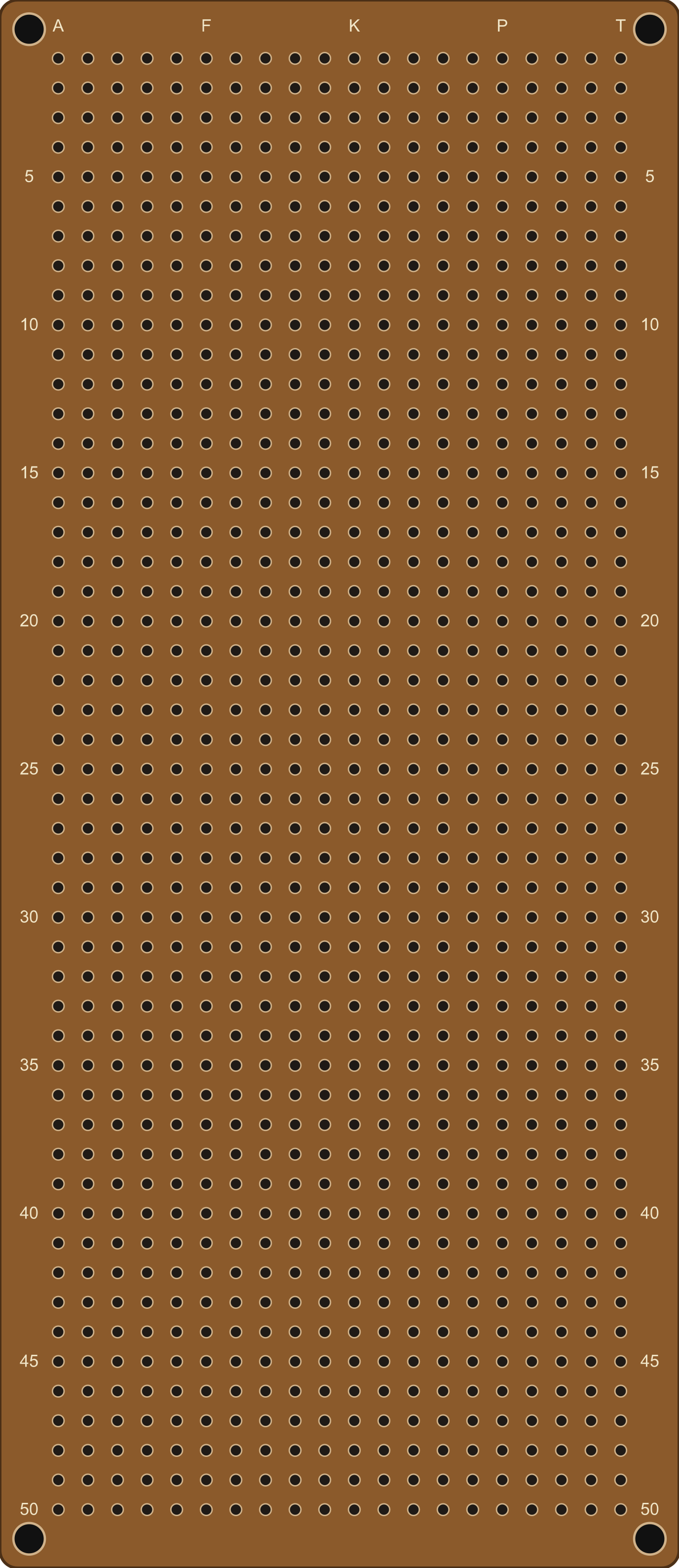
 Design with EPLZON-style protoPCB in Cirkit Designer
Introduction
The 20x50 PCB2 is a compact printed circuit board (PCB) with dimensions of 20 mm by 50 mm. It is designed to serve as a versatile platform for mounting electronic components and establishing electrical connections between them. This PCB is ideal for prototyping, small-scale projects, and custom circuit designs where space is a constraint. Its standardized layout and high-quality construction make it suitable for both hobbyists and professional engineers.
Explore Projects Built with EPLZON-style protoPCB
 Open Project in Cirkit Designer
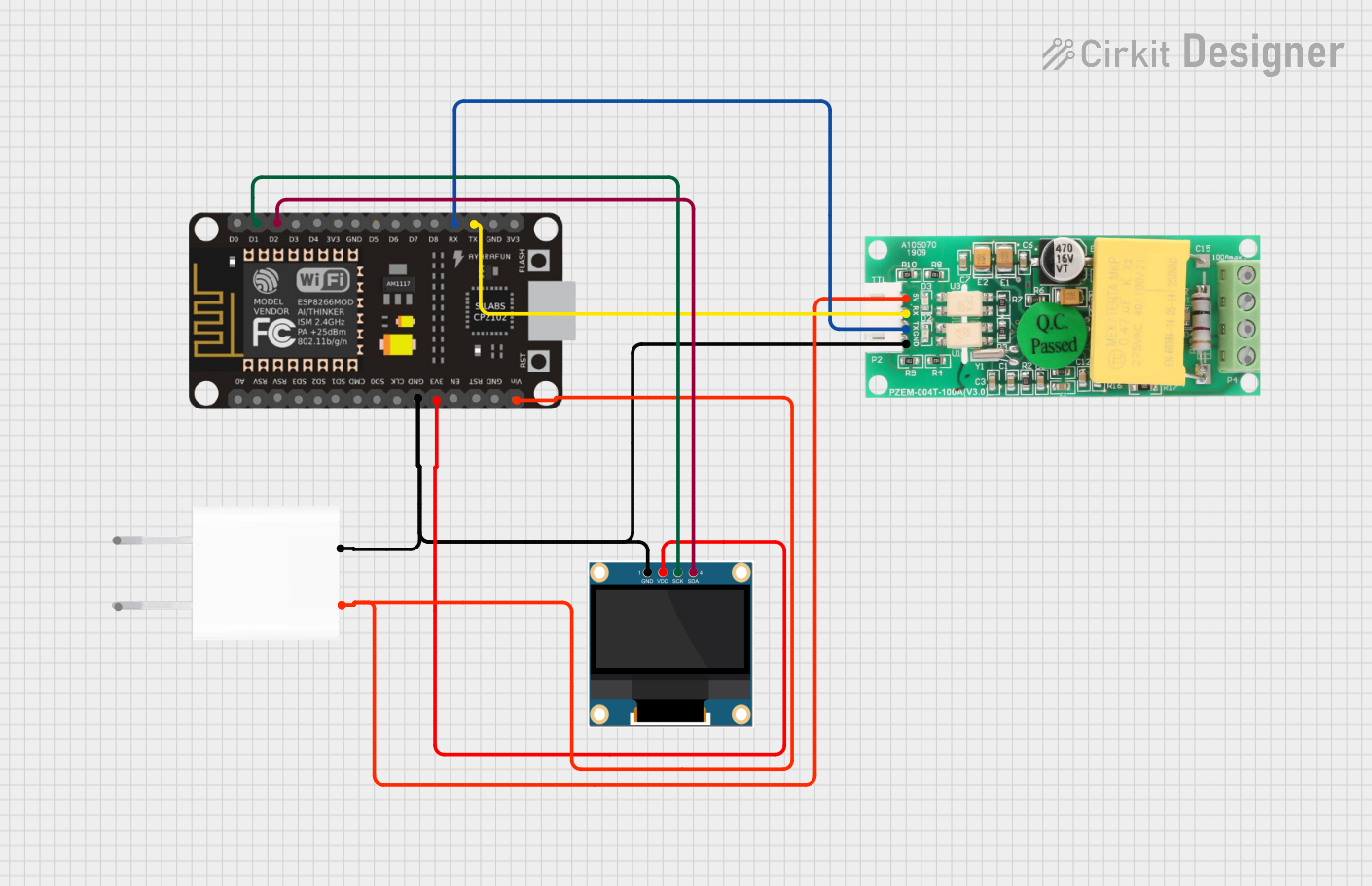 Open Project in Cirkit Designer
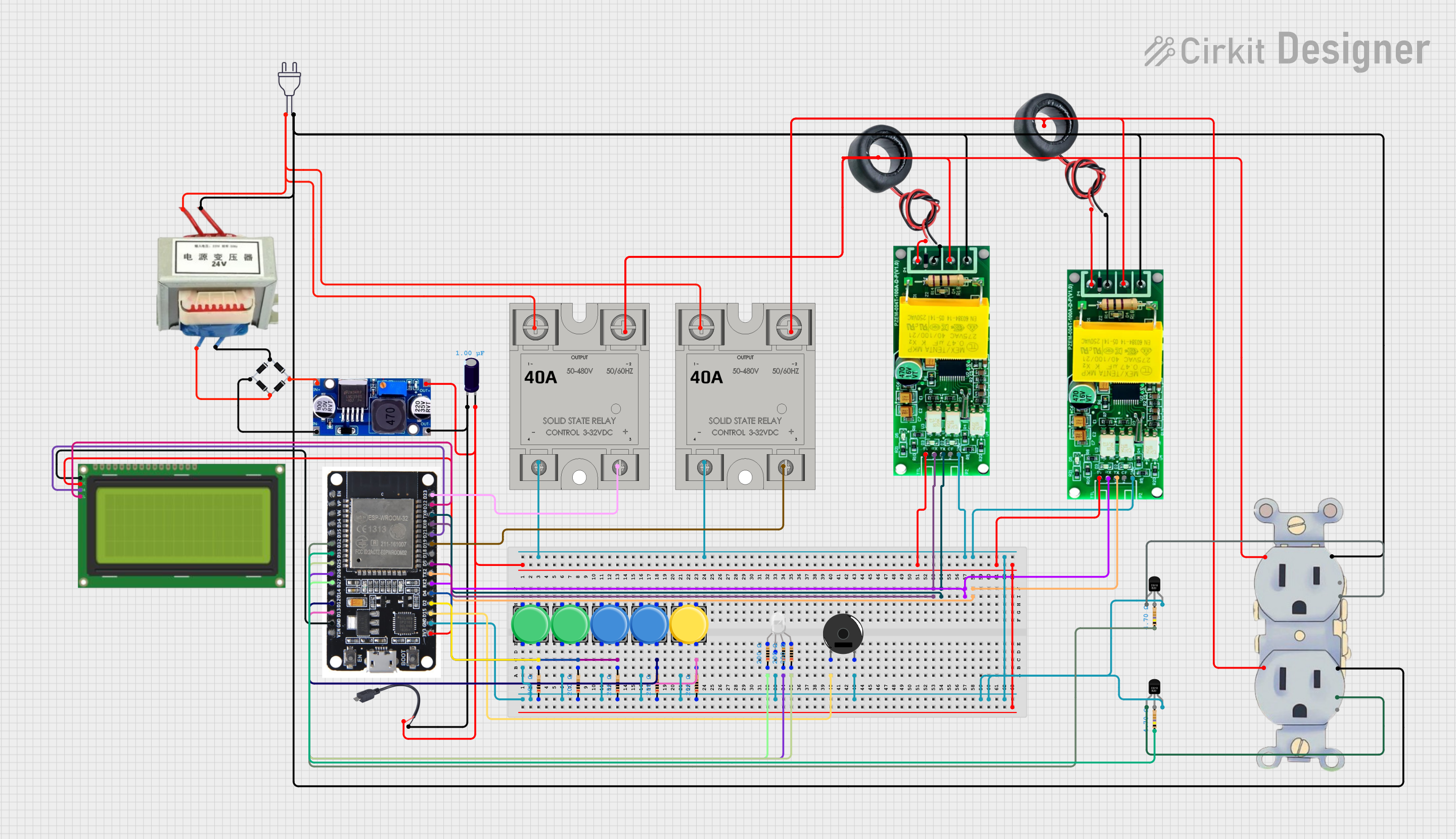 Open Project in Cirkit Designer
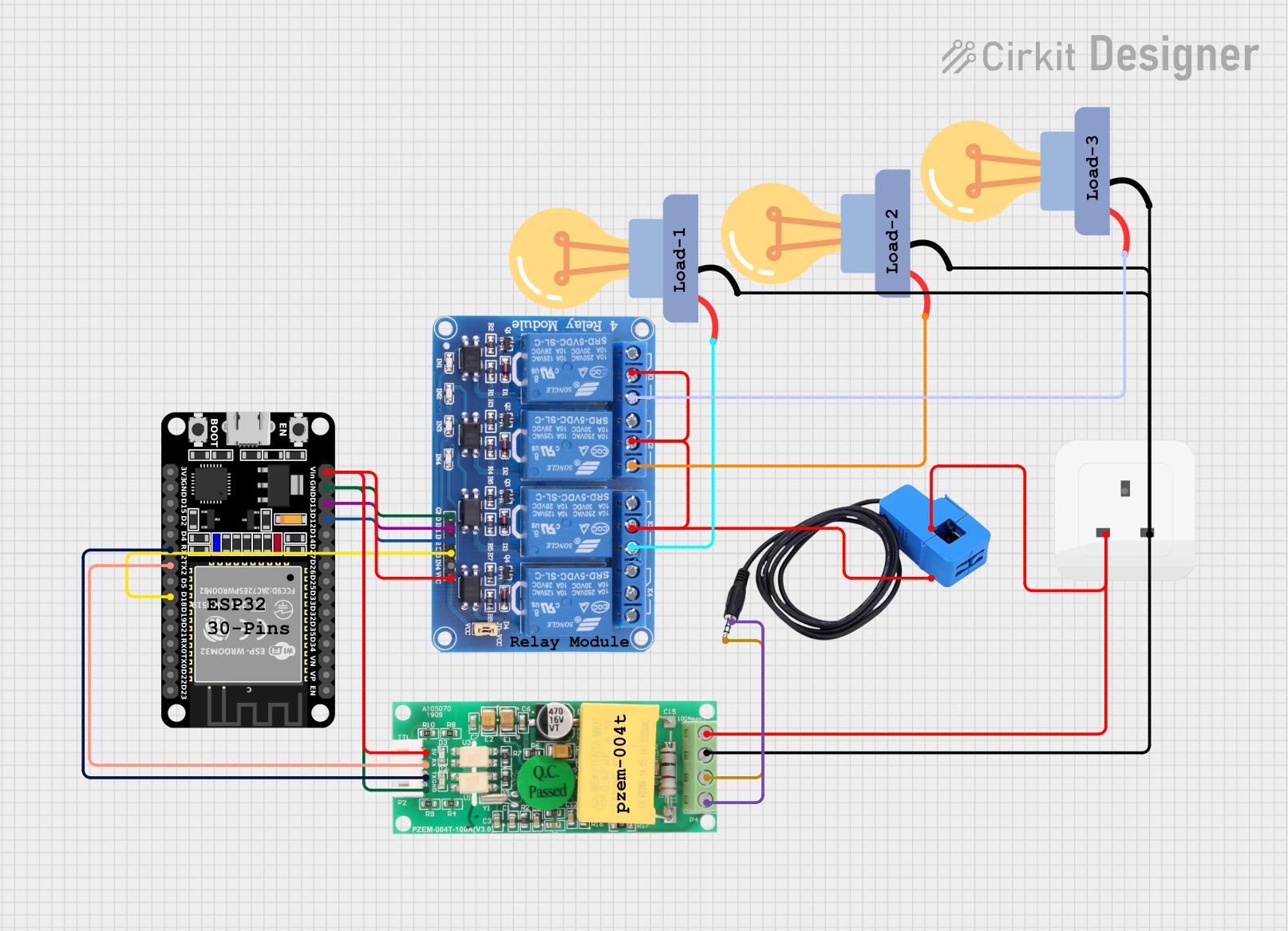 Open Project in Cirkit Designer
Explore Projects Built with EPLZON-style protoPCB
Open Project in Cirkit DesignerOpen Project in Cirkit DesignerOpen Project in Cirkit DesignerOpen Project in Cirkit DesignerCommon Applications and Use Cases
- Prototyping small electronic circuits
- Building compact IoT devices
- Custom sensor modules
- Educational projects and DIY electronics
- Space-constrained embedded systems
Technical Specifications
The 20x50 PCB2 is designed to meet the needs of compact and efficient circuit designs. Below are its key technical details:
General Specifications
| Parameter | Value |
|---|---|
| Dimensions | 20 mm x 50 mm |
| Material | FR4 (Flame Retardant 4) |
| Thickness | 1.6 mm |
| Copper Layer Thickness | 35 µm (1 oz/ft²) |
| Number of Layers | Single-layer or double-layer (varies by model) |
| Hole Diameter | 1.0 mm |
| Hole Pitch | 2.54 mm (standard grid) |
| Surface Finish | HASL (Hot Air Solder Leveling) or ENIG (Electroless Nickel Immersion Gold) |
| Solder Mask Color | Green (default) |
| Silkscreen Color | White |
Pin Configuration and Descriptions
The 20x50 PCB2 does not have predefined pins but features a grid of plated through-holes (PTH) for component mounting. Below is a description of the hole layout:
| Feature | Description |
|---|---|
| Plated Through-Holes | 1.0 mm diameter holes for mounting components or headers. |
| Grid Layout | Standard 2.54 mm pitch for compatibility with DIP components, headers, and connectors. |
| Edge Pads (optional) | Some models include edge pads for external connections. |
Usage Instructions
The 20x50 PCB2 is straightforward to use and can be adapted for a wide range of applications. Follow the steps below to integrate it into your project:
Step 1: Plan Your Circuit
- Sketch your circuit design on paper or use PCB design software to map out component placement.
- Ensure that the components fit within the 20x50 mm area and align with the 2.54 mm grid.
Step 2: Mount Components
- Insert components (e.g., resistors, capacitors, ICs) into the plated through-holes.
- Ensure proper orientation for polarized components like diodes and electrolytic capacitors.
Step 3: Solder Connections
- Use a soldering iron to securely solder the component leads to the copper pads.
- Trim excess leads with wire cutters after soldering.
Step 4: Add External Connections
- Use headers, wires, or connectors to interface the PCB with other parts of your circuit.
- For Arduino UNO users, you can solder male headers to the PCB and use jumper wires to connect it to the Arduino.
Step 5: Test Your Circuit
- Verify all connections with a multimeter before powering the circuit.
- Power the circuit and test its functionality.
Example: Connecting to an Arduino UNO
Below is an example of how to use the 20x50 PCB2 to create a simple LED circuit controlled by an Arduino UNO:
Circuit Description
- An LED is connected to digital pin 13 of the Arduino UNO through a 220-ohm resistor.
- The circuit is built on the 20x50 PCB2.
Arduino Code
// Simple LED Blink Example
// This code blinks an LED connected to pin 13 of the Arduino UNO.

// Define the LED pin
const int ledPin = 13;

void setup() {
  // Set the LED pin as an output
  pinMode(ledPin, OUTPUT);
}

void loop() {
  // Turn the LED on
  digitalWrite(ledPin, HIGH);
  delay(1000); // Wait for 1 second

  // Turn the LED off
  digitalWrite(ledPin, LOW);
  delay(1000); // Wait for 1 second
}
Best Practices
- Use flux to ensure clean and reliable solder joints.
- Avoid overheating the PCB during soldering to prevent damage to the copper traces.
- Label components on the silkscreen layer for easier debugging and maintenance.
Troubleshooting and FAQs
Common Issues
Cold Solder Joints
- Cause: Insufficient heat or solder during soldering.
- Solution: Reheat the joint and apply more solder to ensure a solid connection.
Short Circuits
- Cause: Solder bridges between adjacent pads or traces.
- Solution: Use a solder wick or desoldering pump to remove excess solder.
Component Misalignment
- Cause: Incorrect placement of components on the grid.
- Solution: Double-check the layout before soldering and use a breadboard for prototyping.
Damaged Traces
- Cause: Excessive heat or mechanical stress.
- Solution: Repair damaged traces with a thin wire or conductive ink.
FAQs
Q: Can I use the 20x50 PCB2 for high-frequency circuits?
A: Yes, but ensure proper grounding and trace design to minimize interference.
Q: Is the PCB compatible with surface-mount components?
A: The 20x50 PCB2 is primarily designed for through-hole components, but surface-mount components can be used with careful soldering.
Q: Can I cut the PCB to a smaller size?
A: Yes, the PCB can be cut using a PCB cutter or a fine saw, but ensure that the cut does not damage critical traces or components.
Q: What is the maximum current the PCB can handle?
A: The current capacity depends on the trace width and copper thickness. For standard 35 µm copper, refer to IPC-2221 standards for trace current ratings.
By following this documentation, you can effectively use the 20x50 PCB2 for your electronic projects.