
How to Use PO100 2024: Examples, Pinouts, and Specs
 Design with PO100 2024 in Cirkit Designer
Introduction
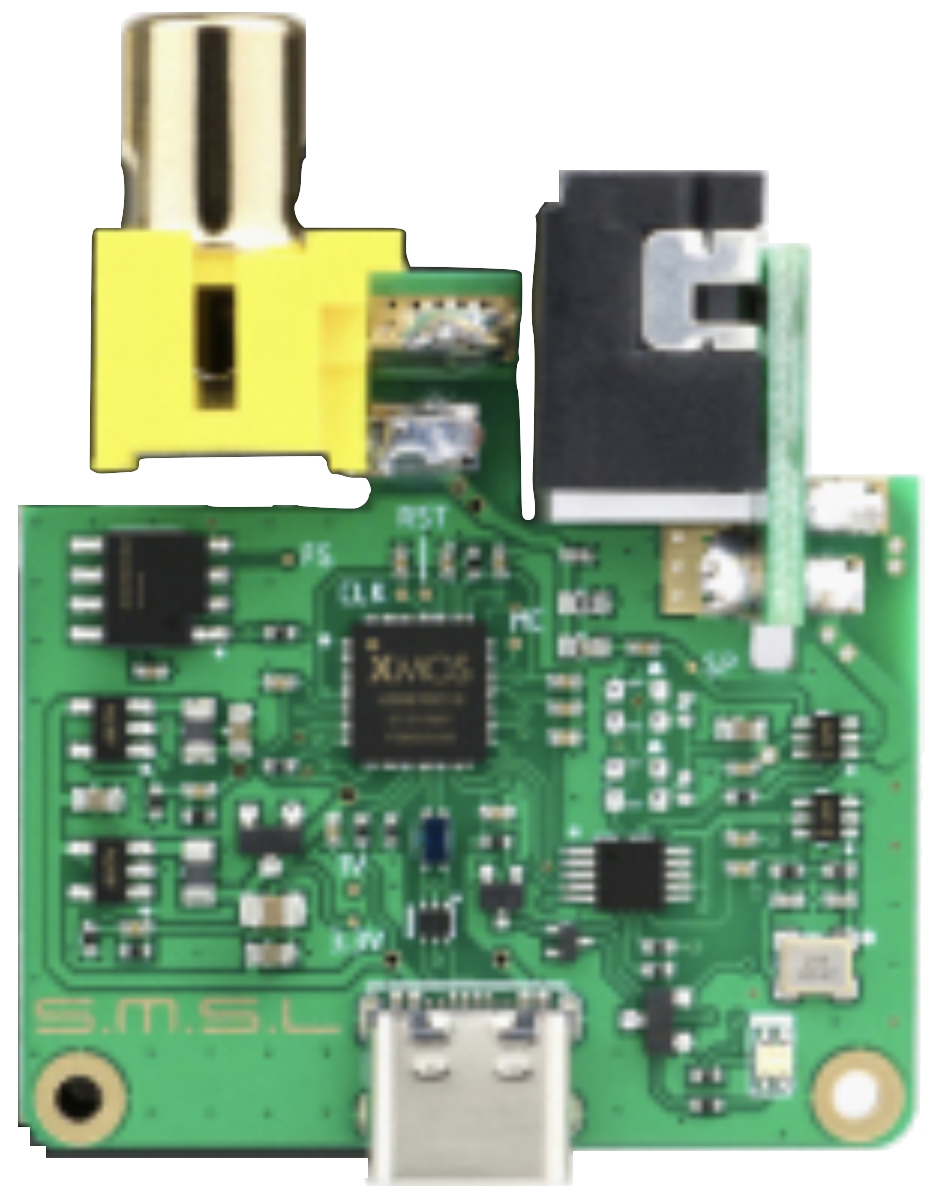
The SMSL PO100 2024 is a precision operational amplifier (op-amp) designed for high-speed applications. It features low noise, high gain bandwidth, and exceptional stability, making it ideal for signal processing, amplification, and other demanding electronic tasks. This component is widely used in audio systems, instrumentation, active filters, and analog signal conditioning circuits.
Explore Projects Built with PO100 2024
 Open Project in Cirkit Designer
 Open Project in Cirkit Designer
 Open Project in Cirkit Designer
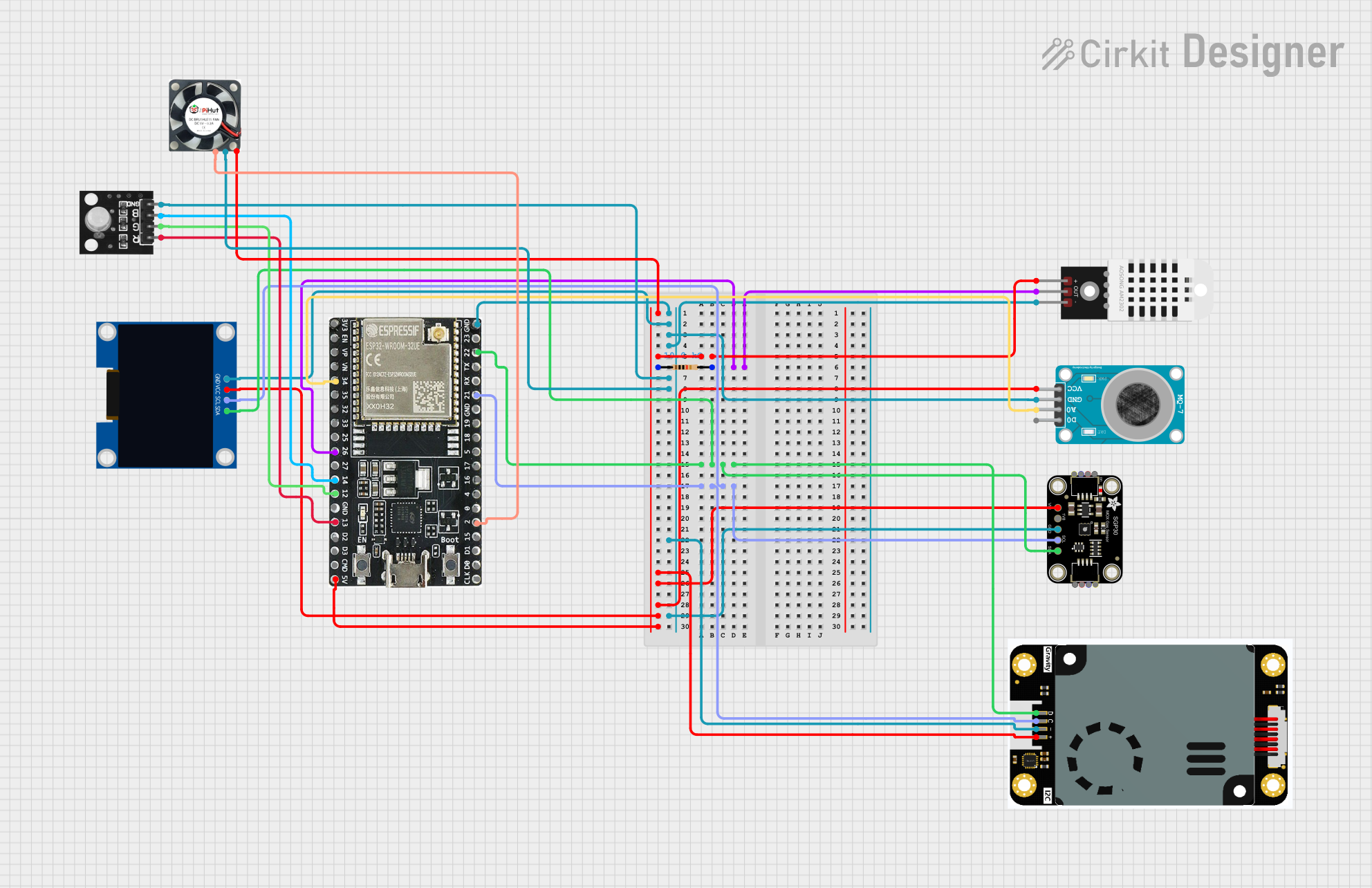 Open Project in Cirkit Designer
Explore Projects Built with PO100 2024
Open Project in Cirkit DesignerOpen Project in Cirkit DesignerOpen Project in Cirkit DesignerOpen Project in Cirkit DesignerCommon Applications
- Audio preamplifiers and equalizers
- High-speed signal processing
- Active filters and oscillators
- Precision instrumentation amplifiers
- Analog-to-digital converter (ADC) buffering
Technical Specifications
Key Technical Details
| Parameter | Value |
|---|---|
| Manufacturer | SMSL |
| Part ID | SMSL PO100 2024 |
| Supply Voltage Range | ±2.5V to ±18V |
| Input Offset Voltage | 0.5 mV (typical) |
| Gain Bandwidth Product | 10 MHz |
| Slew Rate | 5 V/µs |
| Input Noise Density | 4 nV/√Hz |
| Output Voltage Swing | ±(Vcc - 1.5V) |
| Input Impedance | 10 MΩ |
| Operating Temperature Range | -40°C to +85°C |
| Package Type | 8-pin DIP or SOIC |
Pin Configuration and Descriptions
The PO100 2024 is available in an 8-pin package. Below is the pinout and description:
| Pin Number | Pin Name | Description |
|---|---|---|
| 1 | Offset Null 1 | Offset voltage adjustment (connect to potentiometer) |
| 2 | Inverting Input | Inverting input terminal (-) |
| 3 | Non-Inverting Input | Non-inverting input terminal (+) |
| 4 | V- (Negative Supply) | Negative power supply terminal |
| 5 | Offset Null 2 | Offset voltage adjustment (connect to potentiometer) |
| 6 | Output | Output terminal |
| 7 | V+ (Positive Supply) | Positive power supply terminal |
| 8 | NC (No Connect) | Not connected |
Usage Instructions
How to Use the PO100 2024 in a Circuit
- Power Supply: Connect the positive supply voltage (V+) to pin 7 and the negative supply voltage (V-) to pin 4. Ensure the supply voltage is within the specified range (±2.5V to ±18V).
- Input Connections:
- Connect the signal to be amplified to the non-inverting input (pin 3) or the inverting input (pin 2), depending on the desired configuration (non-inverting or inverting amplifier).
- Use appropriate resistors and capacitors to set the gain and bandwidth of the circuit.
- Output Connection: The amplified signal will be available at the output terminal (pin 6). Ensure the load impedance is compatible with the op-amp's output drive capability.
- Offset Adjustment: If required, connect a potentiometer between pins 1 and 5 to nullify any offset voltage.
Important Considerations and Best Practices
- Decoupling Capacitors: Place decoupling capacitors (e.g., 0.1 µF ceramic and 10 µF electrolytic) close to the power supply pins to reduce noise and improve stability.
- Thermal Management: Ensure the operating temperature remains within the specified range (-40°C to +85°C) to avoid performance degradation.
- Feedback Network: Design the feedback network carefully to achieve the desired gain and stability. Use low-tolerance resistors for precision applications.
- Avoid Oscillations: Minimize stray capacitance and use proper PCB layout techniques to prevent oscillations in high-speed circuits.
Example: Using the PO100 2024 with an Arduino UNO
The following example demonstrates how to use the PO100 2024 as a non-inverting amplifier to amplify an analog signal and read it using an Arduino UNO.
Circuit Diagram
- Connect the non-inverting input (pin 3) to the signal source.
- Connect the inverting input (pin 2) to a voltage divider for gain control.
- Connect the output (pin 6) to an analog input pin on the Arduino UNO.
Arduino Code
// Example code to read an amplified signal using Arduino UNO
const int analogPin = A0; // Analog pin connected to PO100 2024 output
int signalValue = 0;      // Variable to store the analog signal value

void setup() {
  Serial.begin(9600); // Initialize serial communication at 9600 baud
}

void loop() {
  signalValue = analogRead(analogPin); // Read the amplified signal
  Serial.print("Amplified Signal Value: ");
  Serial.println(signalValue); // Print the signal value to the Serial Monitor
  delay(500); // Wait for 500 ms before the next reading
}
Troubleshooting and FAQs
Common Issues and Solutions
No Output Signal:
- Verify the power supply connections (pins 4 and 7).
- Check the input signal and ensure it is within the op-amp's input voltage range.
- Inspect the feedback network for proper connections.
Output Signal Distortion:
- Ensure the load impedance is not too low for the op-amp to drive.
- Check for oscillations and add a small capacitor (e.g., 10 pF) across the feedback resistor if necessary.
High Noise in Output:
- Use proper decoupling capacitors near the power supply pins.
- Minimize the length of input and output signal traces to reduce noise pickup.
Offset Voltage Issues:
- Adjust the offset null pins (1 and 5) using a potentiometer to eliminate offset voltage.
FAQs
Q1: Can the PO100 2024 be used for audio applications?
A1: Yes, the PO100 2024 is well-suited for audio applications due to its low noise and high gain bandwidth.
Q2: What is the maximum gain achievable with this op-amp?
A2: The maximum gain depends on the feedback network design. However, ensure the gain-bandwidth product (10 MHz) is not exceeded.
Q3: Is the PO100 2024 compatible with single-supply operation?
A3: Yes, the PO100 2024 can operate with a single supply, but the input and output signals must remain within the specified voltage range.
Q4: How do I prevent oscillations in high-speed circuits?
A4: Use proper PCB layout techniques, minimize stray capacitance, and add a small capacitor across the feedback resistor if needed.