
How to Use RP2040: Examples, Pinouts, and Specs
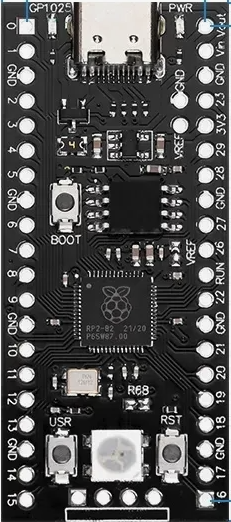
 Design with RP2040 in Cirkit Designer
Introduction
The RP2040 is a high-performance microcontroller chip designed by Raspberry Pi and manufactured by Core Board. It features a dual-core ARM Cortex-M0+ processor, 264KB of SRAM, and a rich set of peripherals, making it an excellent choice for a variety of embedded applications. Its low power consumption and flexible I/O options make it ideal for projects ranging from IoT devices to robotics and consumer electronics.
Explore Projects Built with RP2040
 Open Project in Cirkit Designer
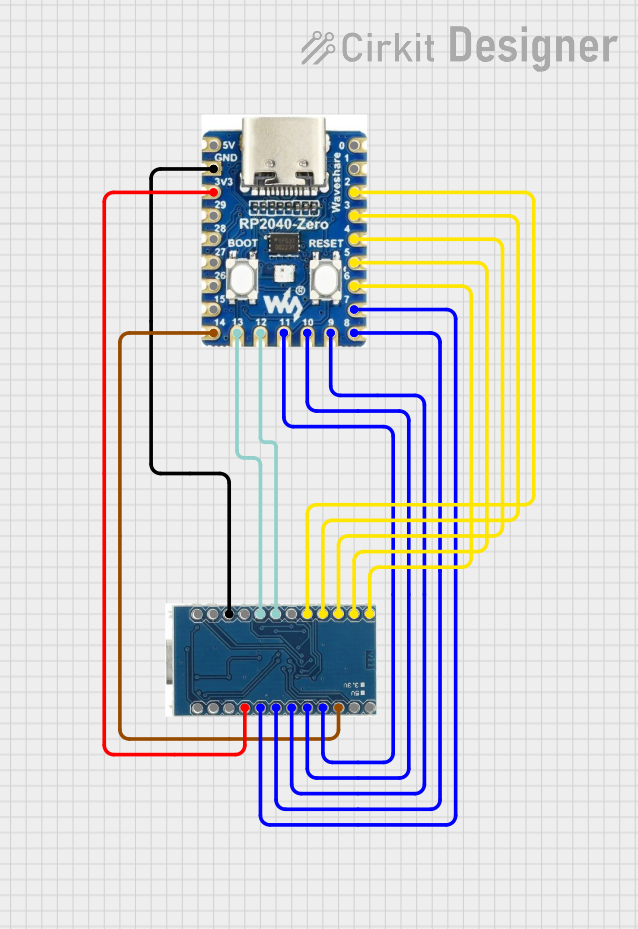 Open Project in Cirkit Designer
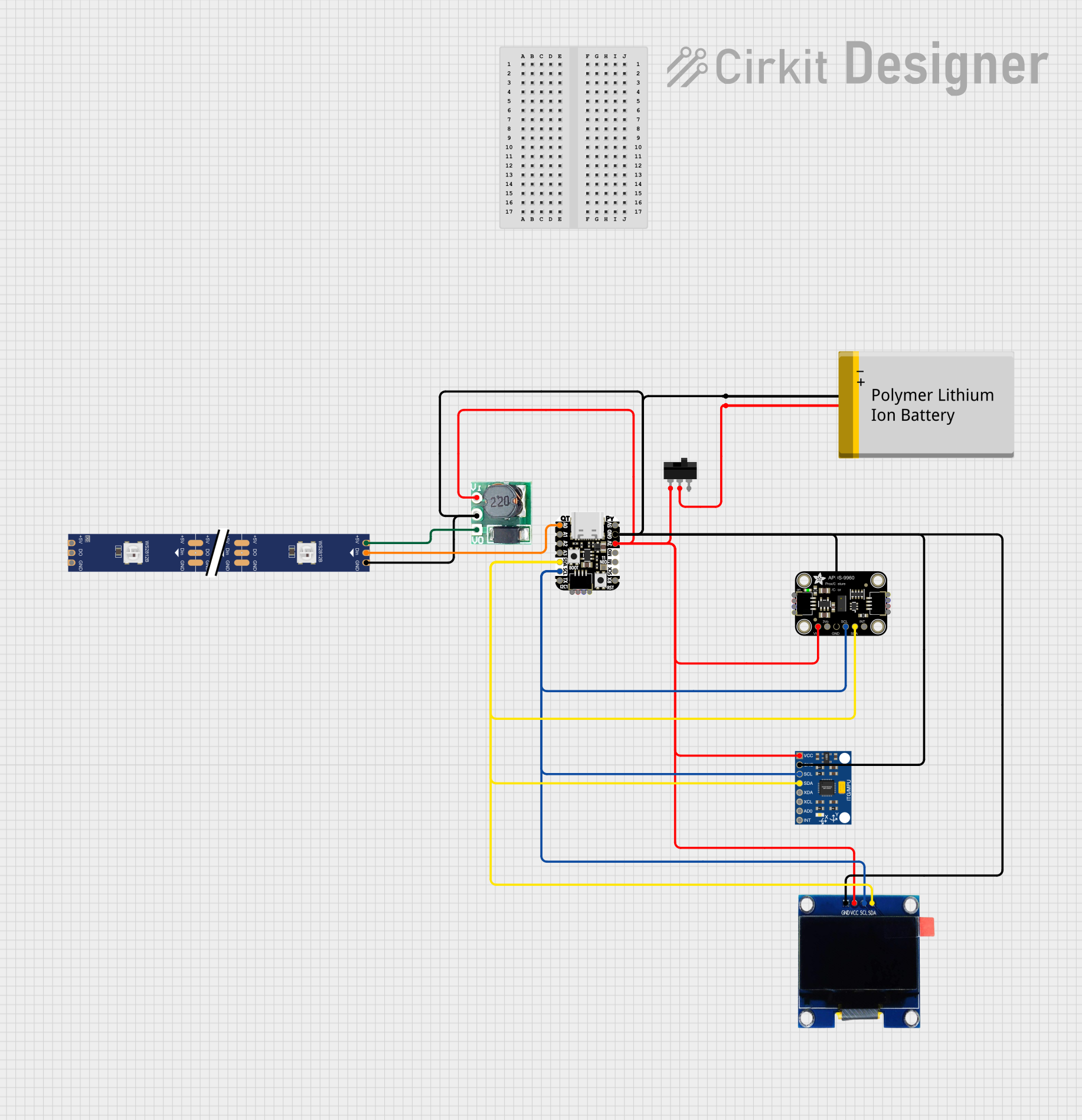 Open Project in Cirkit Designer
 Open Project in Cirkit Designer
Explore Projects Built with RP2040
Open Project in Cirkit DesignerOpen Project in Cirkit DesignerOpen Project in Cirkit DesignerOpen Project in Cirkit DesignerCommon Applications and Use Cases
- IoT (Internet of Things) devices
- Robotics and automation systems
- Wearable technology
- Data logging and sensor interfacing
- Educational and prototyping platforms
- Audio processing and signal control
Technical Specifications
The RP2040 microcontroller is packed with features that make it versatile and powerful for embedded systems. Below are its key technical specifications:
Key Technical Details
| Specification | Value |
|---|---|
| Processor | Dual-core ARM Cortex-M0+ |
| Clock Speed | Up to 133 MHz |
| SRAM | 264 KB |
| Flash Memory | External QSPI flash (up to 16 MB) |
| GPIO Pins | 30 (4 can be used as analog inputs) |
| Communication Interfaces | I2C, SPI, UART, USB 1.1 (Device/Host) |
| PWM Channels | 16 |
| ADC Resolution | 12-bit |
| Operating Voltage | 1.8V to 3.3V |
| Power Supply Options | USB, Li-Po battery, or external power |
| Temperature Range | -20°C to +85°C |
Pin Configuration and Descriptions
The RP2040 has 30 GPIO pins, each of which can be configured for multiple functions. Below is a table summarizing the pin configuration:
| Pin Number | Default Function | Alternate Functions |
|---|---|---|
| GPIO0 | Digital I/O | UART TX, I2C SDA, SPI CS |
| GPIO1 | Digital I/O | UART RX, I2C SCL, SPI CLK |
| GPIO2 | Digital I/O | PWM, ADC Input |
| GPIO3 | Digital I/O | PWM, ADC Input |
| GPIO4 | Digital I/O | PWM, ADC Input |
| GPIO5 | Digital I/O | PWM, ADC Input |
| GPIO6-29 | Digital I/O | Various alternate functions (PWM, I2C) |
For a complete pinout diagram, refer to the official RP2040 datasheet.
Usage Instructions
The RP2040 is designed to be easy to use in a variety of embedded systems. Below are the steps and best practices for integrating it into your project.
How to Use the RP2040 in a Circuit
Powering the RP2040:
- Connect a 5V power source via USB or use an external 3.3V regulator for direct power.
- Ensure proper decoupling capacitors are placed near the power pins to reduce noise.
Connecting Peripherals:
- Use GPIO pins for digital I/O or configure them for alternate functions like UART, SPI, or I2C.
- For analog inputs, connect sensors to GPIO pins 26-29, which support ADC functionality.
Programming the RP2040:
- The RP2040 can be programmed using the C/C++ SDK or MicroPython.
- To upload code, hold the BOOTSEL button while connecting the board to your computer via USB. The RP2040 will appear as a mass storage device. Drag and drop the firmware file to program it.
Important Considerations and Best Practices
- Voltage Levels: Ensure all connected peripherals operate within the RP2040's voltage range (1.8V to 3.3V).
- Clock Configuration: Use the internal crystal oscillator for accurate timing or configure an external clock source if needed.
- Heat Management: While the RP2040 is efficient, ensure proper ventilation or heat dissipation for high-performance applications.
Example Code for Arduino UNO Integration
Although the RP2040 is not directly compatible with Arduino UNO, it can communicate with it via I2C or UART. Below is an example of using the RP2040 as an I2C slave device:
// RP2040 I2C Slave Example
#include <Wire.h>

// Define the I2C address for the RP2040
#define SLAVE_ADDRESS 0x08

void setup() {
  Wire.begin(SLAVE_ADDRESS); // Initialize as I2C slave
  Wire.onRequest(requestEvent); // Register request event handler
  Wire.onReceive(receiveEvent); // Register receive event handler
  Serial.begin(9600); // Initialize serial communication for debugging
}

void loop() {
  // Main loop does nothing; events are handled via interrupts
}

// Function to handle data requests from the master
void requestEvent() {
  Wire.write("Hello from RP2040!"); // Send data to the master
}

// Function to handle data received from the master
void receiveEvent(int bytes) {
  while (Wire.available()) {
    char c = Wire.read(); // Read incoming data
    Serial.print(c); // Print received data to the serial monitor
  }
}
Troubleshooting and FAQs
Common Issues and Solutions
RP2040 Not Detected by Computer:
- Ensure the BOOTSEL button is held down while connecting the board via USB.
- Check the USB cable for data transfer capability (some cables are power-only).
Program Upload Fails:
- Verify that the firmware file is compatible with the RP2040.
- Ensure the board is in bootloader mode before uploading.
Peripheral Communication Issues:
- Double-check wiring and ensure proper pull-up resistors are used for I2C.
- Verify that the GPIO pins are configured correctly for the desired function.
FAQs
Q: Can the RP2040 run Python code?
A: Yes, the RP2040 supports MicroPython, allowing you to write and execute Python scripts directly on the chip.
Q: What is the maximum clock speed of the RP2040?
A: The RP2040 can operate at a maximum clock speed of 133 MHz.
Q: How much external flash memory can the RP2040 support?
A: The RP2040 supports up to 16 MB of external QSPI flash memory.
By following this documentation, you can effectively integrate and utilize the RP2040 in your embedded projects. For more detailed information, refer to the official datasheet and SDK documentation.