
How to Use MCP3204: Examples, Pinouts, and Specs
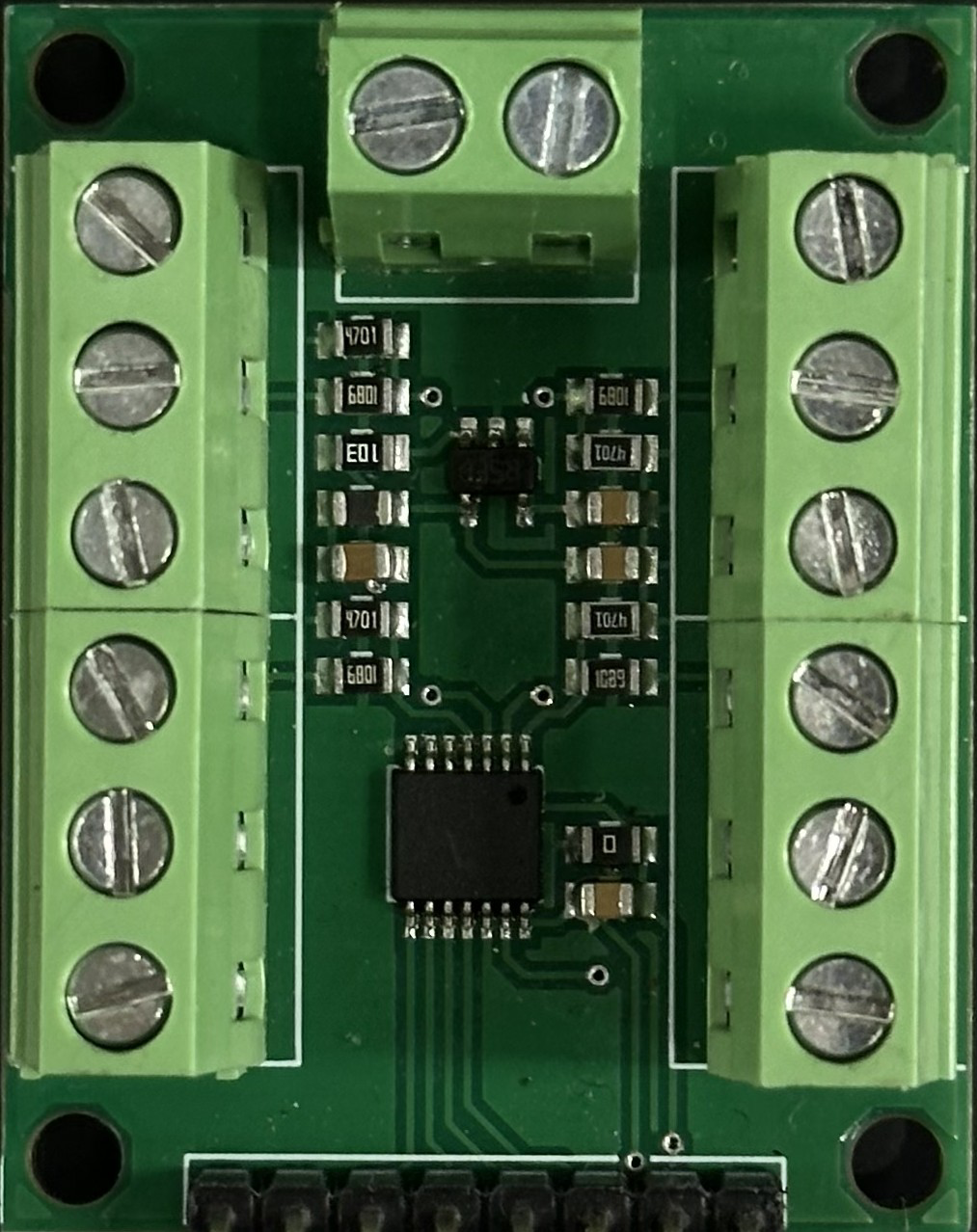
 Design with MCP3204 in Cirkit Designer
Introduction
The MCP3204 is a 12-bit analog-to-digital converter (ADC) manufactured by Microchip. It features a 4-channel input and communicates via a serial peripheral interface (SPI). Designed for low-power applications, the MCP3204 is ideal for battery-operated devices and systems requiring precise analog signal conversion. Its compact design and high resolution make it suitable for a wide range of applications, including sensor interfacing, data acquisition systems, and portable instrumentation.
Explore Projects Built with MCP3204
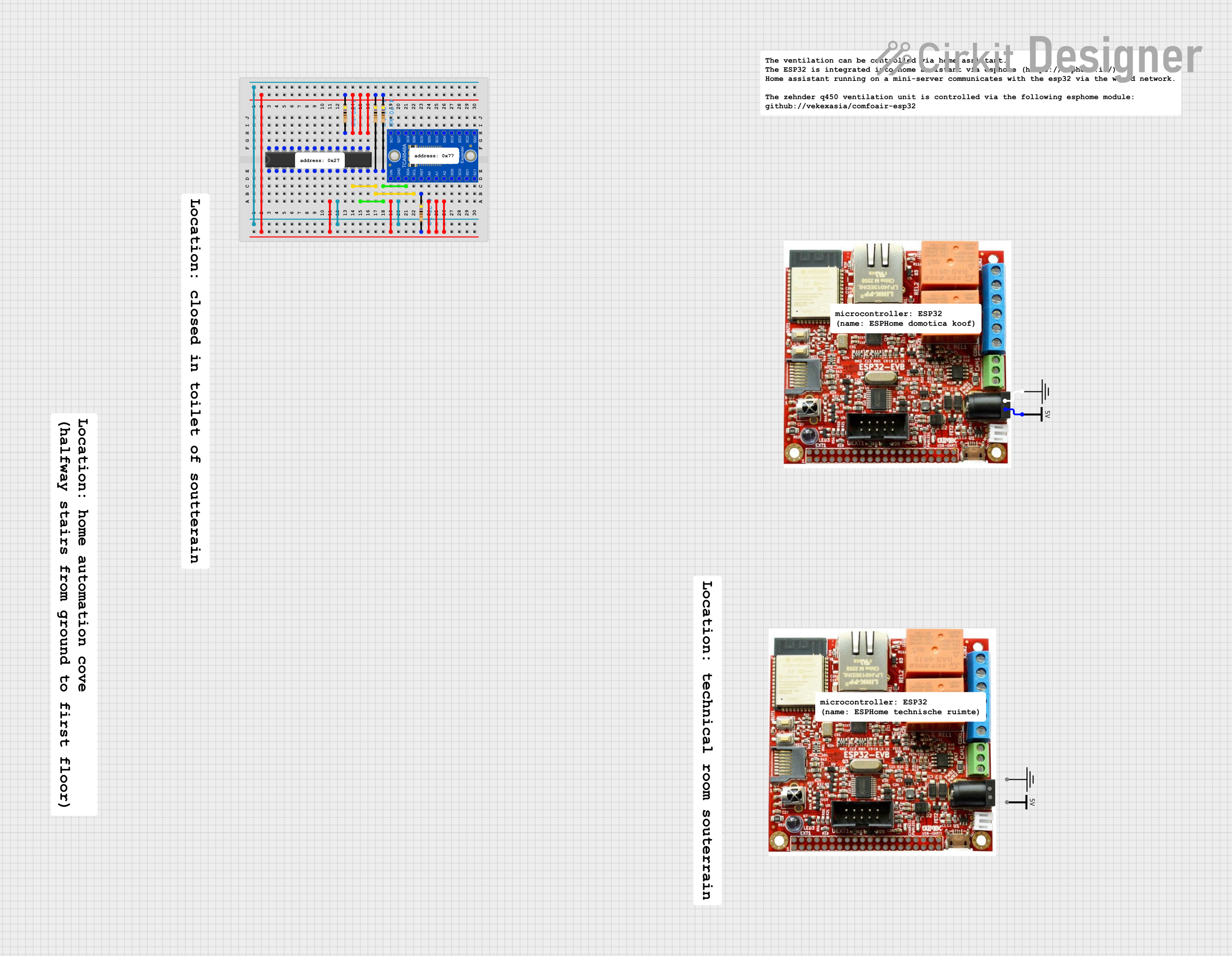 Open Project in Cirkit Designer
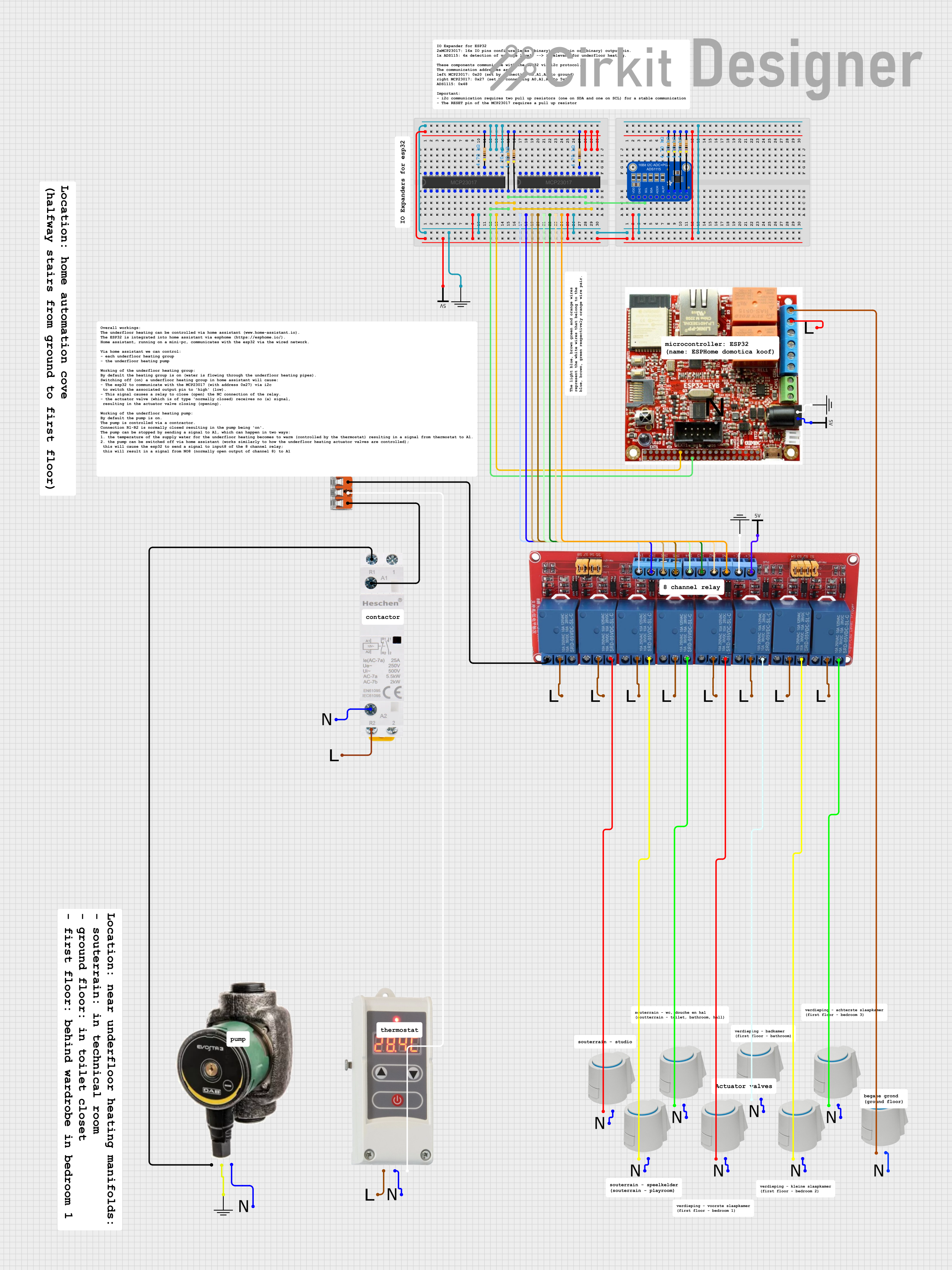 Open Project in Cirkit Designer
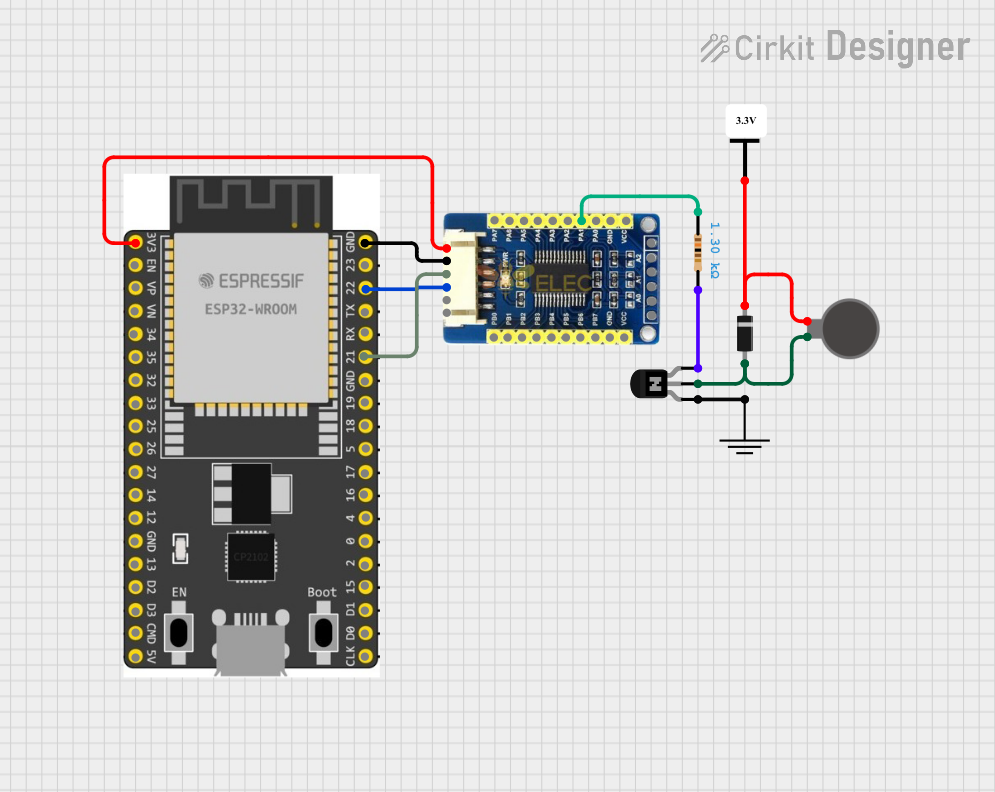 Open Project in Cirkit Designer
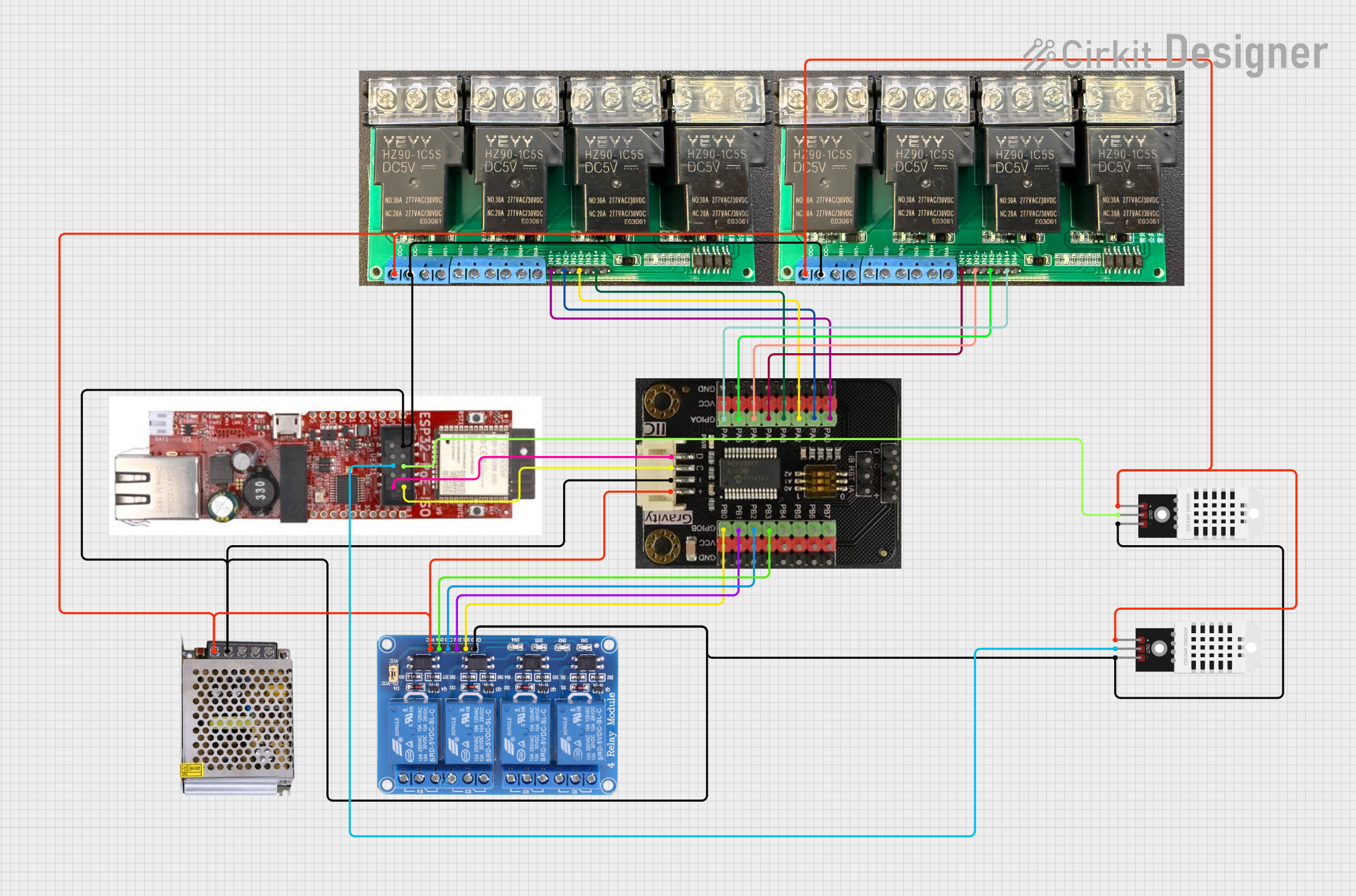 Open Project in Cirkit Designer
Explore Projects Built with MCP3204
Open Project in Cirkit DesignerOpen Project in Cirkit DesignerOpen Project in Cirkit DesignerOpen Project in Cirkit DesignerCommon Applications
- Sensor data acquisition (e.g., temperature, pressure, light sensors)
- Portable medical devices
- Battery-operated systems
- Industrial process control
- IoT devices requiring analog signal conversion
Technical Specifications
The MCP3204 offers reliable performance with the following key specifications:
| Parameter | Value |
|---|---|
| Resolution | 12 bits |
| Number of Input Channels | 4 (single-ended) or 2 (differential) |
| Supply Voltage (VDD) | 2.7V to 5.5V |
| Input Voltage Range | 0V to VREF |
| Reference Voltage (VREF) | 2.5V (typical) |
| Conversion Rate | Up to 100 ksps (kilosamples per second) |
| Interface | SPI |
| Power Consumption (Active) | 400 µA (typical at 5V) |
| Power Consumption (Standby) | 1 µA (typical) |
| Package Options | PDIP, SOIC, TSSOP |
| Operating Temperature Range | -40°C to +85°C |
Pin Configuration and Descriptions
The MCP3204 is available in an 8-pin package. Below is the pinout and description:
| Pin | Name | Type | Description |
|---|---|---|---|
| 1 | VREF | Input | Reference voltage input for ADC conversion |
| 2 | IN+ | Analog Input | Positive input for differential mode |
| 3 | IN- | Analog Input | Negative input for differential mode |
| 4 | VSS | Power | Ground (0V) |
| 5 | DOUT | Digital Output | Serial data output (SPI) |
| 6 | CLK | Digital Input | Serial clock input (SPI) |
| 7 | DIN | Digital Input | Serial data input (SPI) |
| 8 | VDD | Power | Positive supply voltage |
Usage Instructions
How to Use the MCP3204 in a Circuit
- Power Supply: Connect the VDD pin to a stable power source (2.7V to 5.5V) and the VSS pin to ground.
- Reference Voltage: Provide a stable reference voltage to the VREF pin. This determines the ADC's input range (e.g., 0V to VREF).
- Input Configuration: Connect the analog signals to the input channels (IN+ and IN- for differential mode or any of the 4 channels for single-ended mode).
- SPI Communication: Connect the SPI pins (DIN, DOUT, CLK) to a microcontroller or processor. Ensure proper SPI settings (Mode 0 or Mode 3).
- Start Conversion: Send the appropriate command via SPI to select the input channel and start the conversion process. The 12-bit digital result will be available on the DOUT pin.
Important Considerations
- Input Impedance: Ensure the source impedance of the analog signal is low to avoid errors in conversion.
- Decoupling Capacitors: Place a 0.1 µF ceramic capacitor close to the VDD and VREF pins for noise reduction.
- SPI Clock Speed: The SPI clock frequency should not exceed 1.6 MHz for proper operation.
- Unused Channels: If any input channels are unused, connect them to ground to avoid noise interference.
Example: Interfacing MCP3204 with Arduino UNO
Below is an example of how to interface the MCP3204 with an Arduino UNO to read an analog signal from channel 0.
Circuit Connections
- MCP3204
VDDto Arduino5V - MCP3204
VSSto ArduinoGND - MCP3204
VREFto Arduino5V - MCP3204
DINto ArduinoD11(MOSI) - MCP3204
DOUTto ArduinoD12(MISO) - MCP3204
CLKto ArduinoD13(SCK) - MCP3204
CS(Chip Select) to ArduinoD10
Arduino Code
#include <SPI.h>

// Define MCP3204 Chip Select (CS) pin
const int CS_PIN = 10;

void setup() {
  // Initialize SPI communication
  SPI.begin();
  pinMode(CS_PIN, OUTPUT);
  digitalWrite(CS_PIN, HIGH); // Set CS pin high (inactive)
  Serial.begin(9600); // Initialize serial communication for debugging
}

uint16_t readMCP3204(uint8_t channel) {
  // Ensure the channel is valid (0 to 3)
  if (channel > 3) return 0;

  // Build the command byte
  uint8_t command = 0b00000110 | (channel >> 2); // Start bit + single-ended mode
  uint8_t channelBits = (channel & 0b11) << 6;  // Channel selection bits

  // Start SPI communication
  digitalWrite(CS_PIN, LOW);

  // Send command and receive data
  SPI.transfer(command); // Send start bit and mode
  uint8_t highByte = SPI.transfer(channelBits); // Send channel bits, receive high byte
  uint8_t lowByte = SPI.transfer(0x00); // Receive low byte

  // End SPI communication
  digitalWrite(CS_PIN, HIGH);

  // Combine high and low bytes into a 12-bit result
  uint16_t result = ((highByte & 0x0F) << 8) | lowByte;
  return result;
}

void loop() {
  // Read analog value from channel 0
  uint16_t adcValue = readMCP3204(0);

  // Print the ADC value to the serial monitor
  Serial.print("ADC Value: ");
  Serial.println(adcValue);

  delay(500); // Wait for 500ms before the next reading
}
Troubleshooting and FAQs
Common Issues
No Output or Incorrect Values:
- Ensure the SPI connections (MOSI, MISO, SCK, CS) are correct.
- Verify the reference voltage (VREF) is stable and within the specified range.
- Check the SPI clock speed; it should not exceed 1.6 MHz.
Noise in ADC Readings:
- Use decoupling capacitors near the VDD and VREF pins.
- Ensure proper grounding and minimize noise in the analog signal source.
Channel Selection Not Working:
- Verify the SPI command format and ensure the correct channel bits are sent.
FAQs
Q: Can the MCP3204 operate with a 3.3V supply?
A: Yes, the MCP3204 can operate with a supply voltage as low as 2.7V. Ensure the reference voltage (VREF) and input signals are within the supply range.
Q: What is the maximum sampling rate of the MCP3204?
A: The maximum sampling rate is 100 ksps, but this depends on the SPI clock speed and system configuration.
Q: Can I use the MCP3204 in differential mode?
A: Yes, the MCP3204 supports differential mode. Use the IN+ and IN- pins for differential input signals.