
How to Use NRF24L01: Examples, Pinouts, and Specs
 Design with NRF24L01 in Cirkit Designer
Introduction
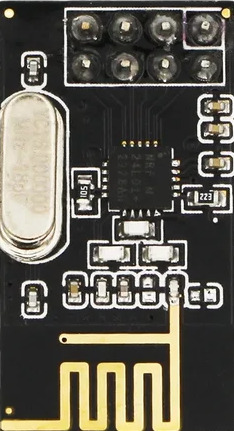
The NRF24L01 is a low-power 2.4 GHz transceiver module designed for wireless communication in embedded systems. Manufactured by NRF, this module is widely used for creating wireless links between microcontrollers, sensors, and other devices. It supports multiple data rates (250 kbps, 1 Mbps, and 2 Mbps) and offers a communication range of up to 100 meters in open space. Its compact size, low power consumption, and robust communication capabilities make it a popular choice for IoT projects, remote controls, and wireless sensor networks.
Explore Projects Built with NRF24L01
 Open Project in Cirkit Designer
 Open Project in Cirkit Designer
 Open Project in Cirkit Designer
 Open Project in Cirkit Designer
Explore Projects Built with NRF24L01
Open Project in Cirkit DesignerOpen Project in Cirkit DesignerOpen Project in Cirkit DesignerOpen Project in Cirkit DesignerCommon Applications
- Wireless sensor networks
- Internet of Things (IoT) devices
- Remote controls for drones, robots, and appliances
- Home automation systems
- Wireless data logging and monitoring
Technical Specifications
The NRF24L01 module is built for efficient and reliable wireless communication. Below are its key technical details:
| Parameter | Value |
|---|---|
| Operating Frequency | 2.4 GHz ISM band |
| Data Rates | 250 kbps, 1 Mbps, 2 Mbps |
| Operating Voltage | 1.9V to 3.6V |
| Maximum Current | 13.5 mA (at 0 dBm output power) |
| Sleep Mode Current | 900 nA |
| Communication Range | Up to 100 meters (line of sight) |
| Modulation Technique | GFSK (Gaussian Frequency Shift Keying) |
| Number of Channels | 125 |
| SPI Clock Speed | Up to 10 MHz |
| Dimensions | 15 mm x 29 mm |
Pin Configuration and Descriptions
The NRF24L01 module has 8 pins, as described in the table below:
| Pin | Name | Description |
|---|---|---|
| 1 | GND | Ground connection |
| 2 | VCC | Power supply (1.9V to 3.6V, typically 3.3V) |
| 3 | CE | Chip Enable: Activates RX or TX mode |
| 4 | CSN | Chip Select Not: Enables SPI communication when pulled low |
| 5 | SCK | Serial Clock: Clock signal for SPI communication |
| 6 | MOSI | Master Out Slave In: Data input to the NRF24L01 from the microcontroller |
| 7 | MISO | Master In Slave Out: Data output from the NRF24L01 to the microcontroller |
| 8 | IRQ | Interrupt Request: Indicates data received or transmission complete (optional) |
Usage Instructions
How to Use the NRF24L01 in a Circuit
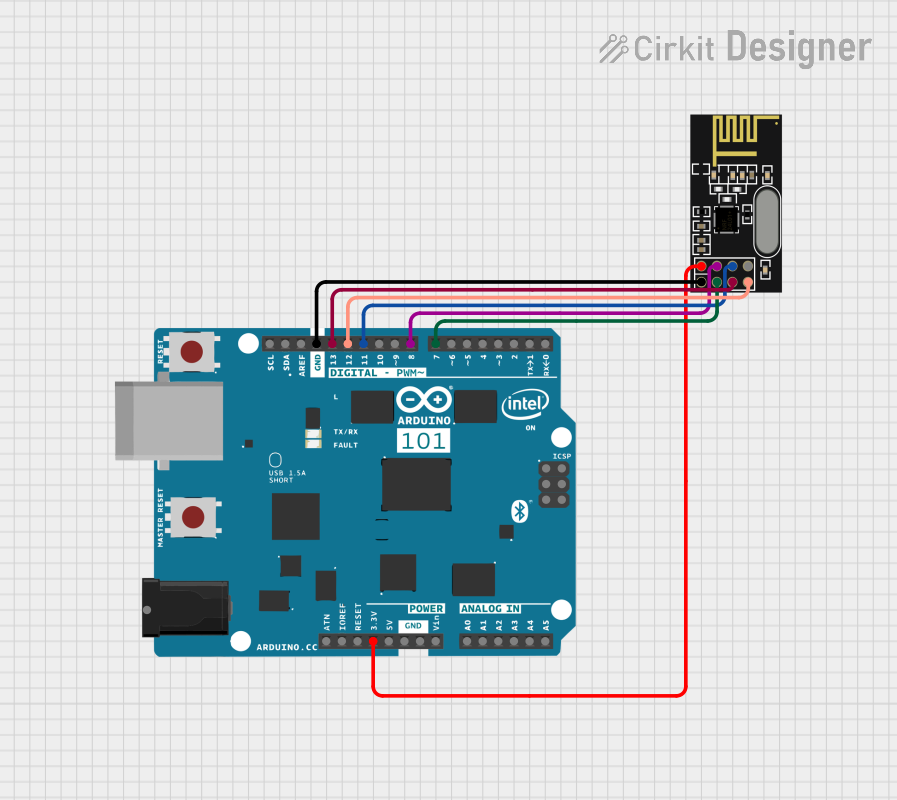
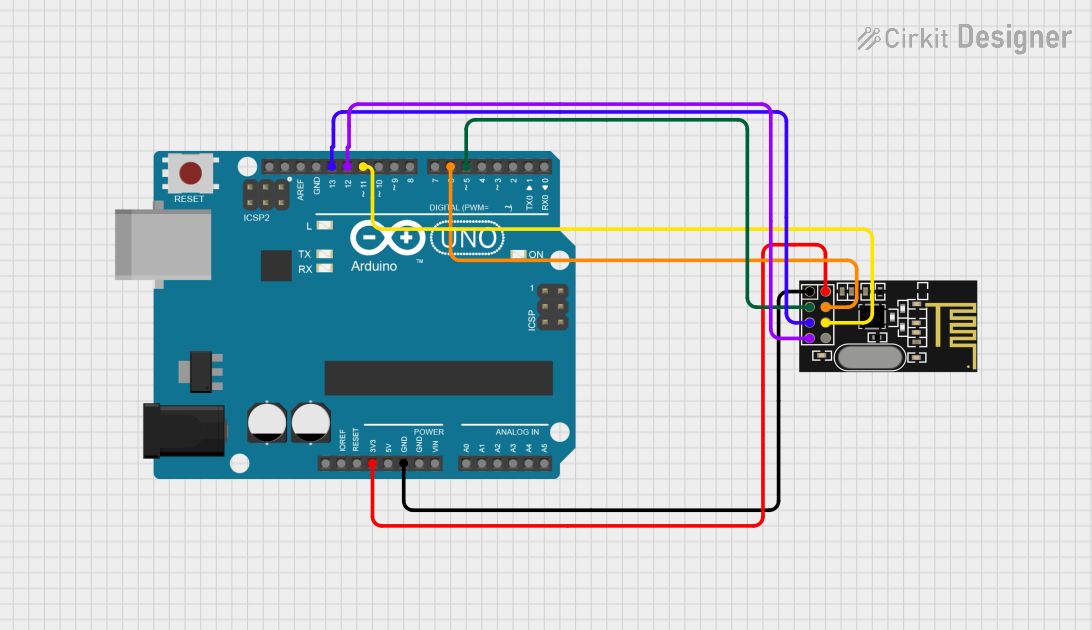
- Power Supply: Connect the VCC pin to a 3.3V power source. Do not connect it directly to 5V as it may damage the module. Use a 3.3V regulator if your microcontroller operates at 5V.
- SPI Interface: Connect the SCK, MOSI, MISO, and CSN pins to the corresponding SPI pins on your microcontroller.
- CE Pin: Use a GPIO pin on your microcontroller to control the CE pin. Pull it high to enable transmission or reception.
- IRQ Pin: Optionally connect the IRQ pin to a GPIO pin to handle interrupts for events like data reception or transmission completion.
- Antenna: Ensure the onboard PCB antenna is not obstructed for optimal range and performance.
Best Practices
- Use decoupling capacitors (e.g., 10 µF and 0.1 µF) between VCC and GND to stabilize the power supply.
- Keep the module away from metal objects or other RF sources to minimize interference.
- Use a dedicated 3.3V power supply for the module if possible, as it can draw significant current during transmission.
Example Code for Arduino UNO
Below is an example of how to use the NRF24L01 module with an Arduino UNO for basic communication. This example uses the popular RF24 library.
#include <SPI.h>
#include <nRF24L01.h>
#include <RF24.h>

// Define the CE and CSN pins for the NRF24L01 module
#define CE_PIN 9
#define CSN_PIN 10

// Create an RF24 object
RF24 radio(CE_PIN, CSN_PIN);

// Define the address for communication
const byte address[6] = "00001";

void setup() {
  Serial.begin(9600); // Initialize serial communication
  radio.begin();      // Initialize the NRF24L01 module
  radio.openWritingPipe(address); // Set the address for transmission
  radio.setPALevel(RF24_PA_LOW);  // Set power level to low
  radio.stopListening();          // Set the module to transmit mode
}

void loop() {
  const char text[] = "Hello, world!"; // Message to send
  bool success = radio.write(&text, sizeof(text)); // Send the message

  if (success) {
    Serial.println("Message sent successfully!");
  } else {
    Serial.println("Message failed to send.");
  }

  delay(1000); // Wait 1 second before sending the next message
}
Notes
- Install the RF24 library in the Arduino IDE before using the code. You can find it in the Library Manager.
- Adjust the CE and CSN pin definitions if you are using different GPIO pins.
Troubleshooting and FAQs
Common Issues
No Communication Between Modules
- Ensure both modules are using the same address and data rate.
- Verify the wiring, especially the SPI connections.
- Check the power supply voltage and current capability.
Short Communication Range
- Ensure the antenna is unobstructed and positioned correctly.
- Reduce interference by moving the module away from other RF devices.
- Use a lower data rate (e.g., 250 kbps) for better range.
Module Not Responding
- Verify that the VCC pin is connected to a 3.3V power source.
- Check the CE and CSN pin connections to the microcontroller.
- Ensure the SPI clock speed does not exceed 10 MHz.
FAQs
Q: Can the NRF24L01 work with a 5V microcontroller?
A: Yes, but you must use a 3.3V regulator for the VCC pin and level shifters for the SPI pins to avoid damaging the module.
Q: How many devices can communicate with one NRF24L01 module?
A: The module supports up to 6 simultaneous data pipes, allowing communication with up to 6 devices.
Q: What is the maximum range of the NRF24L01?
A: The maximum range is approximately 100 meters in open space. However, obstacles and interference can reduce the range.
Q: Can I use multiple NRF24L01 modules in the same area?
A: Yes, the module supports 125 channels, allowing multiple devices to operate without interference. Ensure each pair uses a unique channel.