
How to Use Raspberry Pi 5: Examples, Pinouts, and Specs
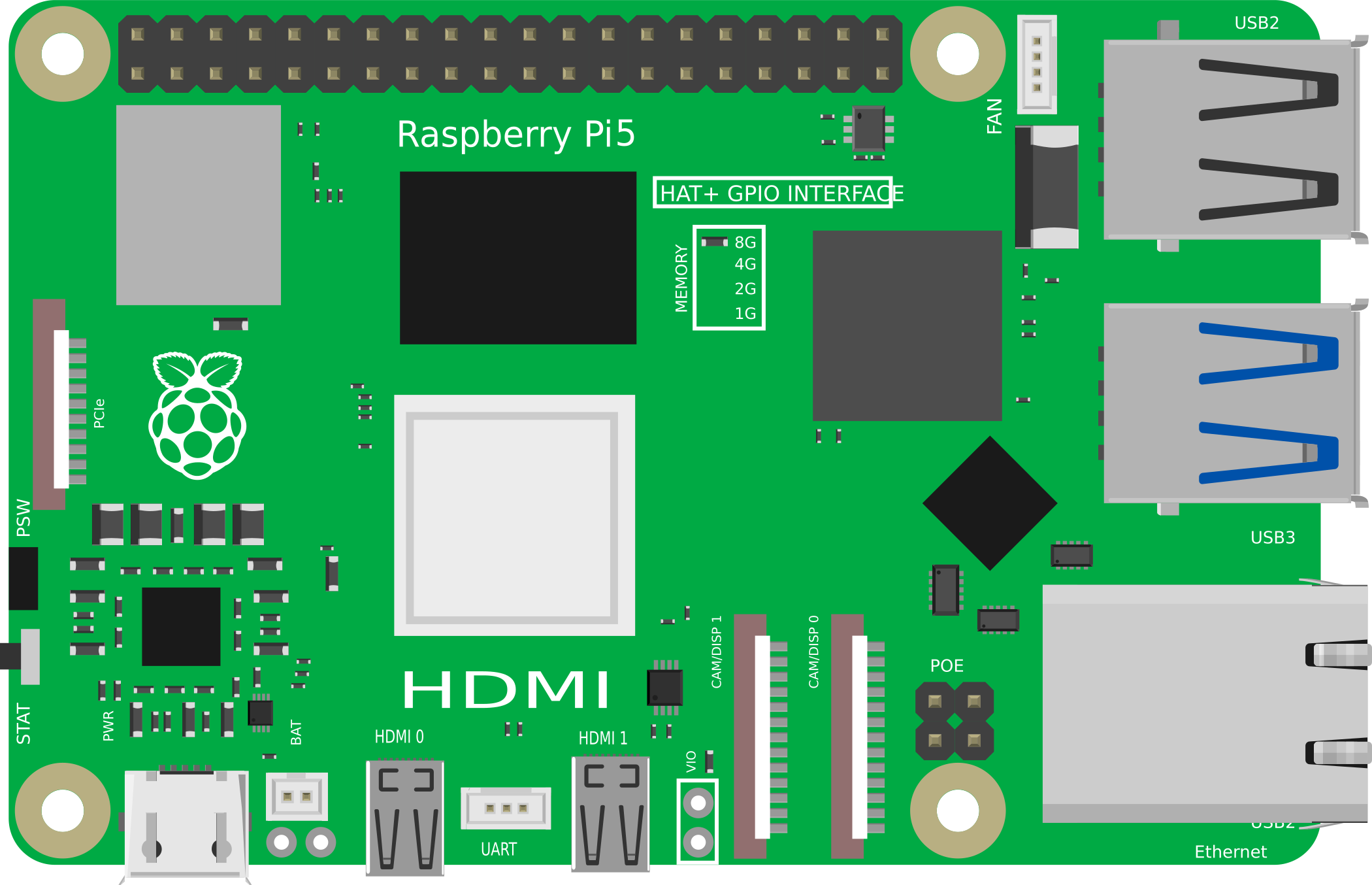
 Design with Raspberry Pi 5 in Cirkit Designer
Introduction
The Raspberry Pi 5 is a compact, affordable single-board computer designed to provide powerful computing capabilities in a small form factor. It features a quad-core processor, improved graphics performance, and enhanced connectivity options, making it an excellent choice for a wide range of applications. Whether you're a hobbyist, educator, or professional, the Raspberry Pi 5 is ideal for projects such as programming, IoT (Internet of Things) applications, media centers, robotics, and more.
Explore Projects Built with Raspberry Pi 5
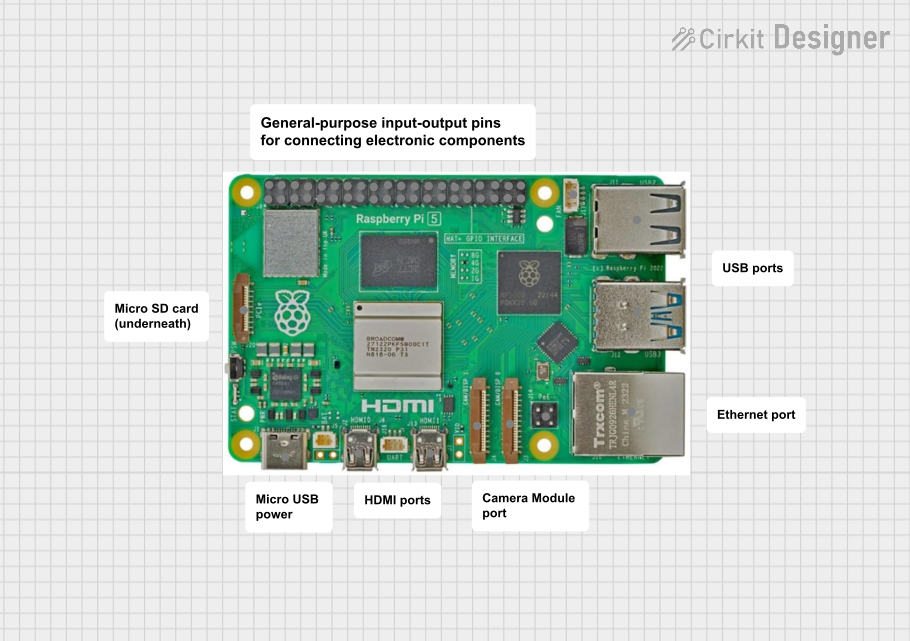 Open Project in Cirkit Designer
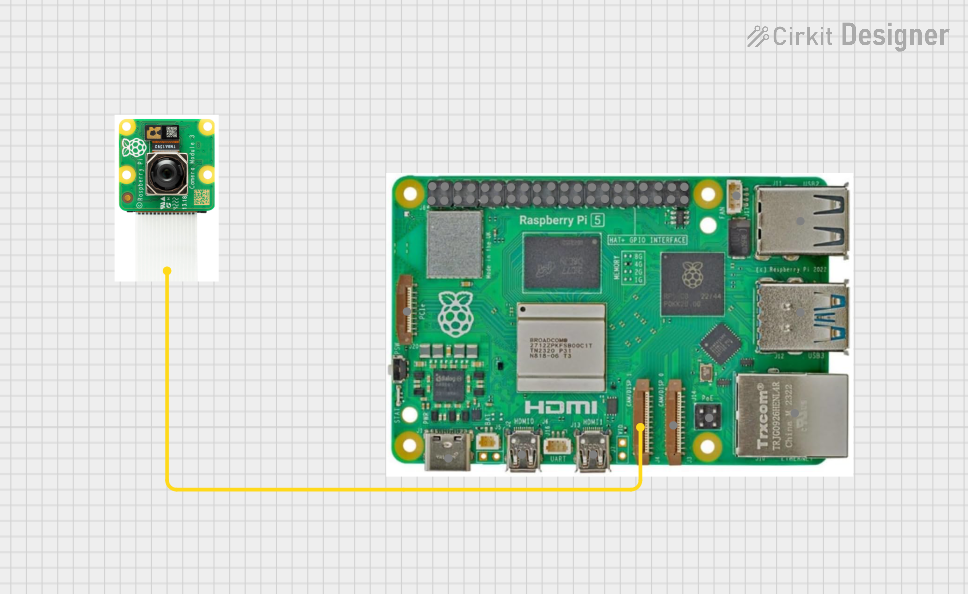 Open Project in Cirkit Designer
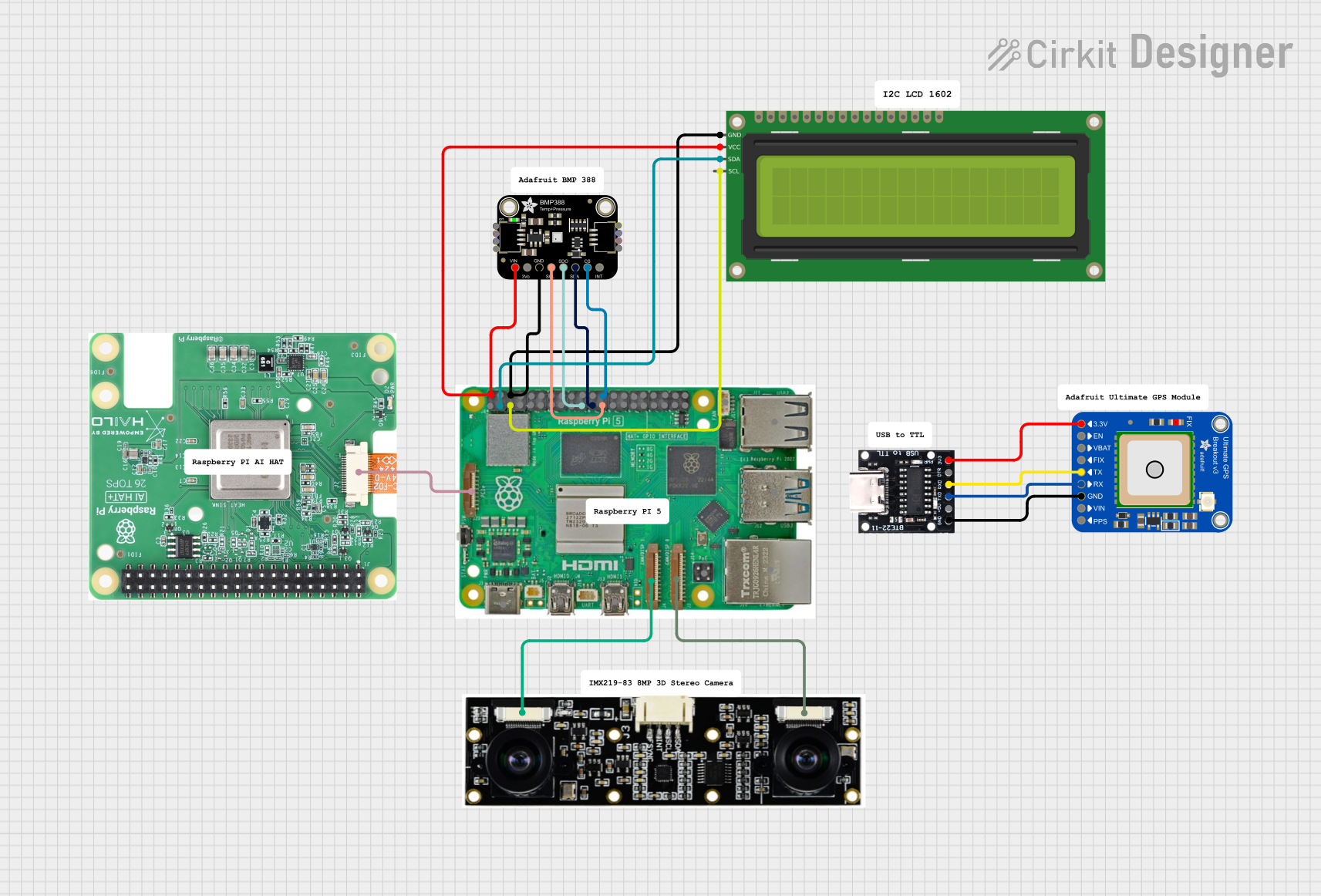 Open Project in Cirkit Designer
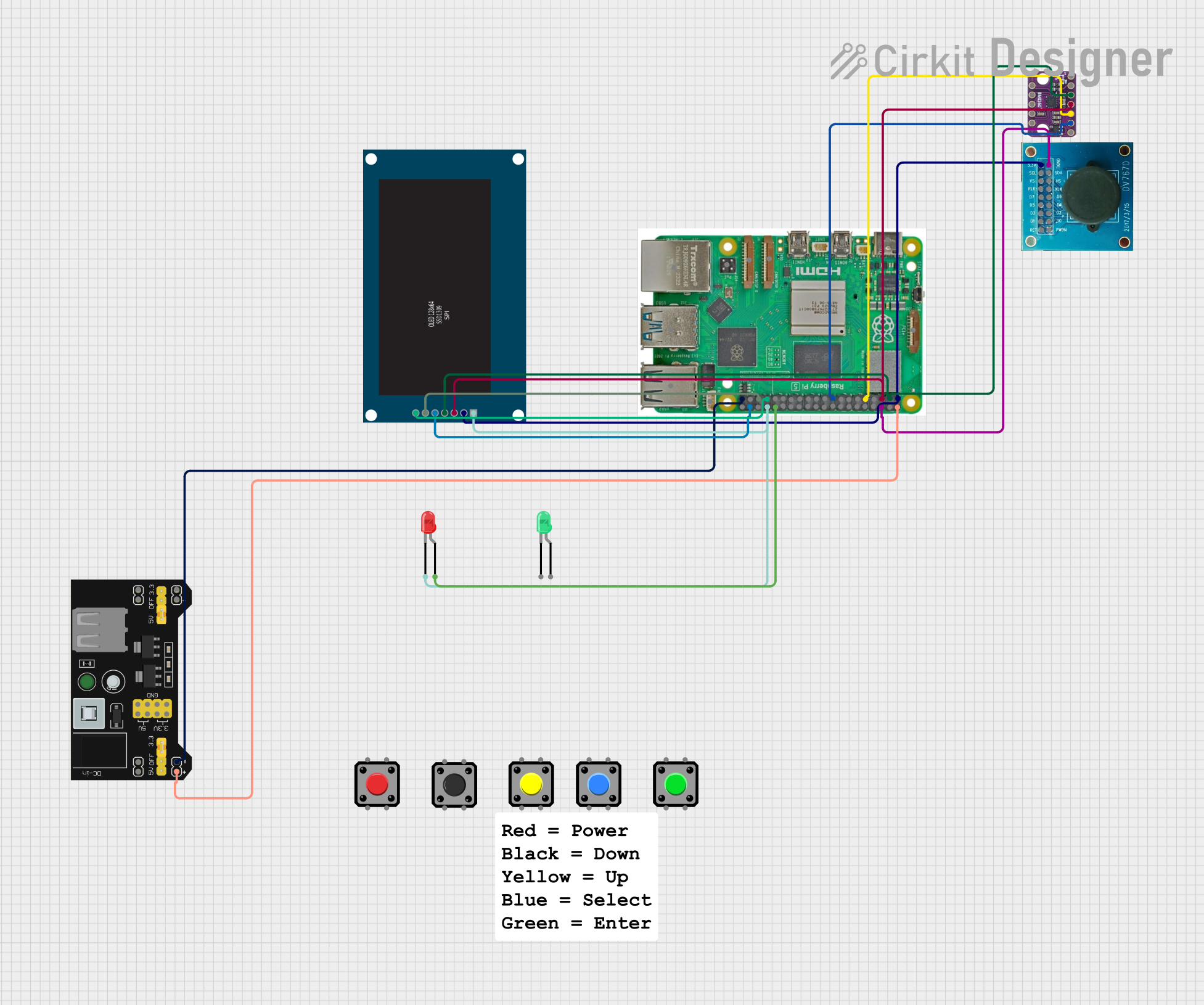 Open Project in Cirkit Designer
Explore Projects Built with Raspberry Pi 5
Open Project in Cirkit DesignerOpen Project in Cirkit DesignerOpen Project in Cirkit DesignerOpen Project in Cirkit DesignerTechnical Specifications
The Raspberry Pi 5 offers significant improvements over its predecessors, delivering better performance and versatility. Below are the key technical details:
General Specifications
| Feature | Specification |
|---|---|
| Processor | Quad-core ARM Cortex-A76, 2.4 GHz |
| GPU | VideoCore VII, supporting 4K video playback |
| RAM Options | 4GB, 8GB, or 16GB LPDDR4X |
| Storage | MicroSD card slot, PCIe Gen 2 for SSD support |
| Connectivity | Gigabit Ethernet, Wi-Fi 6, Bluetooth 5.2 |
| USB Ports | 2x USB 3.0, 2x USB 2.0 |
| Display Output | 2x micro-HDMI ports (4K@60Hz) |
| GPIO Pins | 40-pin header (backward compatible) |
| Power Supply | USB-C (5V, 5A recommended) |
| Dimensions | 85.6mm x 56.5mm x 18mm |
GPIO Pin Configuration
The Raspberry Pi 5 features a 40-pin GPIO header, which is backward compatible with previous Raspberry Pi models. Below is the pinout configuration:
| Pin Number | Function | Description |
|---|---|---|
| 1 | 3.3V Power | Provides 3.3V power |
| 2 | 5V Power | Provides 5V power |
| 3 | GPIO 2 (SDA1) | I2C Data |
| 4 | 5V Power | Provides 5V power |
| 5 | GPIO 3 (SCL1) | I2C Clock |
| 6 | Ground | Ground |
| 7 | GPIO 4 | General-purpose I/O |
| 8 | GPIO 14 (TXD) | UART Transmit |
| 9 | Ground | Ground |
| 10 | GPIO 15 (RXD) | UART Receive |
| ... | ... | ... (Refer to official documentation for full pinout) |
Usage Instructions
The Raspberry Pi 5 is versatile and can be used in various projects. Below are the steps to get started and some best practices:
Getting Started
Prepare the Hardware:
- Insert a microSD card with a pre-installed Raspberry Pi OS.
- Connect peripherals such as a keyboard, mouse, and monitor.
- Attach the power supply via the USB-C port.
Boot the Raspberry Pi:
- Power on the Raspberry Pi by connecting it to a power source.
- Follow the on-screen instructions to complete the initial setup.
Access GPIO Pins:
- Use the GPIO pins for interfacing with external components like LEDs, sensors, and motors.
- Ensure proper pin mapping and voltage levels to avoid damage.
Example: Blinking an LED with GPIO
Below is an example of how to blink an LED using Python on the Raspberry Pi 5:
Import the GPIO library and time module
import RPi.GPIO as GPIO import time
Set the GPIO mode to BCM (Broadcom pin numbering)
GPIO.setmode(GPIO.BCM)
Define the GPIO pin connected to the LED
LED_PIN = 18
Set up the LED pin as an output
GPIO.setup(LED_PIN, GPIO.OUT)
Blink the LED in a loop
try: while True: GPIO.output(LED_PIN, GPIO.HIGH) # Turn the LED on time.sleep(1) # Wait for 1 second GPIO.output(LED_PIN, GPIO.LOW) # Turn the LED off time.sleep(1) # Wait for 1 second except KeyboardInterrupt: # Clean up GPIO settings when the program is interrupted GPIO.cleanup()
Best Practices
- Use a high-quality power supply to ensure stable operation.
- Avoid connecting components directly to GPIO pins without proper resistors or protection circuits.
- Regularly update the Raspberry Pi OS for security and performance improvements.
Troubleshooting and FAQs
Common Issues
The Raspberry Pi does not boot:
- Ensure the microSD card is properly inserted and contains a valid OS image.
- Check the power supply for sufficient voltage and current.
No display output:
- Verify that the HDMI cable is securely connected.
- Ensure the monitor is set to the correct input source.
GPIO pins not working:
- Double-check the pin configuration and connections.
- Ensure the GPIO library is installed and properly configured.
FAQs
Q: Can I use the Raspberry Pi 5 for AI/ML projects?
A: Yes, the Raspberry Pi 5's improved processing power and GPU make it suitable for lightweight AI/ML tasks.
Q: Is the Raspberry Pi 5 compatible with older HATs and accessories?
A: Yes, the 40-pin GPIO header is backward compatible with previous Raspberry Pi models.
Q: What operating systems are supported?
A: The Raspberry Pi 5 supports Raspberry Pi OS, Ubuntu, and other Linux-based distributions.
By following this documentation, you can unlock the full potential of the Raspberry Pi 5 for your projects!