Introduction
An AC single phase motor is an electric motor that operates on a single-phase alternating current (AC) power supply. Manufactured by Songle with the part ID 11, this motor is widely used in household appliances and small machinery due to its simplicity, reliability, and efficiency. It is ideal for applications requiring moderate power output and consistent performance.
Common Applications
- Ceiling fans
- Air conditioners
- Washing machines
- Pumps
- Small industrial machinery
Technical Specifications
Key Technical Details
Pin Configuration and Descriptions
AC single phase motors typically have two or more terminals for connection. Below is a general description of the terminals:
Note: The exact pin configuration may vary depending on the specific motor model. Always refer to the datasheet provided by the manufacturer.
Usage Instructions
How to Use the Component in a Circuit
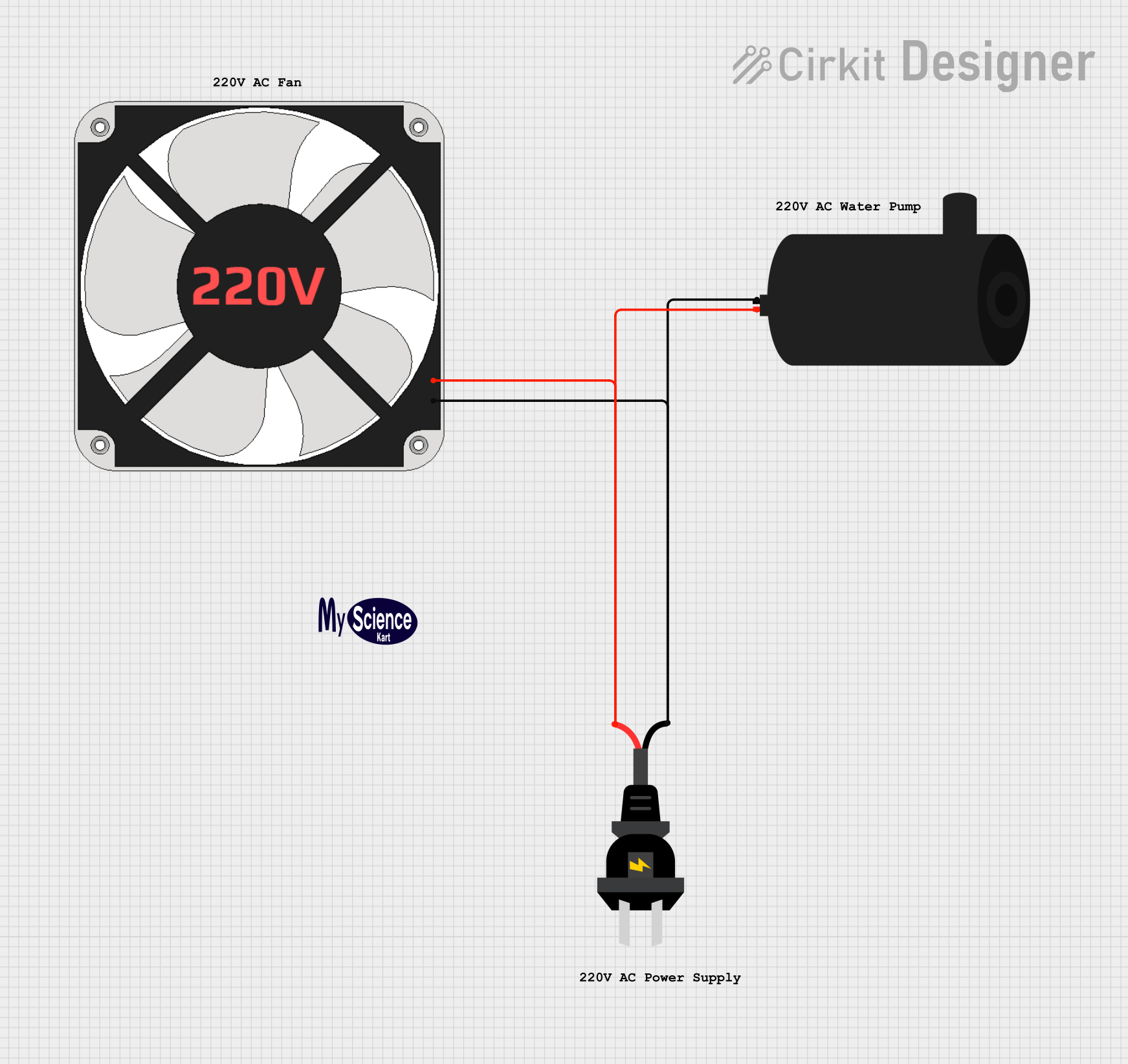
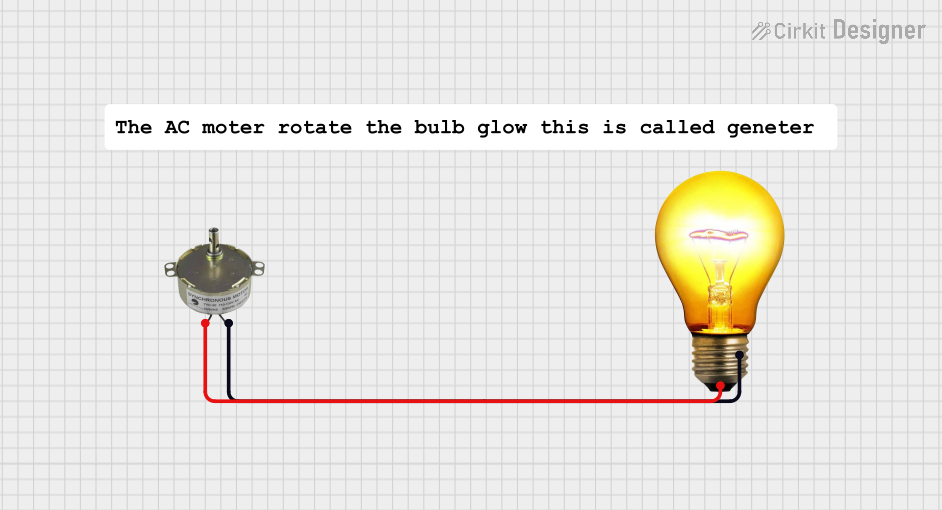
- Power Supply Connection: Connect the live (L) and neutral (N) wires of the AC power supply to the corresponding terminals on the motor.
- Starting Mechanism: If the motor uses a capacitor start, connect the capacitor to the start winding terminal as specified in the wiring diagram.
- Grounding: Ensure the ground terminal is securely connected to the earth ground for safety.
- Load Connection: Attach the mechanical load (e.g., fan blades, pump impeller) to the motor shaft.
- Switching: Use a suitable switch or relay to control the motor's operation.
Important Considerations and Best Practices
- Voltage Compatibility: Ensure the motor's rated voltage matches the supply voltage.
- Overload Protection: Use a circuit breaker or thermal overload relay to protect the motor from overcurrent.
- Proper Ventilation: Install the motor in a well-ventilated area to prevent overheating.
- Wiring Safety: Double-check all connections to avoid short circuits or loose wiring.
- Startup Load: Avoid excessive load during startup to prevent damage to the motor.
Example: Controlling the Motor with an Arduino UNO
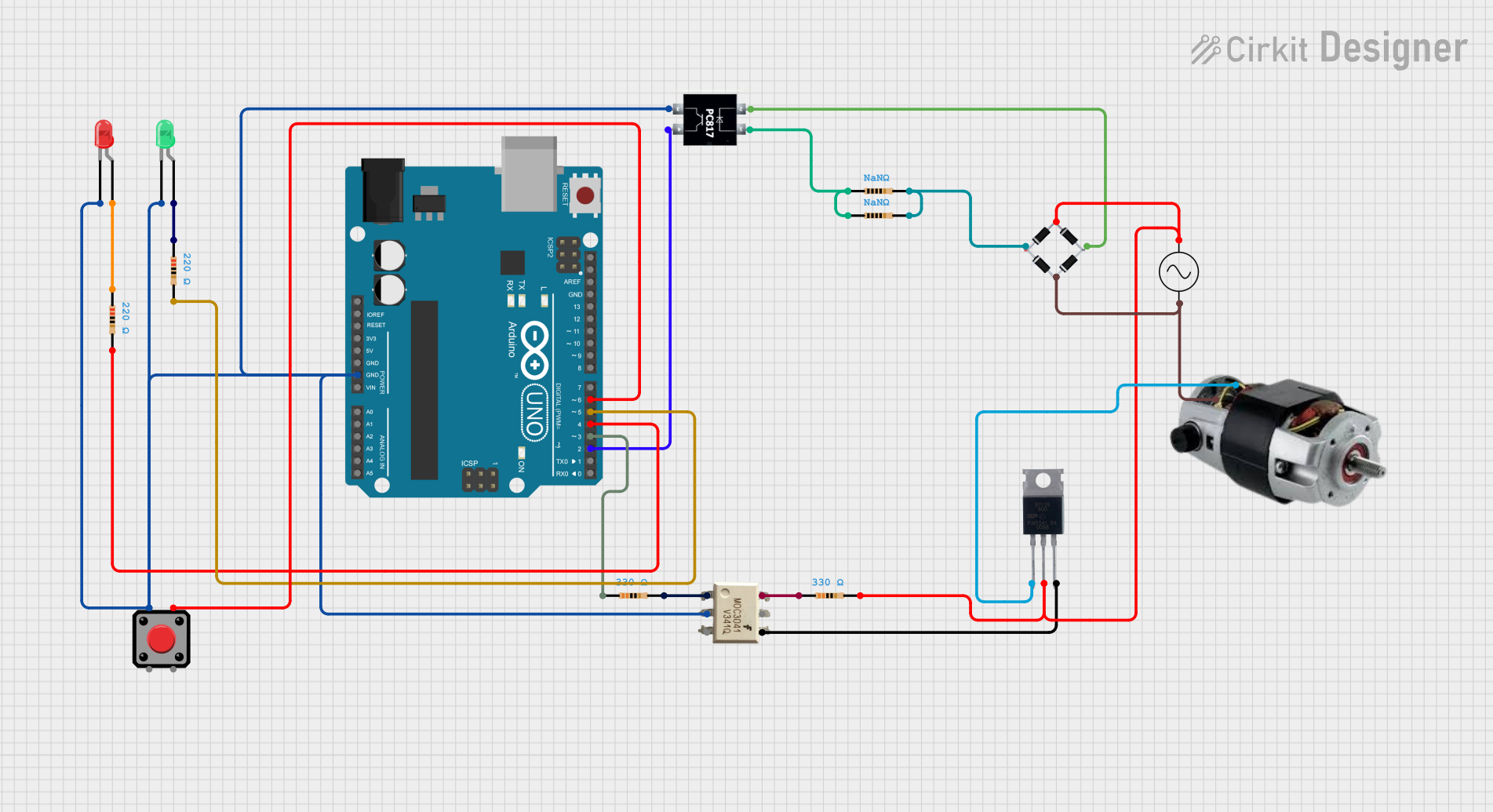
While AC motors are not directly controlled by microcontrollers like the Arduino UNO, you can use a relay module to switch the motor on and off. Below is an example code snippet:
// Example: Controlling an AC single phase motor with Arduino UNO
// This code uses a relay module to switch the motor on and off.

const int relayPin = 7; // Pin connected to the relay module

void setup() {
  pinMode(relayPin, OUTPUT); // Set relay pin as output
  digitalWrite(relayPin, LOW); // Ensure relay is off at startup
}

void loop() {
  digitalWrite(relayPin, HIGH); // Turn on the motor
  delay(5000); // Keep the motor running for 5 seconds
  digitalWrite(relayPin, LOW); // Turn off the motor
  delay(5000); // Wait for 5 seconds before restarting
}
Note: Ensure the relay module is rated for the motor's voltage and current. Use proper isolation techniques to protect the Arduino from high-voltage AC.
Troubleshooting and FAQs
Common Issues and Solutions
FAQs
Can I use this motor with a variable frequency drive (VFD)?
- Most single-phase motors are not compatible with VFDs. Consult the manufacturer for specific models that support VFD operation.
What type of capacitor should I use for a capacitor start motor?
- Use a capacitor with the voltage and capacitance rating specified in the motor's datasheet.
How do I determine the correct wiring for my motor?
- Refer to the wiring diagram provided by the manufacturer or printed on the motor's nameplate.
Can I reverse the direction of the motor?
- Yes, reversing the connections of the start winding can change the motor's direction. Consult the wiring diagram for details.
By following this documentation, you can effectively use and troubleshoot the Songle AC single phase motor (Part ID: 11) in your applications.


 Open Project in Cirkit Designer