
How to Use 7 inch DSI display modul for raspberry PI: Examples, Pinouts, and Specs
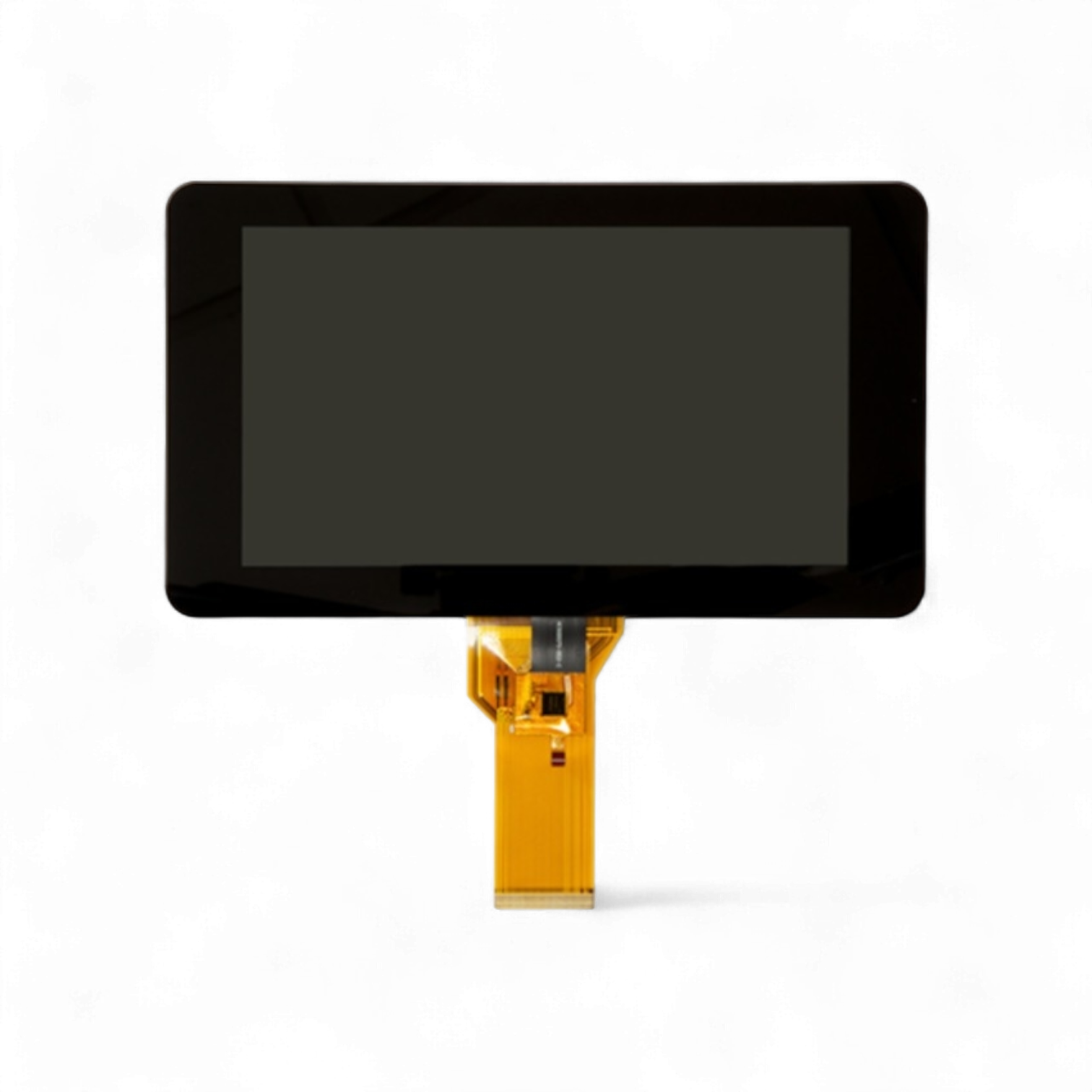
 Design with 7 inch DSI display modul for raspberry PI in Cirkit Designer
Introduction
The 7-inch DSI (Display Serial Interface) Display Module is a high-quality touchscreen designed specifically for Raspberry Pi boards. Manufactured by Raspberry Pi, this display offers a seamless interface for creating interactive projects, such as kiosks, home automation systems, and portable computing devices. With its high-speed DSI interface, the display ensures smooth data transfer and excellent visual performance.
Explore Projects Built with 7 inch DSI display modul for raspberry PI
 Open Project in Cirkit Designer
 Open Project in Cirkit Designer
 Open Project in Cirkit Designer
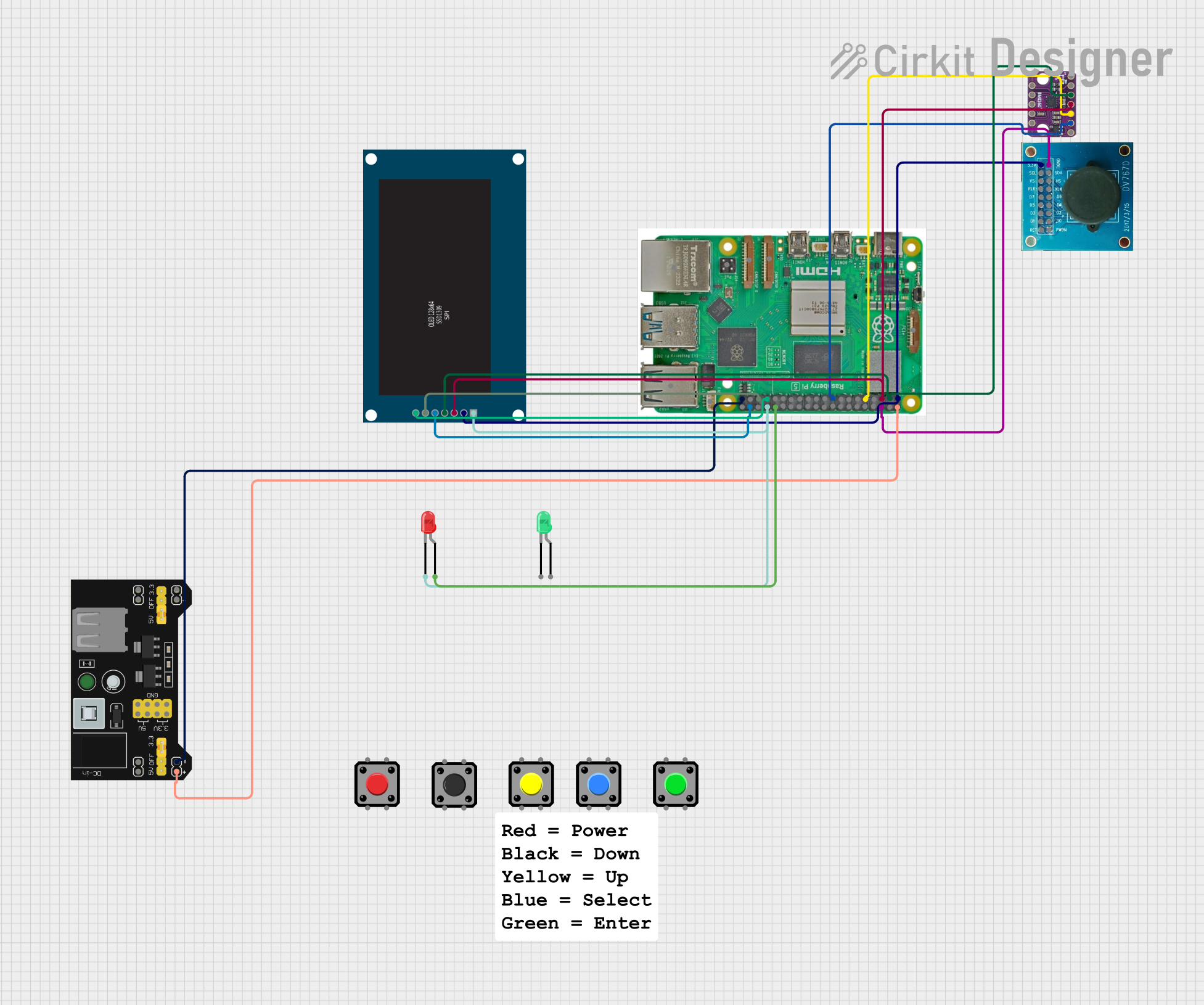 Open Project in Cirkit Designer
Explore Projects Built with 7 inch DSI display modul for raspberry PI
Open Project in Cirkit DesignerOpen Project in Cirkit DesignerOpen Project in Cirkit DesignerOpen Project in Cirkit DesignerCommon Applications and Use Cases
- DIY Projects: Ideal for building custom Raspberry Pi-based devices with touch functionality.
- Home Automation: Used in smart home control panels and monitoring systems.
- Portable Computing: Suitable for creating compact, portable Raspberry Pi computers.
- Education: Perfect for teaching programming and electronics with an interactive display.
- Kiosks: Used in public information systems and interactive displays.
Technical Specifications
Below are the key technical details of the 7-inch DSI Display Module:
General Specifications
| Parameter | Value |
|---|---|
| Manufacturer | Raspberry Pi |
| Manufacturer Part ID | Raspberry Pi 4 |
| Display Size | 7 inches |
| Resolution | 800 x 480 pixels |
| Touchscreen Type | Capacitive |
| Interface | DSI (Display Serial Interface) |
| Power Supply | 5V (via Raspberry Pi GPIO or USB) |
| Dimensions | 194mm x 110mm x 20mm |
| Weight | 277g |
Pin Configuration and Descriptions
The display connects to the Raspberry Pi via the DSI ribbon cable. Below is the pin configuration for the DSI interface:
| Pin Number | Pin Name | Description |
|---|---|---|
| 1 | GND | Ground connection |
| 2 | DSI_CLK | Clock signal for the DSI interface |
| 3 | DSI_D0 | Data lane 0 for the DSI interface |
| 4 | DSI_D1 | Data lane 1 for the DSI interface |
| 5 | 5V | Power supply (5V) |
| 6 | Touch_INT | Interrupt signal for the capacitive touchscreen |
| 7 | Touch_SCL | I2C clock for touchscreen communication |
| 8 | Touch_SDA | I2C data for touchscreen communication |
Usage Instructions
Connecting the Display to a Raspberry Pi
Prepare the Hardware:
- Ensure your Raspberry Pi is powered off before connecting the display.
- Locate the DSI port on your Raspberry Pi board (near the GPIO pins).
Connect the Ribbon Cable:
- Insert one end of the ribbon cable into the DSI port on the Raspberry Pi.
- Connect the other end to the DSI connector on the display module.
- Ensure the cable is securely seated and the connectors are locked.
Power the Display:
- The display can be powered via the Raspberry Pi's GPIO pins or USB power supply.
- Ensure a stable 5V power source is used.
Enable the Display in Software:
- Boot your Raspberry Pi and open the terminal.
- Edit the
config.txtfile to enable the DSI display:sudo nano /boot/config.txt - Add the following lines to the file:
dtoverlay=vc4-kms-v3d display_default_lcd=1 - Save the file and reboot the Raspberry Pi:
sudo reboot
Calibrate the Touchscreen (Optional):
- Install the touchscreen calibration tool:
sudo apt-get install xinput-calibrator - Run the calibration tool and follow the on-screen instructions.
- Install the touchscreen calibration tool:
Example Code for Touchscreen Input
Below is an example Python script to read touchscreen input using the evdev library:
Import necessary libraries
import evdev from evdev import InputDevice, categorize, ecodes
Specify the touchscreen input device
Replace '/dev/input/event0' with the correct event file for your touchscreen
touchscreen = InputDevice('/dev/input/event0')
print("Touchscreen is ready. Touch the screen to see events.")
Loop to read and print touchscreen events
for event in touchscreen.read_loop(): if event.type == ecodes.EV_ABS: # Categorize the event to extract details absevent = categorize(event) print(f"Touch event: {absevent.event.code}, Value: {absevent.event.value}")
Important Considerations and Best Practices
- Compatibility: Ensure the display is compatible with your Raspberry Pi model.
- Power Supply: Use a reliable 5V power source to avoid flickering or instability.
- Cable Handling: Handle the ribbon cable carefully to prevent damage to the connectors.
- Software Updates: Keep your Raspberry Pi OS updated to ensure compatibility with the display.
Troubleshooting and FAQs
Common Issues and Solutions
Display Not Turning On:
- Ensure the ribbon cable is securely connected to both the Raspberry Pi and the display.
- Verify that the Raspberry Pi is powered on and the
config.txtfile is correctly configured.
Touchscreen Not Responding:
- Check the I2C connections (Touch_SCL and Touch_SDA) for proper contact.
- Ensure the touchscreen driver is installed and loaded.
Flickering or Unstable Display:
- Use a stable 5V power supply with sufficient current (at least 2.5A).
- Avoid using long or low-quality ribbon cables.
Incorrect Touch Calibration:
- Run the
xinput-calibratortool to recalibrate the touchscreen.
- Run the
FAQs
Q: Can I use this display with other single-board computers?
A: The display is designed for Raspberry Pi boards with a DSI interface. Compatibility with other boards is not guaranteed.
Q: Does the display support multitouch?
A: Yes, the capacitive touchscreen supports up to 10 touch points.
Q: Can I use the display in portrait mode?
A: Yes, you can rotate the display by modifying the config.txt file. Add the following line:
display_rotate=1 # 0=Normal, 1=90°, 2=180°, 3=270°
Q: Is the display sunlight-readable?
A: The display is not designed for direct sunlight use. For outdoor applications, consider using a sunshade or anti-glare film.
This concludes the documentation for the 7-inch DSI Display Module for Raspberry Pi.